
Mushrooms Plus 리소스 팩 정보
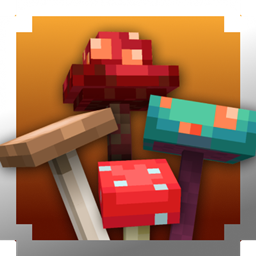
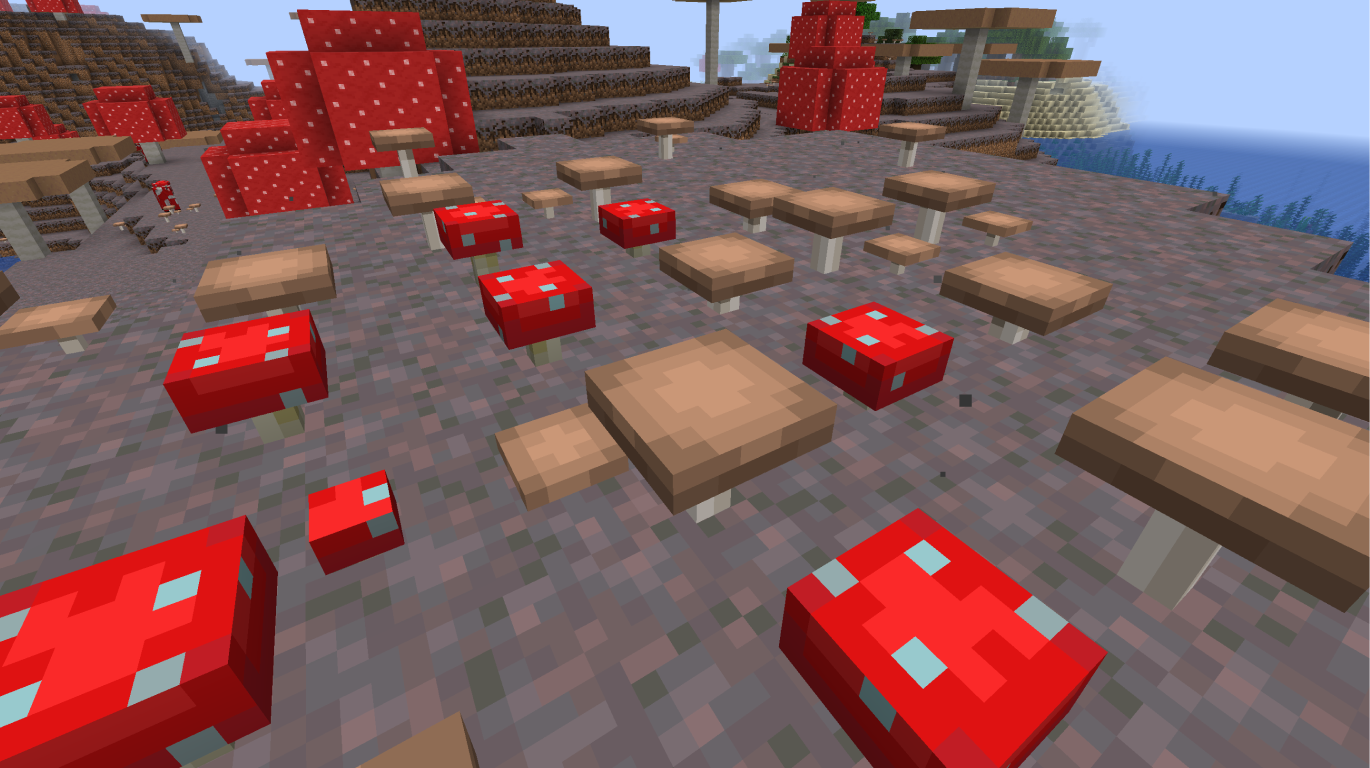
Adds 3D models to Red and Brown Mushrooms, as well as Warped and Crimson Fungi.
- Adds 3D models to Potted variants of all mushrooms
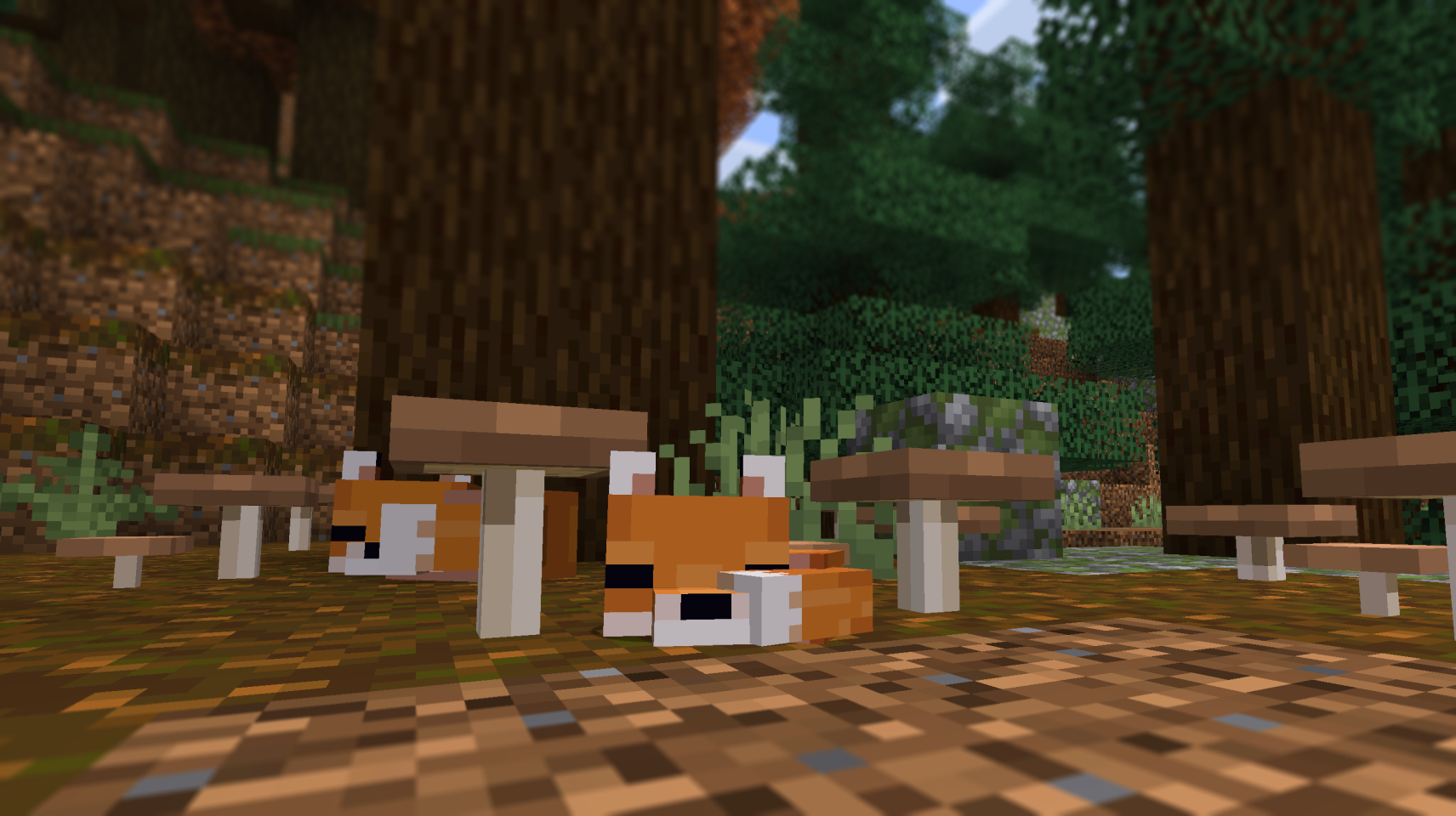
- Adds a (super) rare little mushroom friend. His name is Shroomie! :D
Mod Retextures:
Mushrooms Plus 설치 방법
With Millida Launcher
Install Millida Launcher
The launcher is free: download it at millida.net/launcher and sign in with any nickname.
Click “Install” on this page
The launcher opens and installs the resource pack for Minecraft 1.20.1–26.1 automatically.
Launch the game
A profile with it appears in the launcher: click “Play”.
Manually
Download the archive
Pick the file MushroomsPlus_26.1_v1.4.zip (167 KB) for your game version. No need to unpack it.
Put it in the resourcepacks folder
The easiest way: “Options”, then “Resource Packs”, then “Open Pack Folder”, and drag the archive there.
Enable the pack
In the same window, move the pack to the right-hand “Selected” column and click “Done”.
버전
의존성 포함
| Minecraft | 로더 | 파일 | 날짜 | 작업 |
|---|---|---|---|---|
| 1.21 | — | MushroomsPlus_26.1_v1.4.zip167 KB 1 |
FAQ
Which Minecraft versions does Mushrooms Plus work on?
There are files for 1.20.1–26.1, 19 versions in total. The newest is 26.1.
Where can I download Mushrooms Plus safely?
On this page: the file MushroomsPlus_26.1_v1.4.zip (167 KB) is stored on Millida’s server, with no link shorteners. SHA-1 checksum: 4b9f5335786aee9dd4e9ba83af4399b6069c382f.
리뷰
Mushrooms Plus의 첫 평가를 남겨 보세요


