

Minecraft 26.20용 MilosPack
MilosPack은 더 밝은 색상, 더 부드러운 텍스처, 간단하게 업그레이드된 스타일로 Minecraft를 새롭게 하는 깔끔하고 현대적인 텍스처 팩입니다. 고전적인 느낌을 유지하면서 게임을 더 선명하고 세련되게 보이게 합니다
MilosPack 리소스 팩 정보
This is a simple and safe .mcpack texture pack.
No scripts, no changes to game code-only textures.
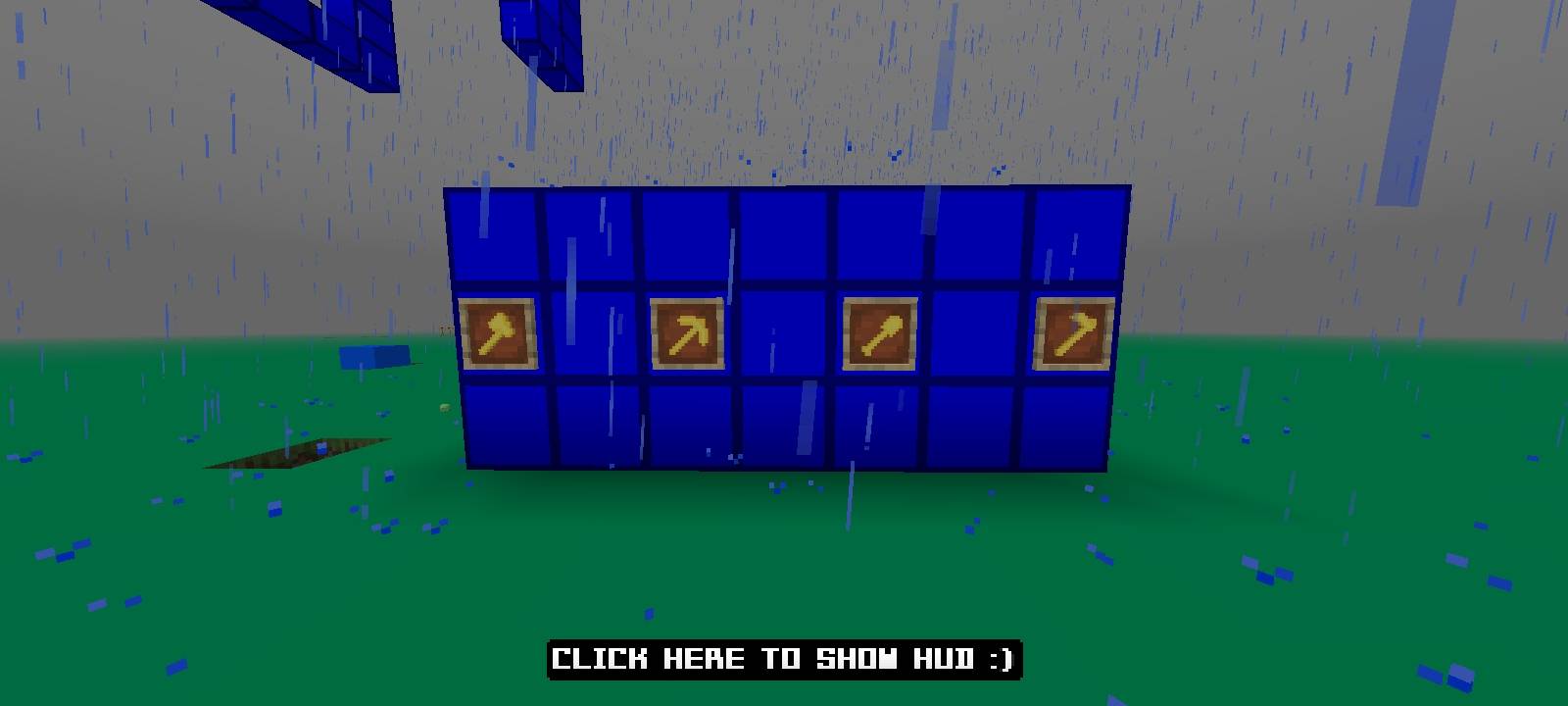
Fully clean pack including:
• armor
• tools
• items
• UI
• blocks
Just import and play!
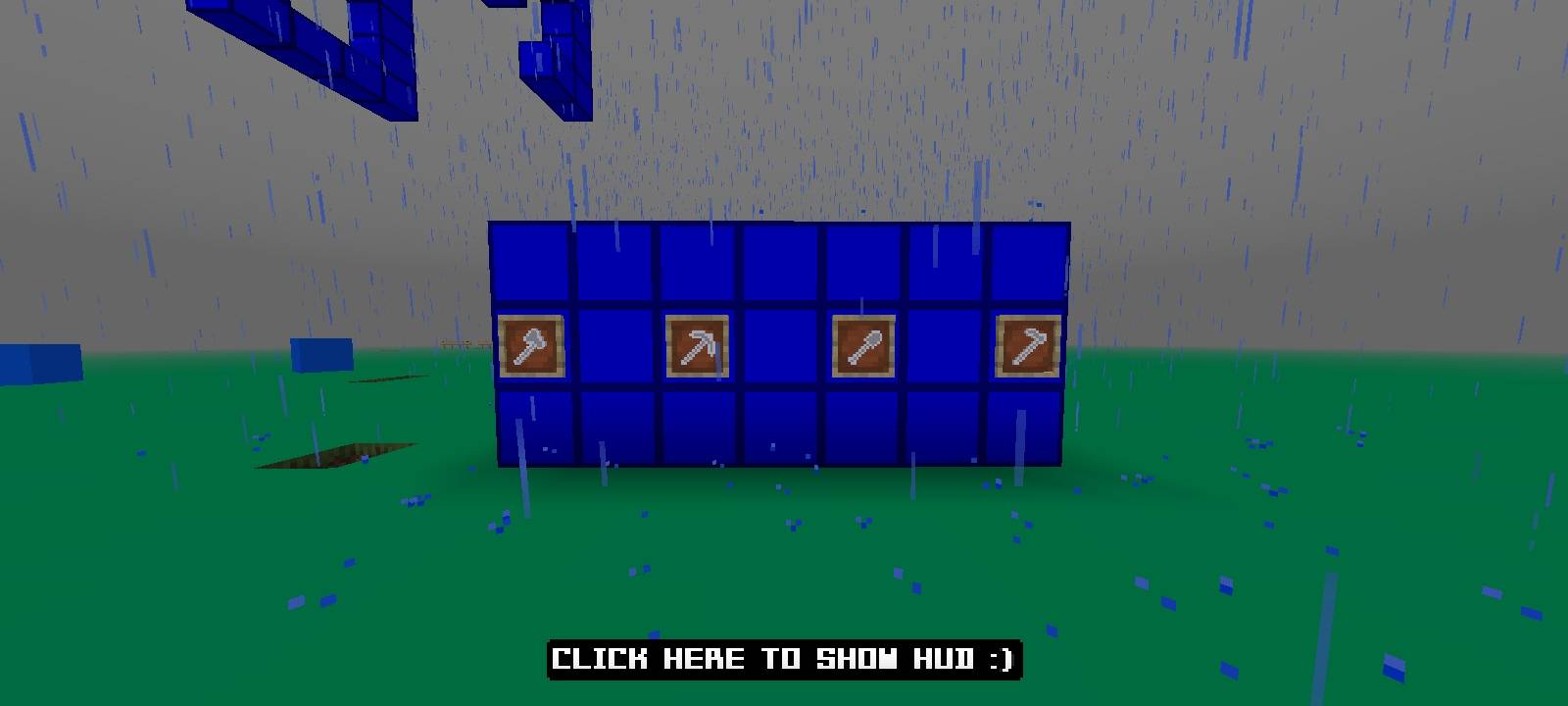
MilosPack 설치 방법
With Millida Launcher
Install Millida Launcher
The launcher is free: download it at millida.net/launcher and sign in with any nickname.
Click “Install” on this page
The launcher opens and installs the resource pack for Minecraft 1.21.130–26.20 automatically.
Launch the game
A profile with it appears in the launcher: click “Play”.
Manually
Download the archive
Pick the file MilosPack1.5.mcpack (100 KB) for your game version. No need to unpack it.
Put it in the resourcepacks folder
The easiest way: “Options”, then “Resource Packs”, then “Open Pack Folder”, and drag the archive there.
Enable the pack
In the same window, move the pack to the right-hand “Selected” column and click “Done”.
버전
의존성 포함
| Minecraft | 로더 | 파일 | 날짜 | 작업 |
|---|---|---|---|---|
| 1.21.130 | — | MilosPack1.5.mcpack99.6 KB |
FAQ
Which Minecraft versions does MilosPack work on?
There are files for 1.21.130–26.20, 11 versions in total. The newest is 26.20.
Where can I download MilosPack safely?
On this page: the file MilosPack1.5.mcpack (100 KB) is stored on Millida’s server, with no link shorteners. SHA-1 checksum: a5f64dfa7a560e7c915f6591ffca647436a43260.
리뷰
MilosPack의 첫 평가를 남겨 보세요



