
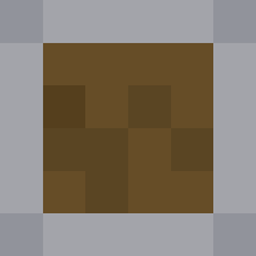
LowShield 리소스 팩 정보
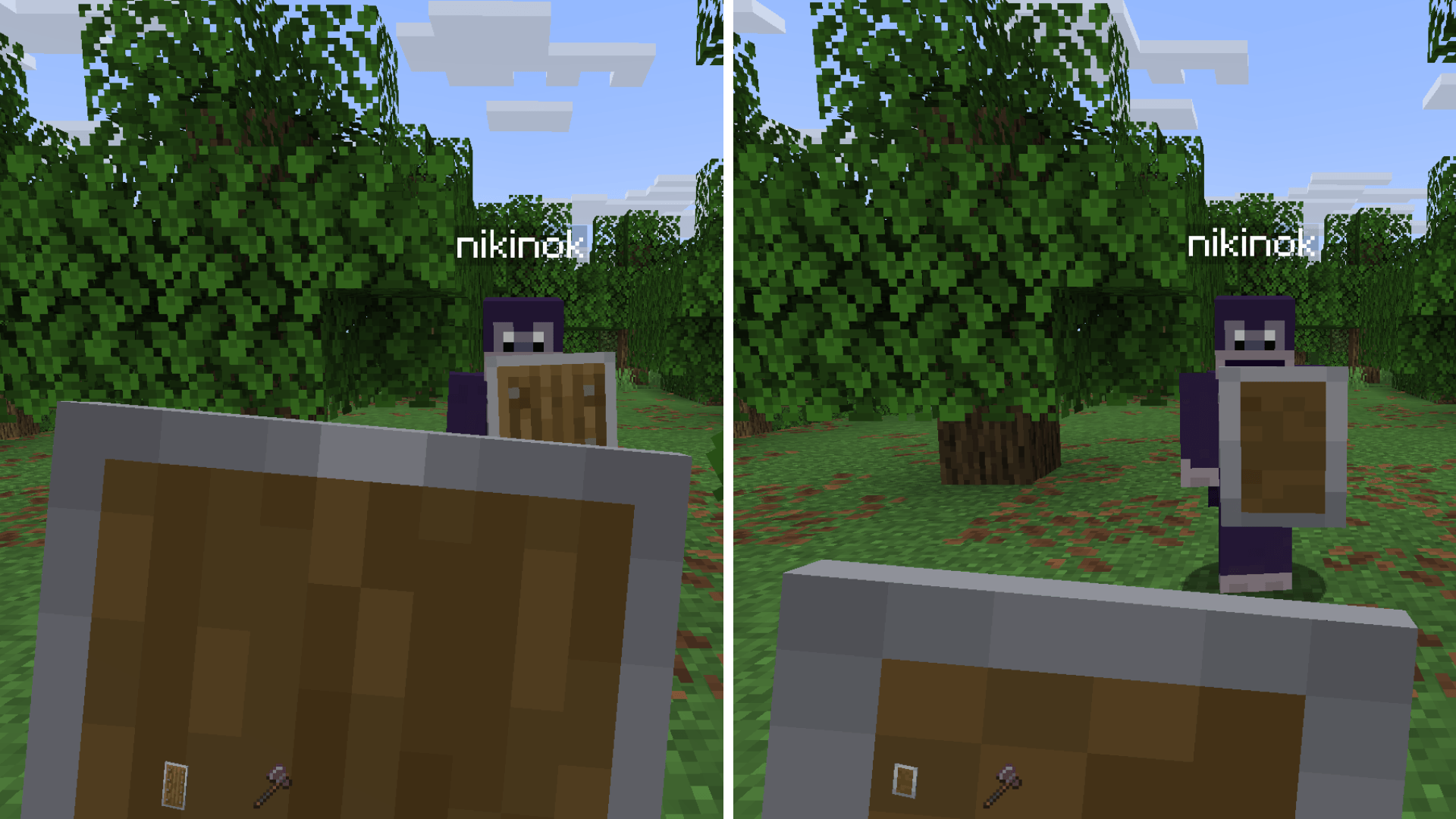
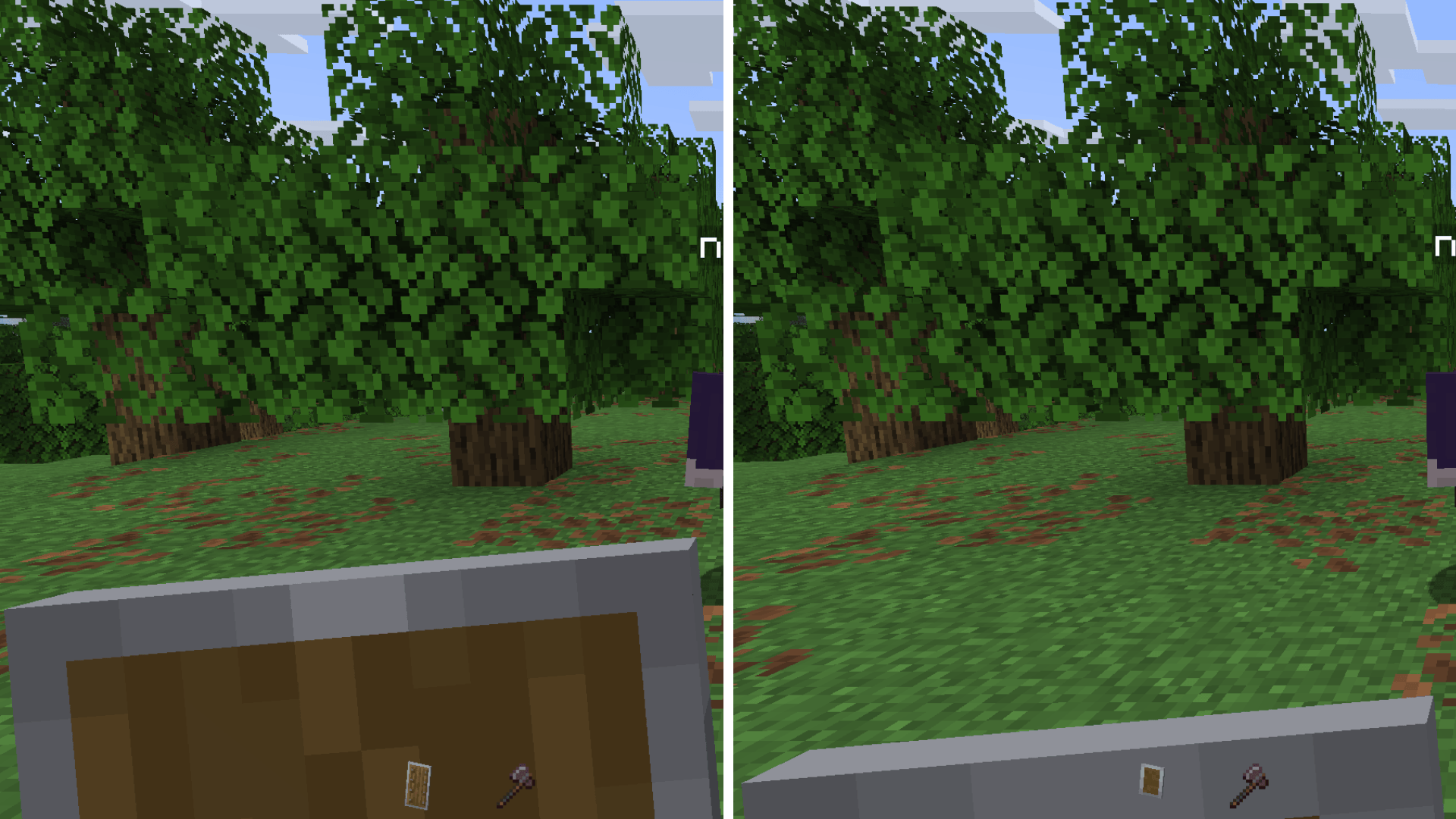
Tired of your shield blocking half the screen? Low Shield is a simple visual tweak that shortens the shield model so you can keep full protection without sacrificing visibility. Perfect for PvP, survival gameplay, or anyone who wants a cleaner screen while blocking.
Features
- Shorter, low-profile shield
- Better view while defending
- Stays true to the vanilla style
- Great for PvP, speedruns and survival
- Lightweight & compatible with other packs
Download Low Shield today and enjoy a clearer, safer Minecraft experience.
LowShield 설치 방법
With Millida Launcher
Install Millida Launcher
The launcher is free: download it at millida.net/launcher and sign in with any nickname.
Click “Install” on this page
The launcher opens and installs the resource pack for Minecraft 26.3 automatically.
Launch the game
A profile with it appears in the launcher: click “Play”.
Manually
Download the archive
Pick the file Low Shield.zip (4 KB) for your game version. No need to unpack it.
Put it in the resourcepacks folder
The easiest way: “Options”, then “Resource Packs”, then “Open Pack Folder”, and drag the archive there.
Enable the pack
In the same window, move the pack to the right-hand “Selected” column and click “Done”.
버전
의존성 포함
| Minecraft | 로더 | 파일 | 날짜 | 작업 |
|---|---|---|---|---|
| 26.3 | — | Low Shield - 1.0.54.4 KB 10 |
FAQ
Which Minecraft versions does LowShield work on?
Only Minecraft 26.3: there are no files for other versions.
Where can I download LowShield safely?
On this page: the file Low Shield.zip (4 KB) is stored on Millida’s server, with no link shorteners. SHA-1 checksum: ab1d46f225aff040437e5c718d6deef9d50c5a15.
리뷰
LowShield의 첫 평가를 남겨 보세요



