
Minecraft 26.50용 Linnea Visual 리소스 팩
Linnea Visual은 역동적인 태양과 함께 독특한 비주얼을 제공합니다.
Linnea Visual 리소스 팩 정보
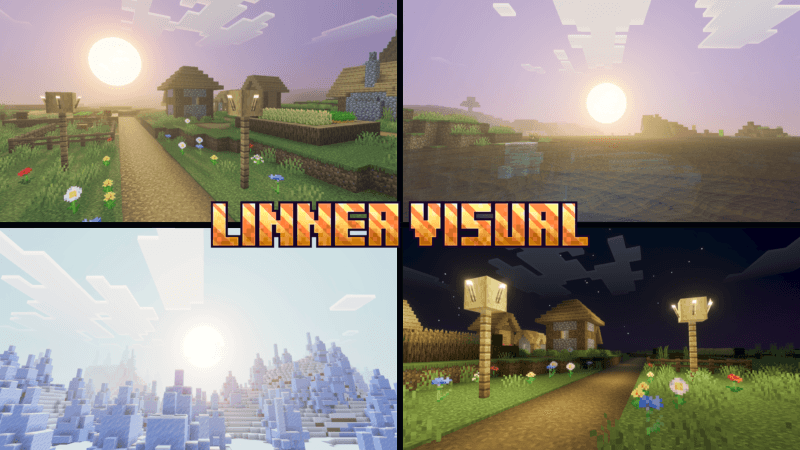
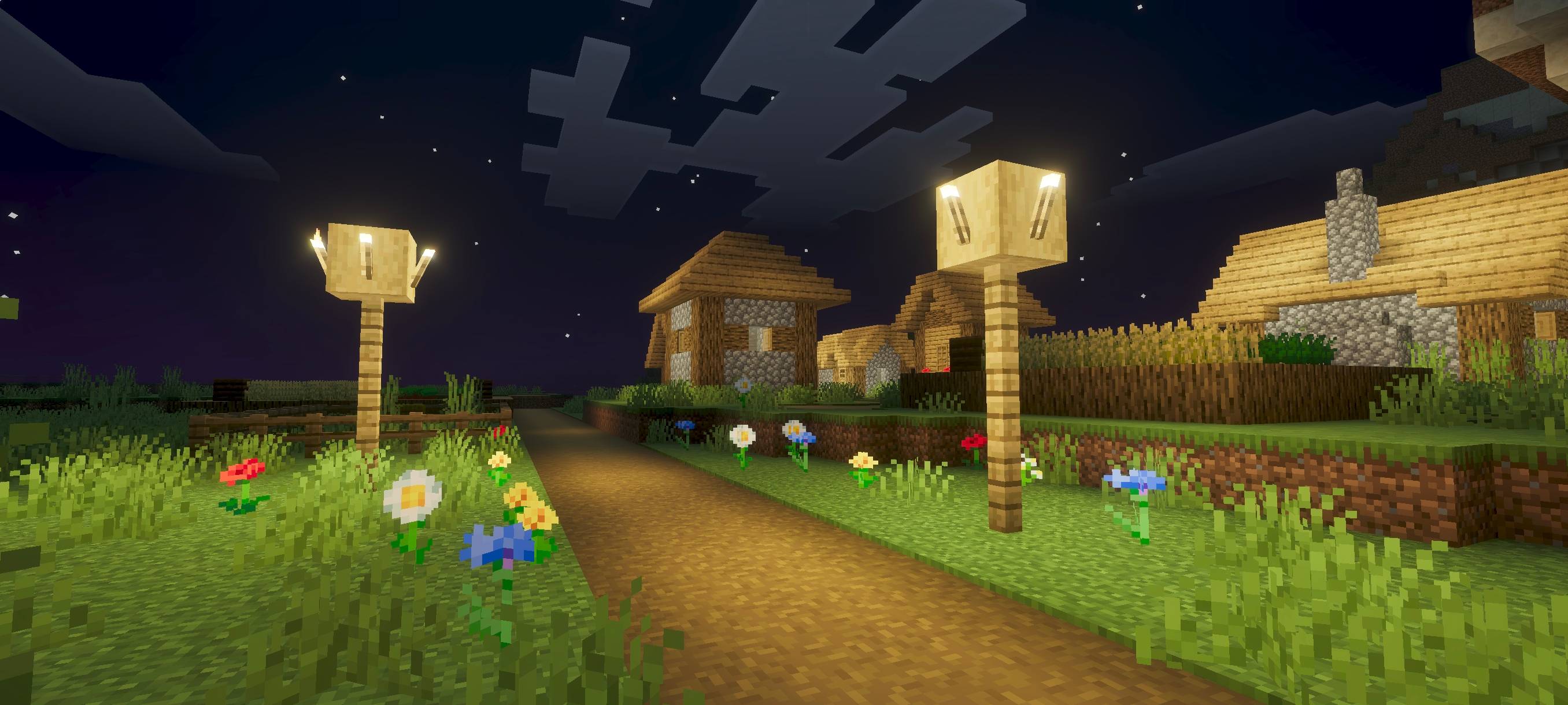
Linnea Visual gives you a unique visual experience with a dynamic sun, creating a cinematic atmosphere and stunning scenery that feels alive and immersive.
(All photos can be checked in the media or below.)
Linnea Visual 설치 방법
With Millida Launcher
Install Millida Launcher
The launcher is free: download it at millida.net/launcher and sign in with any nickname.
Click “Install” on this page
The launcher opens and installs the resource pack for Minecraft 26.30–26.50 automatically.
Launch the game
A profile with it appears in the launcher: click “Play”.
Manually
Download the archive
Pick the file Linnea Visual 1.5.mcpack (1.1 MB) for your game version. No need to unpack it.
Put it in the resourcepacks folder
The easiest way: “Options”, then “Resource Packs”, then “Open Pack Folder”, and drag the archive there.
Enable the pack
In the same window, move the pack to the right-hand “Selected” column and click “Done”.
버전
의존성 포함
| Minecraft | 로더 | 파일 | 날짜 | 작업 |
|---|---|---|---|---|
| 26.30 | — | Linnea Visual 1.51.1 MB |
FAQ
Which Minecraft versions does Linnea Visual work on?
There are files for 26.50, 26.30. The newest is 26.50.
Where can I download Linnea Visual safely?
On this page: the file Linnea Visual 1.5.mcpack (1.1 MB) is stored on Millida’s server, with no link shorteners. SHA-1 checksum: 7a8cab3a9d196613a29781487da0708ba731692d.
리뷰
Linnea Visual의 첫 평가를 남겨 보세요



