
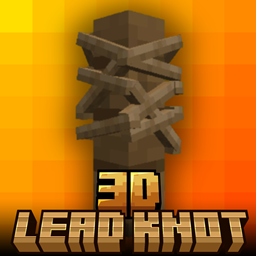
Minecraft 1.20.1, 1.21용 Lead Knot 3D 리소스 팩
3D Lead Knot - Minecraft Bedrock Edition의 기본 끈 매듭을 더 깔끔하고 선명하며 자연스러워 보이는 커스텀 3D 모델로 교체하는 리소스 팩입니다. 평면적인 비주얼은 이제 안녕 — 게임플레이에 사실감을 더해보세요✨
Lead Knot 3D 리소스 팩 정보

3D Lead Knot - resource pack that replaces the default lead knot in Minecraft Bedrock Edition with a custom 3D model that looks cleaner, sharper, and more natural. Say goodbye to flat visuals - bring a touch of realism to your Gameplay✨
• This Pack is survival friendly and No experimental features required👌
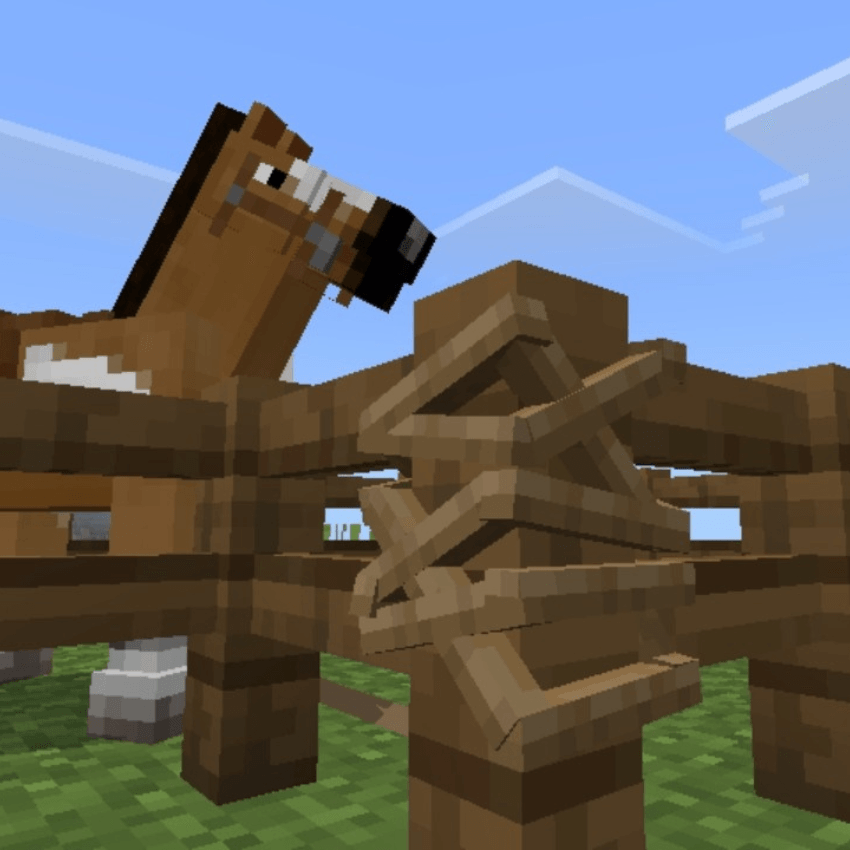
🖼️ Screenshot


Lead Knot 3D 설치 방법
With Millida Launcher
Install Millida Launcher
The launcher is free: download it at millida.net/launcher and sign in with any nickname.
Click “Install” on this page
The launcher opens and installs the resource pack for Minecraft 1.20–1.21.90 automatically.
Launch the game
A profile with it appears in the launcher: click “Play”.
Manually
Download the archive
Pick the file lead knot 3d.mcpack (5 KB) for your game version. No need to unpack it.
Put it in the resourcepacks folder
The easiest way: “Options”, then “Resource Packs”, then “Open Pack Folder”, and drag the archive there.
Enable the pack
In the same window, move the pack to the right-hand “Selected” column and click “Done”.
버전
의존성 포함
| Minecraft | 로더 | 파일 | 날짜 | 작업 |
|---|---|---|---|---|
| 1.20.40 | — | lead knot 3d.mcpack5.3 KB |
FAQ
Which Minecraft versions does Lead Knot 3D work on?
There are files for 1.20–1.21.90, 28 versions in total. The newest is 1.21.90.
Where can I download Lead Knot 3D safely?
On this page: the file lead knot 3d.mcpack (5 KB) is stored on Millida’s server, with no link shorteners. SHA-1 checksum: 38396955025b52a83a69a3120901b120e3f4a8f9.
리뷰
Lead Knot 3D의 첫 평가를 남겨 보세요



