
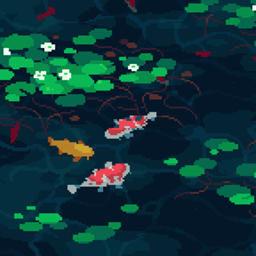
🐟 Animated Koi Menu
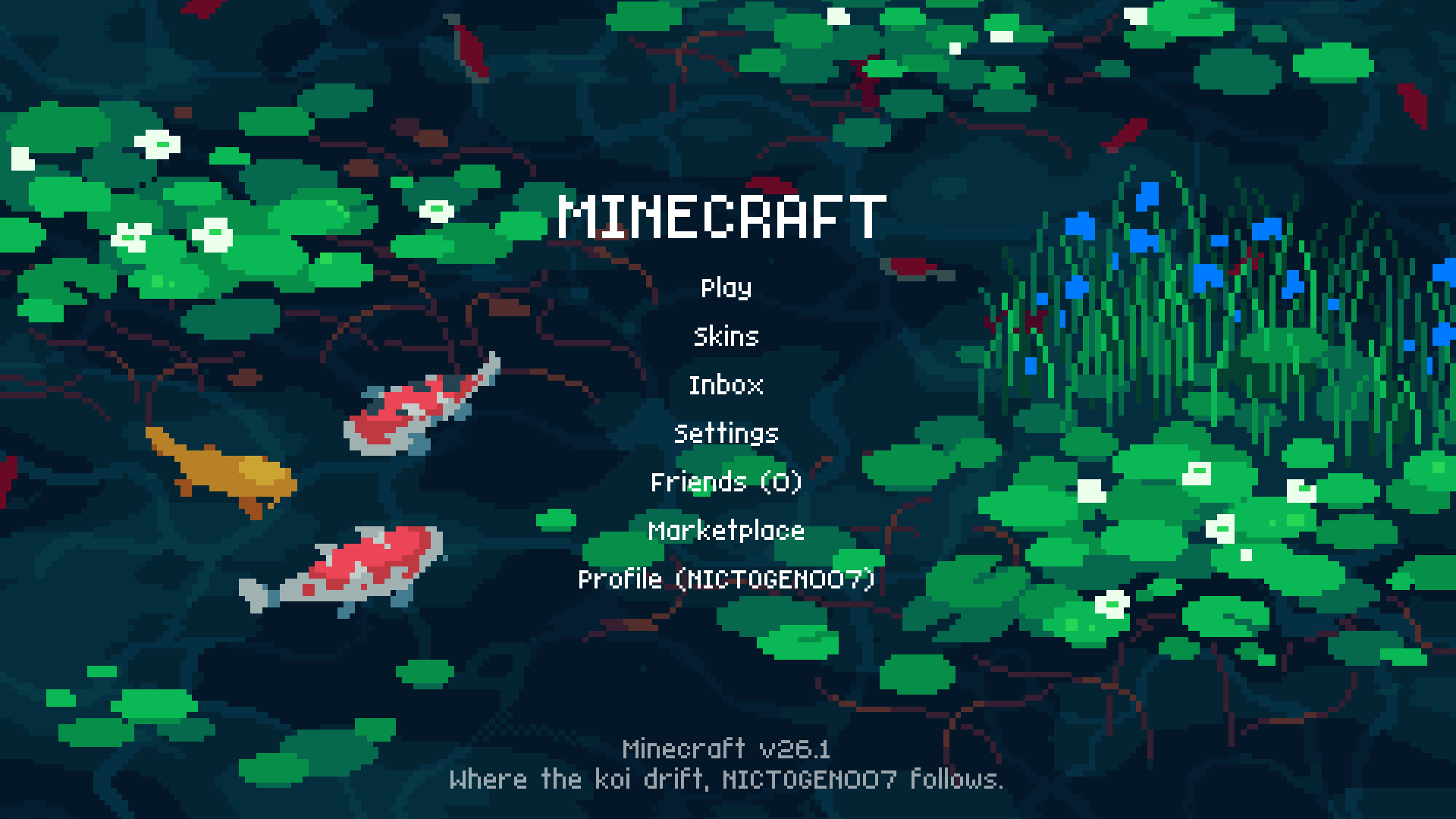
Bring a calm and tranquil atmosphere to your Minecraft menus with this animated koi pond background. Designed for the Start Screen and Settings Screen, this pack transforms the default UI into a peaceful waterscape where colorful koi glide beneath floating lily pads.
Soft water movement, drifting plants, and gentle animation create a relaxing scene every time you open the game.
🎨 Artwork Credits
Art by 井 — @1041uuu
Please support the original artist for their amazing work.
❤︎ Support us ❤︎
Discord • YouTube • Ko-fi
By downloading this pack you agree to the Terms & Policies.
Koi Menu 설치 방법
With Millida Launcher
Install Millida Launcher
The launcher is free: download it at millida.net/launcher and sign in with any nickname.
Click “Install” on this page
The launcher opens and installs the resource pack for Minecraft 1.21.120–26.3 automatically.
Launch the game
A profile with it appears in the launcher: click “Play”.
Manually
Download the archive
Pick the file koicraft.mcpack (15 MB) for your game version. No need to unpack it.
Put it in the resourcepacks folder
The easiest way: “Options”, then “Resource Packs”, then “Open Pack Folder”, and drag the archive there.
Enable the pack
In the same window, move the pack to the right-hand “Selected” column and click “Done”.
버전
의존성 포함
| Minecraft | 로더 | 파일 | 날짜 | 작업 |
|---|---|---|---|---|
| 1.21.120 | — | KoiCraft v2.115.2 MB 3 |
FAQ
Which Minecraft versions does Koi Menu work on?
There are files for 1.21.120–26.3, 11 versions in total. The newest is 26.3.
Where can I download Koi Menu safely?
On this page: the file koicraft.mcpack (15 MB) is stored on Millida’s server, with no link shorteners. SHA-1 checksum: 6ab00fcd691cf3754c313c5cc66739ffa462127b.
리뷰
Koi Menu의 첫 평가를 남겨 보세요


