
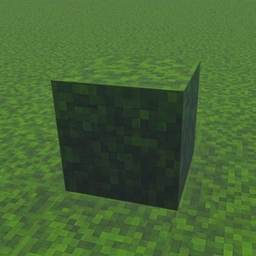
Minecraft 26.50용 Java full grass 리소스 팩
🌿 Full Grass Texture Pack은 마인크래프트 세계에 잔디 블록이 완전히 덮인 깔끔한 Java 스타일의 모습을 선사합니다. 지형을 더 매끄럽고 사실적이며 서바이벌이나 건축에 아름답게 만듭니다. 베드락 에디션에 맞게 가볍고 최적화되었습니다.
🌿 Java Full Grass Texture Pack
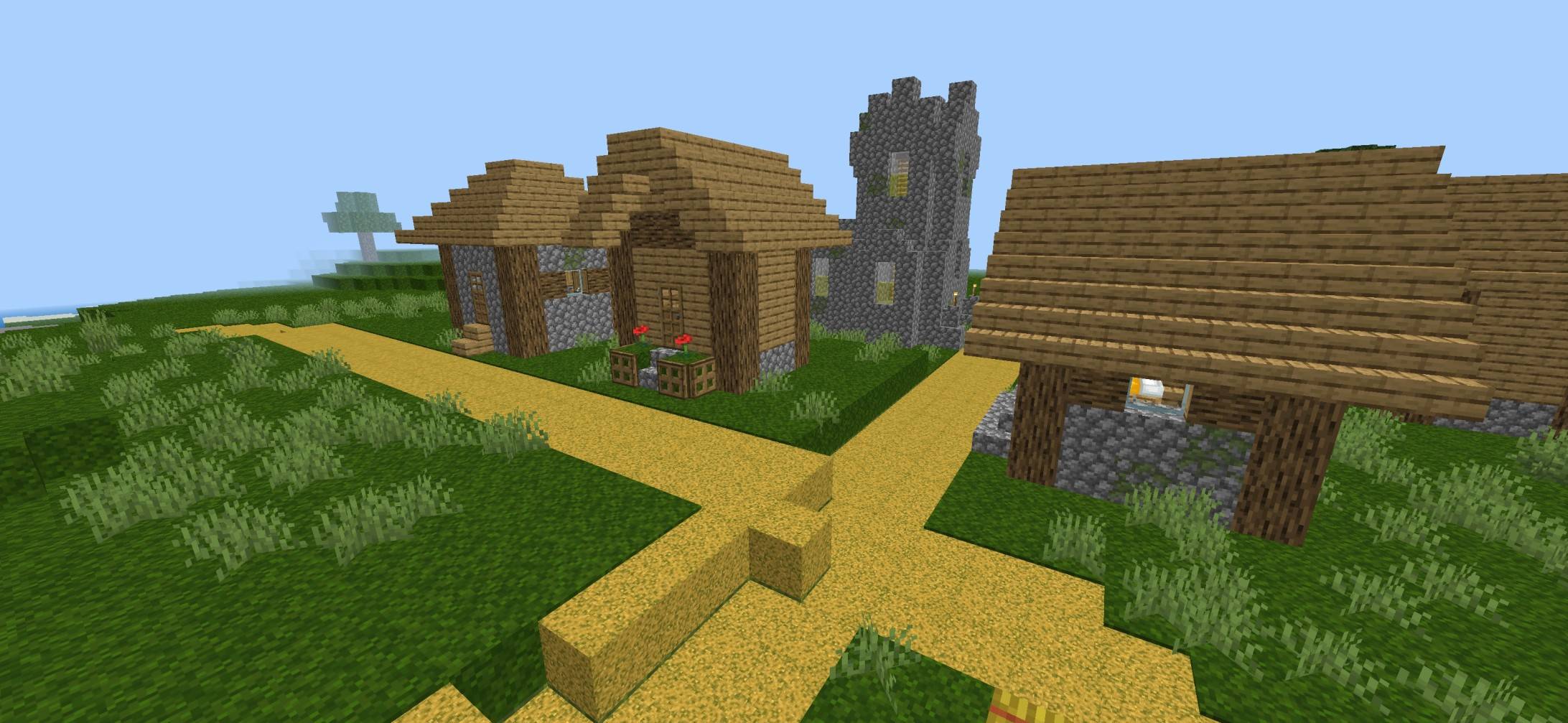
Bring the clean and vibrant Java Edition Full Grass look to Minecraft Bedrock! This texture pack makes grass blocks appear fully covered in lush green grass, giving your world a smoother, more immersive, and realistic appearance while keeping the classic vanilla style.
✨ Features
- 🌱 Java-style Full Grass blocks
- 🟢 More natural and seamless terrain
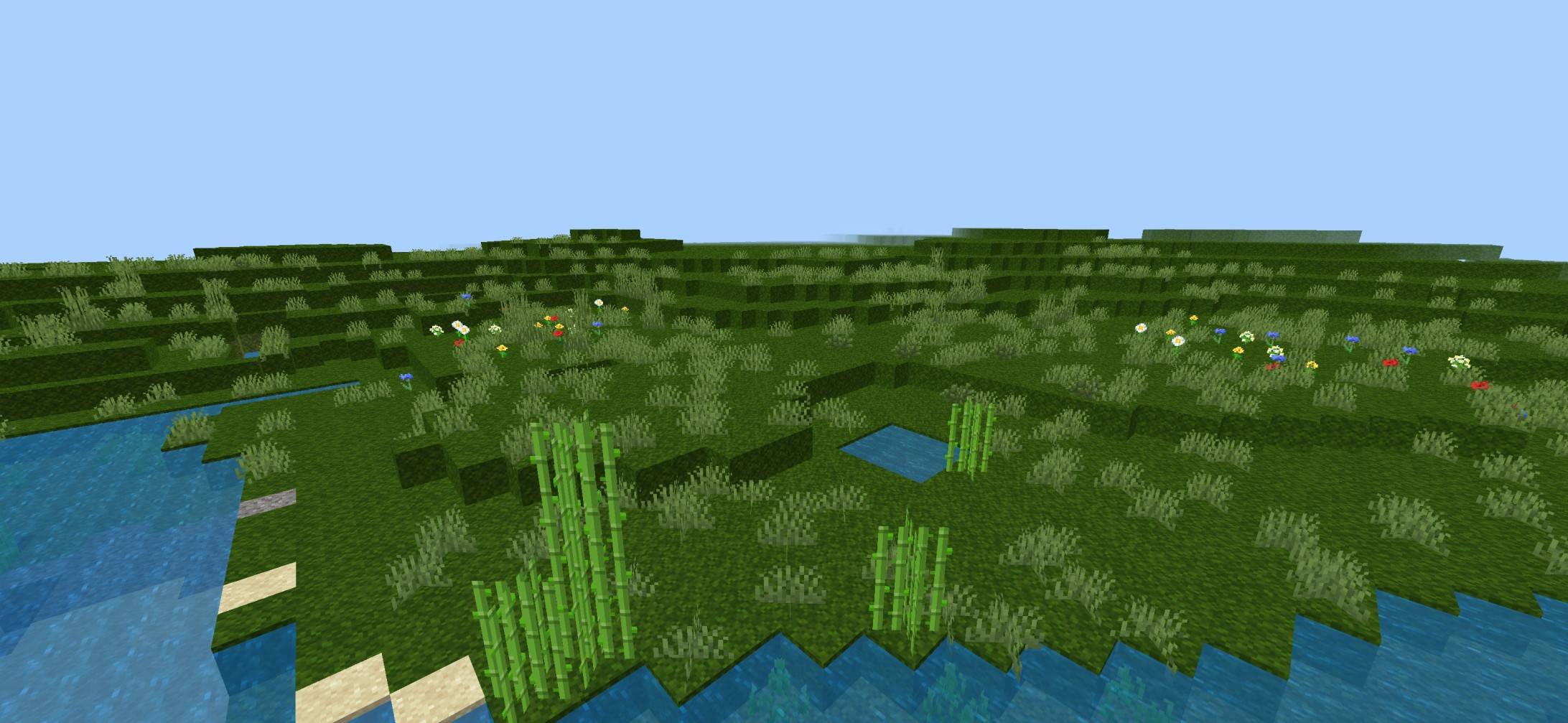
- 🏞️ Improves plains, forests, hills, and landscapes
- 🎮 Perfect for Survival & Creative mode
- ⚡ Lightweight with excellent performance
- 📱 Compatible with the latest Minecraft Bedrock versions
🌎 Why Choose This Pack?
Enjoy a cleaner and more beautiful world without changing the original Minecraft feel. Whether you're exploring, building, or recording videos, this pack gives your world a polished Java-inspired appearance.
🎯 Perfect For
- 🏡 Builders
- 🌲 Nature lovers
- 📸 Shader screenshots
- 🎥 YouTube content creators
- 🗺️ Survival adventures
👤 Creator
Created by BakuTheBuilder Crafted with care to deliver a clean, Java-inspired Full Grass experience for Minecraft Bedrock players.
Java full grass 설치 방법
With Millida Launcher
Install Millida Launcher
The launcher is free: download it at millida.net/launcher and sign in with any nickname.
Click “Install” on this page
The launcher opens and installs the resource pack for Minecraft 26.10–26.50 automatically.
Launch the game
A profile with it appears in the launcher: click “Play”.
Manually
Download the archive
Pick the file FULL_GRASS_Vibrant_By_Baku.mcpack (1.3 MB) for your game version. No need to unpack it.
Put it in the resourcepacks folder
The easiest way: “Options”, then “Resource Packs”, then “Open Pack Folder”, and drag the archive there.
Enable the pack
In the same window, move the pack to the right-hand “Selected” column and click “Done”.
버전
의존성 포함
| Minecraft | 로더 | 파일 | 날짜 | 작업 |
|---|---|---|---|---|
| 26.10 | — | FULL_GRASS_Vibrant_By_Baku.mcpack1.3 MB |
리뷰
Java full grass의 첫 평가를 남겨 보세요



