
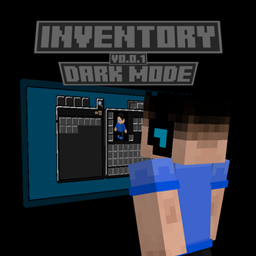
Minecraft 1.21.90용 Inventory Dark Mode 리소스 팩
회색 마인크래프트 베드락 인터페이스에 지치셨나요? 더 어두운 것을 원하시나요? 그렇다면 Dark Mode Inventory가 바로 당신을 위한 것입니다!
Inventory Dark Mode
Are you tired of the gray Minecraft Bedrock interface? Want something darker? If so, then Dark Mode Inventory is for you!
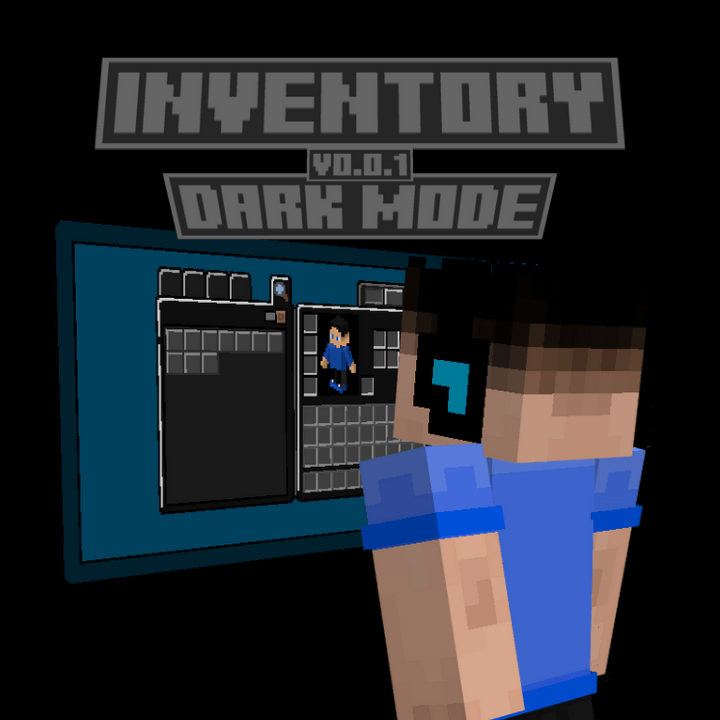
This texture pack modifies the UI of Minecraft Bedrock Edition, giving it a dark mode-like appearance.
If you want to support my work, click on the link below, at no financial cost, and help me continue producing free addons for the community:
Download with Support (Linkvertise)
The content is the same - the supported link just goes to a page with a light ad. Thanks for helping!
Inventory Dark Mode 설치 방법
With Millida Launcher
Install Millida Launcher
The launcher is free: download it at millida.net/launcher and sign in with any nickname.
Click “Install” on this page
The launcher opens and installs the resource pack for Minecraft 1.21.90 automatically.
Launch the game
A profile with it appears in the launcher: click “Play”.
Manually
Download the archive
Pick the file InventoryDarkMode.mcpack (650 KB) for your game version. No need to unpack it.
Put it in the resourcepacks folder
The easiest way: “Options”, then “Resource Packs”, then “Open Pack Folder”, and drag the archive there.
Enable the pack
In the same window, move the pack to the right-hand “Selected” column and click “Done”.
버전
의존성 포함
| Minecraft | 로더 | 파일 | 날짜 | 작업 |
|---|---|---|---|---|
| 1.21.90 | — | InventoryDarkMode - v1.0.0650 KB |
리뷰
Inventory Dark Mode의 첫 평가를 남겨 보세요



