
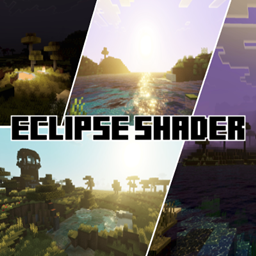
Minecraft 26.30용 Howard Eclipse Shader 리소스 팩
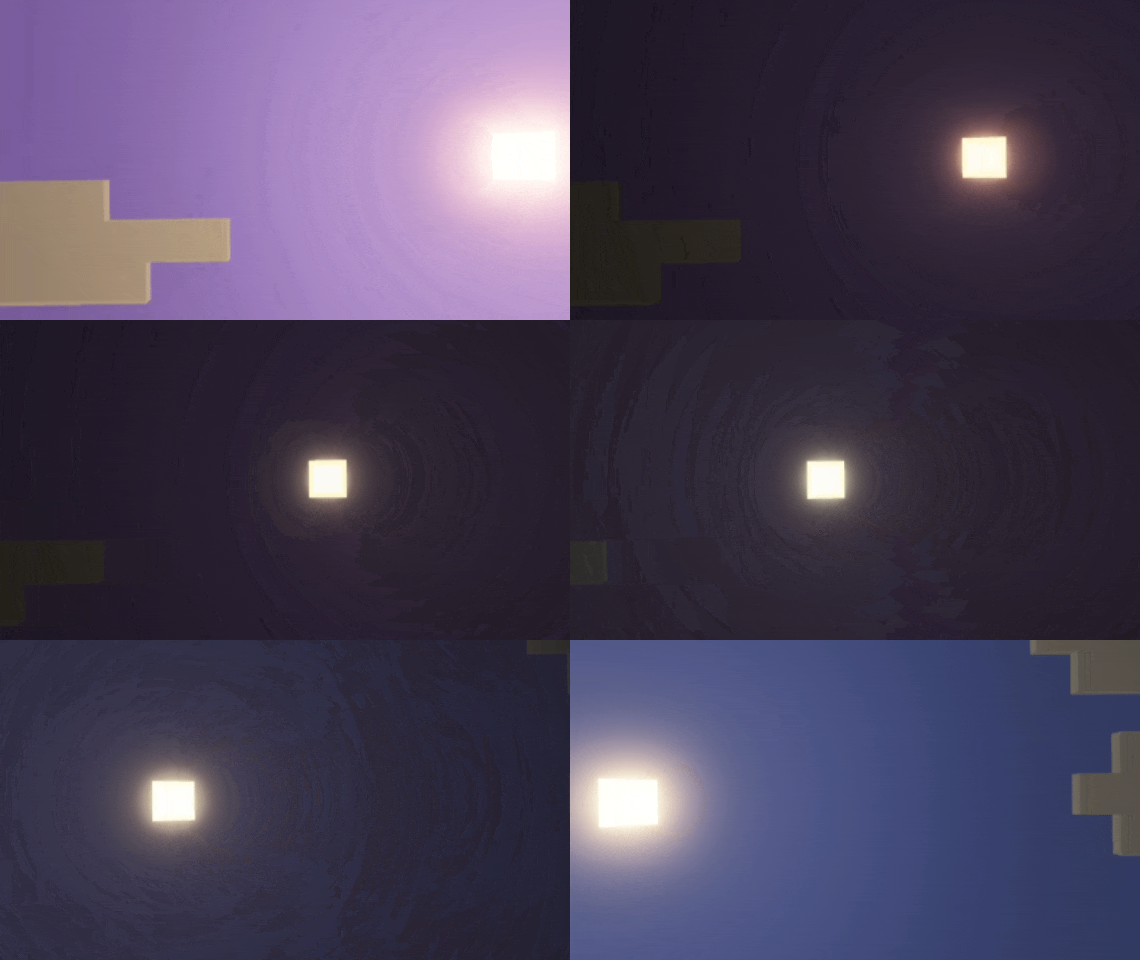
Howard Eclipse Shader는 게임 내 정오 12시경에 일식 효과를 주는 애드온입니다.
Howard Eclipse Shader 리소스 팩 정보
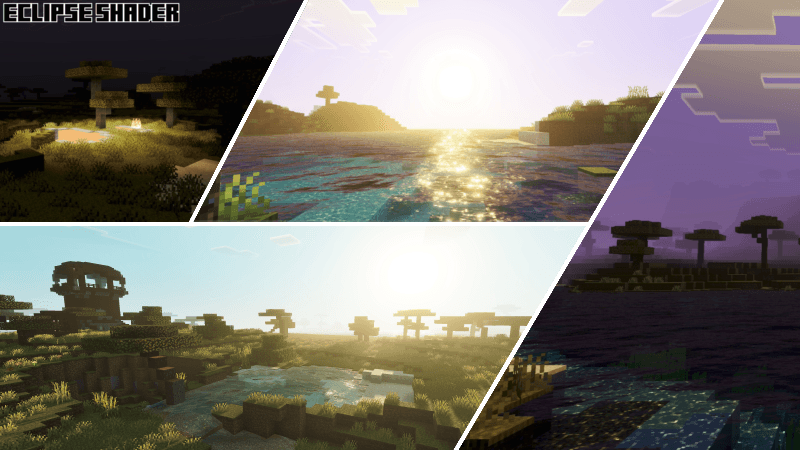
Howard Eclipse Shader provides a beautiful atmosphere that makes your world stand out. But that’s not all - this shader also features a special event that sets it apart from other shaders. Yes, that event is a daily eclipse event.
When the event occurs, all light becomes dimmer and your view gets darker. This shader has unique sun rays and sun glare effects. It also uses render fog, which enhances the visuals and makes everything feel more dynamic.
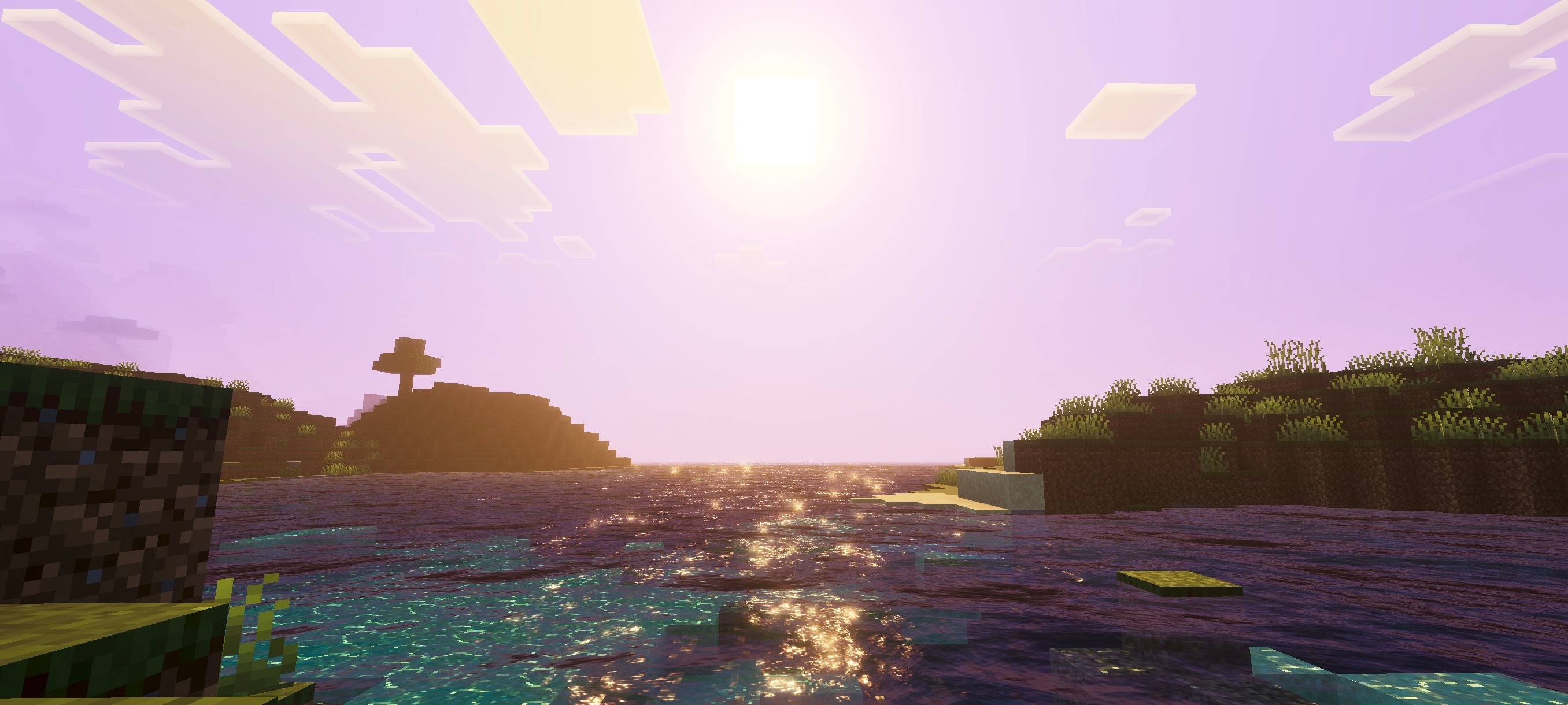
Howard Eclipse Shader also delivers unique and complex illuminance and color tones for a more immersive experience.
All photos of this addon are available in the media section (scroll down to see all available images).
Howard Eclipse Shader 설치 방법
With Millida Launcher
Install Millida Launcher
The launcher is free: download it at millida.net/launcher and sign in with any nickname.
Click “Install” on this page
The launcher opens and installs the resource pack for Minecraft 26.30 automatically.
Launch the game
A profile with it appears in the launcher: click “Play”.
Manually
Download the archive
Pick the file howard eclipse shader 1.9.mcpack (286 KB) for your game version. No need to unpack it.
Put it in the resourcepacks folder
The easiest way: “Options”, then “Resource Packs”, then “Open Pack Folder”, and drag the archive there.
Enable the pack
In the same window, move the pack to the right-hand “Selected” column and click “Done”.
버전
의존성 포함
| Minecraft | 로더 | 파일 | 날짜 | 작업 |
|---|---|---|---|---|
| 26.30 | — | howard eclipse shader 1.9286 KB |
FAQ
Which Minecraft versions does Howard Eclipse Shader work on?
Only Minecraft 26.30: there are no files for other versions.
Where can I download Howard Eclipse Shader safely?
On this page: the file howard eclipse shader 1.9.mcpack (286 KB) is stored on Millida’s server, with no link shorteners. SHA-1 checksum: 7eea4992442195be34b401168f9f5d4a10c47058.
리뷰
Howard Eclipse Shader의 첫 평가를 남겨 보세요



