

Minecraft 26.0.02용 Hidden armor 리소스 팩
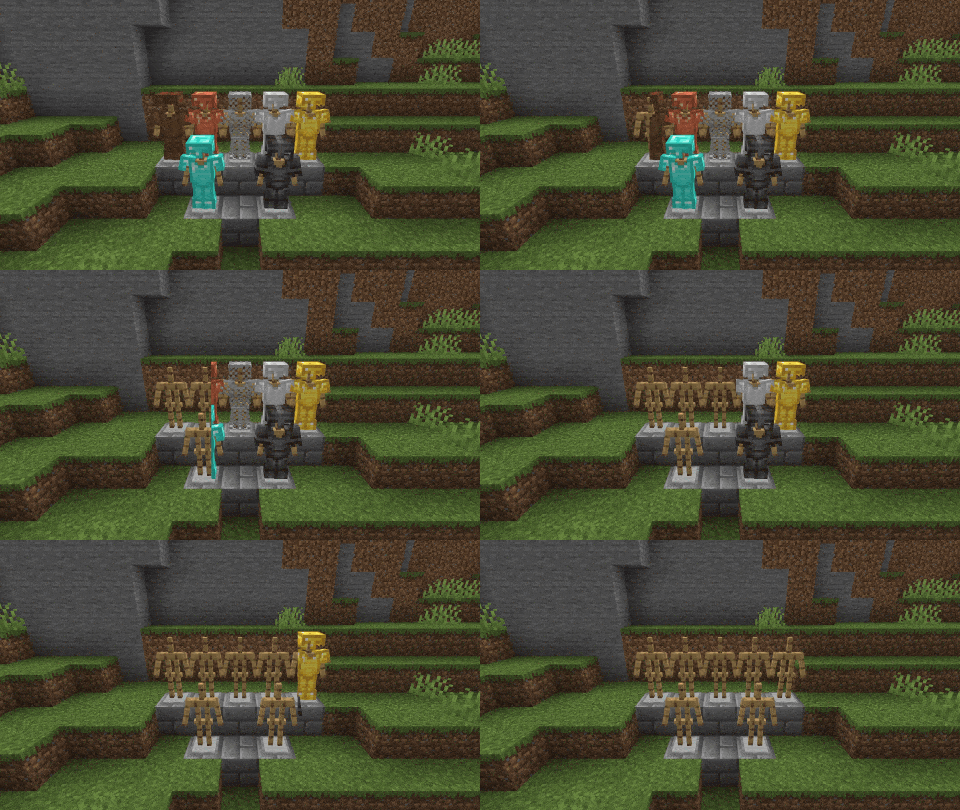
recursenpack은 스킨이 정상적으로 보이도록 방어구를 숨깁니다. 템플릿도 숨길지 여부를 선택할 수 있습니다.
Hidden armor 리소스 팩 정보
The recursenpack hides the armor so that the skin is visible normally. You can choose whether the templates should also be hidden or not.
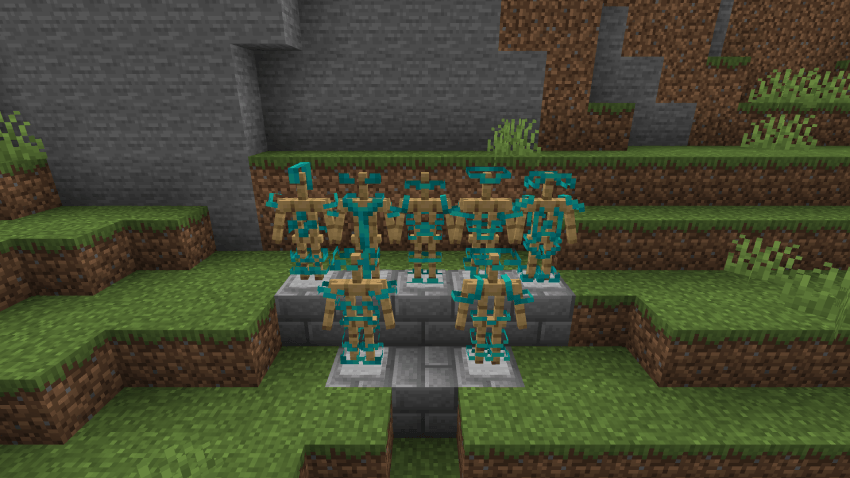
If the "Hide Armor Template" option is disabled, the armor will be hidden, but the armor template will still be displayed.

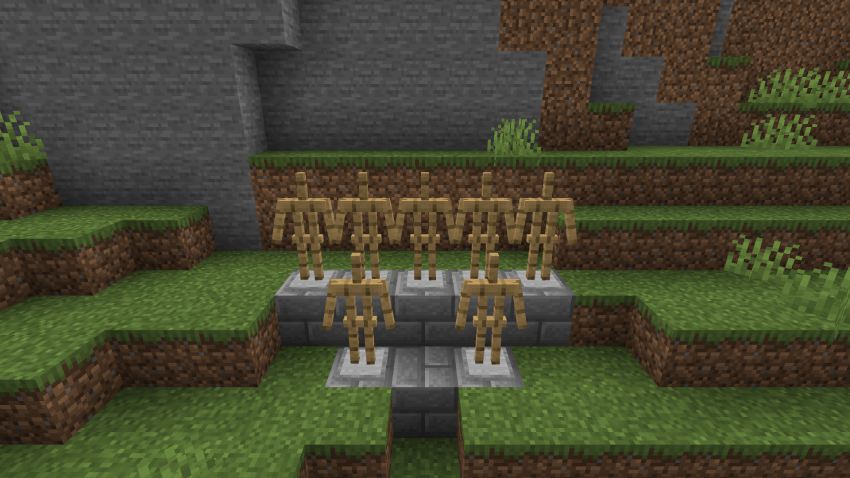
If "Hide armor template" is activated, the armor will be completely hidden so that neither the armor nor the armor templates can be seen.

Hidden armor 설치 방법
With Millida Launcher
Install Millida Launcher
The launcher is free: download it at millida.net/launcher and sign in with any nickname.
Click “Install” on this page
The launcher opens and installs the resource pack for Minecraft 26.0–26.0.02 automatically.
Launch the game
A profile with it appears in the launcher: click “Play”.
Manually
Download the archive
Pick the file Hide Armor by Julios v1.0.1.mcpack (160 KB) for your game version. No need to unpack it.
Put it in the resourcepacks folder
The easiest way: “Options”, then “Resource Packs”, then “Open Pack Folder”, and drag the archive there.
Enable the pack
In the same window, move the pack to the right-hand “Selected” column and click “Done”.
버전
의존성 포함
| Minecraft | 로더 | 파일 | 날짜 | 작업 |
|---|---|---|---|---|
| 26.0.02 | — | Hidden armor v1.0.1160 KB |
FAQ
Which Minecraft versions does Hidden armor work on?
There are files for 26.0.02, 26.0. The newest is 26.0.02.
Where can I download Hidden armor safely?
On this page: the file Hide Armor by Julios v1.0.1.mcpack (160 KB) is stored on Millida’s server, with no link shorteners. SHA-1 checksum: 74b0c7916463da5eec577f54d520feaa52cf2d71.
리뷰
Hidden armor의 첫 평가를 남겨 보세요


