

Haven 리소스 팩 정보
!!OPTIFINE IS RECOMMENDED!! This pack will work just fine in vanilla, but some of the custom features will not be available without having Optifine installed.
GET OPTIFINE HERE
ABOUT 1.19! PLEASE READ!:
Wanted to make a proper note about this. I've been busy IRL with my job and also working on a lot of texture/model commissions for Empires SMP, so I haven't had a lot of time/energy to work on updating my packs. Rest assured they haven't been abandoned, but it's going to take me a bit to get everything up to date. Sorry about the delay. :(
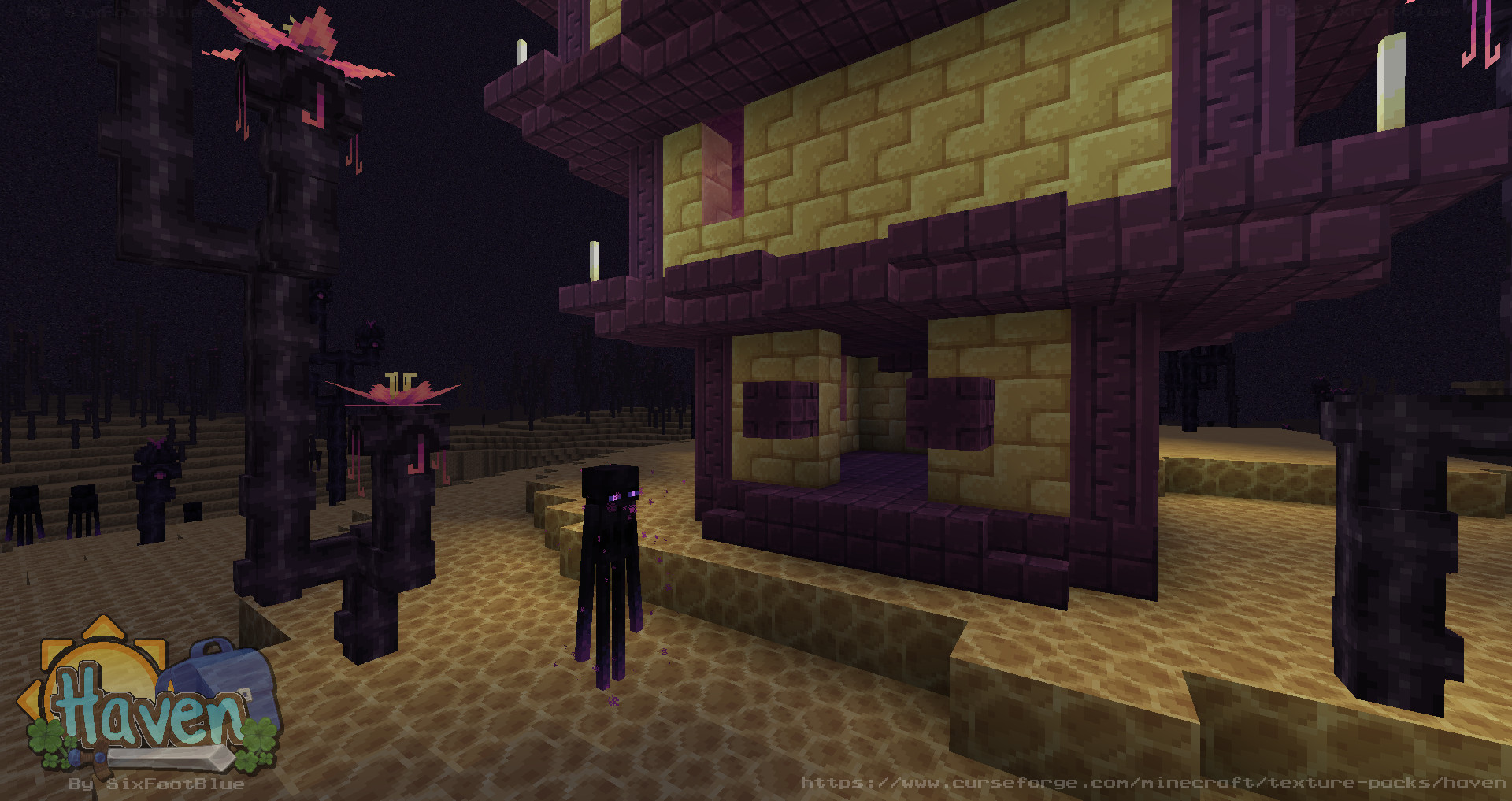
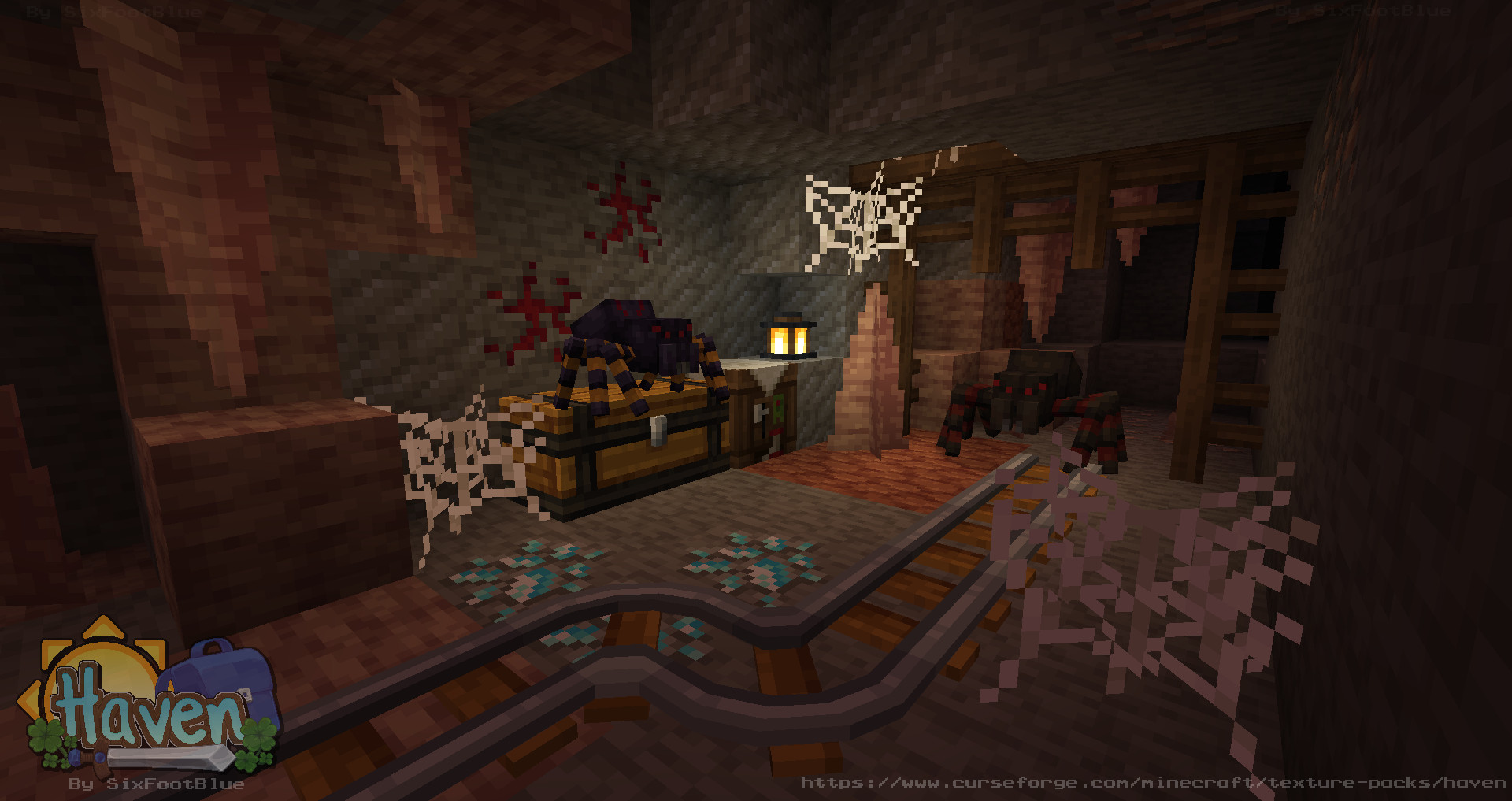
Haven is a resource pack that I started working on in the early summer of 2017. It's original goal was to be a pixel art replacement for default Minecraft, but at the time of release, the devs announced they hired a pixel artist to do the very same thing.
In the end I decided to take the pack in its own direction, leaning into a more Stardew Valley-esque art style, with the same color richness from games like Stardew Valley and Hytale.
This pack is still a work in progress, but is currently around 50-60% complete! With future plans for mod support, datapack support, and eventual addon support for Bedrock Edition.
All textures are subject to change at any time.
Haven 설치 방법
With Millida Launcher
Install Millida Launcher
The launcher is free: download it at millida.net/launcher and sign in with any nickname.
Click “Install” on this page
The launcher opens and installs the resource pack for Minecraft 1.18–1.18.2 automatically.
Launch the game
A profile with it appears in the launcher: click “Play”.
Manually
Download the archive
Pick the file Haven v0.3.2.zip (7.8 MB) for your game version. No need to unpack it.
Put it in the resourcepacks folder
The easiest way: “Options”, then “Resource Packs”, then “Open Pack Folder”, and drag the archive there.
Enable the pack
In the same window, move the pack to the right-hand “Selected” column and click “Done”.
버전
의존성 포함
| Minecraft | 로더 | 파일 | 날짜 | 작업 |
|---|---|---|---|---|
| 1.18.1 | — | Haven v0.3.27.8 MB |
FAQ
Which Minecraft versions does Haven work on?
There are files for 1.18.2, 1.18.1, 1.18. The newest is 1.18.2.
Where can I download Haven safely?
On this page: the file Haven v0.3.2.zip (7.8 MB) is stored on Millida’s server, with no link shorteners. SHA-1 checksum: 1ee3bec456a4f4adfe2e0039abeedfefa9c430b6.
리뷰
Haven의 첫 평가를 남겨 보세요



