

Minecraft 1.20.1용 Growing Darkness 리소스 팩
위더 스톰을 Minecraft: Story Mode에서처럼 보이게 만드는 리소스팩.
🌑 The Growing Darkness
This is a resource pack / mod that makes the Wither Storm feel more like Minecraft: Story Mode, with better models, animations, and overall atmosphere.
There might be some issues during the construction phase. If something breaks or looks wrong, you can join the Discord server and ask for help.
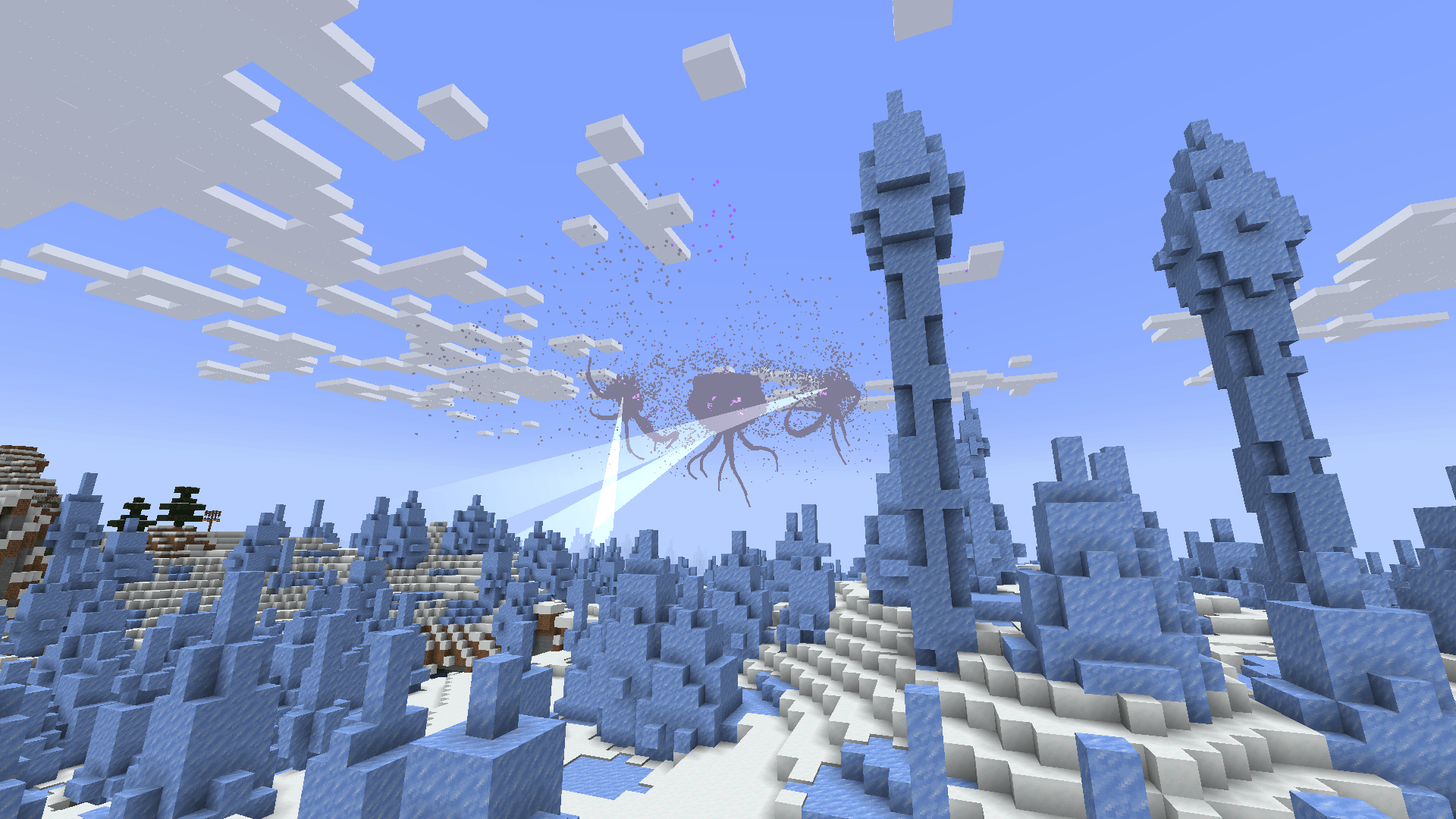
🔧 Required Mods
- Entity Texture Features
- The Growing Darkness Mod
- ColorfulSkies (Currently)
- Entity Model Features
- Tractor Beam Fix Mod
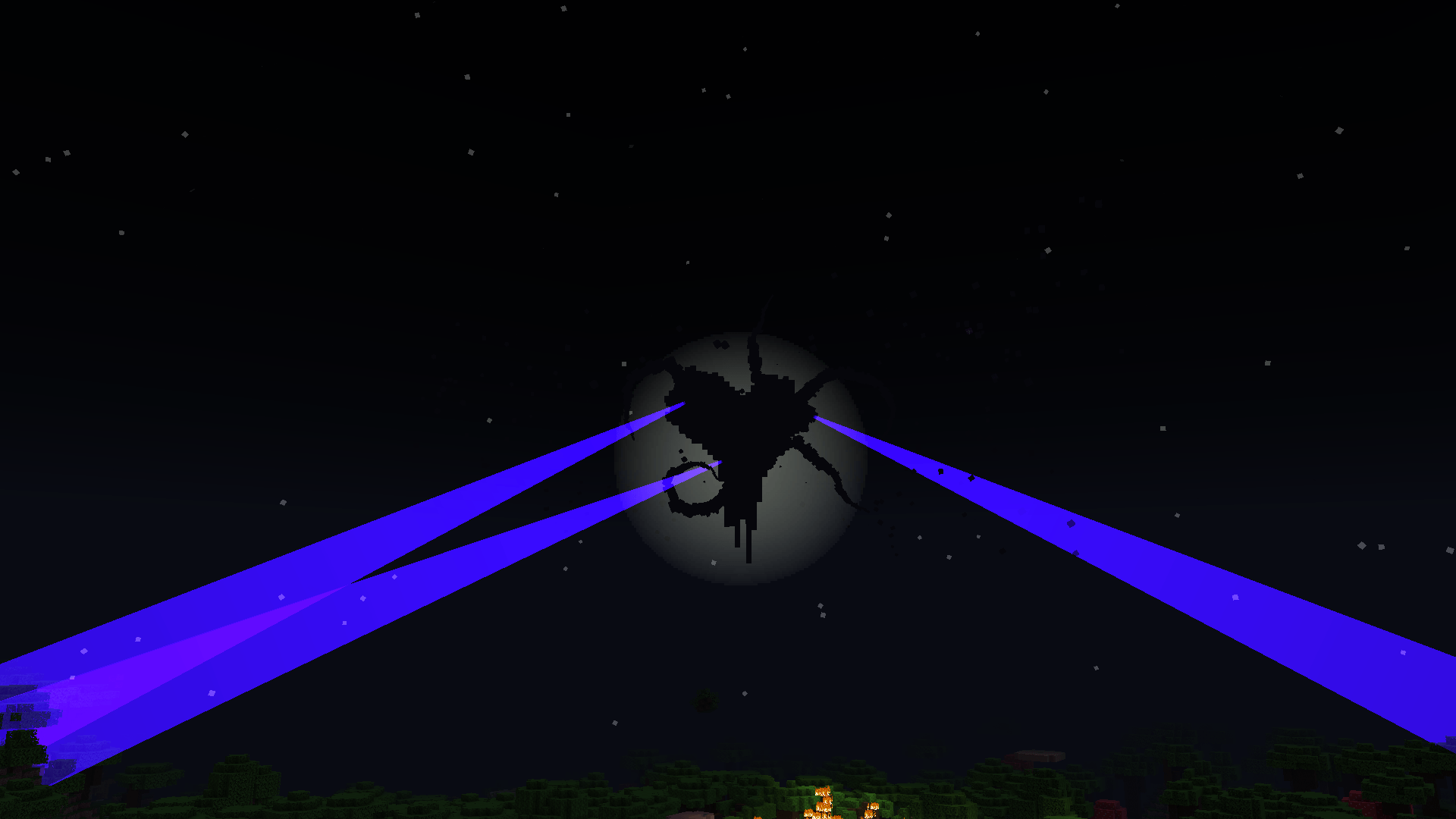
✨ Features
- New Wither Storm models
- Custom animations
- Designs inspired by Minecraft: Story Mode
- Darker atmosphere with the Growing Darkness Mod
💬 Discord
https://discord.gg/z8XvzBjKpc
📨 Credits
Models: Erslash, Spud, ArthurTheBg (Decayed Team) Damage textures & logo: creeperdood
Huge thanks to VillagerN4 and WitherBean for helping.
Growing Darkness 설치 방법
With Millida Launcher
Install Millida Launcher
The launcher is free: download it at millida.net/launcher and sign in with any nickname.
Click “Install” on this page
The launcher opens and installs the resource pack for Minecraft 1.19.4–1.20.1 automatically.
Launch the game
A profile with it appears in the launcher: click “Play”.
Manually
Download the archive
Pick the file (Test( TGD Beta Edition 2.9.41.zip (27 MB) for your game version. No need to unpack it.
Put it in the resourcepacks folder
The easiest way: “Options”, then “Resource Packs”, then “Open Pack Folder”, and drag the archive there.
Enable the pack
In the same window, move the pack to the right-hand “Selected” column and click “Done”.
버전
의존성 포함
| Minecraft | 로더 | 파일 | 날짜 | 작업 |
|---|---|---|---|---|
| 1.20.1 | — | The Growing Darkness V3.zip26.9 MB | ||
| 1.20.1 | — | The Growing Darkness 1.0.08.6 MB | ||
| 1.19.4 | — | The Growing Darkness Alpha.zip13.6 MB |
리뷰
Growing Darkness의 첫 평가를 남겨 보세요



