

- 조회수
- 15 조회수
- 업데이트됨
- 업데이트됨 01.10.2026
- 1.21.1
 바닐라 게임
- 클라이언트
Minecraft Free Edition!
Where the world is made out of wool! Build, Explore, and survive
Changes:
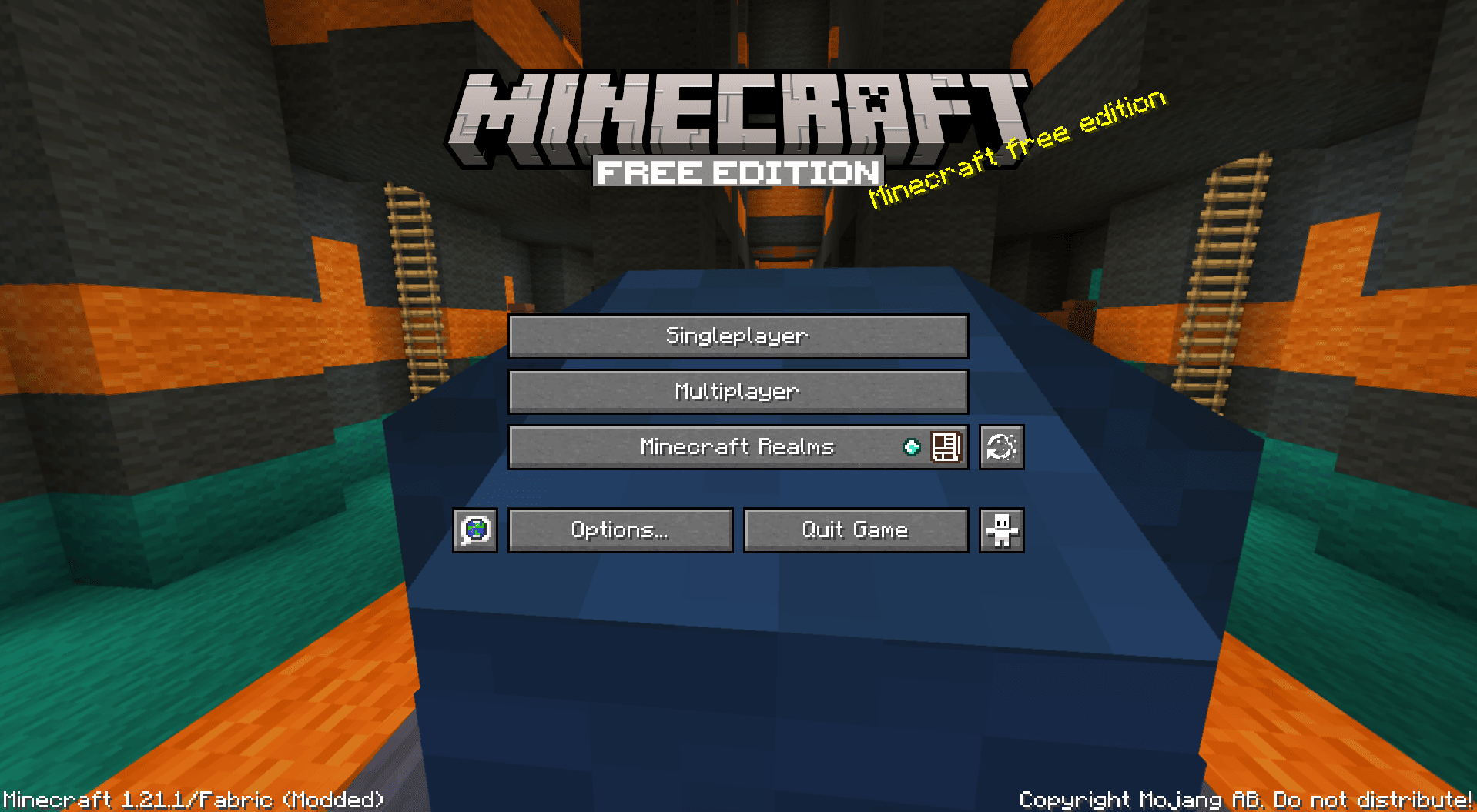
The title screen:
the title screen is now diffrent from how its used to look with a custom background, title and some custom new splashs that you will love!
Every block is now wool
Every block is now wool from wood to stone to nether to end blocks!! there are so many diffrent varieties of blocks that look the same Here is a preview of the creative inventory:

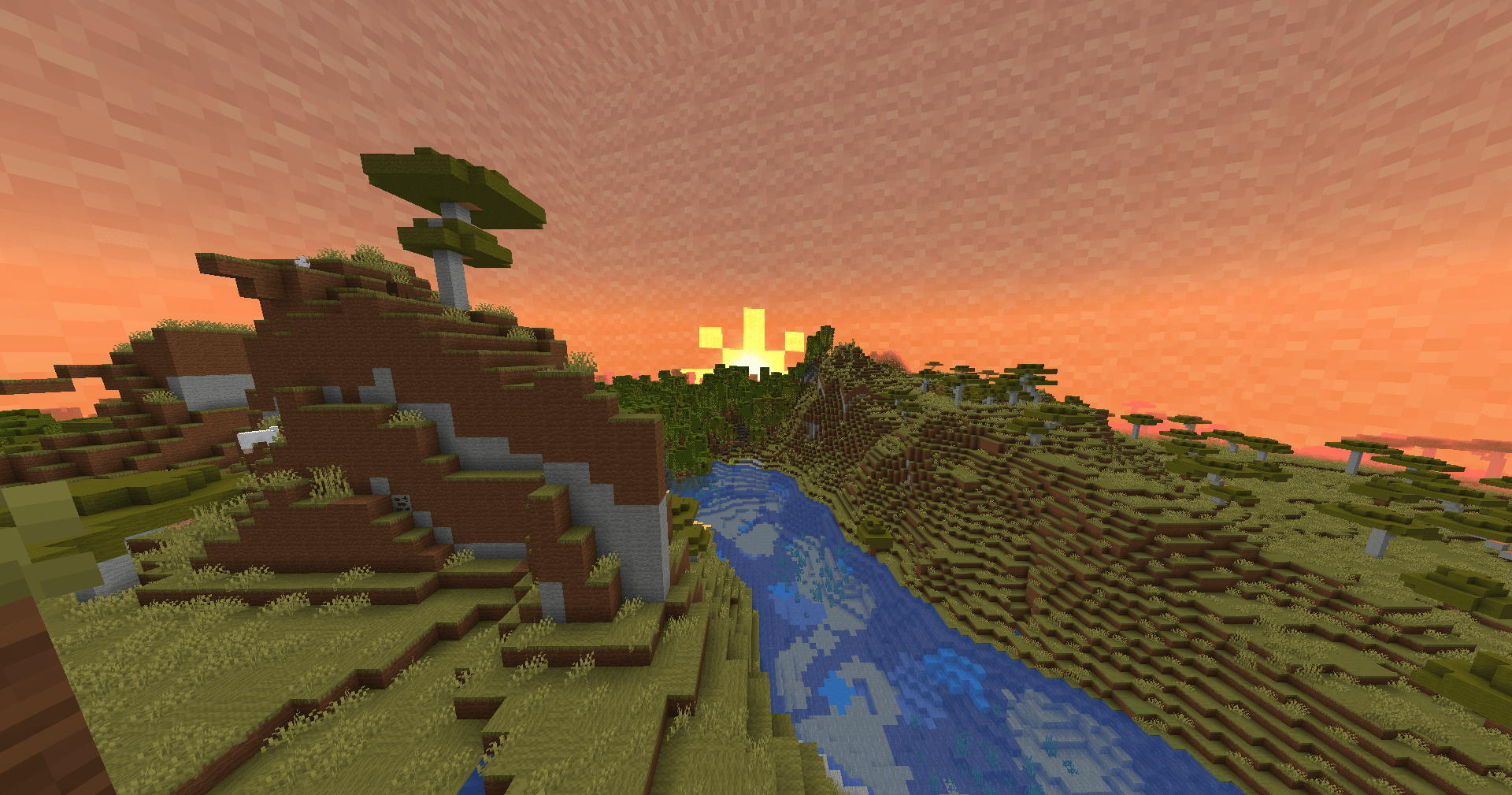
The Sky now is made out of Wool
The sun and the moon and the whole sky is now made out of wool (requires optifine or fabricskyboxes ) hmmmm i wonder if im living inside of a box
The End poem
you need to check it out yourself

installation ⬇️
The vanilla launcher
- download the pack from this page
- after downloading copy\move the pack from the download folder to C:\Users\USER\AppData\Roaming\.minecraft\resourcepacks
- Open your game and head to options\resourcepacks and activate the pack
- enjoy <3

Most asked questions ❓
- will you port this resource pack to bedrock?
- answer: probably yes, i will port it to bedrock later there is no given time but i'll let you know when its done
- Why are the intractive blocks not wool?
- answer: i'll make a v1.1 of the pack later with all of the intractive blocks truned into wool with unique so they don't feel off
- can i use this pack in one of my videos?
- answer: yes you can absolutely use it and its your chioce to give credit or not but its appreciated
Free Edition 설치 방법
With Millida Launcher
Install Millida Launcher
The launcher is free: download it at millida.net/launcher and sign in with any nickname.
Click “Install” on this page
The launcher opens and installs the resource pack for Minecraft 1.21.1 automatically.
Launch the game
A profile with it appears in the launcher: click “Play”.
Manually
Download the archive
Pick the file Minecraft Free Edition.zip (7.7 MB) for your game version. No need to unpack it.
Put it in the resourcepacks folder
The easiest way: “Options”, then “Resource Packs”, then “Open Pack Folder”, and drag the archive there.
Enable the pack
In the same window, move the pack to the right-hand “Selected” column and click “Done”.
버전
의존성 포함
| Minecraft | 로더 | 파일 | 날짜 | 작업 |
|---|---|---|---|---|
| 1.21.1 | — | 1.21.17.7 MB |
리뷰
Free Edition의 첫 평가를 남겨 보세요



