
Minecraft 26.30용 FINAL SHADER 리소스 팩
Final 셰이더는 당신의 세계를 Final Fantasy 스타일로 더 영화처럼 보이게 만들어 줍니다.
FINAL SHADER 리소스 팩 정보
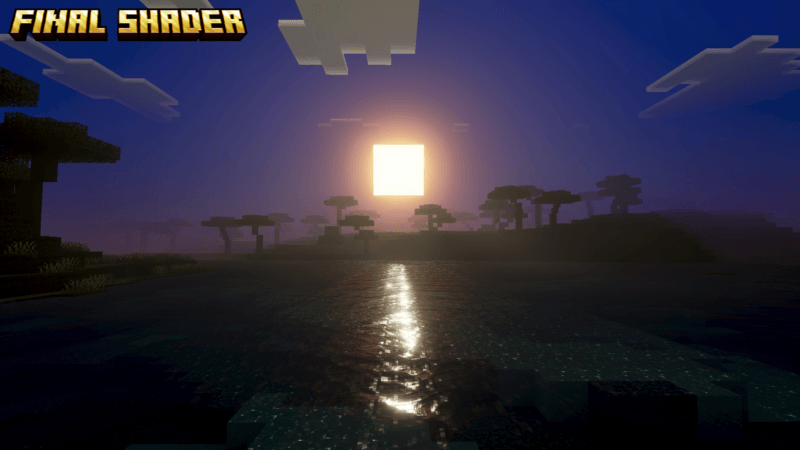
The Final Shader will transform your world into a more cinematic experience, giving every scene a dramatic and immersive atmosphere. Lighting, colors, and shadows are enhanced to create a beautiful visual style inspired by fantasy cinematography.
With its Final Fantasy-inspired aesthetic, your world will feel more magical, vibrant, and alive. turning ordinary landscapes into breathtaking fantasy scenery.
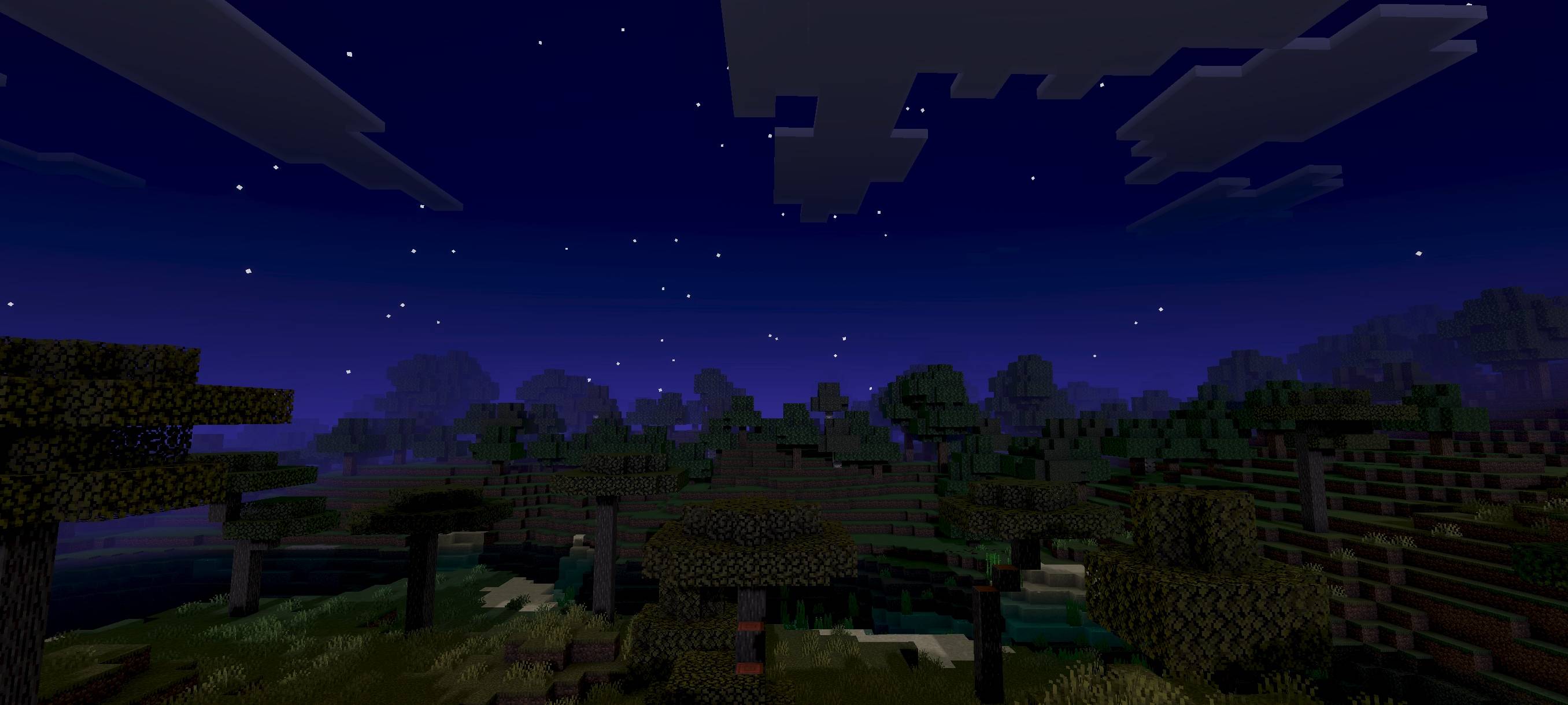
You can see in-game screenshots showing how this addon’s features look in your game.
FINAL SHADER 설치 방법
With Millida Launcher
Install Millida Launcher
The launcher is free: download it at millida.net/launcher and sign in with any nickname.
Click “Install” on this page
The launcher opens and installs the resource pack for Minecraft 26.30 automatically.
Launch the game
A profile with it appears in the launcher: click “Play”.
Manually
Download the archive
Pick the file final shader 1.7.mcpack (255 KB) for your game version. No need to unpack it.
Put it in the resourcepacks folder
The easiest way: “Options”, then “Resource Packs”, then “Open Pack Folder”, and drag the archive there.
Enable the pack
In the same window, move the pack to the right-hand “Selected” column and click “Done”.
버전
의존성 포함
| Minecraft | 로더 | 파일 | 날짜 | 작업 |
|---|---|---|---|---|
| 26.30 | — | final shader 1.7255 KB |
FAQ
Which Minecraft versions does FINAL SHADER work on?
Only Minecraft 26.30: there are no files for other versions.
Where can I download FINAL SHADER safely?
On this page: the file final shader 1.7.mcpack (255 KB) is stored on Millida’s server, with no link shorteners. SHA-1 checksum: fd331493201de3dff78b4607e4f6c3d5bddab3b7.
리뷰
FINAL SHADER의 첫 평가를 남겨 보세요



