

Feather Client 리소스 팩 정보
⚠️ IMPORTANT NOTICE
✅ Official & Latest Version Only On CurseForge
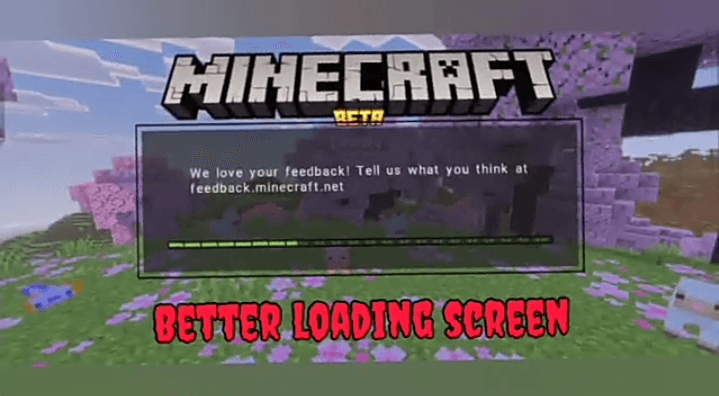
👉 CLICK HERE FOR DOWNLOAD:
https://www.curseforge.com/minecraft-bedrock/texture-packs/feather-client-by-gamerjotxt
⚠️ MCPEDL version may be outdated
✔️ For latest updates & best performance use CurseForge
🪶 Feather Client (FPS Booster Client)
Feather Client is a lightweight and powerful FPS boosting client designed to give you smoother gameplay and better performance in Minecraft.
🚀 Features:
⚡ Massive FPS Boost - Enjoy smoother gameplay with optimized performance
🎮 Low-End Friendly - Perfect for low-spec PCs and devices
🔧 Optimized Settings - Pre-configured tweaks for best performance
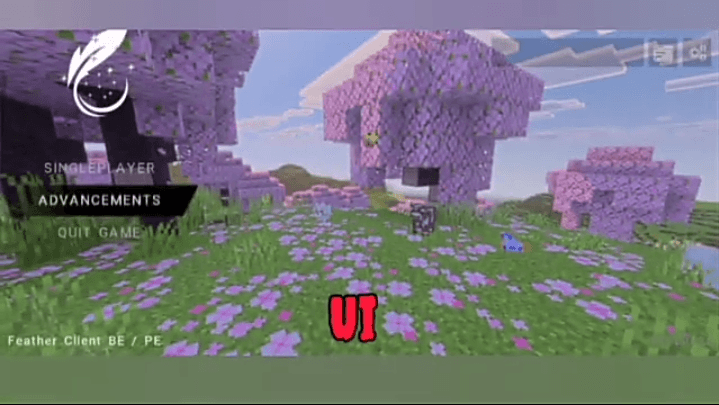
🌙 Clean & Simple Interface - Easy to use and lightweight design
👨‍💻 Developers:
👑 Ashmeet OP
🔥 GAMERJOTXT
Feather Client 설치 방법
With Millida Launcher
Install Millida Launcher
The launcher is free: download it at millida.net/launcher and sign in with any nickname.
Click “Install” on this page
The launcher opens and installs the resource pack for Minecraft 1.21–26.0 automatically.
Launch the game
A profile with it appears in the launcher: click “Play”.
Manually
Download the archive
Pick the file Feather_remake_be.mcpack (4.2 MB) for your game version. No need to unpack it.
Put it in the resourcepacks folder
The easiest way: “Options”, then “Resource Packs”, then “Open Pack Folder”, and drag the archive there.
Enable the pack
In the same window, move the pack to the right-hand “Selected” column and click “Done”.
버전
의존성 포함
| Minecraft | 로더 | 파일 | 날짜 | 작업 |
|---|---|---|---|---|
| 1.21 | — | Feather_remake_be.mcpack4.2 MB 11 |
FAQ
Which Minecraft versions does Feather Client work on?
There are files for 26.0, 1.21. The newest is 26.0.
Where can I download Feather Client safely?
On this page: the file Feather_remake_be.mcpack (4.2 MB) is stored on Millida’s server, with no link shorteners. SHA-1 checksum: 27039e93a8eb5464090d4d225e64c7a7d31bcddb.
리뷰
Feather Client의 첫 평가를 남겨 보세요



