
Minecraft 1.21.122용 Fast Commands 리소스 팩
채팅 화면 안에 명령 패널을 추가하여 쉽게 접근할 수 있게 해주는 리소스 팩입니다.
This resource pack allows you to run commands with a click of a button!
And can be customized to whatever you desire!
You can add custom phrase, commands, chats and etc.
Quick GG, Quick Commands and more: Video Showcase
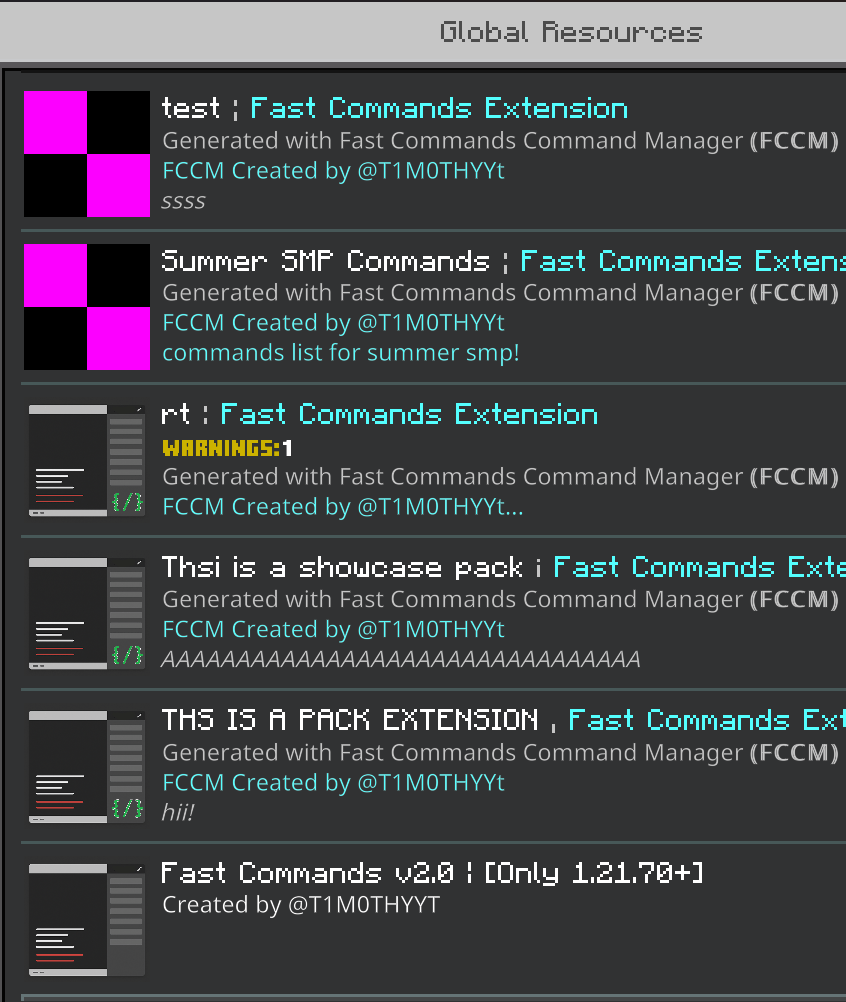
Custom Commands can be added by creating Fast Commands' Pack extensions! at https://fccm.vercel.app : create and import it to minecraft. Make sure to put the extension ABOVE the main pack.
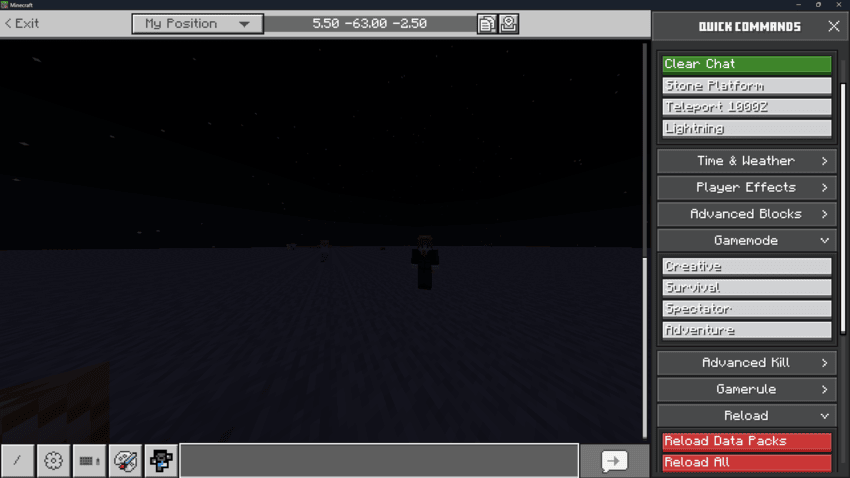
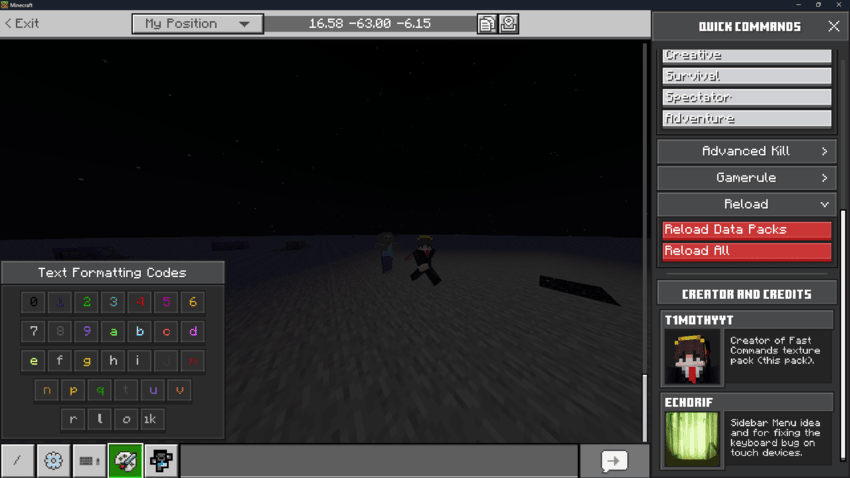
Command Panel Preview:
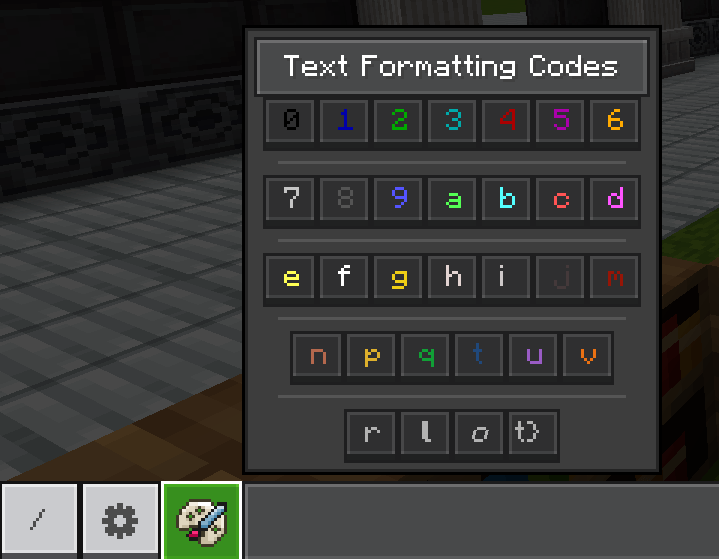
Text Formatting Codes' Panel:
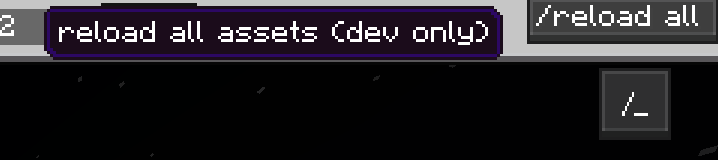
Menu Toggle And Quick reload for developers:
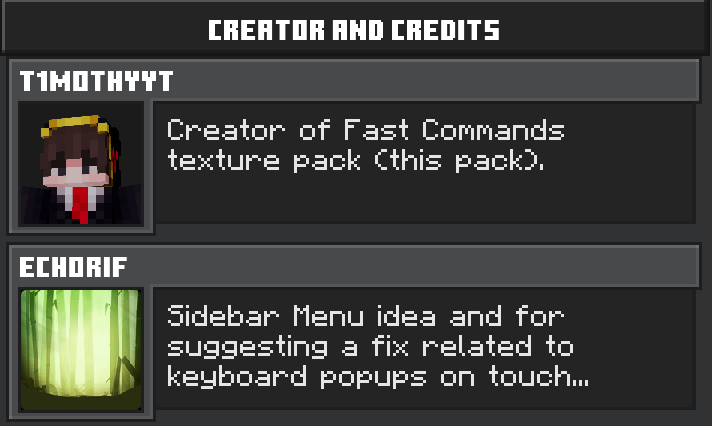
Credits:
Fast Commands 설치 방법
Install Millida Launcher
The launcher is free: download it at millida.net/launcher and sign in with any nickname.
Click “Install” on this page
The launcher opens and installs the resource pack for Minecraft 1.21.90–1.21.122 automatically.
Launch the game
A profile with it appears in the launcher: click “Play”.
버전
의존성 포함
| Minecraft | 로더 | 파일 | 날짜 | 작업 |
|---|---|---|---|---|
| 1.21.93 | — | Fast Commands v3.mcpack420 KB 1 |
FAQ
Which Minecraft versions does Fast Commands work on?
There are files for 1.21.90–1.21.122, 11 versions in total. The newest is 1.21.122.
How do I download Fast Commands?
With Millida Launcher: it installs Fast Commands into a modpack by itself, for the right game version and loader. The launcher is free.
리뷰
Fast Commands의 첫 평가를 남겨 보세요



