
Minecraft 26.30용 Enhanced FX 리소스 팩
많은 사소한 시각적 향상, 이름표 이스터 에그, 편의성 변경을 추가합니다.
Enhanced FX 리소스 팩 정보
Enhanced FX is a resource pack that adds many different visual improvements, particle effects, and general quality of life changes, while still keeping the vanilla style of Minecraft. With this pack enabled, your worlds will receive entirely new environmental effects, damage particles, ambient particles, glowing mob eyes, idle animations, sound effects, and even name tag easter eggs!
If you have any questions or find any issues with this pack, you can contact me in the comments or on Discord (lionhead07)
Animation Changes & Fixes
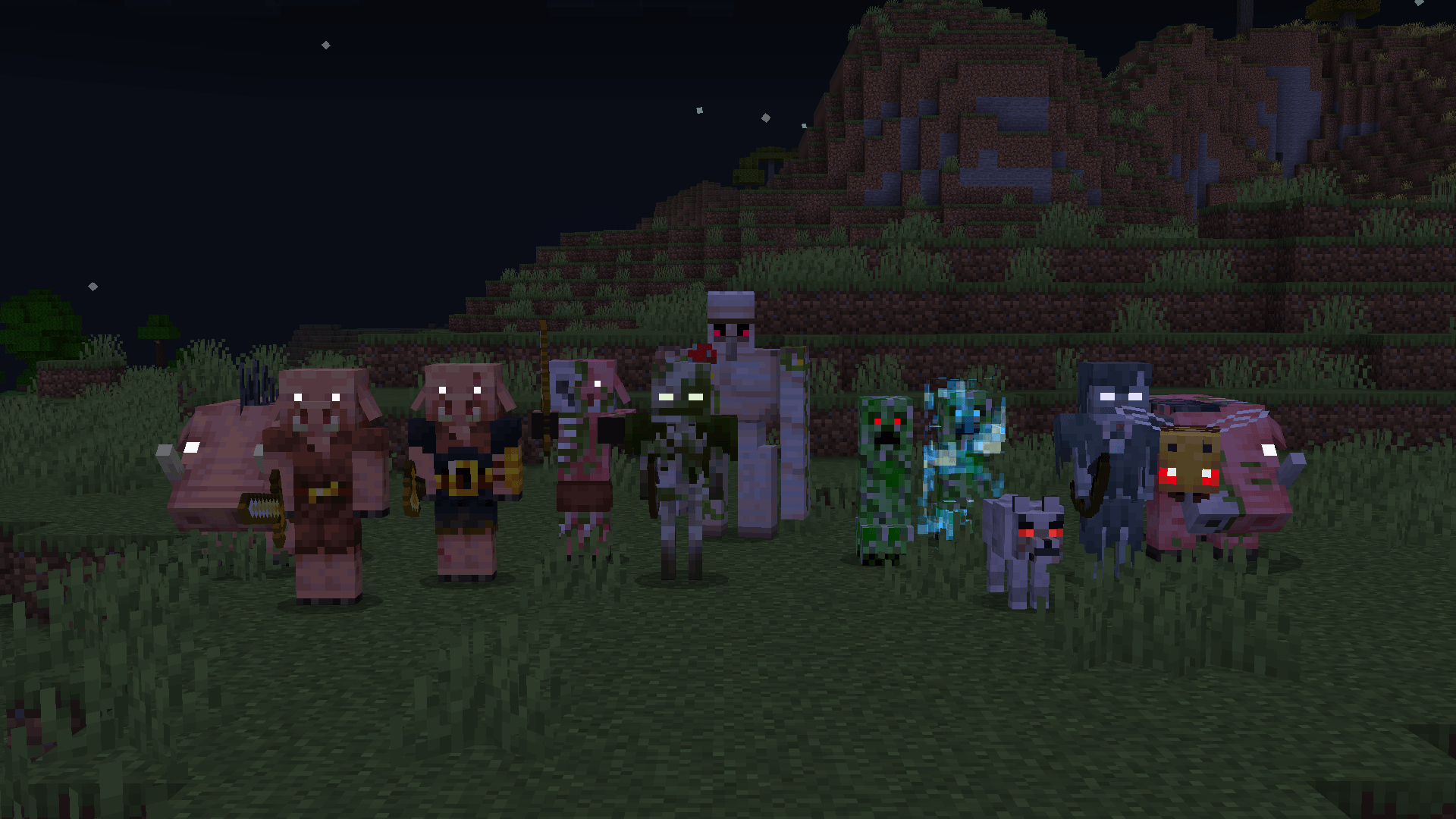
All mobs will now have bobbing/idle animations, along with a few other animation changes and bug fixes.
Bobbing Animations
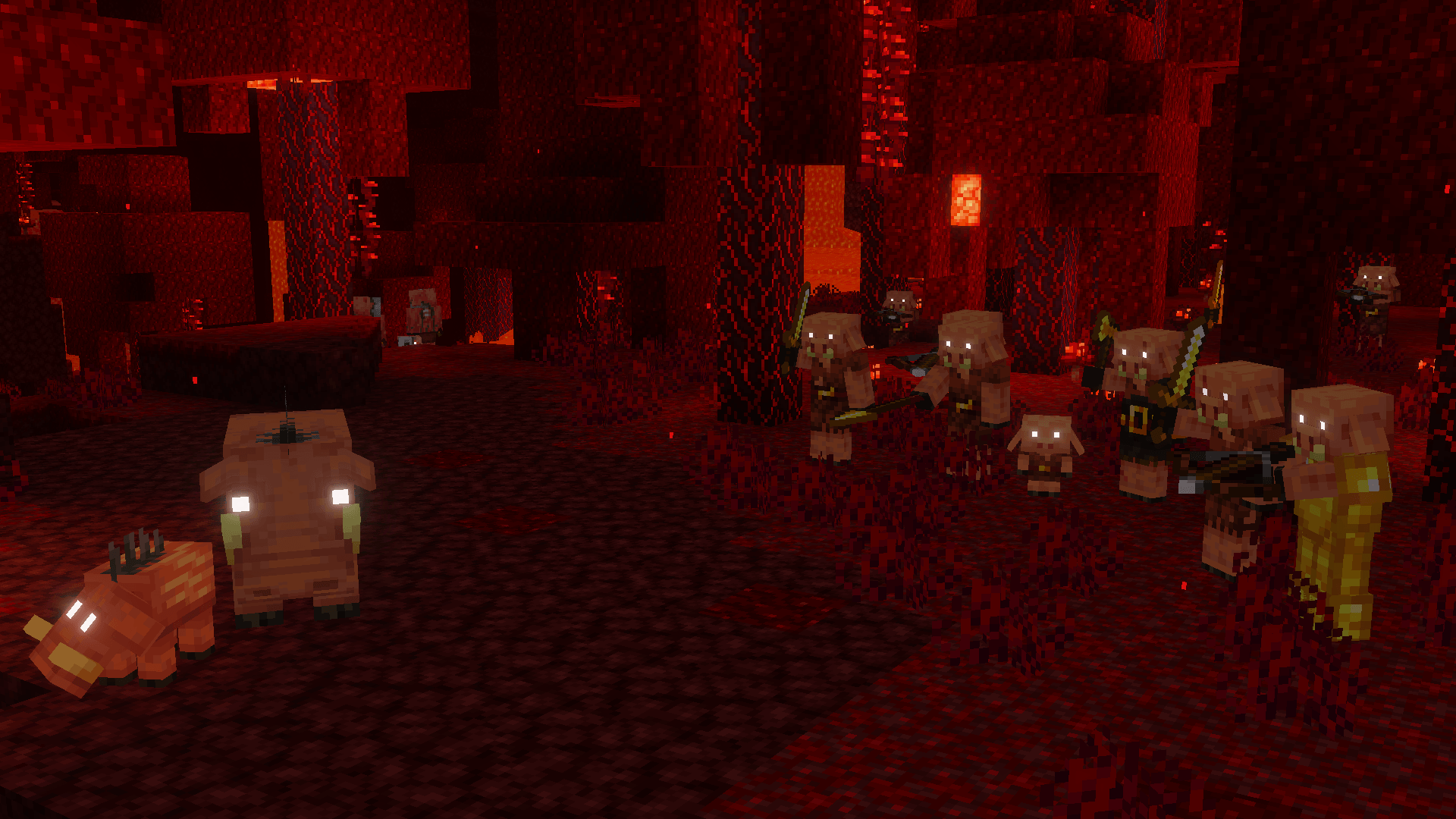
The following mobs have been given bobbing/idle animations with this pack, as they don't have one in vanilla:
- Villager
- Wandering Trader
- Vindicator
- Evoker
- Witch
- Ravager
- Iron Golem
- Goat
- Llama
- Sniffer
- Snow Golem
- Pig
- Cow
- Mooshroom
- Sheep
- Panda
- Polar Bear
- Wolf
- Fox
- All Horse variants
- Chicken
- Parrot
- Armadillo
- Cat
- Ocelot
- Turtle
- Spider
- Cave Spider
- Creeper
- Hoglin
- Zoglin
Animation Changes
- Camel bobbing animation is different
- Camel Husk bobbing animation is different
- Vex animations have been changed to match Allay animations
- Endermen now shake when angry
- Ravagers now shake when roaring
- Iron Golem attack animation is faster
- Zombies now raise their arms when targeting
- Zombie arms will now match other humanoid mobs when stationary
- Skeletons now draw back their bow when firing
- Pigs now have floppy ears like Piglins and Hoglins
- Spyglass first person position has been changed to match other held items
Animation Fixes
- Player third person eating animation is now smooth
- Player third person trident raising animation is now smooth
- Squid swimming is now smooth
- Glow Squid swimming is now smooth
- Panda rolling is now smooth
- Fox pouncing is now smooth
- Chicken wing flapping is now smooth
- Parrot wing flapping is now smooth
- Pufferfish flopping rotation is now smooth
- Evoker Fang biting is now smooth
- Tropical Fish now rotate when flopping on land
- Iron Golems no longer run super fast
- Iron Golems now only move their limbs when they are actually moving
- Iron Golems now pivot towards the bottom of their model
- Ender Dragon animations are now smooth
- Ender Dragon wings are now symmetrical
- Warden animations no longer get messed up by their look at target animation
- Warden attack animation now plays fully
- Creaking animations no longer get messed up by their look at target animation
- Creaking attack animation now plays fully
- Copper Golem animations no longer get messed up by their look at target animation
- Copper Golems now start and stop moving smoothly
- Wither Skeleton bobbing animation now plays
- Player first person item bobbing now looks correct for attachables
- Player first person item bobbing now plays on the left hand
- Player third person bobbing animation now plays correctly
- Humanoid bobbing animation now plays correctly
- Guardian and Elder Guardian tails now move at a normal speed
- Piglin and Zombified Piglin ears now bob
- Zombified Piglin ears now flap when moving
- Snow Golems now rotate their body when looking around
- Villager, Illager, and Witch robes are no longer cut off towards the bottom
- Ghast shooting texture now uses the correct resolution
- Explosion effects are now partially transparent
Particle Effects
This pack adds a lot of new particle effects, such as different environmental particles, ambient particles for mobs and blocks, damage particles for mobs, and even some unique particles for players.
Environmental Particles
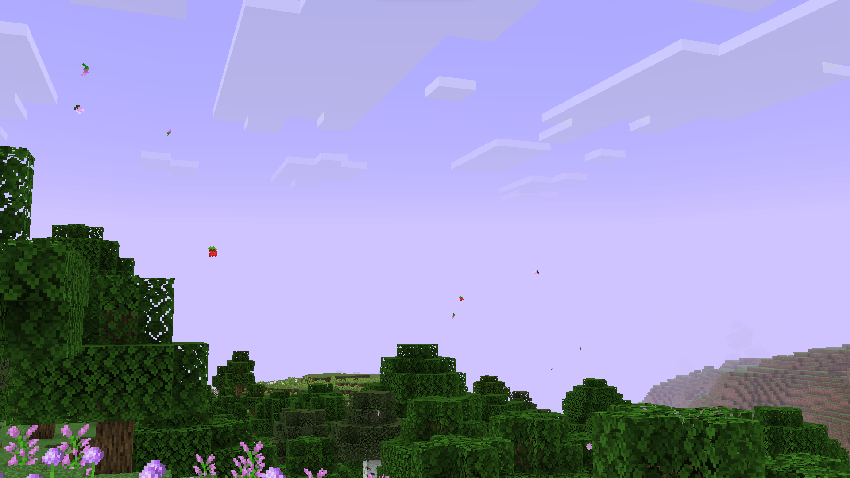
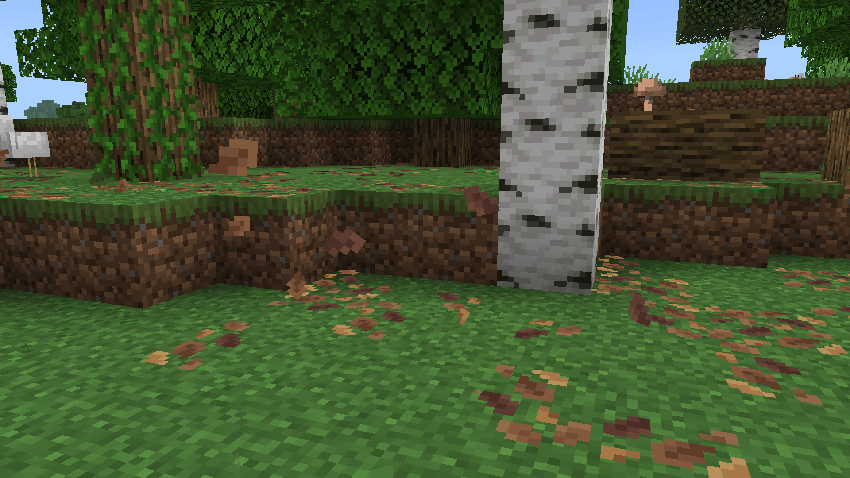
Falling leaf particles will now blow in the wind and stay on the ground for a few seconds before disappearing.
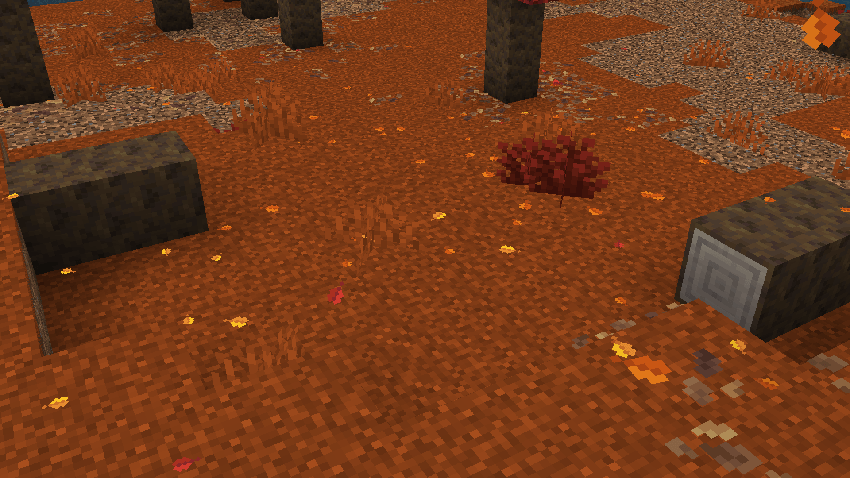
They will float around and create splash particles if they land on water.
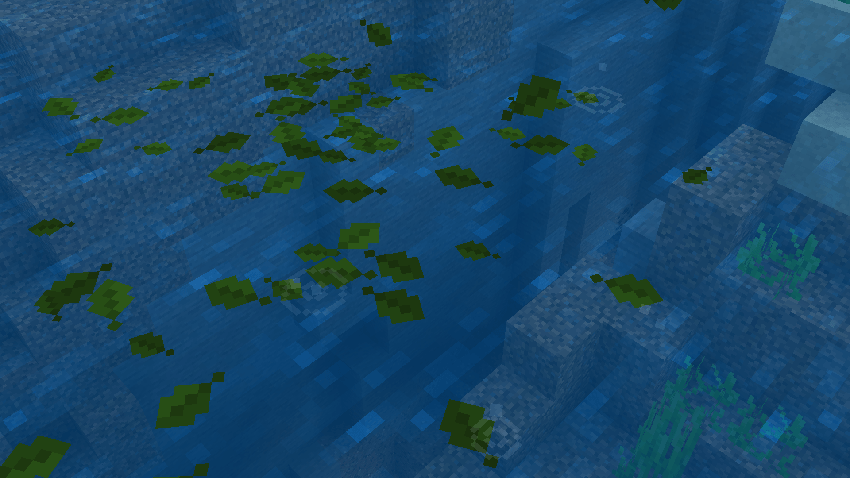
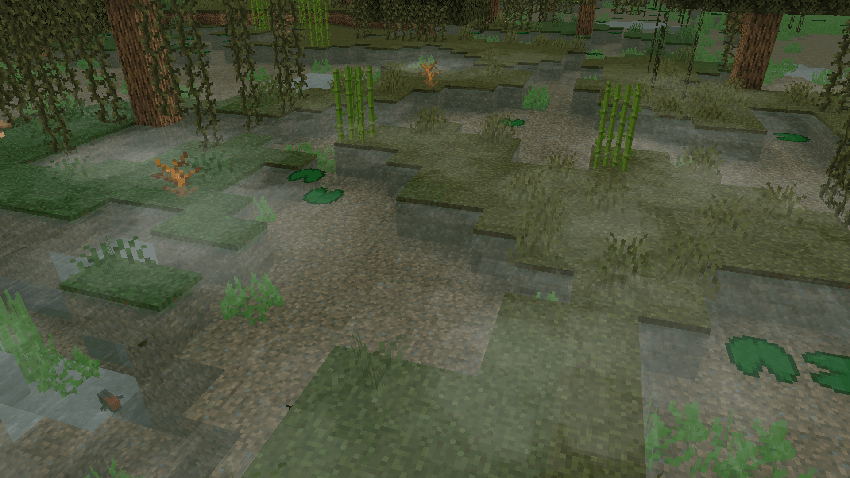
Ground haze/fog will form around shallow water in Swamp biomes.
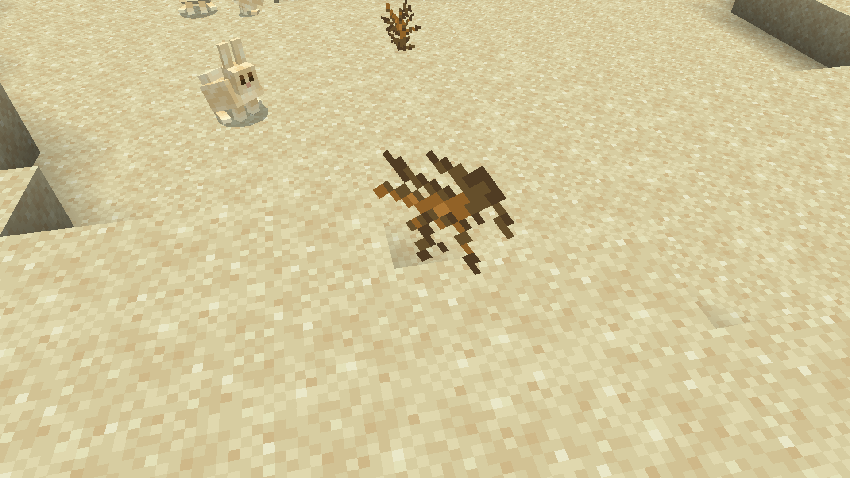
Tumbleweeds can be seen rolling around in Deserts and Mesas.
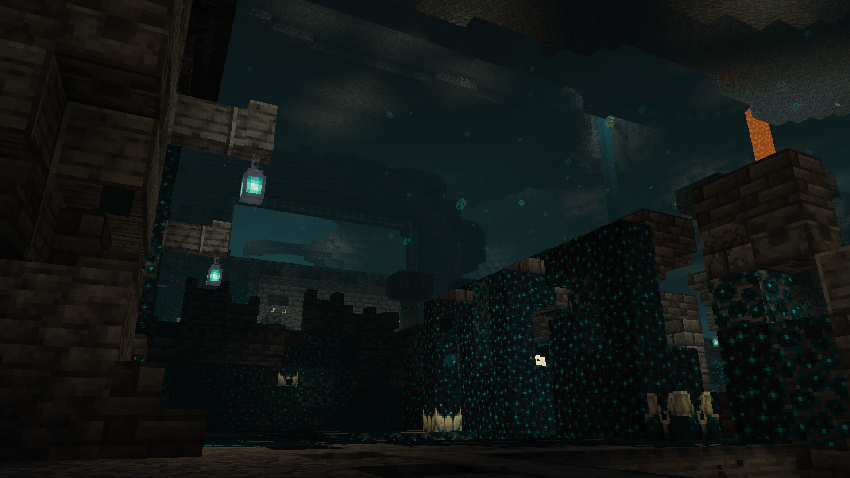
Small souls and cave dust particles can be seen floating around the Deep Dark.
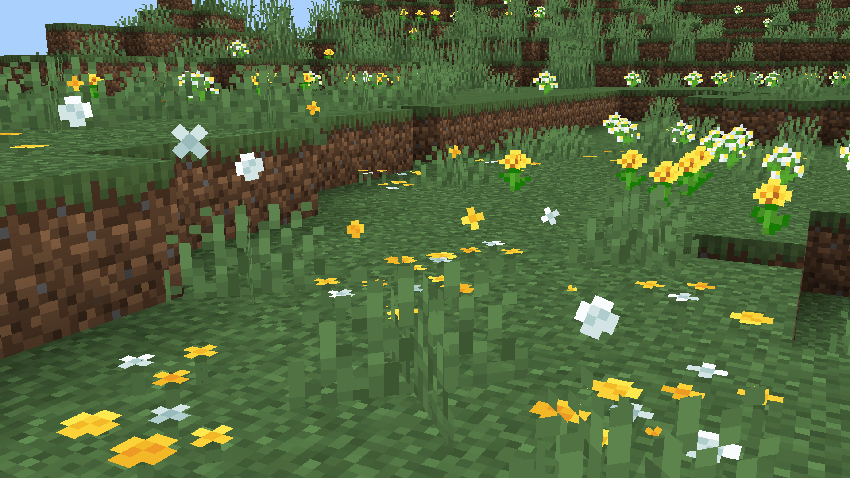
Flower Forests will now have flowers blowing in the wind.
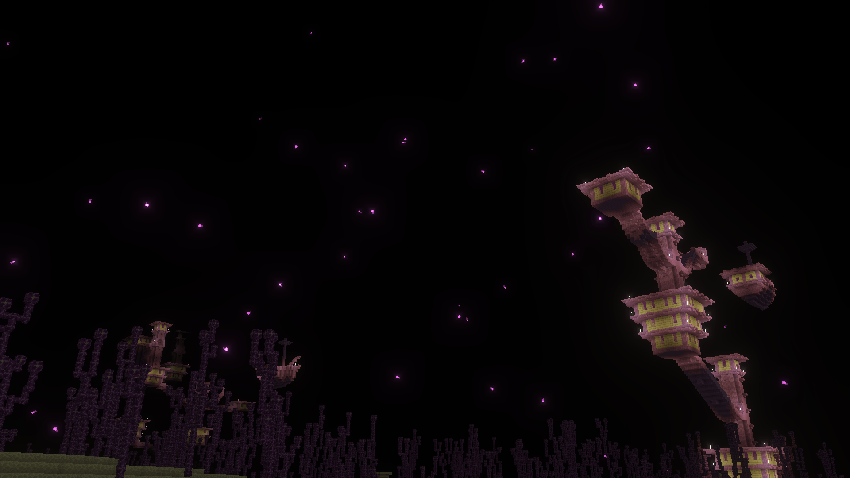
Purple stars are now scattered across the End sky
Damage Particles
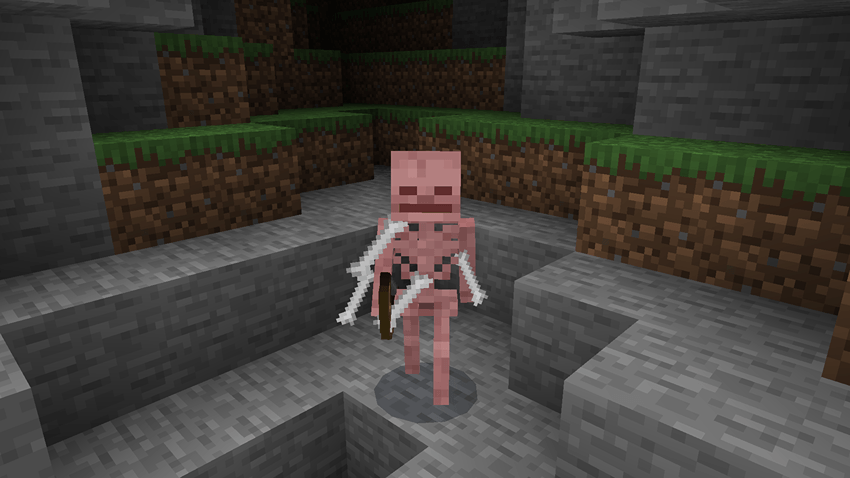
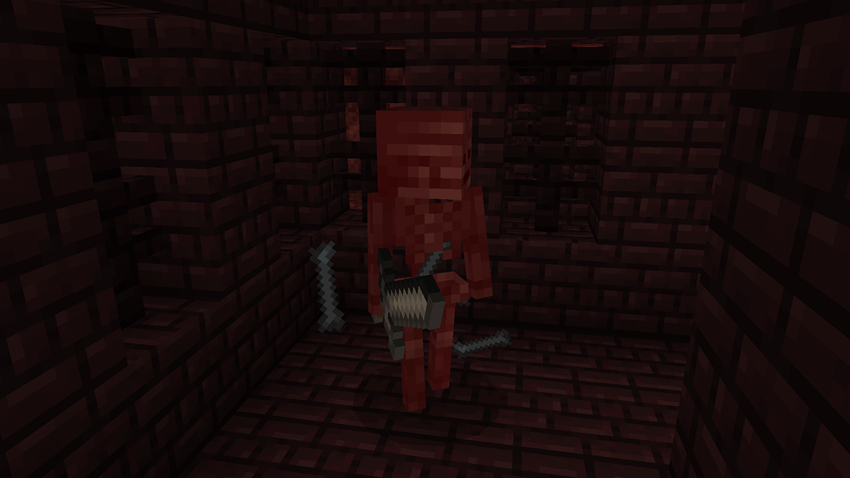
All Skeleton types will lose bones when taking damage.
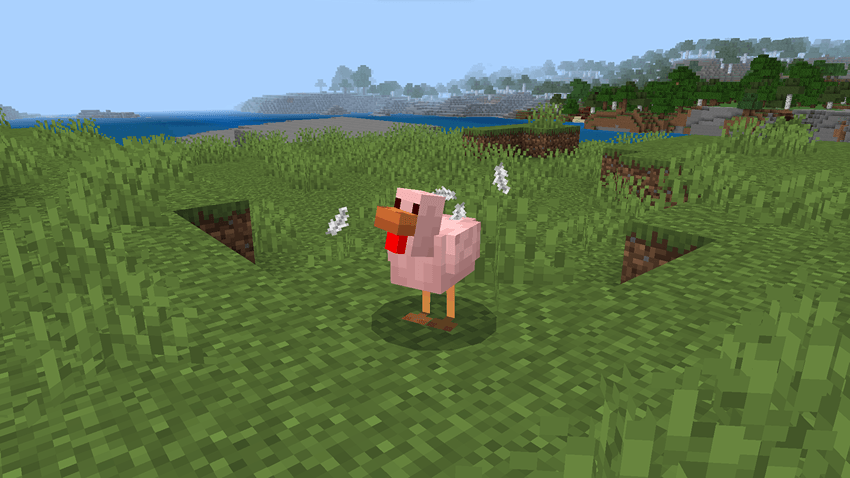
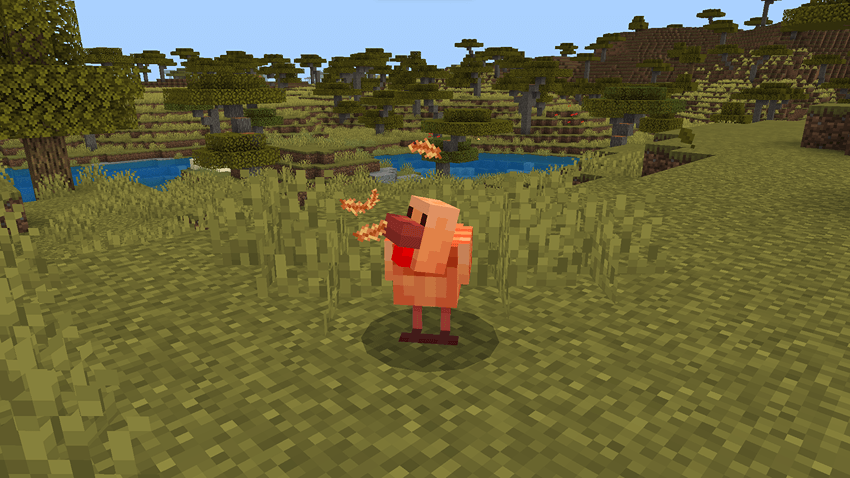
Feathers can be seen flying off of mobs like Chickens.
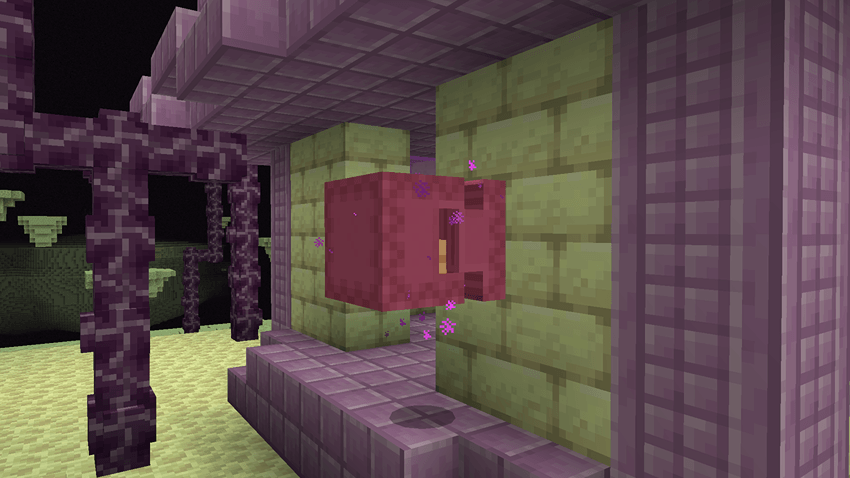
End related mobs such as Shulkers will emit a cloud of portal particles.
Block particles
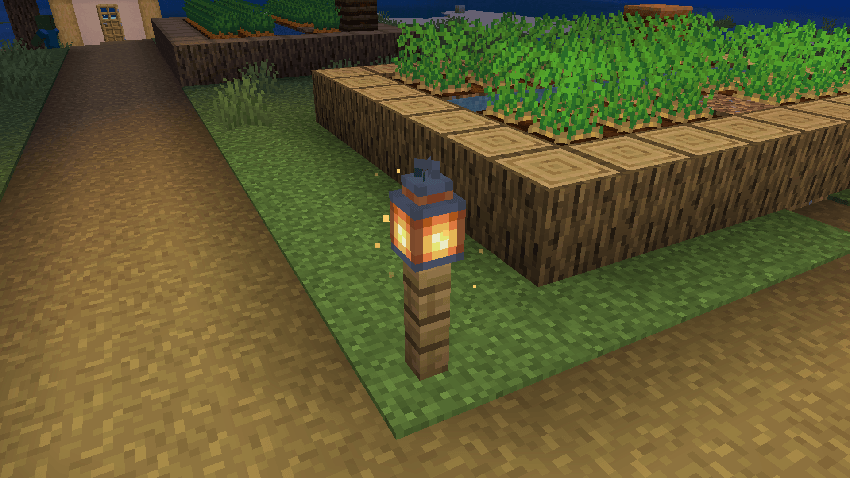
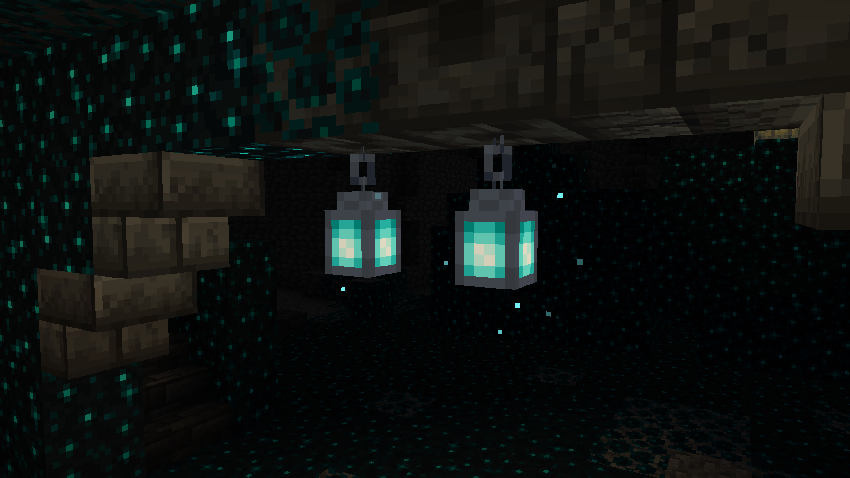
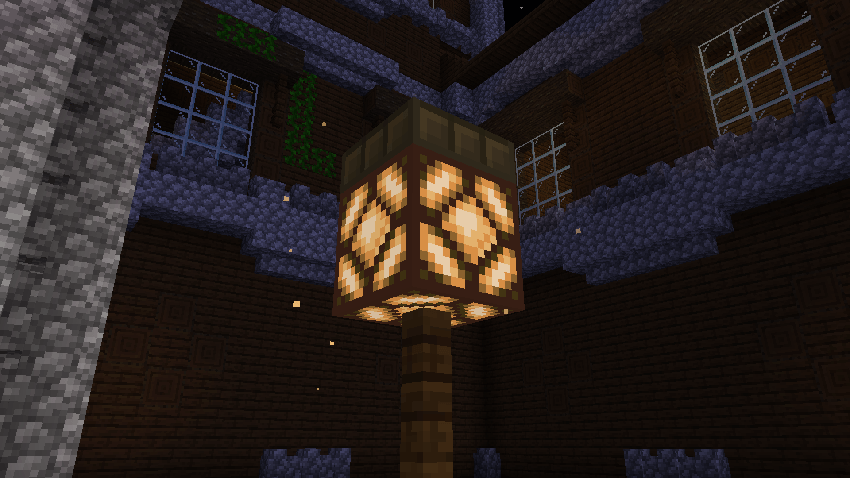
Most blocks that emit light will have small glow particles surrounding them.
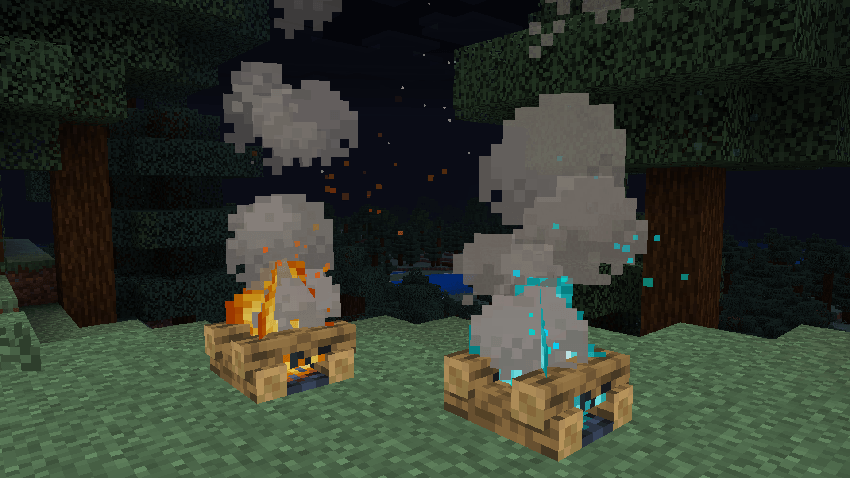
Fires and campfires will emit embers.
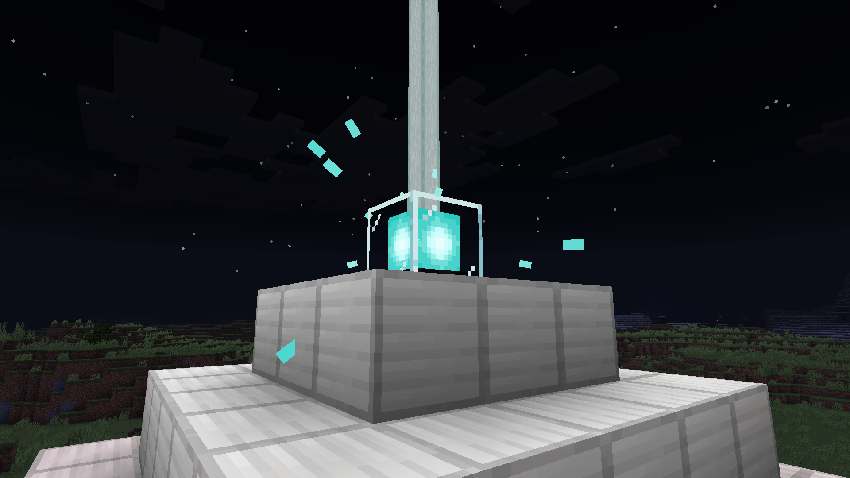
Small beams of energy can be seen flying towards beacons.
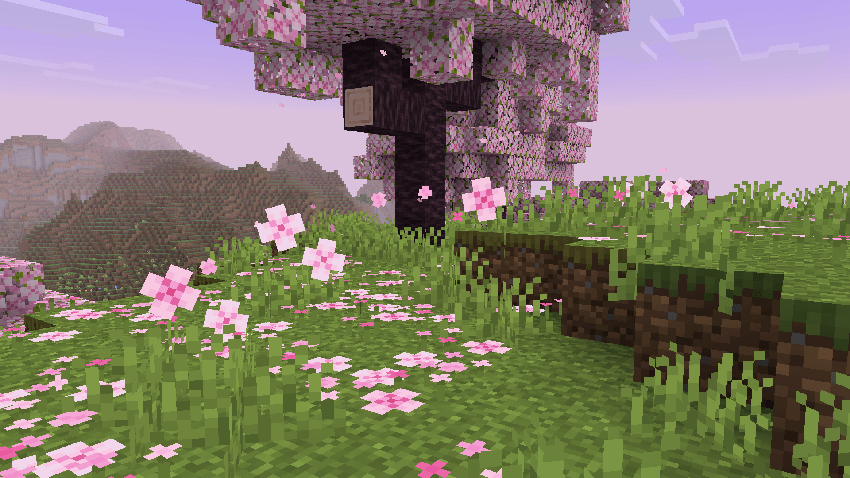
Leaf litter, pink petals, and wildflowers will emit particles that blow in the wind.
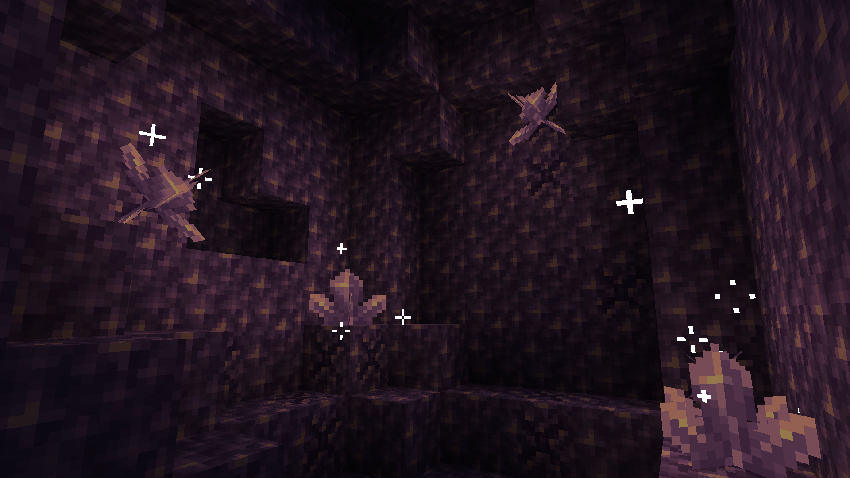
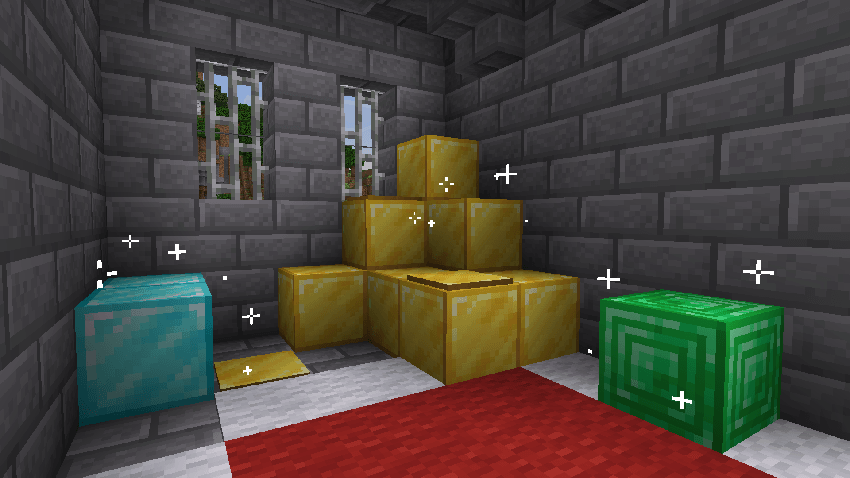
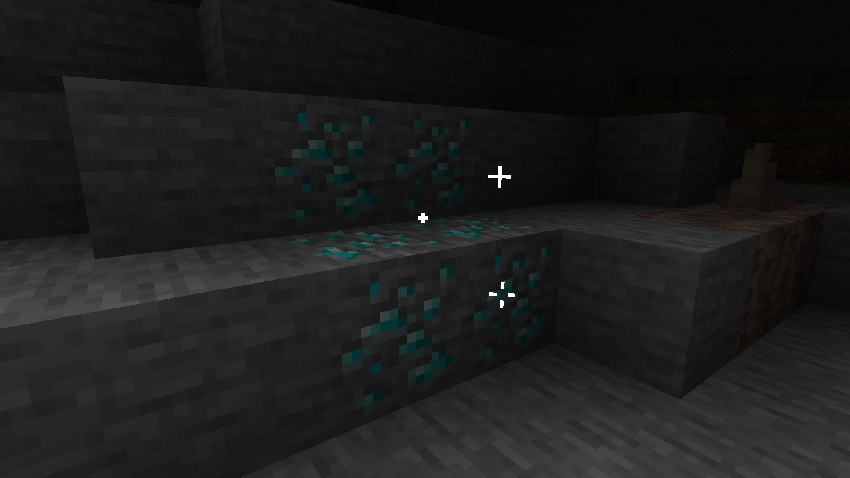
Animated shimmer particles will appear around fully grown amethyst clusters, gem blocks, and some ores.
Ambient Mob & Player Particles
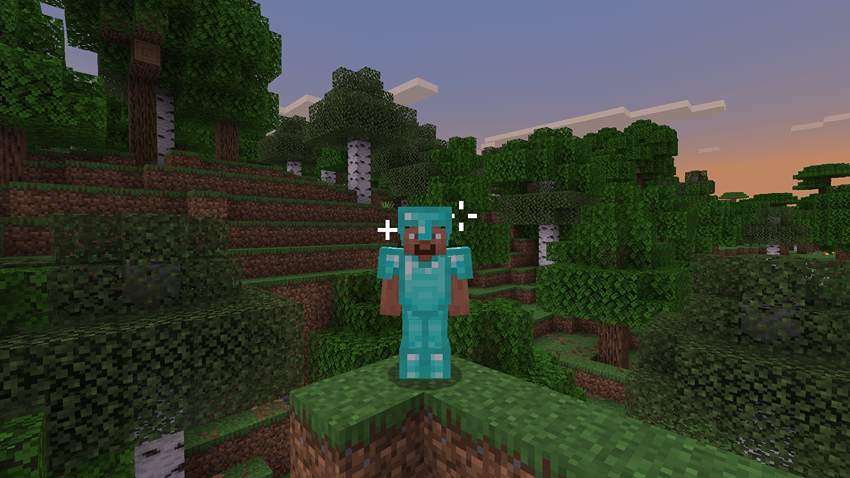
Animated shimmer particles will appear around Players/mobs that are wearing either diamond or gold armor.
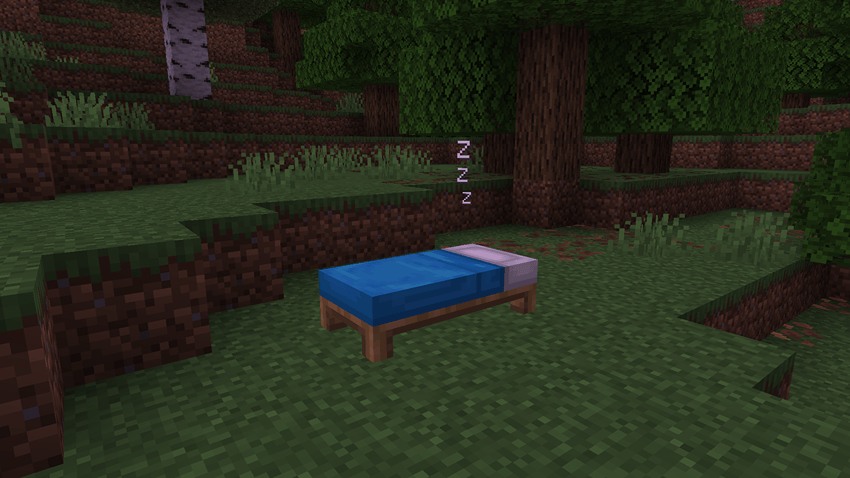
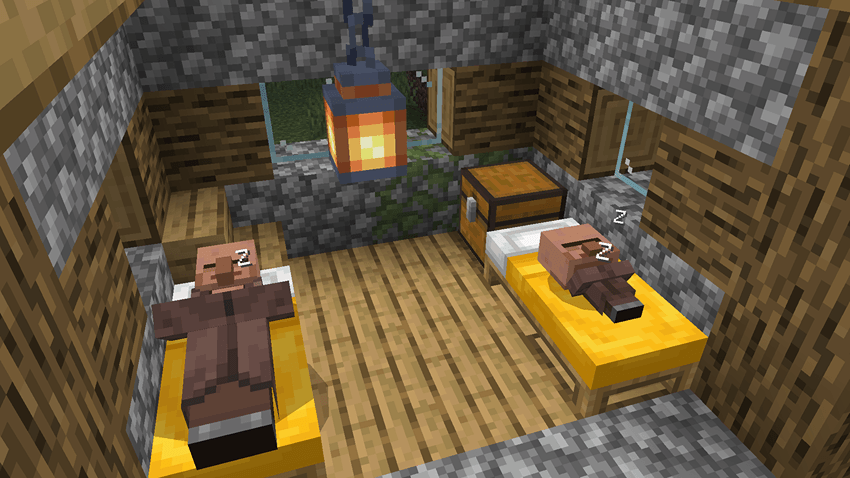
"Z" particles will appear above Players and Villagers who are sleeping in a bed.
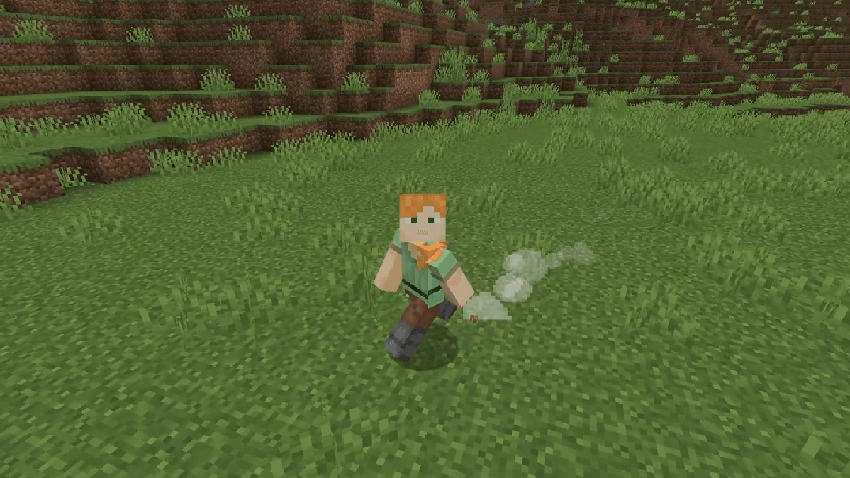
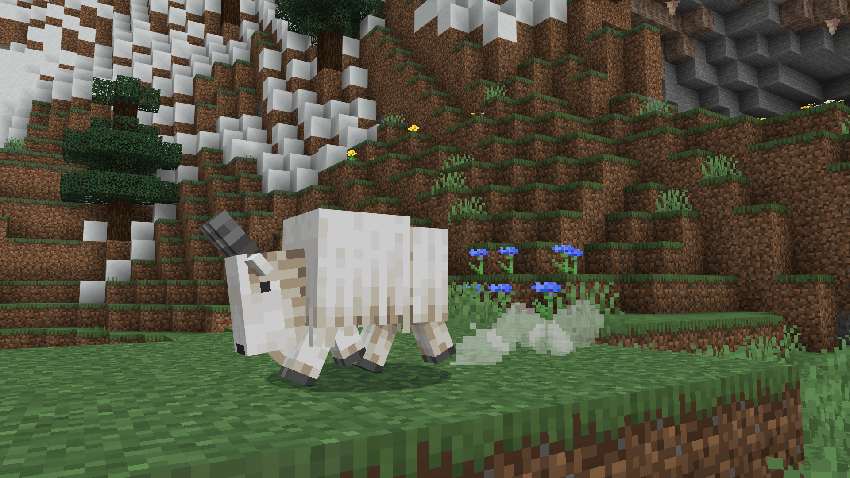
Players and some mobs will create dust clouds when they start sprinting/dashing.
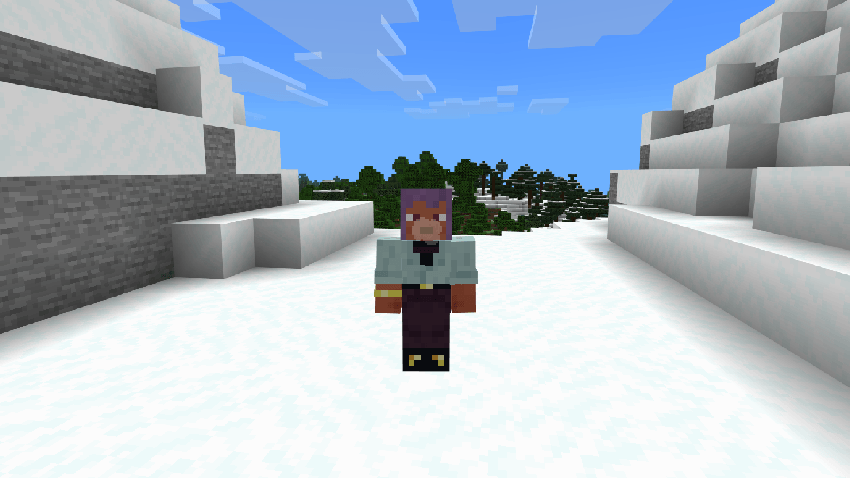
Players can see their own breath in cold biomes.
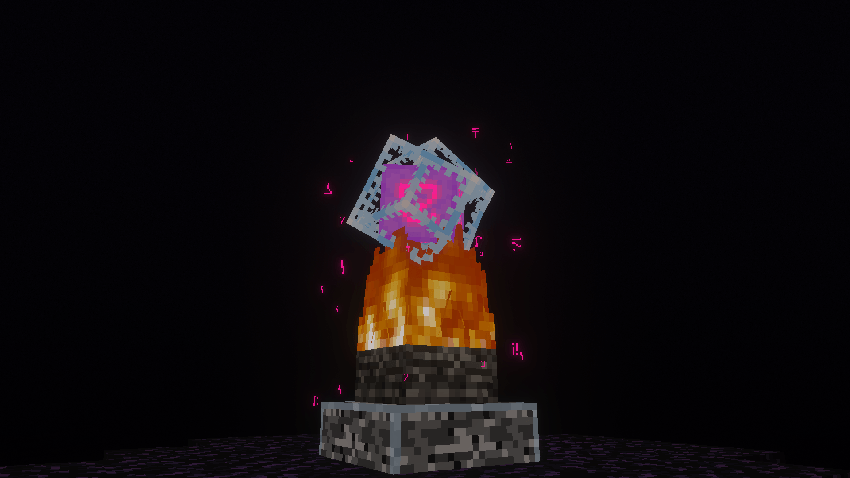
Magenta colored glyph particles will rotate around Ender Crystals.
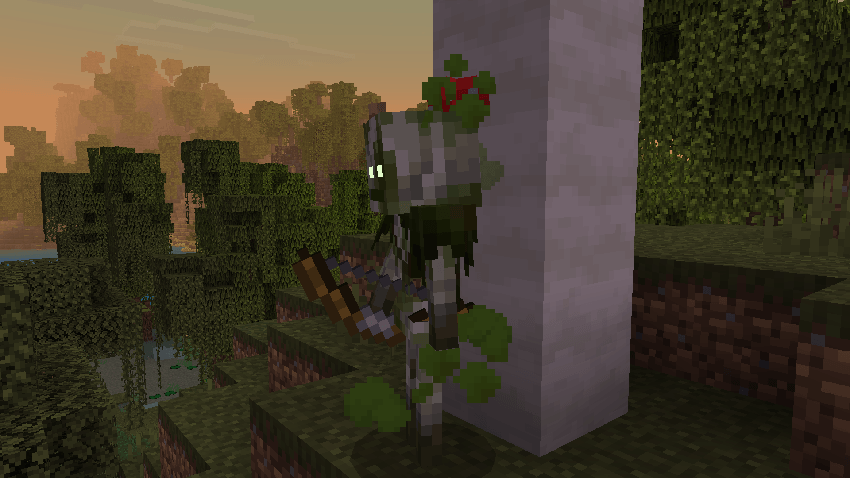
Bogged will create poison cloud particles.
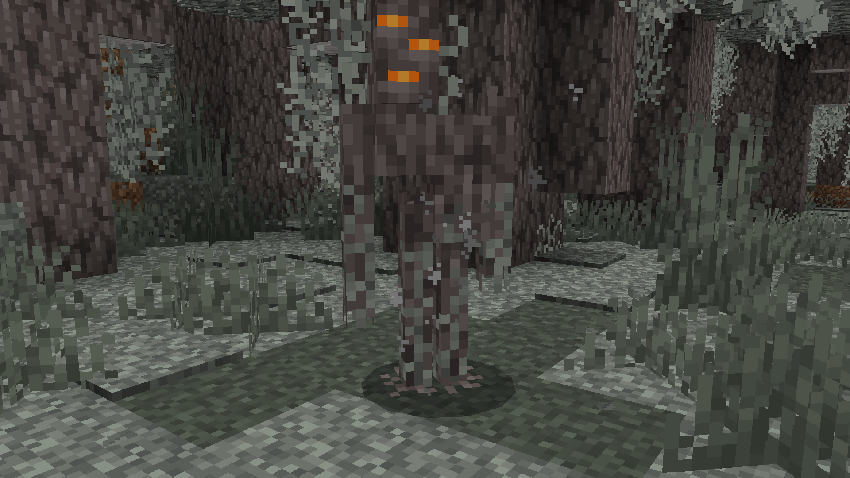
Pale dust particles can be seen flying away from Creakings.
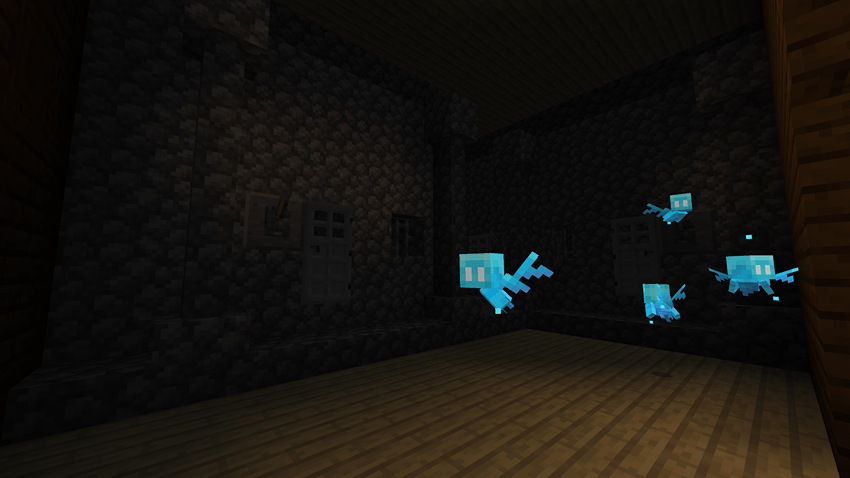
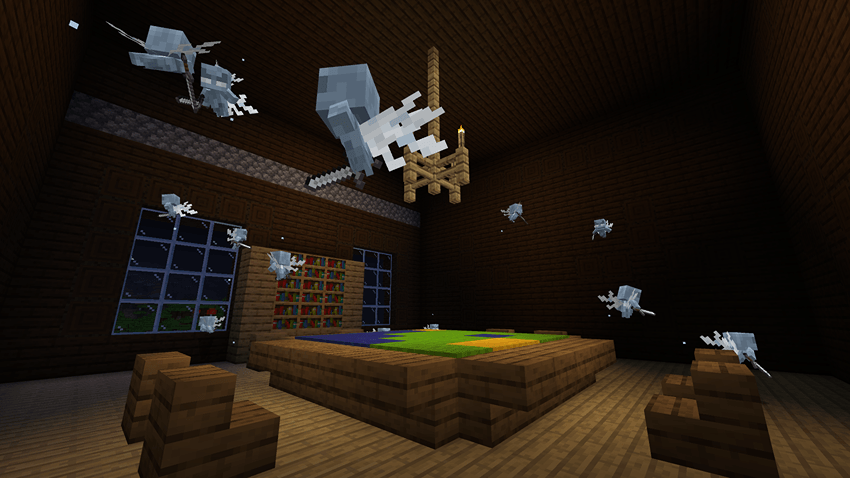
Small shine particles will appear around Allays and Vexes.
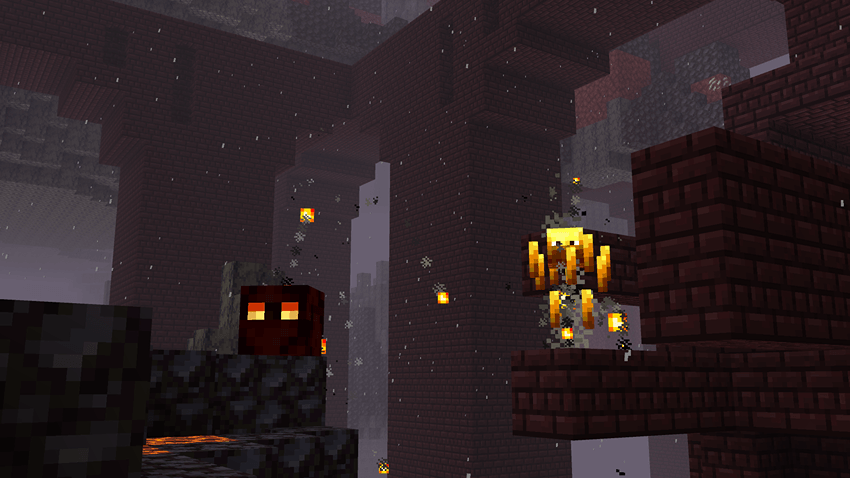
Lava particles will fly off of Blazes and Magma Cubes.
Miscellaneous Particle Effects
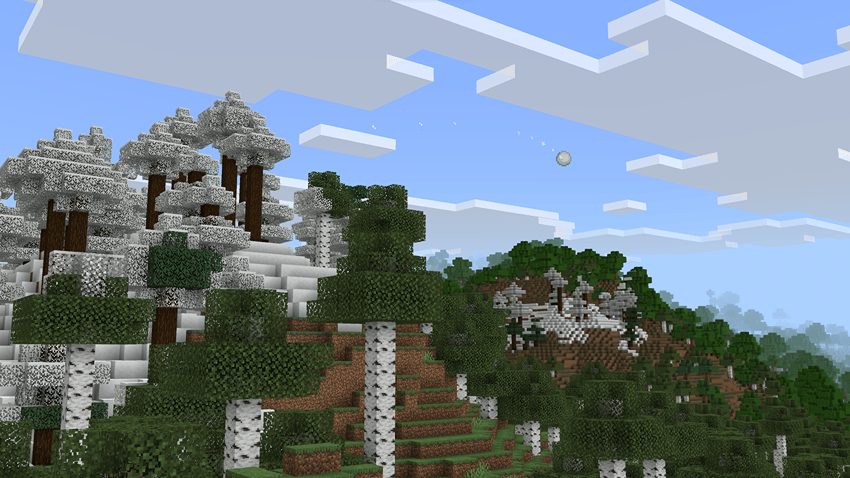
A few projectiles such as snowballs leave particle trails behind them.
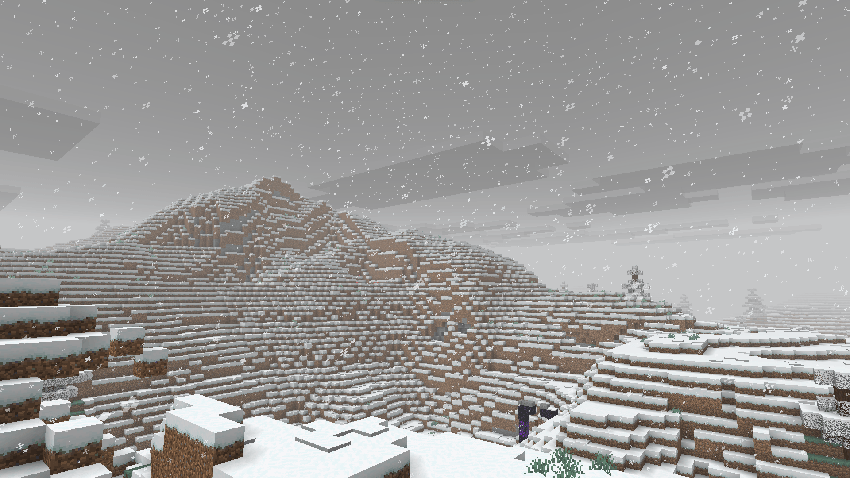
Rain drop and rain splash particles have been given a lot more variety, and should now obfuscate your vision less.
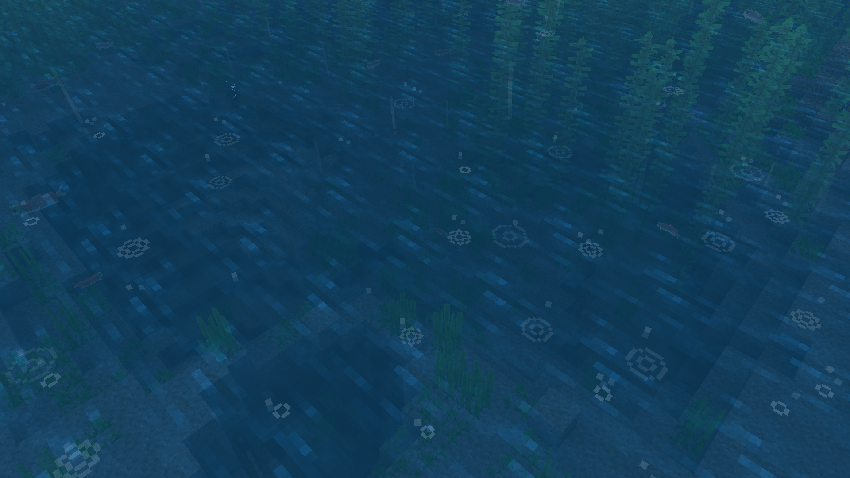
Snow particles are now smaller and have been given more variety as well.
Food & Drink Tooltips
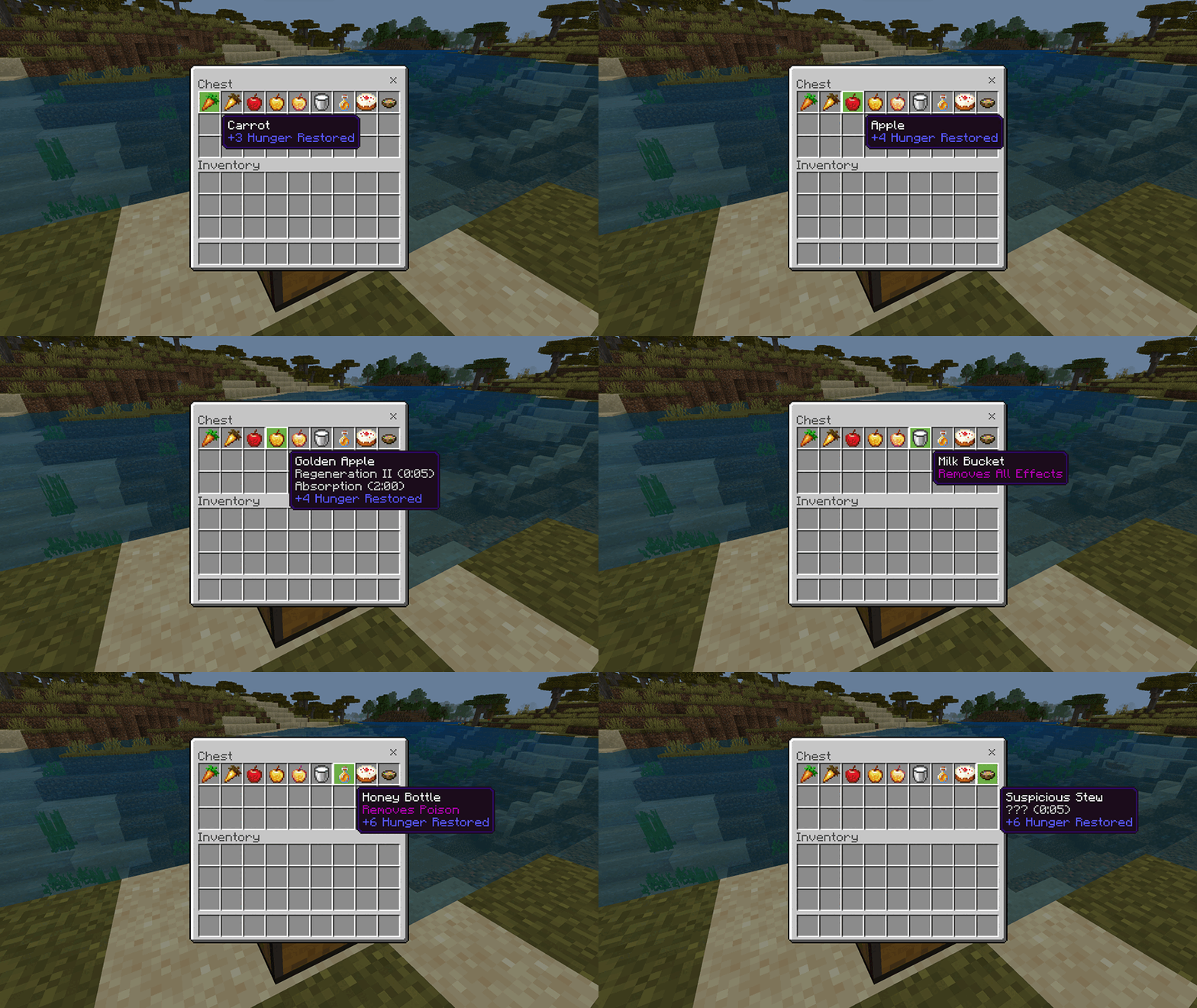
With this pack you can see how much hunger any food or drink item restores, what potion effects they give alongside how long those effects last, and if that item has any other benefits.
Here are some examples:
Glowing Eyes
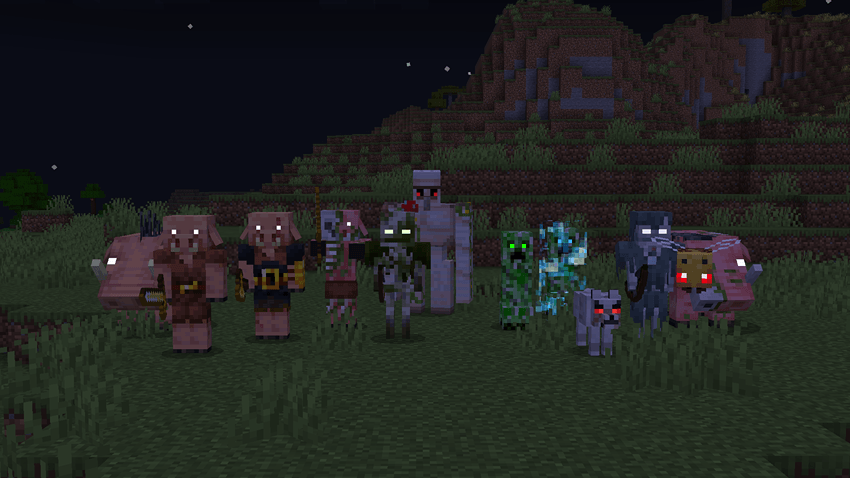
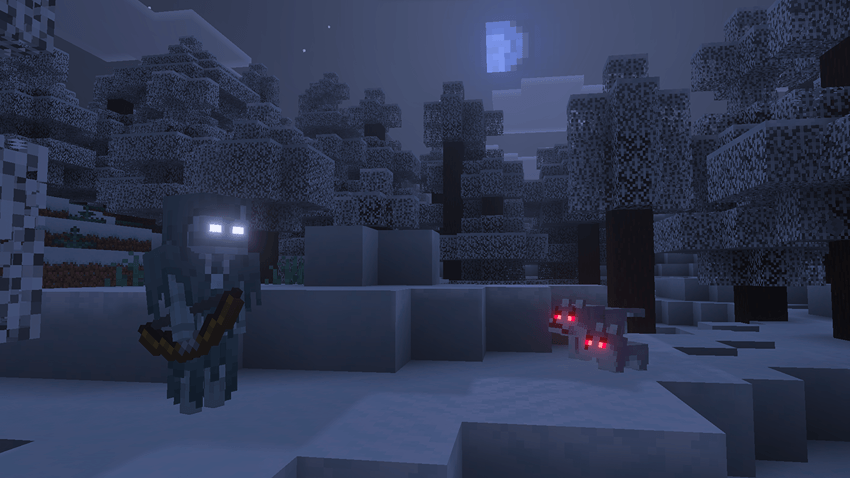
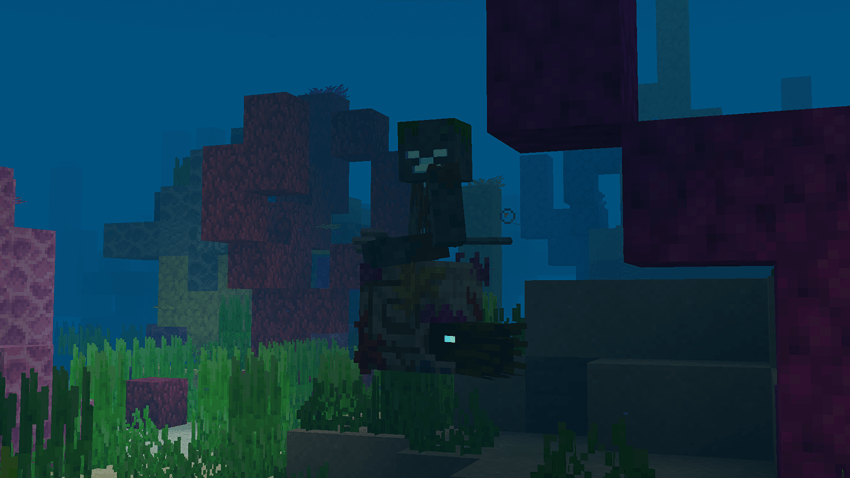
Some mobs now have emissive eyes.
All mobs that seem like they should have glowing eyes in vanilla will now have them with this pack enabled! Creepers have also been given glowing eyes that change colors when charged.
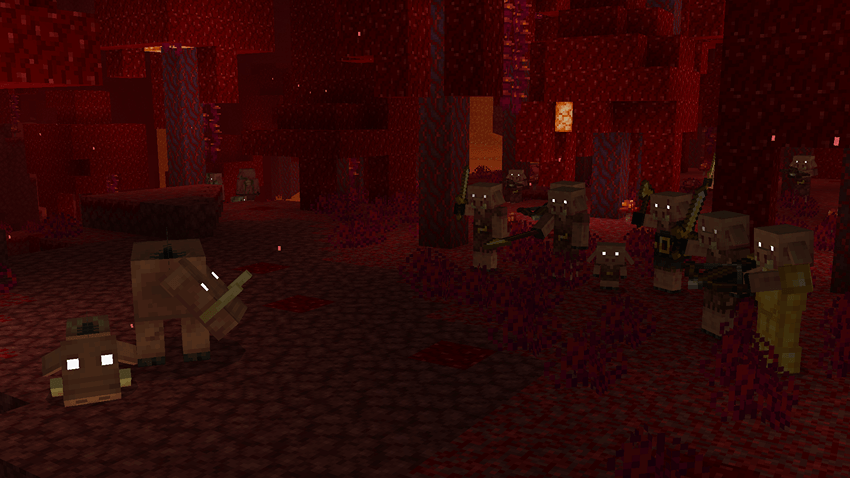
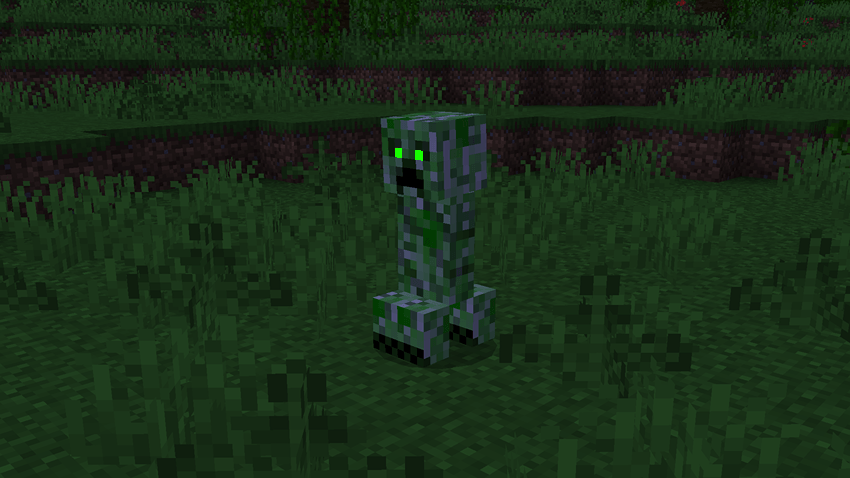
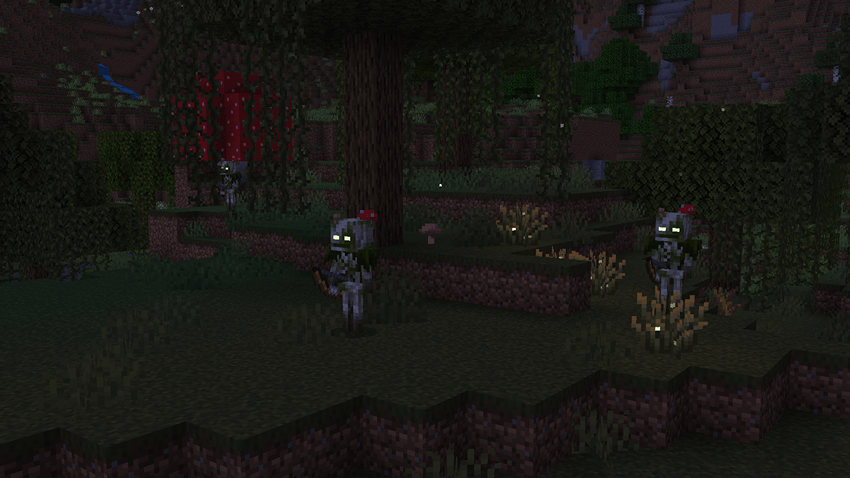
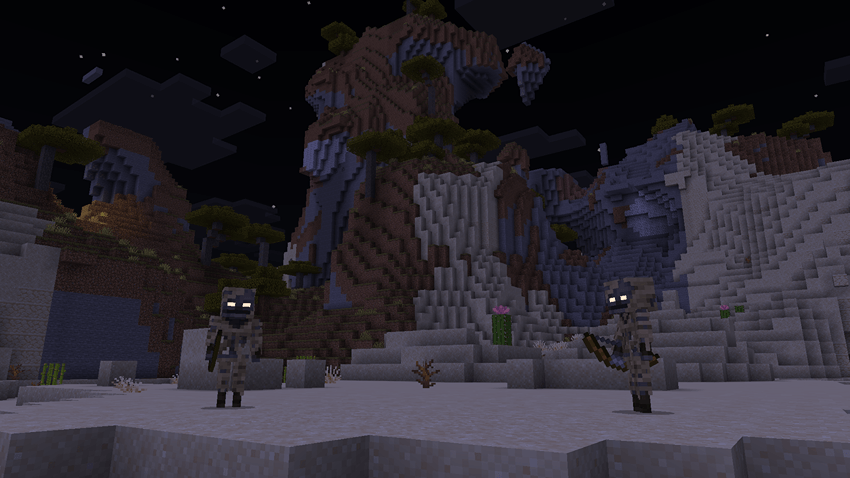
Damage Textures
Many mobs have received new damaged textures like the ones Iron Golems have, which helps determine how low their health is. Pets and friendly mobs will also flash white when near death.
Mobs such as Skeletons will now crack like Iron Golems as they take damage.
Enhanced FX 설치 방법
With Millida Launcher
Install Millida Launcher
The launcher is free: download it at millida.net/launcher and sign in with any nickname.
Click “Install” on this page
The launcher opens and installs the resource pack for Minecraft 26.30 automatically.
Launch the game
A profile with it appears in the launcher: click “Play”.
Manually
Download the archive
Pick the file EnhancedFX.mcpack (27 MB) for your game version. No need to unpack it.
Put it in the resourcepacks folder
The easiest way: “Options”, then “Resource Packs”, then “Open Pack Folder”, and drag the archive there.
Enable the pack
In the same window, move the pack to the right-hand “Selected” column and click “Done”.
버전
의존성 포함
| Minecraft | 로더 | 파일 | 날짜 | 작업 |
|---|---|---|---|---|
| 26.30 | — | EnhancedFX1.0.9.mcpack26.8 MB |
FAQ
Which Minecraft versions does Enhanced FX work on?
Only Minecraft 26.30: there are no files for other versions.
Where can I download Enhanced FX safely?
On this page: the file EnhancedFX.mcpack (27 MB) is stored on Millida’s server, with no link shorteners. SHA-1 checksum: 300965bf63c2911099391ac2e80a2889753913f7.
리뷰
Enhanced FX의 첫 평가를 남겨 보세요



