

Minecraft 1.21.1, 1.21용 Enchanted Covers 리소스 팩
마법이 부여된 책에 사용자 지정 텍스처를 추가합니다. 바닐라 마인크래프트에서 작동합니다.
- 다운로드
- 1 다운로드
- 조회수
- 51 조회수
- 업데이트됨
- 업데이트됨 08.07.2026
- 1.21 — 26.2
 바닐라 게임
- 클라이언트
Enchanted Covers
Textures by SmollDave, resourcepack by StefanJ2_
Use it in vanilla
The resourcepack works in vanilla Minecraft on modern Minecraft versions

Use it with mods
The resourcepack is also made to work on older versions with custom item mods like Optifine and CIT resewn.
What does the pack do?
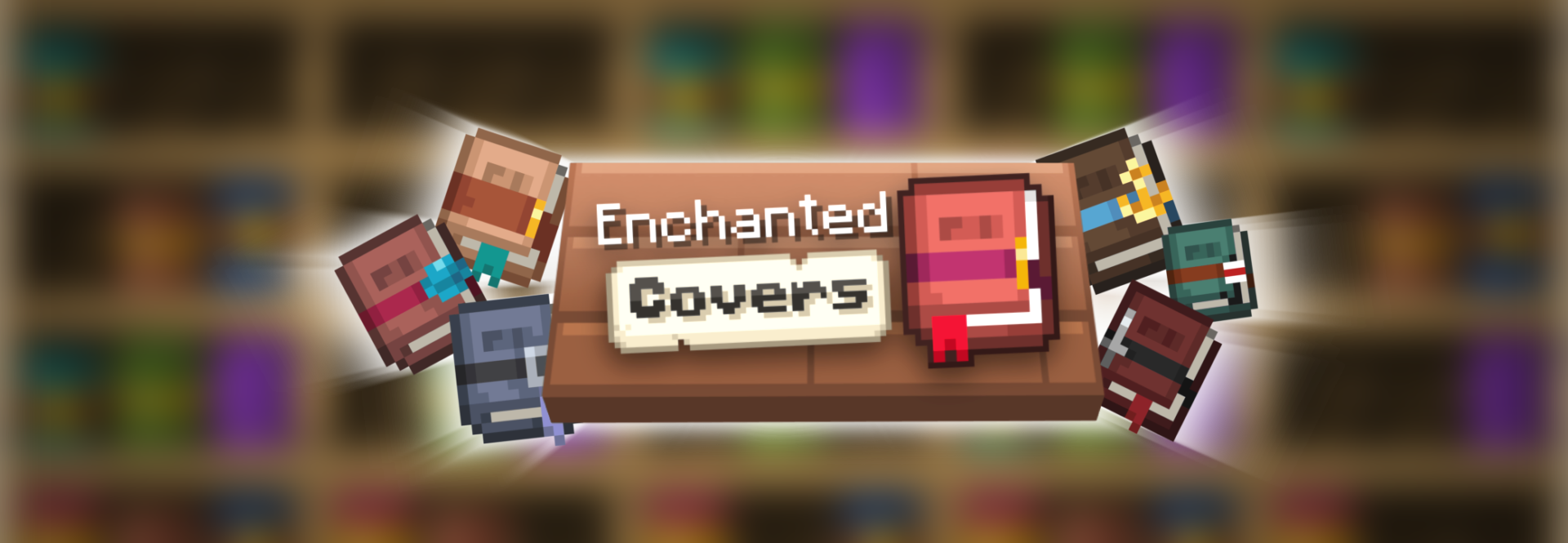
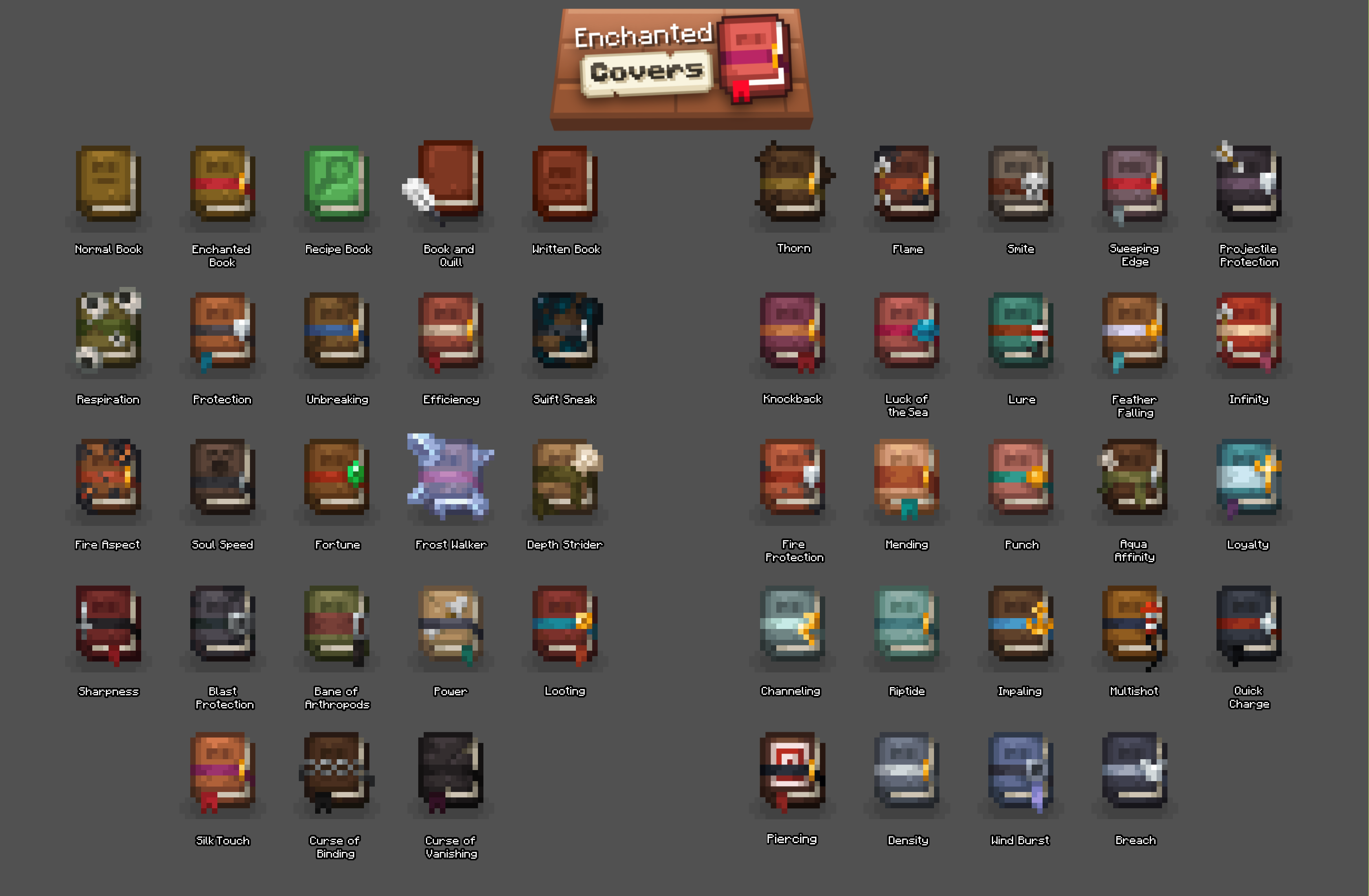
Enchanted covers changes the textures of books in the game to a beautiful new style and with that also adds custom textures for all enchanted books in the game!
Enchanted Covers 설치 방법
With Millida Launcher
Install Millida Launcher
The launcher is free: download it at millida.net/launcher and sign in with any nickname.
Click “Install” on this page
The launcher opens and installs the resource pack for Minecraft 1.21–26.2 automatically.
Launch the game
A profile with it appears in the launcher: click “Play”.
Manually
Download the archive
Pick the file Enchanted Covers v1.3.zip (215 KB) for your game version. No need to unpack it.
Put it in the resourcepacks folder
The easiest way: “Options”, then “Resource Packs”, then “Open Pack Folder”, and drag the archive there.
Enable the pack
In the same window, move the pack to the right-hand “Selected” column and click “Done”.
버전
의존성 포함
| Minecraft | 로더 | 파일 | 날짜 | 작업 |
|---|---|---|---|---|
| 26.2 | — | 26.2215 KB | ||
| 26.1 | — | 26.1215 KB | ||
| 1.21.11 | — | 1.21.11215 KB |
리뷰
Enchanted Covers의 첫 평가를 남겨 보세요


