

Minecraft 1.21, 1.21.60용 Elytra Wings 리소스 팩
흰색, 검은색, 갈색 변형이 있는 커스텀 3D 겉날개. 애니메이션과 완전한 스킨 지원으로 Bedrock에 최적화되었습니다.
Elytra Wings 리소스 팩 정보
Fly in style with this enhanced Elytra pack for Minecraft Bedrock!
This pack replaces the default Elytra with fully custom 3D models, featuring improved animations and unique wing styles:
Feature: Includes a custom gliding sound to give your flights a whole new feel.
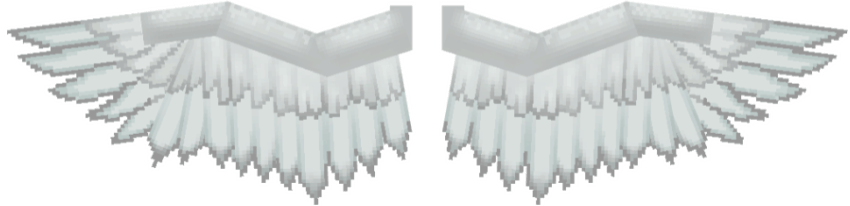
LIGHT WINGS:
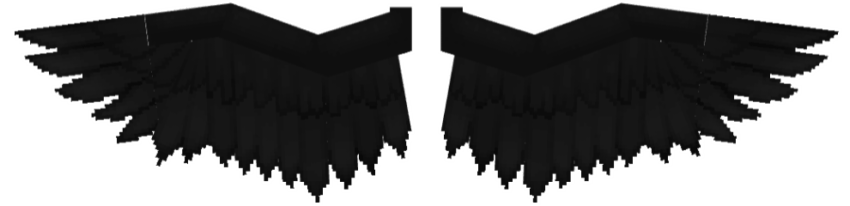
BLACK WINGS:
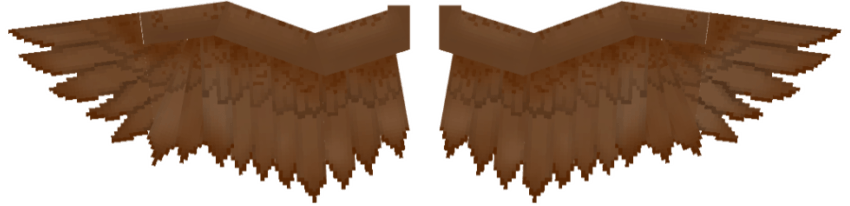
BROWN WINGS:
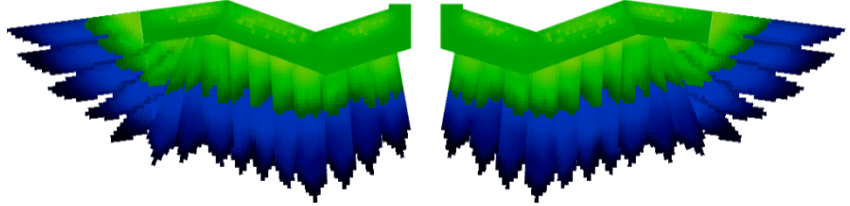
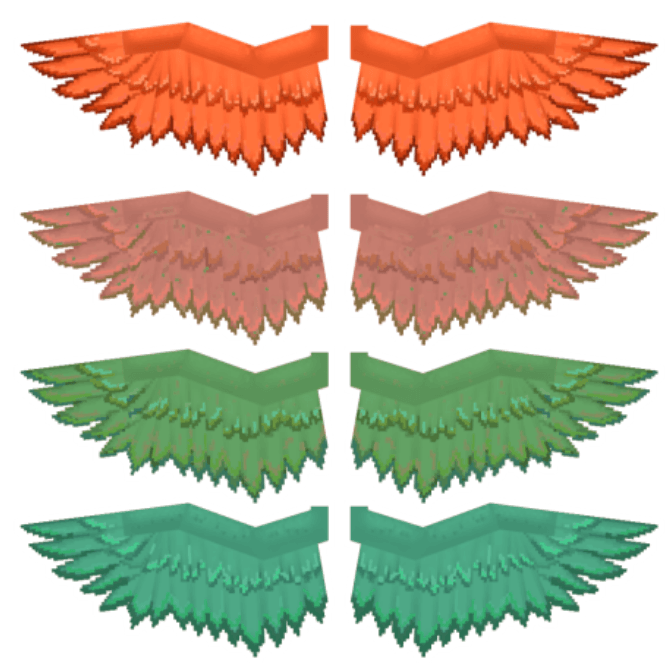
GREEN MACAW WINGS:
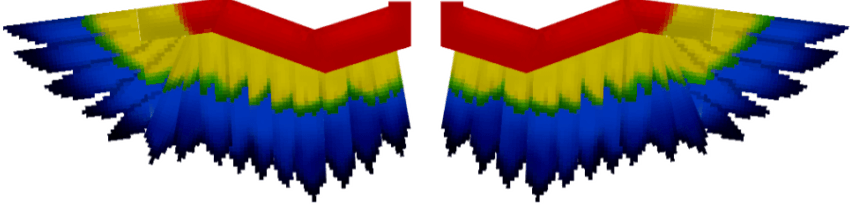
SCARLET MACAW WINGS:
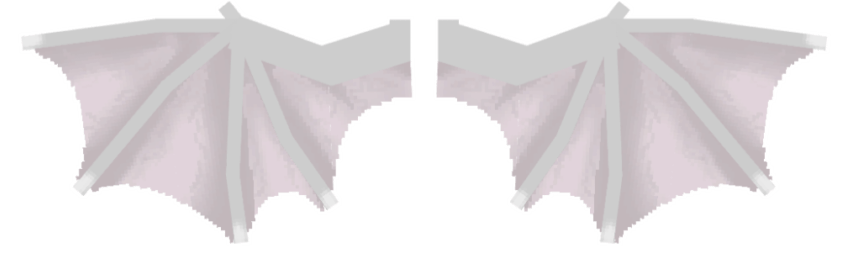
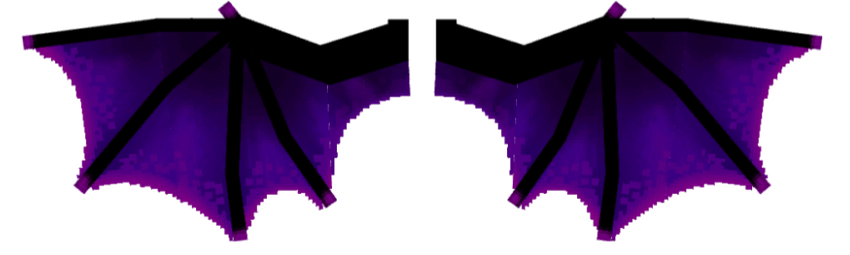
LIGHT DRAGON:
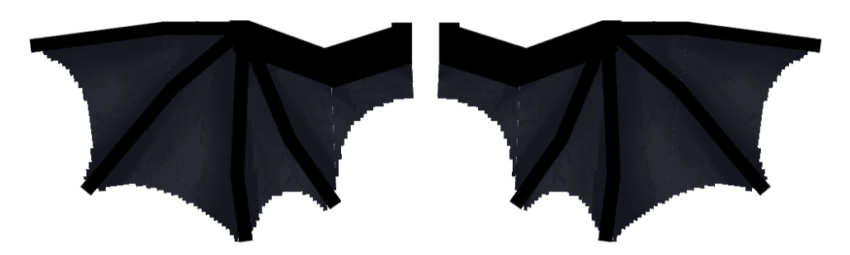
BLACK DRAGON:
NETHER DRAGON:
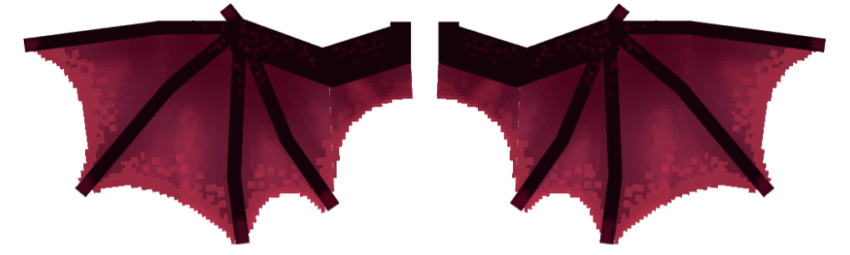
ENDER DRAGON:
LADYBUG RED:

LADYBUG YELLOW:

BROWN BEETLE:

COPPER WINGS:
• gradually change color every 25 seconds, just like real copper as it oxidizes.
Installation:
- Copy the resource pack to your Minecraft resource_packs folder.
- Activate it in the world settings or global resources.
- Choose your desired Elytra color variant as provided.
Notes:
- Elytra model/color can be changed in the resource pack settings.
- Compatible with Minecraft Bedrock Edition.
- Designed for performance and visual clarity.
Created by: [FlintZephyr]
Enjoy flying in style!
Elytra Wings 설치 방법
Install Millida Launcher
The launcher is free: download it at millida.net/launcher and sign in with any nickname.
Click “Install” on this page
The launcher opens and installs the resource pack for Minecraft 1.20–1.21.60 automatically.
Launch the game
A profile with it appears in the launcher: click “Play”.
버전
의존성 포함
| Minecraft | 로더 | 파일 | 날짜 | 작업 |
|---|---|---|---|---|
| 1.20 | — | ELYTRA WINGS29.8 MB |
FAQ
Which Minecraft versions does Elytra Wings work on?
There are files for 1.21.60, 1.21, 1.20. The newest is 1.21.60.
How do I download Elytra Wings?
With Millida Launcher: it installs Elytra Wings into a modpack by itself, for the right game version and loader. The launcher is free.
리뷰
Elytra Wings의 첫 평가를 남겨 보세요



