
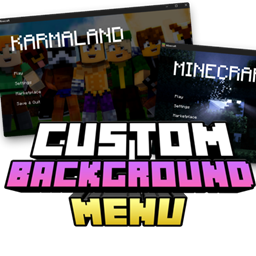
Minecraft 26.50용 custom background menu 리소스 팩
이 리소스 팩은 Minecraft Bedrock 시작 화면을 커스터마이즈합니다. 이미지나 gif로 자신만의 개인화된 메인 메뉴를 만들 수 있습니다.
custom background menu 리소스 팩 정보
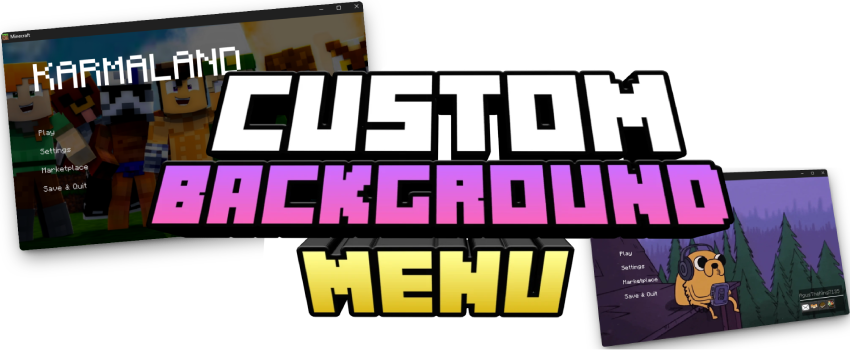
This is a powerful tool that allows you to fully customize the Minecraft Bedrock start screen. Through the TRMC ADDON web editor, you can add custom images or animated GIFs as your main menu background.
Instantly change the look of your game with your own designs and enjoy a unique experience every time you open Minecraft.
Main Features
- Custom Backgrounds: Replace the boring default panorama with any image (landscapes, fanart, etc.).
- GIF Support: Want a moving background? Upload a GIF and the editor will automatically process the frames to create a smooth animation in-game.
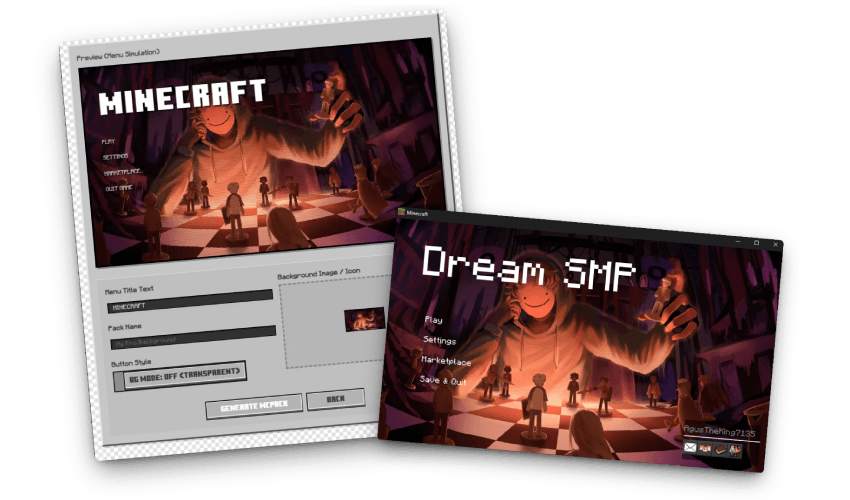
- Real-Time Simulator: Preview how the buttons will look over your image to ensure perfect visibility and a professional finish.
💡 Creative Ideas
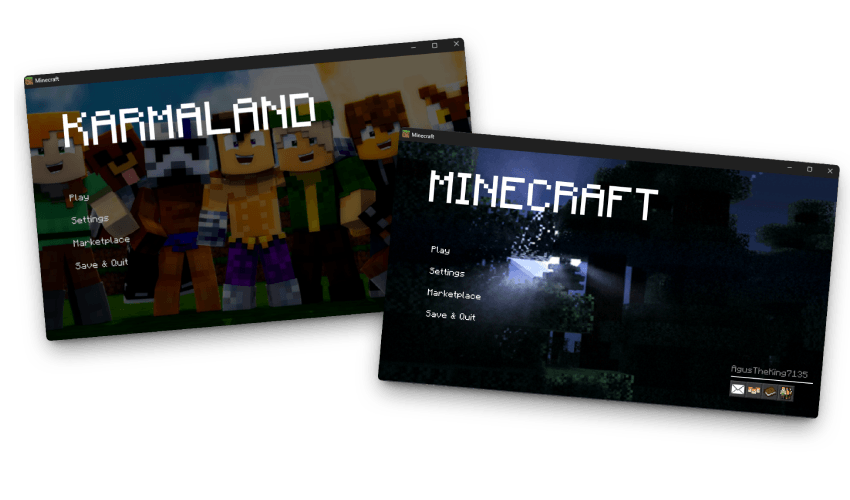
- Branding: Create a unique look for your Realm or Server with a custom logo or thematic background.
- Aesthetics: Match your menu with your texture pack for a fully "Aesthetic" experience.
- Memories: Set a photo of your technical survival base or a group shot with friends as your start screen.
📥 How to Download
Since this is a fully custom generator, you must create your pack using the web editor. Upload your images or GIFs, and the tool will generate a unique .mcpack file just for you.
📖 TUTORIAL: How to use the Editor https://www.trmc-addons.com/cb-menu
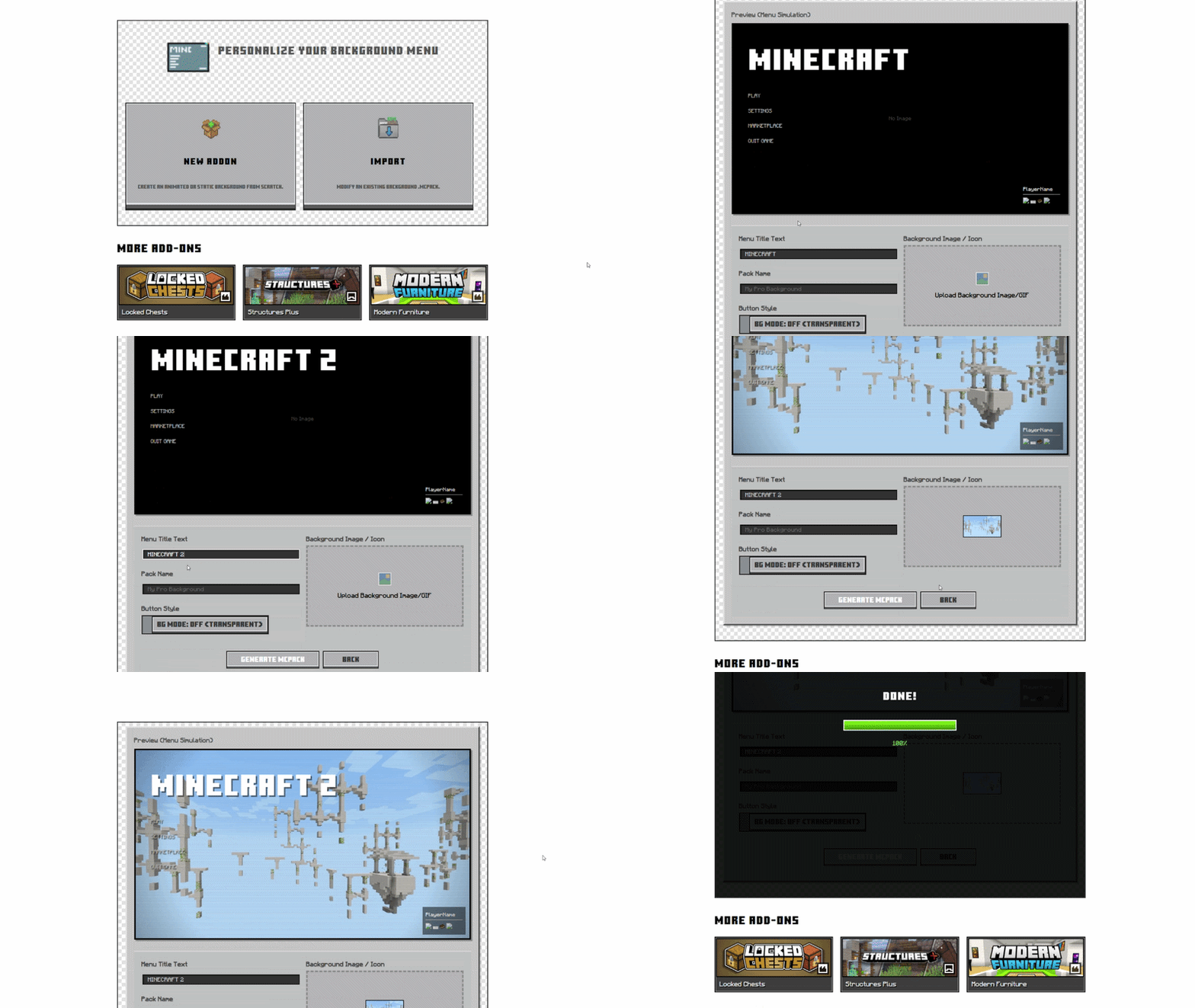
- Start Your Project: Click "Create New Project" to upload an image/GIF, or use "Import" to update an existing pack.
- Configure the Look: Use the "BG Mode" toggle to switch between transparent or solid button styles.
- Preview: Check the simulator to see how the animation looks and how the buttons fit.
- Final Settings: Change the Minecraft title name and the filename for the exported pack.
- Export: Click "Export". The editor will compile the textures and JSON files into an .mcpack. Just install it and enjoy!
Info & FAQ
- Global Resources: This addon works as a Resource Pack. Once exported, just double-click the file to install it and activate it in your "Global Resources" settings.
- No Mods Needed: It doesn't require experimental features or scripts, making it compatible with almost any version.
custom background menu 설치 방법
With Millida Launcher
Install Millida Launcher
The launcher is free: download it at millida.net/launcher and sign in with any nickname.
Click “Install” on this page
The launcher opens and installs the resource pack for Minecraft 1.21.121–26.50 automatically.
Launch the game
A profile with it appears in the launcher: click “Play”.
Manually
Download the archive
Pick the file Custom_Background_MenuV3.mcpack (9.6 MB) for your game version. No need to unpack it.
Put it in the resourcepacks folder
The easiest way: “Options”, then “Resource Packs”, then “Open Pack Folder”, and drag the archive there.
Enable the pack
In the same window, move the pack to the right-hand “Selected” column and click “Done”.
버전
의존성 포함
| Minecraft | 로더 | 파일 | 날짜 | 작업 |
|---|---|---|---|---|
| 1.21.122 | — | Custom_Background_MenuV3.0.mcpack9.6 MB |
FAQ
Which Minecraft versions does custom background menu work on?
There are files for 1.21.121–26.50, 17 versions in total. The newest is 26.50.
리뷰
custom background menu의 첫 평가를 남겨 보세요



