
Minecraft 1.21, 26.30용 Crop Indicator 리소스 팩
이 직관적인 작물 표시기 리소스 팩으로 농사 경험을 향상시키세요! 🌾 이 팩은 완전히 자란 작물 위에 명확한 떠다니는 표시기를 추가하여 밀, 당근, 감자, 비트가 수확할 준비가 되었을 때 쉽게 알아볼 수 있게 합니다.
Crop Indicator 리소스 팩 정보
Crop Indicator Resource Pack
A simple, clean texture pack that adds floating indicators above fully grown crops. Easily see when your wheat, carrots, potatoes, or beetroot are ready to harvest-no extra features, just visuals. Lightweight, smooth, and designed to make farming a breeze! 🌾
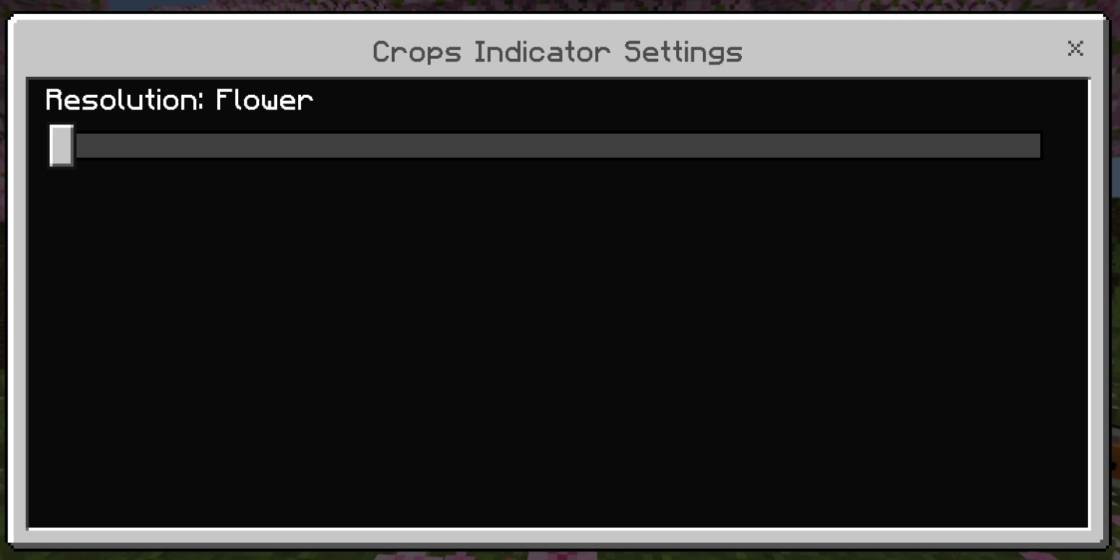
Added flowers instead of lines
Open for suggestions and retexture

Crop Indicator 설치 방법
With Millida Launcher
Install Millida Launcher
The launcher is free: download it at millida.net/launcher and sign in with any nickname.
Click “Install” on this page
The launcher opens and installs the resource pack for Minecraft 1.21–26.30 automatically.
Launch the game
A profile with it appears in the launcher: click “Play”.
Manually
Download the archive
Pick the file CropIndicator 1.1.5.mcpack (50 KB) for your game version. No need to unpack it.
Put it in the resourcepacks folder
The easiest way: “Options”, then “Resource Packs”, then “Open Pack Folder”, and drag the archive there.
Enable the pack
In the same window, move the pack to the right-hand “Selected” column and click “Done”.
버전
의존성 포함
| Minecraft | 로더 | 파일 | 날짜 | 작업 |
|---|---|---|---|---|
| 1.21 | — | CropIndicator 1.1.5.mcpack50.1 KB 4 |
FAQ
Which Minecraft versions does Crop Indicator work on?
There are files for 1.21–26.30, 10 versions in total. The newest is 26.30.
Where can I download Crop Indicator safely?
On this page: the file CropIndicator 1.1.5.mcpack (50 KB) is stored on Millida’s server, with no link shorteners. SHA-1 checksum: d7746d95aa9e07246bda3dcb0553d8b94a4a3dec.
리뷰
Crop Indicator의 첫 평가를 남겨 보세요



