
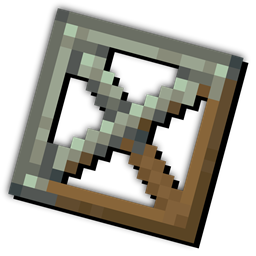
Copycat Framed Blocks 리소스 팩 정보
This Resource packs changes the Framed Blocks textures to fit with Create Copycat block!
Original Copycat Texture taken from the Create mod
Feel free to Include this resource pack in your Modpacks!
Copycat Framed Blocks 설치 방법
Install Millida Launcher
The launcher is free: download it at millida.net/launcher and sign in with any nickname.
Click “Install” on this page
The launcher opens and installs the resource pack for Minecraft 1.18–1.20.1 automatically.
Launch the game
A profile with it appears in the launcher: click “Play”.
버전
의존성 포함
| Minecraft | 로더 | 파일 | 날짜 | 작업 |
|---|---|---|---|---|
| 1.19.3 | — | Copycat Framed Block.zip120 KB |
FAQ
Which Minecraft versions does Copycat Framed Blocks work on?
There are files for 1.18–1.20.1, 9 versions in total. The newest is 1.20.1.
How do I download Copycat Framed Blocks?
With Millida Launcher: it installs Copycat Framed Blocks into a modpack by itself, for the right game version and loader. The launcher is free.
리뷰
Copycat Framed Blocks의 첫 평가를 남겨 보세요
댓글 0
댓글을 작성하려면 로그인하세요로그인


