
Minecraft 1.21용 Clear Touch Buttons 리소스 팩
터치 버튼을 깔끔하고 최소한으로 만들어 더 깨끗한 화면을 제공하는 Bedrock 텍스처 팩입니다.
Clear Touch Buttons 리소스 팩 정보
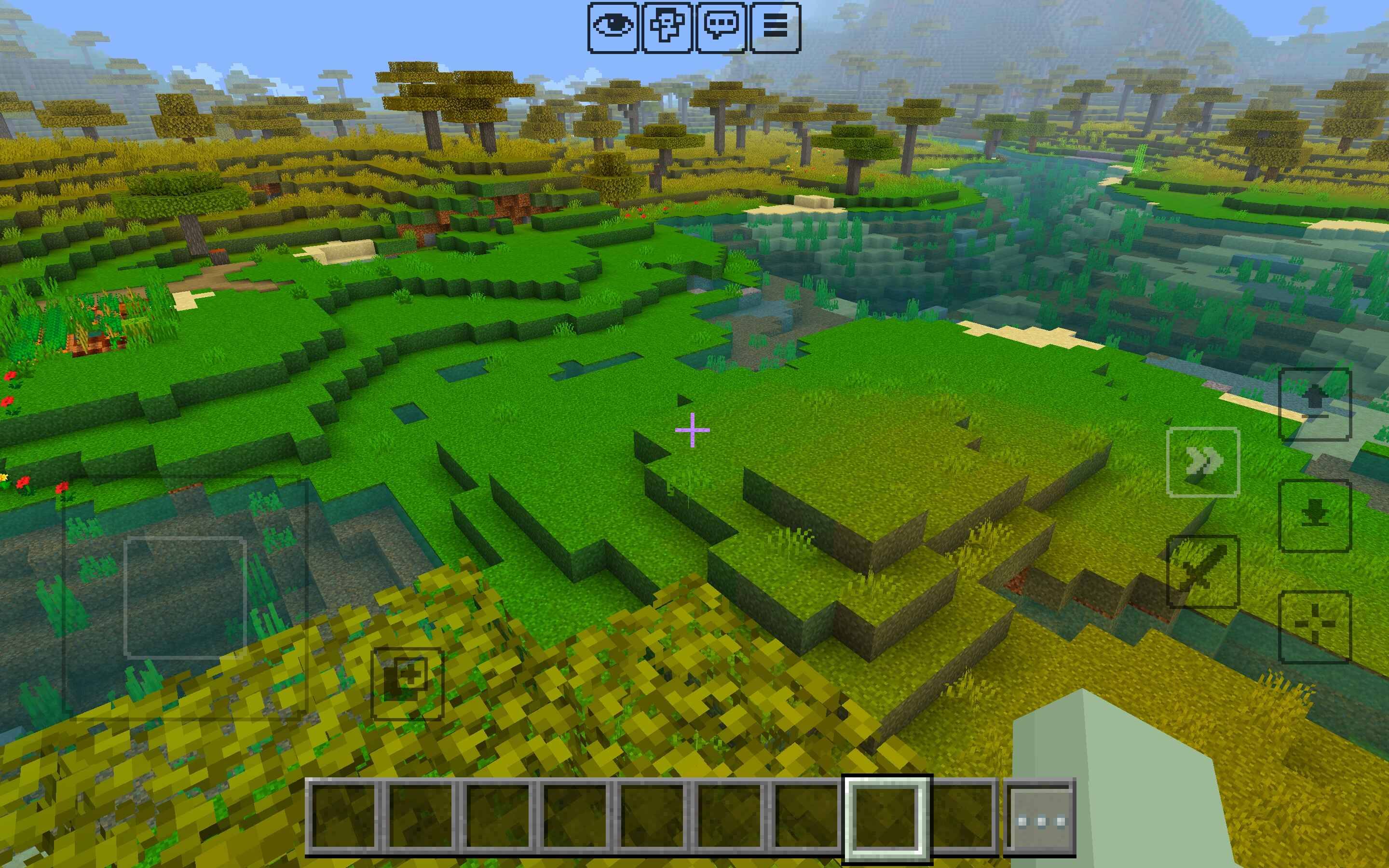
This texture pack refines Minecraft Bedrock Edition’s touch controls by making the buttons clear and neat instead of bulky and distracting. They remain visible enough to use comfortably but no longer take up unnecessary space on your screen.
Sleek, transparent touch buttons for mobile
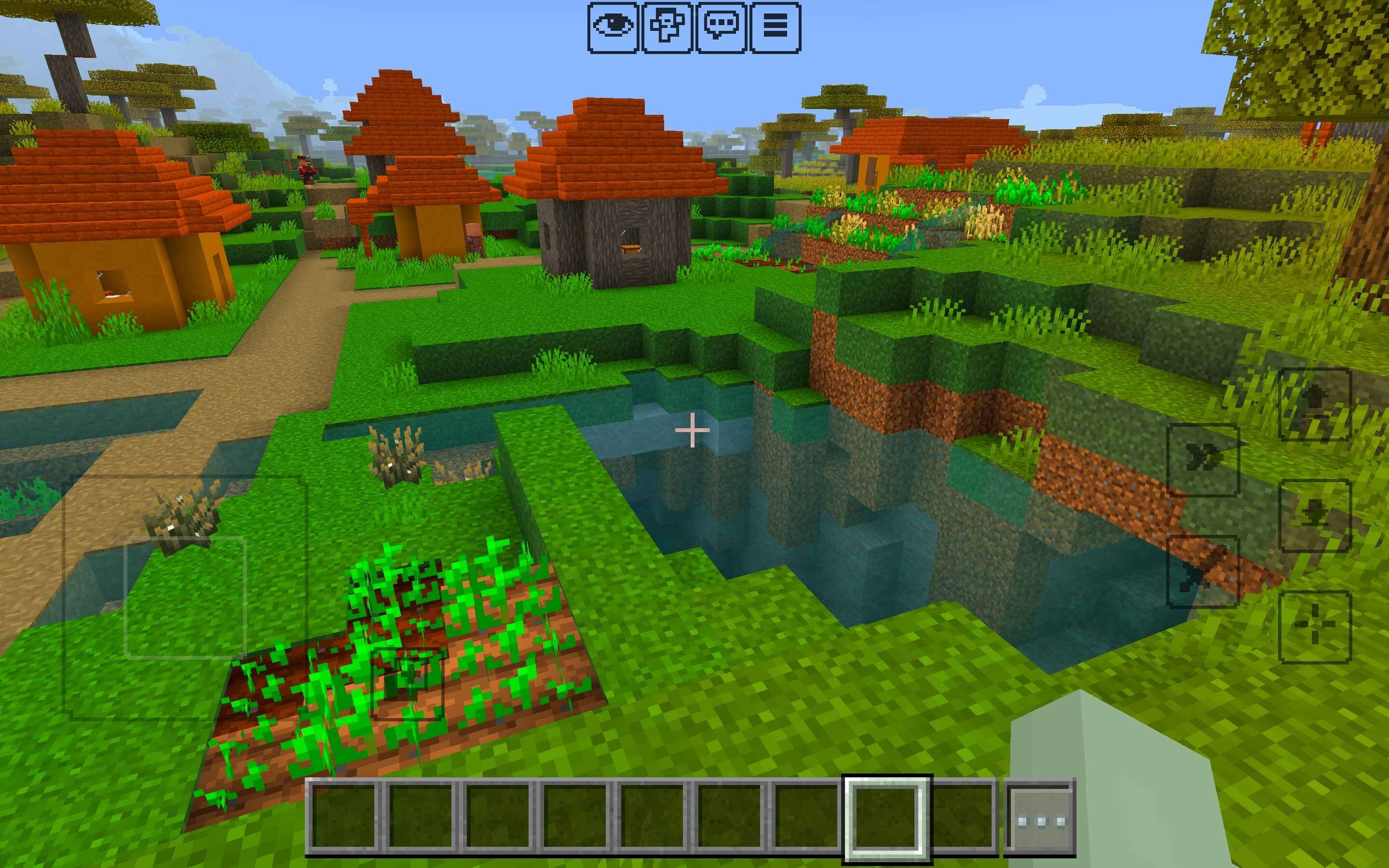
Preserves full functionality of all controls
Lightweight and easy to install
Compatible with the latest Bedrock versions
Play with a more polished, distraction-free view while still keeping your buttons accessible.
Clear Touch Buttons 설치 방법
With Millida Launcher
Install Millida Launcher
The launcher is free: download it at millida.net/launcher and sign in with any nickname.
Click “Install” on this page
The launcher opens and installs the resource pack for Minecraft 1.21 automatically.
Launch the game
A profile with it appears in the launcher: click “Play”.
Manually
Download the archive
Pick the file Clear Touch Buttons.mcpack (271 KB) for your game version. No need to unpack it.
Put it in the resourcepacks folder
The easiest way: “Options”, then “Resource Packs”, then “Open Pack Folder”, and drag the archive there.
Enable the pack
In the same window, move the pack to the right-hand “Selected” column and click “Done”.
버전
의존성 포함
| Minecraft | 로더 | 파일 | 날짜 | 작업 |
|---|---|---|---|---|
| 1.21 | — | Clear Touch Buttons.mcpack271 KB 1 |
FAQ
Which Minecraft versions does Clear Touch Buttons work on?
Only Minecraft 1.21: there are no files for other versions.
Where can I download Clear Touch Buttons safely?
On this page: the file Clear Touch Buttons.mcpack (271 KB) is stored on Millida’s server, with no link shorteners. SHA-1 checksum: a9395f826788852118ded54cc861ebb3dc5aee36.
리뷰
Clear Touch Buttons의 첫 평가를 남겨 보세요



