
Minecraft 1.21, 1.21.101용 Clear Chat Screen 리소스 팩
채팅 화면이 너무 지루하신가요? 그렇다면 이 팩이 필요할지도 모릅니다! 채팅 화면이 완전히 바뀌어 더 매력적이고 자바 채팅 화면과 약간 비슷해집니다.
Images
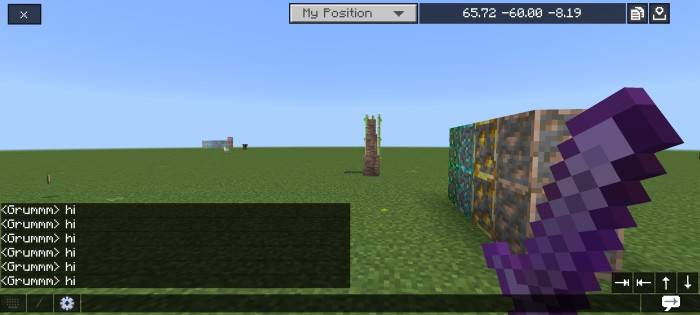
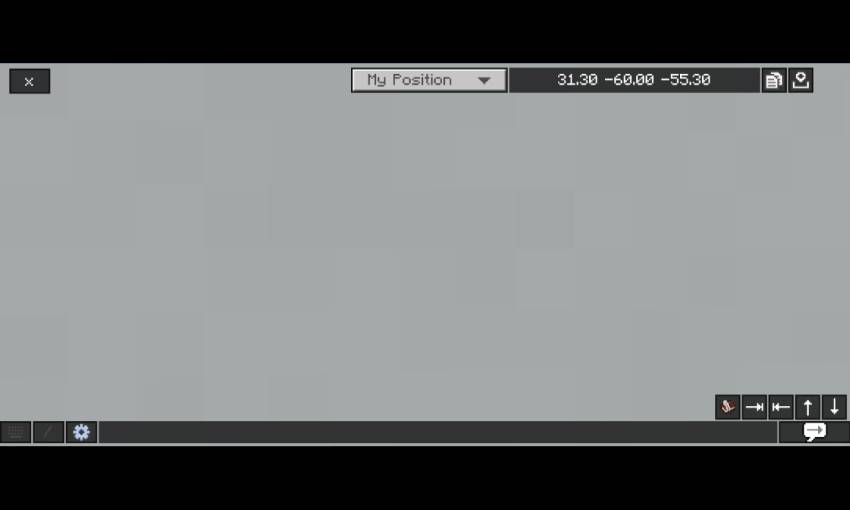
- Removed the background of chat screen
- Chat text background similar with java edition
- Transparent buttons
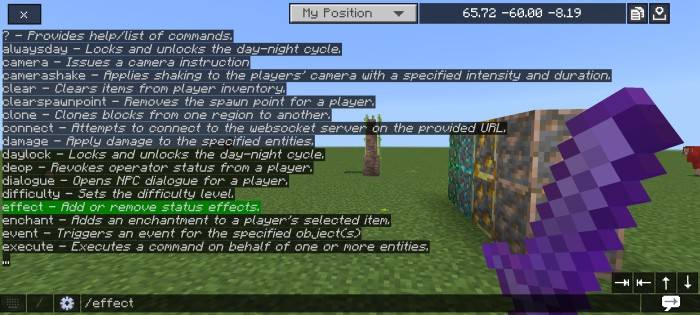
- Chat autocomplete (bottom right)
- Clickable command text (command autocomplete)
- Tempnotes - You need to download the note And Calculator separately by clicking here, and place the clear chat screen above of the note and calculator pack!

Credits
- Bedrock tweaks - quick chat feature (https://bedrocktweaks.net)
- Vanilla tweaks (https://vanillatweaks.net)
Also try Bedrock UI+, it's have many features in a single pack!
Clear Chat Screen 설치 방법
With Millida Launcher
Install Millida Launcher
The launcher is free: download it at millida.net/launcher and sign in with any nickname.
Click “Install” on this page
The launcher opens and installs the resource pack for Minecraft 1.20–1.21.101 automatically.
Launch the game
A profile with it appears in the launcher: click “Play”.
Manually
Download the archive
Pick the file Clear Chat Screen v3.0.10.mcpack (9 KB) for your game version. No need to unpack it.
Put it in the resourcepacks folder
The easiest way: “Options”, then “Resource Packs”, then “Open Pack Folder”, and drag the archive there.
Enable the pack
In the same window, move the pack to the right-hand “Selected” column and click “Done”.
버전
의존성 포함
| Minecraft | 로더 | 파일 | 날짜 | 작업 |
|---|---|---|---|---|
| 1.21.30 | — | Clear Chat Screen v3.0.10.mcpack8.7 KB 1 |
FAQ
Which Minecraft versions does Clear Chat Screen work on?
There are files for 1.20–1.21.101, 27 versions in total. The newest is 1.21.101.
Where can I download Clear Chat Screen safely?
On this page: the file Clear Chat Screen v3.0.10.mcpack (9 KB) is stored on Millida’s server, with no link shorteners. SHA-1 checksum: a701b01f34401266533536da78bb9368e5c0306e.
리뷰
Clear Chat Screen의 첫 평가를 남겨 보세요



