

Minecraft 26.3용 Boosted Brightness 리소스 팩
밝기 설정을 10배로 늘려 풀브라이트를 가능하게 합니다. 새로운 1.21.2 라이트맵 코어 셰이더를 사용하므로 Sodium과 호환됩니다. 야간 투시처럼 작동합니다
- 다운로드
- 26 다운로드
- 조회수
- 150 조회수
- 업데이트됨
- 업데이트됨 26.09.2026
- 1.21.9 — 26.3
 바닐라 게임
- 클라이언트
Boosted Brightness 리소스 팩 정보
This resourcepack uses the new lightmap shader introduced in 1.21.2 snapshots to increase the brightness without any mods. You can control the brightness with your in game brightness slider!
This works in Vanilla minecraft and with Sodium. No mods required.

You may run into issues when using shaders
If you want to use this with my other pack that fixes night vision in 1.21.9-1.21.11, go to the 1.21.9-1.21.11 version in the versions tab and click the download button underneath the main one that says "Boosted Brightness NV Fix" or click here
If you want a fullbright where lighting is uniform (e.g. lighting is the same in a cave as the surface) or darkness is boosted check out Fullslide by blockerlocker

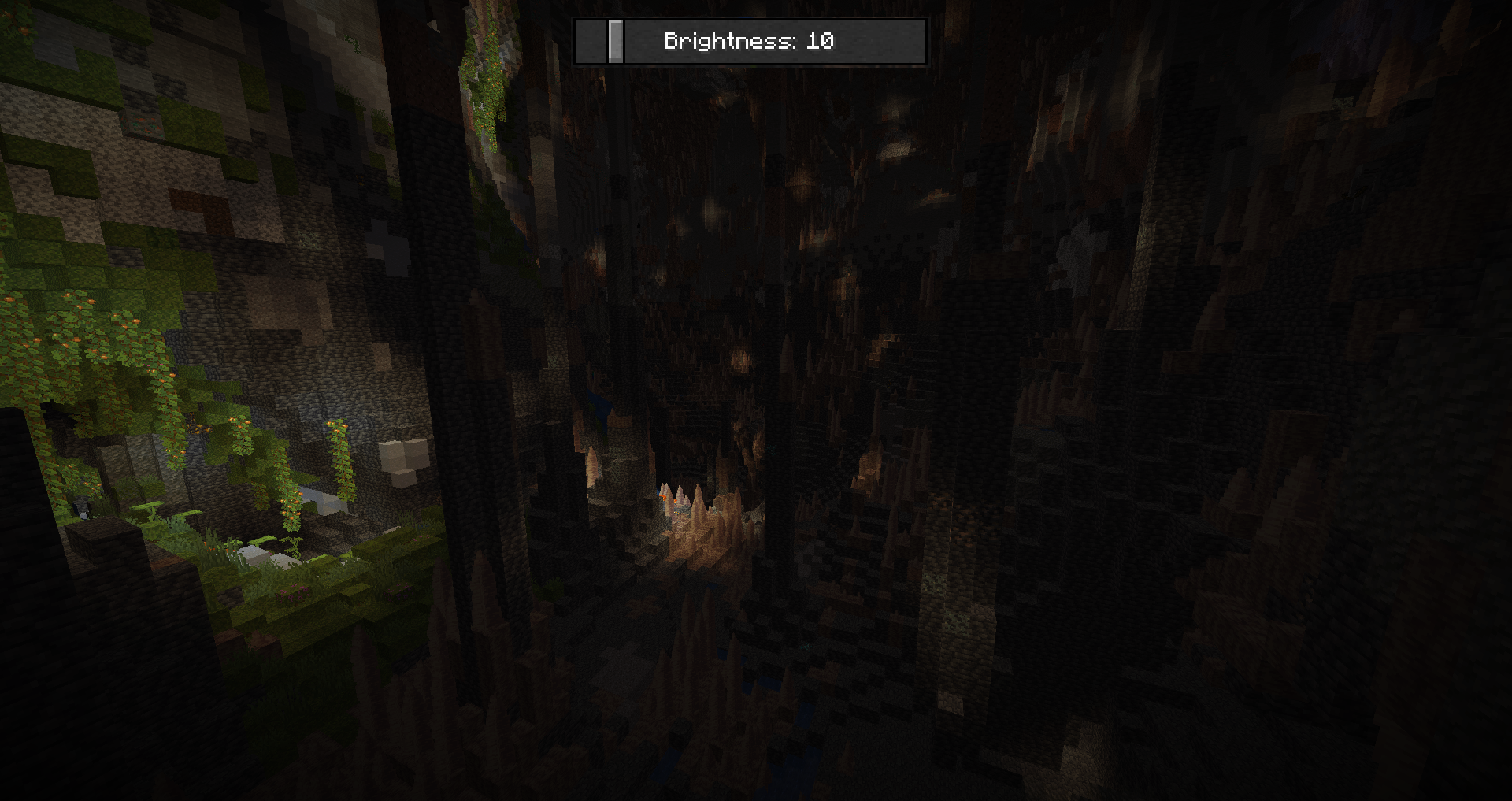
Brightness 10 (This is the vanilla max without this resourcepack):
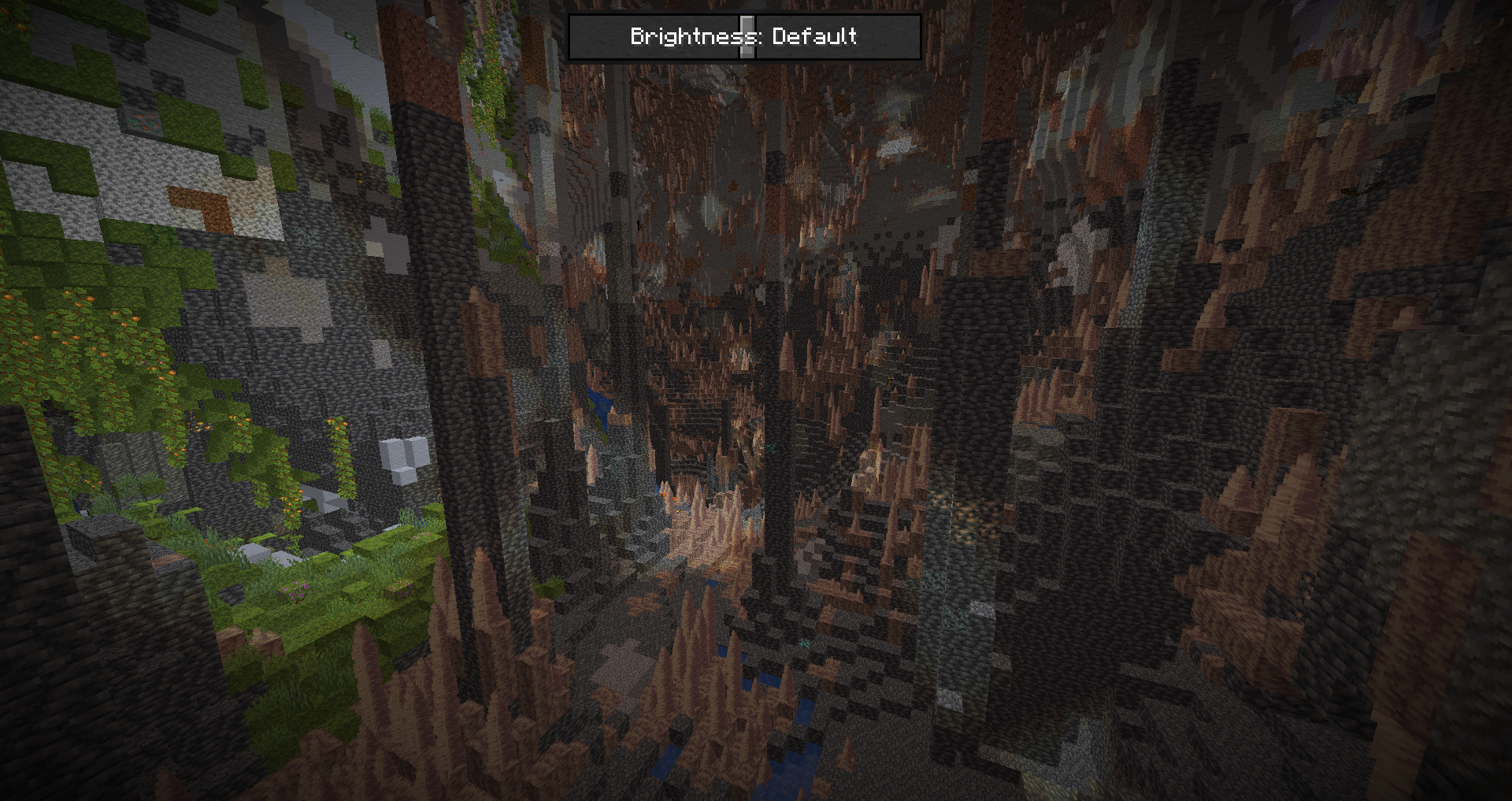
Brightness 50:
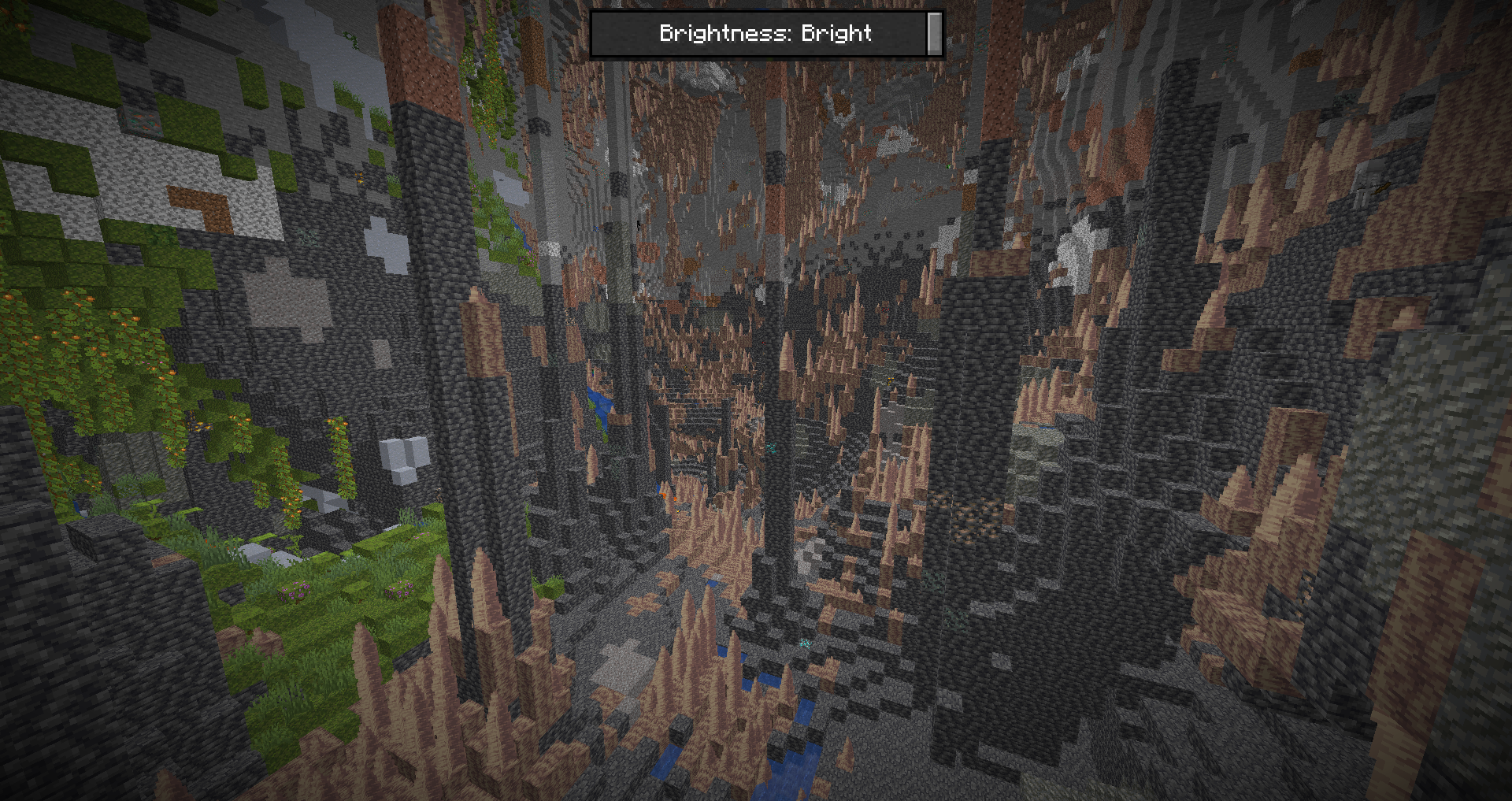
Brightness 100:
Boosted Brightness 설치 방법
With Millida Launcher
Install Millida Launcher
The launcher is free: download it at millida.net/launcher and sign in with any nickname.
Click “Install” on this page
The launcher opens and installs the resource pack for Minecraft 1.21.9–26.3 automatically.
Launch the game
A profile with it appears in the launcher: click “Play”.
Manually
Download the archive
Pick the file Boosted Brightness v1.4.zip (9 KB) for your game version. No need to unpack it.
Put it in the resourcepacks folder
The easiest way: “Options”, then “Resource Packs”, then “Open Pack Folder”, and drag the archive there.
Enable the pack
In the same window, move the pack to the right-hand “Selected” column and click “Done”.
버전
의존성 포함
| Minecraft | 로더 | 파일 | 날짜 | 작업 |
|---|---|---|---|---|
| 26.3 | — | 26.38.9 KB 22 | ||
| 26.2 | — | 26.27.2 KB 1 | ||
| 26.1 | — | 26.17.2 KB | ||
| 1.21.11 | — | 1.21.115.5 KB 3 |
리뷰
Boosted Brightness의 첫 평가를 남겨 보세요



