
Bloom 리소스 팩 정보
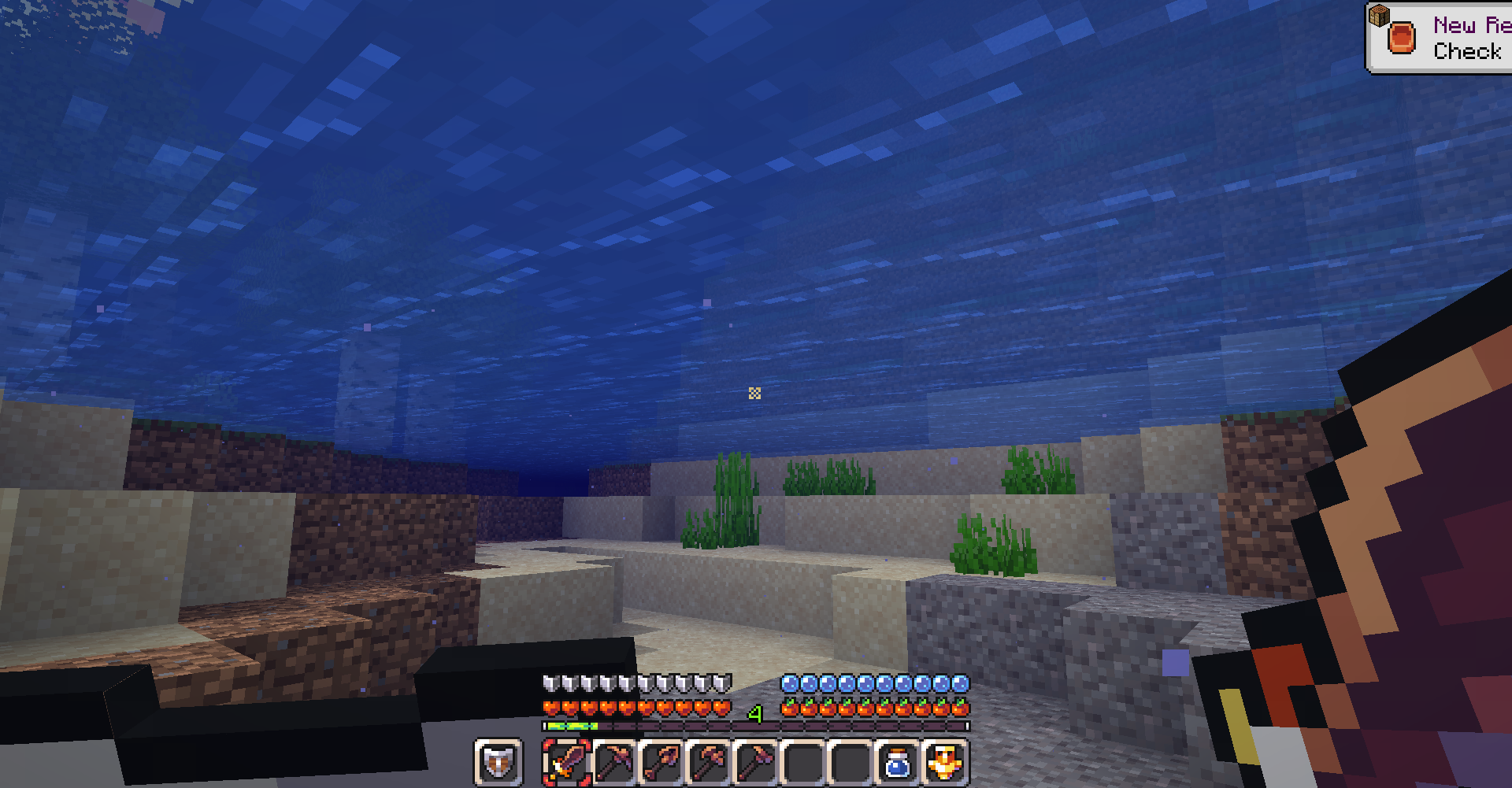
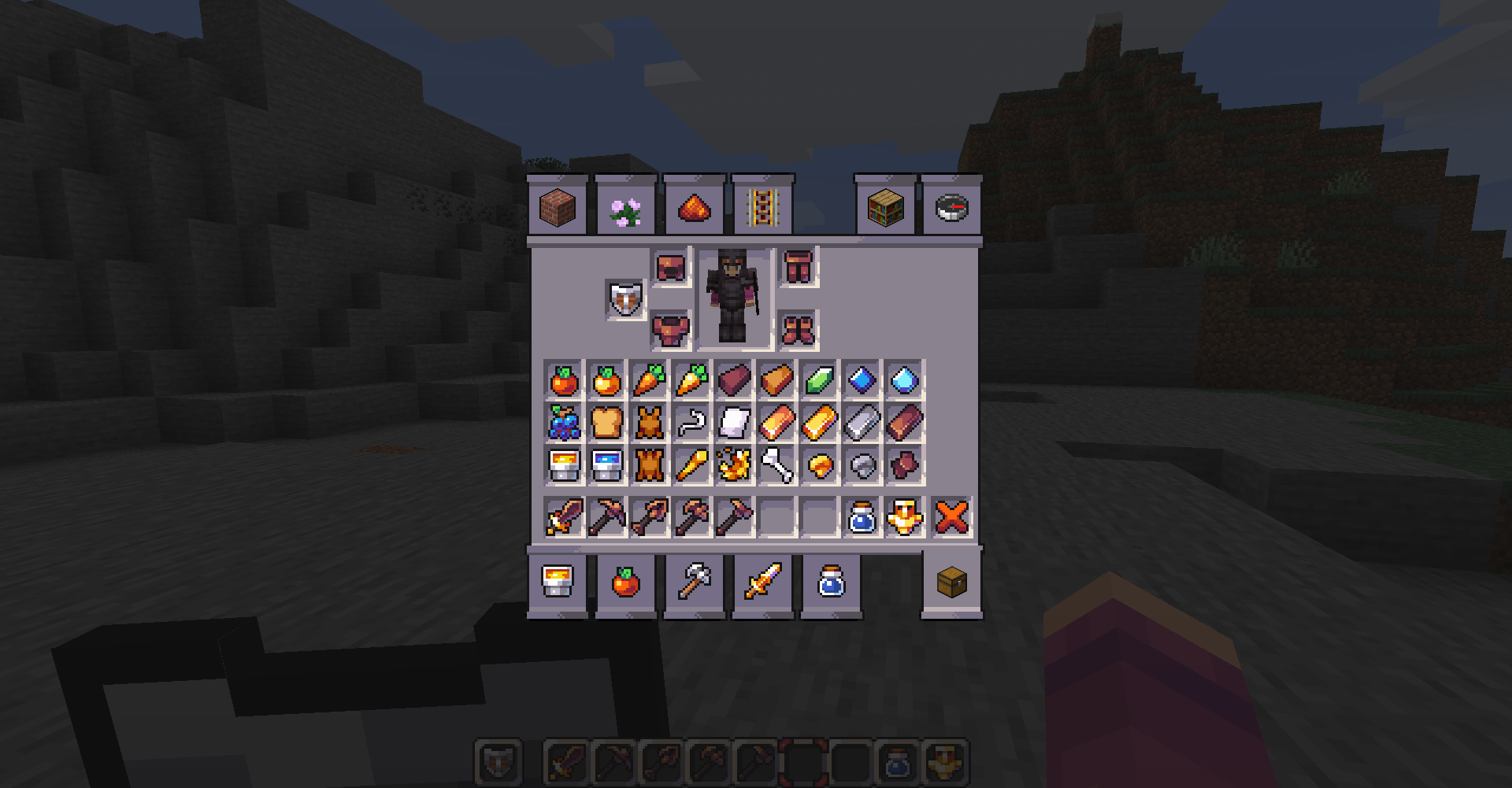
Bloom is a 16x resource pack I've been working on for a while now. It's light, and kinda cartoony. Lots of things are changing all the time as I'm an amateur artist just starting to feel comfortable with my style.
Support me on Patreon if you like what I do! Any amount helps me create Bloom and other projects in the future! https://www.patreon.com/bloomartwork
Big thanks to my current patrons:
THX DocGurkLIVE SarahK dayofpi Grace kyrtion Amelia zander
Bloom 설치 방법
With Millida Launcher
Install Millida Launcher
The launcher is free: download it at millida.net/launcher and sign in with any nickname.
Click “Install” on this page
The launcher opens and installs the resource pack for Minecraft 1.16–1.18.2 automatically.
Launch the game
A profile with it appears in the launcher: click “Play”.
Manually
Download the archive
Pick the file bloom-1.18-5-11-2022.zip (3.3 MB) for your game version. No need to unpack it.
Put it in the resourcepacks folder
The easiest way: “Options”, then “Resource Packs”, then “Open Pack Folder”, and drag the archive there.
Enable the pack
In the same window, move the pack to the right-hand “Selected” column and click “Done”.
버전
의존성 포함
| Minecraft | 로더 | 파일 | 날짜 | 작업 |
|---|---|---|---|---|
| 1.17.1 | — | bloom-1.18-5-11-2022.zip3.3 MB |
FAQ
Which Minecraft versions does Bloom work on?
There are files for 1.16–1.18.2, 10 versions in total. The newest is 1.18.2.
Where can I download Bloom safely?
On this page: the file bloom-1.18-5-11-2022.zip (3.3 MB) is stored on Millida’s server, with no link shorteners. SHA-1 checksum: 3510aacf8ee6b0844bdd0349bf1ffdaa9e603d19.
리뷰
Bloom의 첫 평가를 남겨 보세요


