
BareBones Recolors 리소스 팩 정보
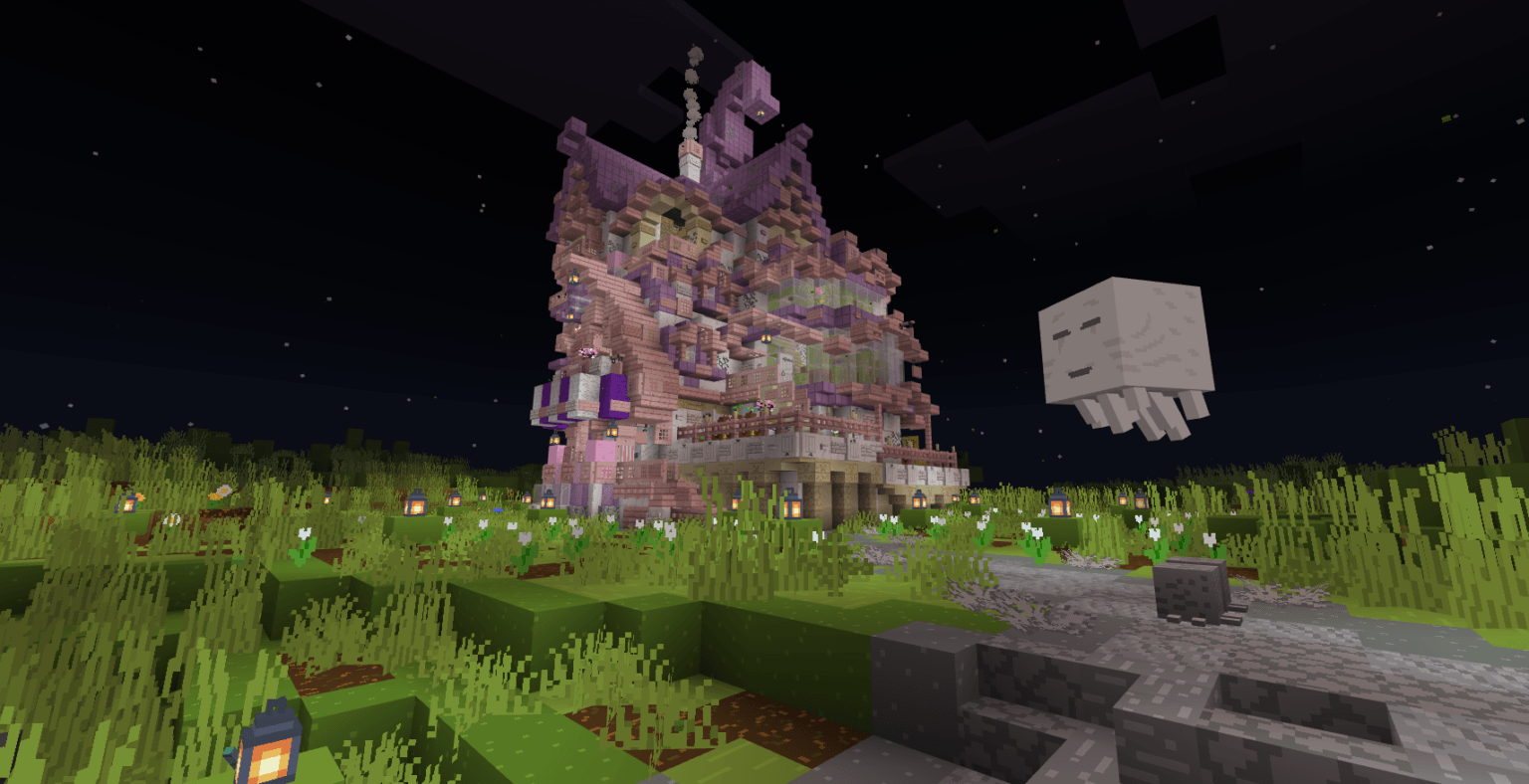
Bare Bones Recolors is a lightweight, standalone resource pack made specifically for Minecraft Pocket Edition (MCPE / Bedrock). It fully alters the world on its own. It gives clean, vibrant, shader, and flat-colored look.
Why It Works Perfectly.
Performance Boost: Features a simple 16x16 pixel layout. This lowers hardware strain, reduces lag, and increases frame rates on mobile devices.
Trailer Aesthetic: Instantly swaps out noisy, gritty vanilla blocks for smooth, solid blocks right after activation.
Enhanced Visibility: Brightens dark caves, deep oceans, and nighttime environments, making it much easier to see on a small phone or tablet screen.
BareBones Recolors 설치 방법
With Millida Launcher
Install Millida Launcher
The launcher is free: download it at millida.net/launcher and sign in with any nickname.
Click “Install” on this page
The launcher opens and installs the resource pack for Minecraft 26.30 automatically.
Launch the game
A profile with it appears in the launcher: click “Play”.
Manually
Download the archive
Pick the file BareBones Recolors V1.0.5.mcpack (6.8 MB) for your game version. No need to unpack it.
Put it in the resourcepacks folder
The easiest way: “Options”, then “Resource Packs”, then “Open Pack Folder”, and drag the archive there.
Enable the pack
In the same window, move the pack to the right-hand “Selected” column and click “Done”.
버전
의존성 포함
| Minecraft | 로더 | 파일 | 날짜 | 작업 |
|---|---|---|---|---|
| 26.30 | — | BareBones Recolors V1.5 (26.40).mcpack6.8 MB 5 |
FAQ
Which Minecraft versions does BareBones Recolors work on?
Only Minecraft 26.30: there are no files for other versions.
Where can I download BareBones Recolors safely?
On this page: the file BareBones Recolors V1.0.5.mcpack (6.8 MB) is stored on Millida’s server, with no link shorteners. SHA-1 checksum: 9b8e2b65fa39fdee97d7334c0ed42e433fb95061.
리뷰
BareBones Recolors의 첫 평가를 남겨 보세요


