
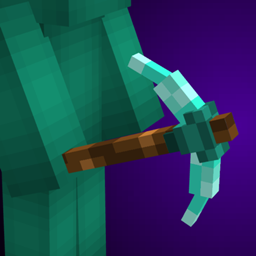
Alternate 3D Tools 리소스 팩 정보
Works without mods!
Give your tools some 3D flair with these custom models for every tool!
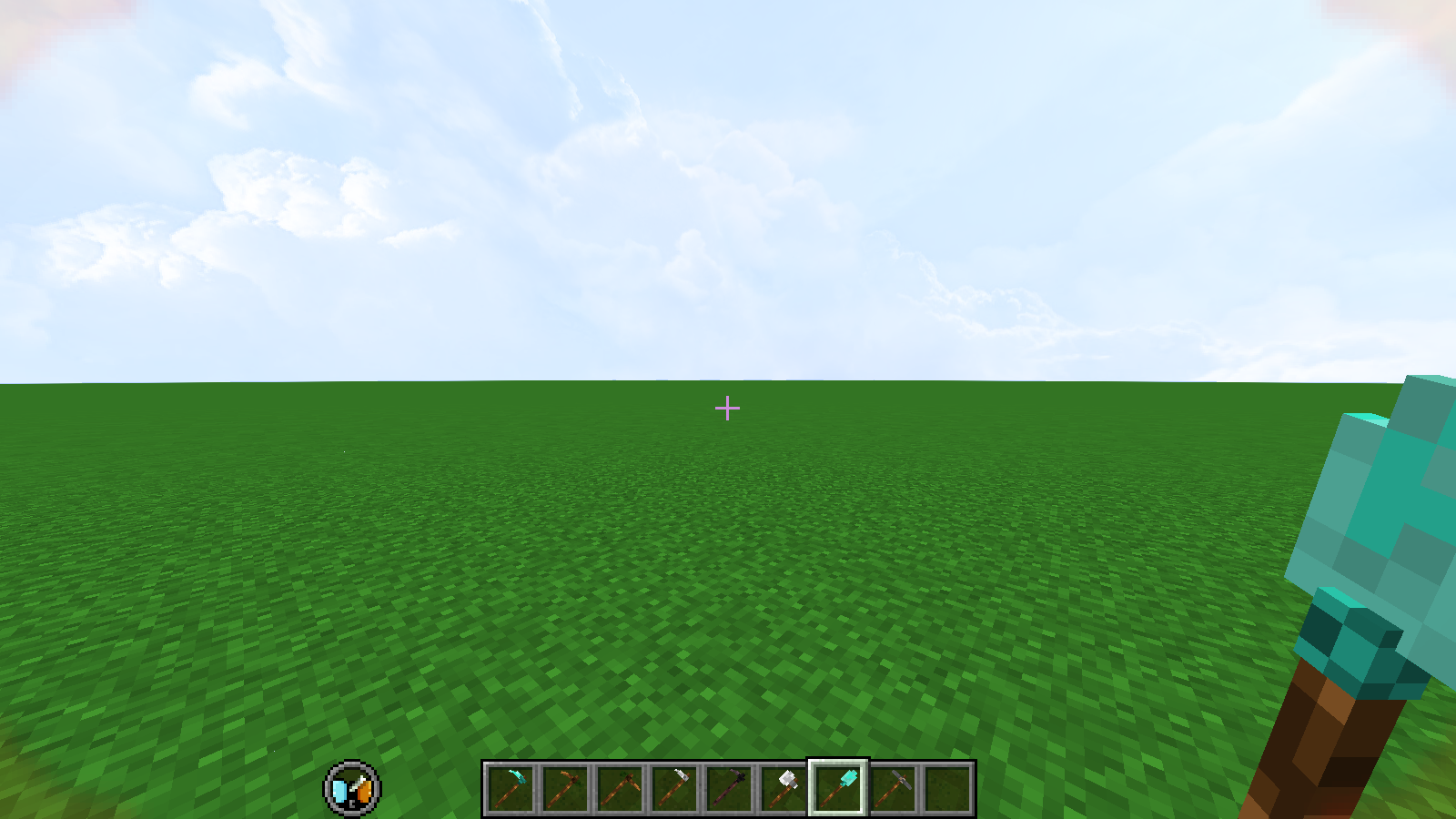
Resource pack contains only the tools' textures, so it should work with any other resource pack as long as you make sure this is on top in the resource pack menu!
If you have CIT resewn or Optifine installed you can rename a Netherite Pickaxe to Rock and Stone for a surprise :)

please do not redistribute without my consent (feel free to use in modrinth or curseforge modpacks though!)<br>if you make variations from this please credit me :]
Alternate 3D Tools 설치 방법
Install Millida Launcher
The launcher is free: download it at millida.net/launcher and sign in with any nickname.
Click “Install” on this page
The launcher opens and installs the resource pack for Minecraft 1.21.4–1.21.8 automatically.
Launch the game
A profile with it appears in the launcher: click “Play”.
버전
의존성 포함
| Minecraft | 로더 | 파일 | 날짜 | 작업 |
|---|---|---|---|---|
| 1.21.5 | — | Alternate_3D_Tools_1.0-1.21.4.zip111 KB 3 |
FAQ
Which Minecraft versions does Alternate 3D Tools work on?
There are files for 1.21.8, 1.21.7, 1.21.6, 1.21.5, 1.21.4. The newest is 1.21.8.
How do I download Alternate 3D Tools?
With Millida Launcher: it installs Alternate 3D Tools into a modpack by itself, for the right game version and loader. The launcher is free.
리뷰
Alternate 3D Tools의 첫 평가를 남겨 보세요


