

Minecraft 1.21.1, 1.21용 True Vanilla 셰이더
조정 가능한 안개, 색상, 재미있는 필터가 있는 편안한 바닐라 스타일 고성능 셰이더. 깔끔해 보이고 가볍게 실행됩니다.
- 다운로드
- 1 다운로드
- 조회수
- 38 조회수
- 업데이트됨
- 업데이트됨 04.09.2026
- 1.21 — 26.1.2
 Fabric
- 클라이언트
True Vanilla
Minecraft already looks good. True Vanilla just makes it look a little better without going crazy about it.
No lens flares. No fake sun rays. No stuff your PC can't handle. Just clean fog, smooth colors, and a few fun filters you can actually toggle in the menu. (Basically Adds just Fog and some fun settings)
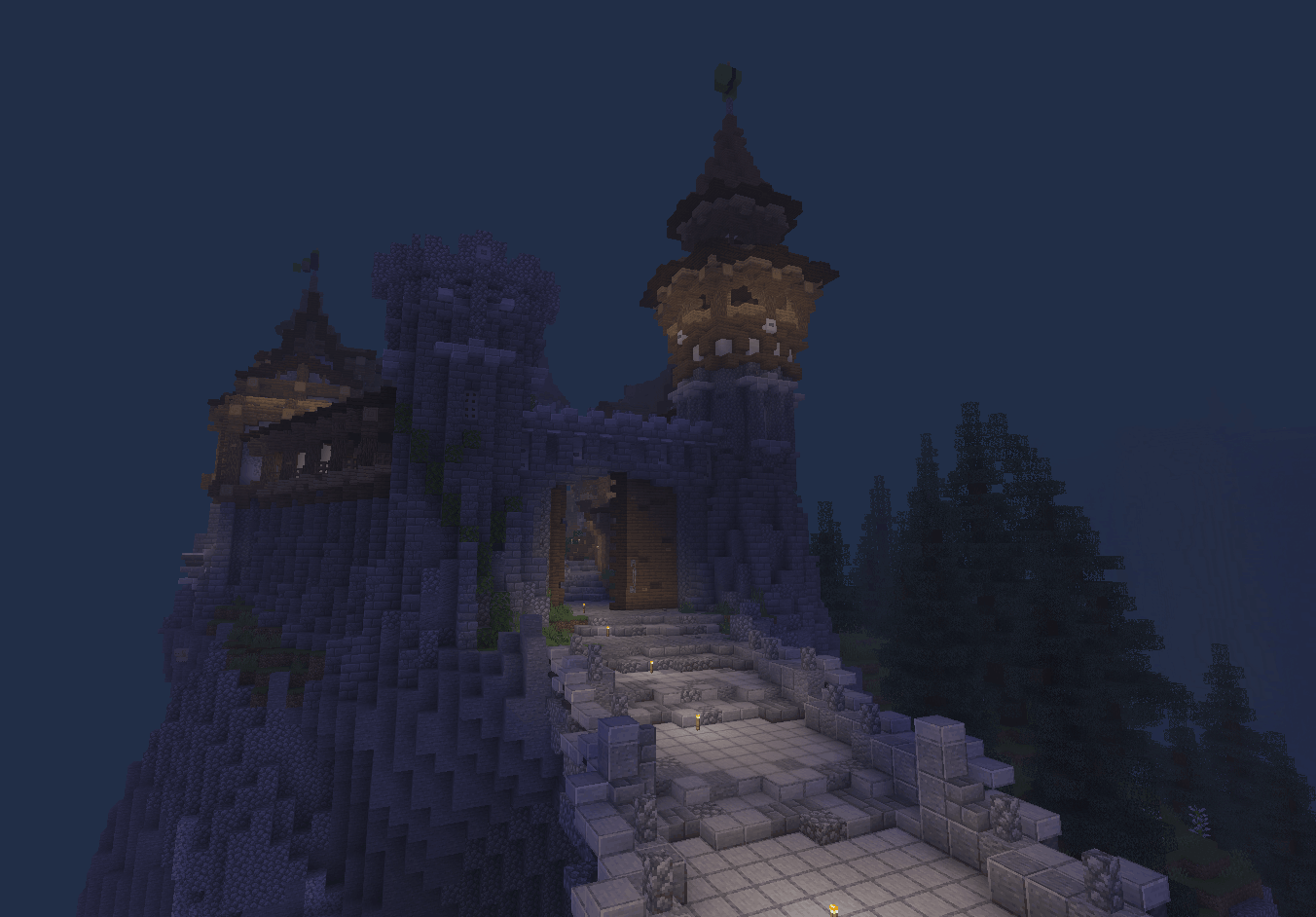
What's in it
- Adjustable retro fog — push it close for that cozy old-school feel or stretch it out wide
- Brightness, contrast, and color saturation sliders
- Grayscale filter for that black and white cinematic look
- Photo-negative invert filter
- Night vision green tint mode
- Super lightweight — works great on low-end PCs
Everything is tweakable straight from the Iris shader settings menu. No config files, no hassle.

Requirements
- Iris Shaders
- Minecraft 1.21.x or 26.x
Vanilla but make it just a tiny bit fancier.

True Vanilla 설치 방법
With Millida Launcher
Install Millida Launcher
The launcher is free: download it at millida.net/launcher and sign in with any nickname.
Click “Install” on this page
The launcher opens and installs the shaders for Minecraft 1.21–26.1.2 automatically.
Launch the game
A profile with it appears in the launcher: click “Play”.
Manually
Install Iris
Without a shader mod the game cannot see shaders. Install it for the same Minecraft version.
Download the shader archive
Pick the file True Vanilla.zip (2 KB) and do not unpack it.
Put it in the shaderpacks folder
“Options”, then “Video Settings”, then “Shader Packs”, then “Open Shader Pack Folder”, and drag the archive there.
Select the shaders
In the same window, click the pack name and “Apply”.
버전
의존성 포함
| Minecraft | 로더 | 파일 | 날짜 | 작업 |
|---|---|---|---|---|
| 1.21.11 | Iris | 1.21.112.5 KB | ||
| 1.21 | Iris | 1.212.5 KB | ||
| 26.1 | Iris | 26.12.5 KB | — |
리뷰
True Vanilla의 첫 평가를 남겨 보세요


