

 Fabric
 OptiFine
Soft Memory
Recover what they took from us!
Miss those memories where things were more colorful, brigther and there were no problems?, well... I have studied hundreds and hundreds of nostalogic images and tried several patterns to create something that feels safe... something that can resemble a childhood memory! I trully recommend you to check the gallery and experience for your self!
This is an edit from Mellow Shader by The CMK. I challanged myself to edit it on an intel igpu and it had to run so I am sure that you can run the shader in any device. Special thanks to The CMK, you are the GOAT.
#Update 1.17!
The new version of Soft Memory brings more performance improvements as well as new additions and fine tuning on effects

Faster and more accurate fog!
Fog matches the sky color that is loaded at the moment! Also the timing is finnaly accurate so no longer sunset colors when it is still day! :)
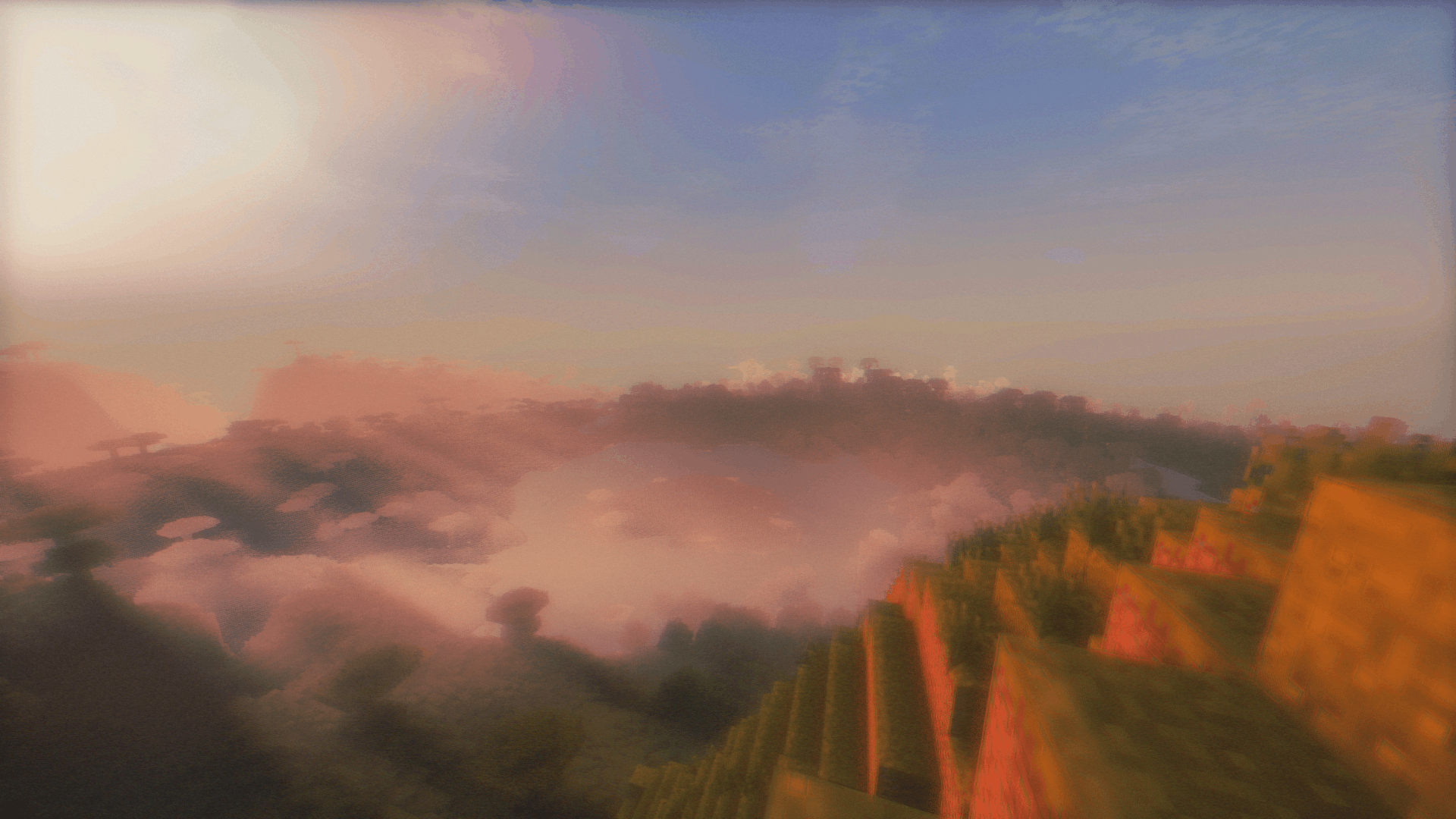
Fixed Fancy Clouds
Fancy clouds are the midterm on the cloud quality hierarchy and it they finnaly look normal!
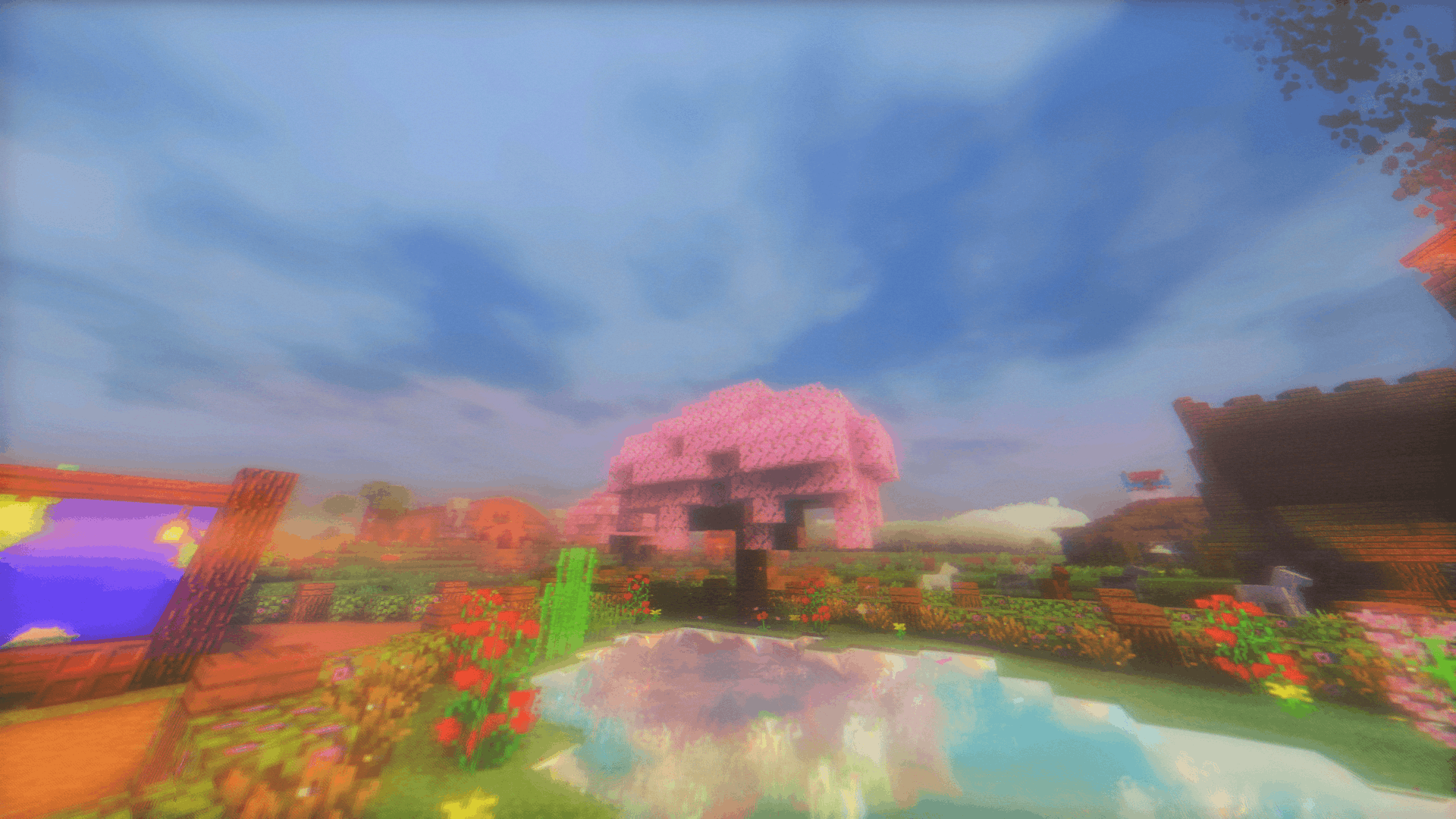
Memorify!
New effect present on Soft Memory, it blurs the final image to trigger some sort of memory feeling! It is customizable at your liking and can be fully turned off :)
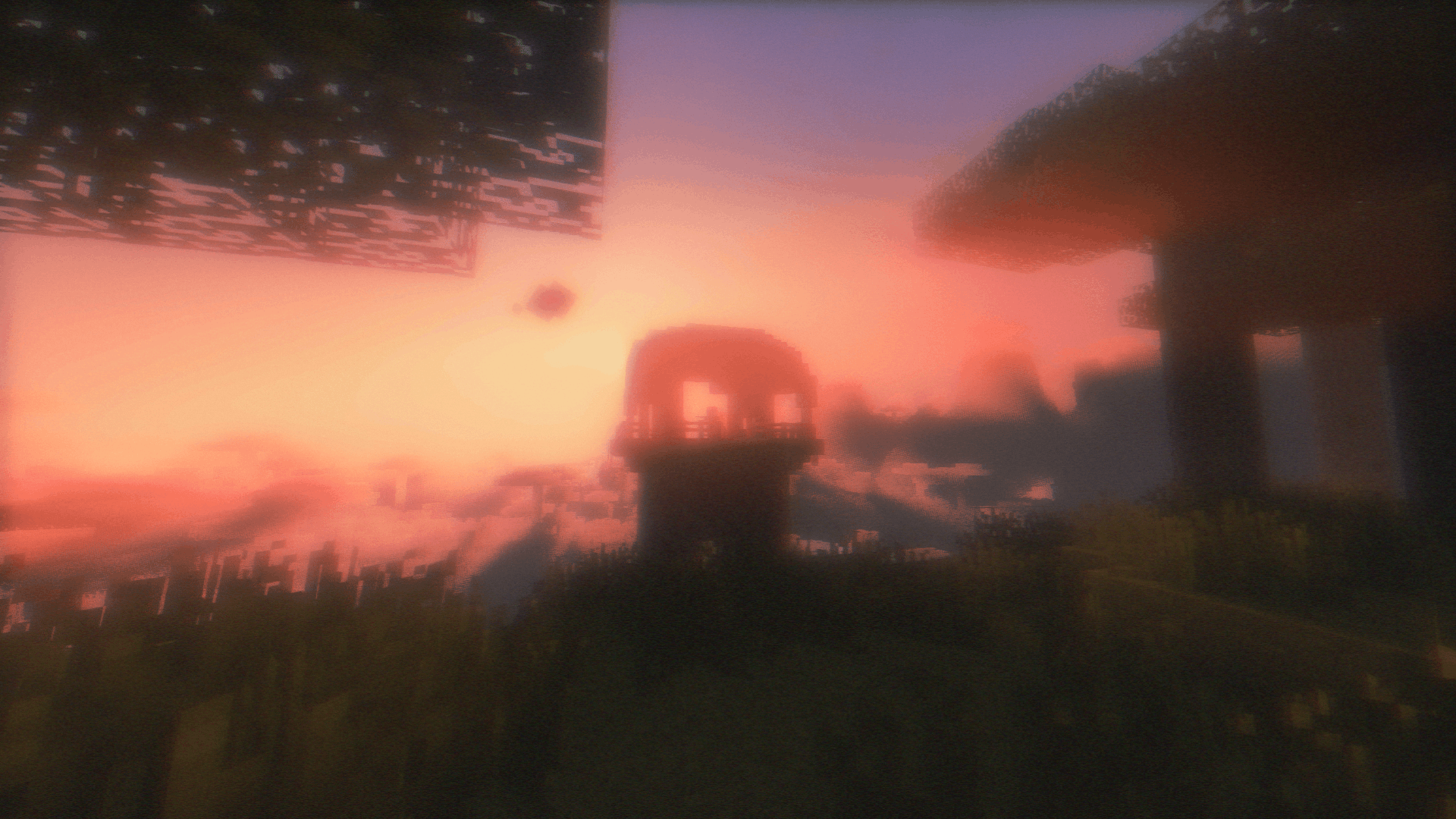
Childhood Summer mode :
How it looks like:
This mode tries to resemble summer nostalogic memories. It hits its peak at sunrise and sunset. The combination of saturated and vibrant colors, bloom uneven grain and a tiny bit of color chanel splitting can bring what I call home.

VHS mode :
How it looks like:

This brings the "Mom said it is my turn on the xbox" memory. It oposed to Childhood summer in terms of colors as it is desaturaated and with less contrast. You can see most of the classic artifacts that VHS tapes caused. If you enjoy how VHS cameras worked this mode is the best for you
Compatibility
The following gpus are compatible with Soft Memory, but as always some issues might appear and if so I would appreciate very much that you could report on my patreon!
- Intel igpus;
- Intel dgpus (untested might work);
- AMD igpus/dgpus (untested might work);
- Nvidia gpus;
- Apple Silicon (Soft Memory 1.16 and later);
Quality Presets:
- Fast - it is the most cut down version of all 4, I don't recomend playing with this preset unless you want very simple effects and maximize your FPS;
- Fancy (recomended for high FPS normal gameplay) - has more effects than fast but not all of the effects that the shader packs. It is a perfect balance between quality and performance;
- Fabulous (recomended for normal gameplay) - this preset has all of the effects enabled at a reasonable quality,not as fast as fancy)
- Ultra (recomended only for screenshots or renders) - it doesn't add more effects than fabulous. It only sets the quality to the max ensuring a crisp and detailed image.It takes a lot of your FPS so BE CAREFUL
The following screenshots were taken with Fabulous mode:
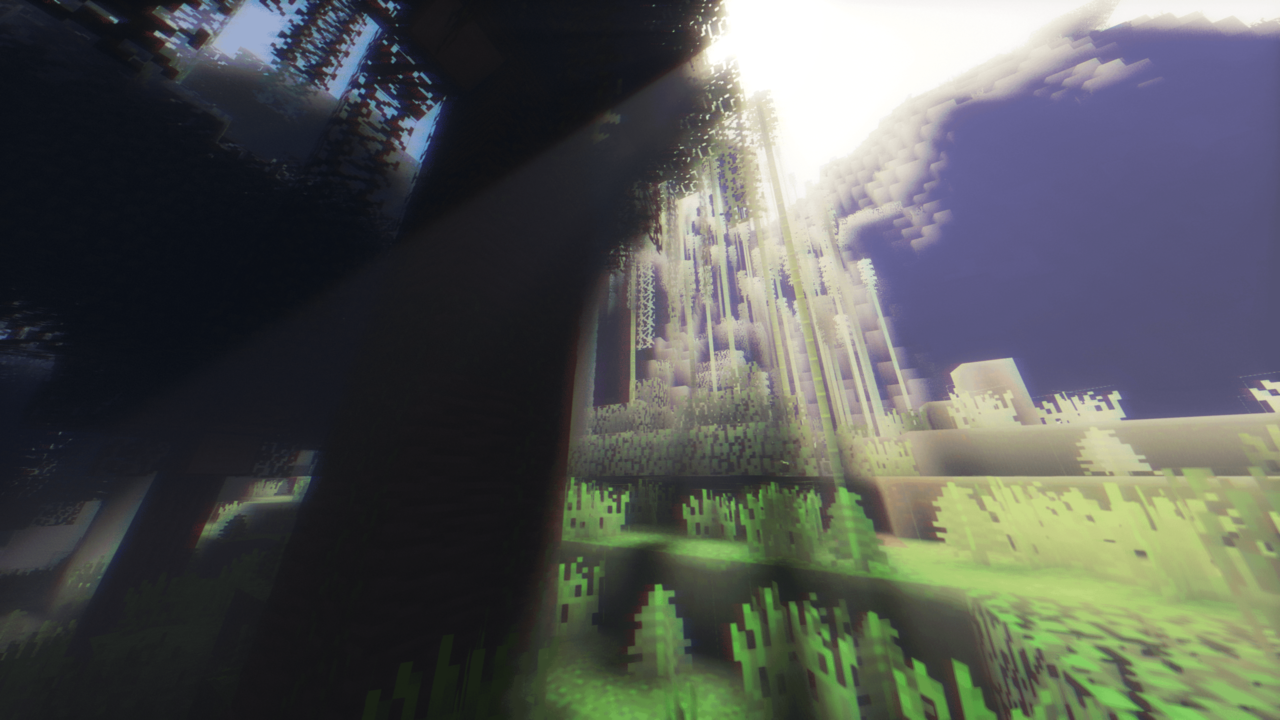
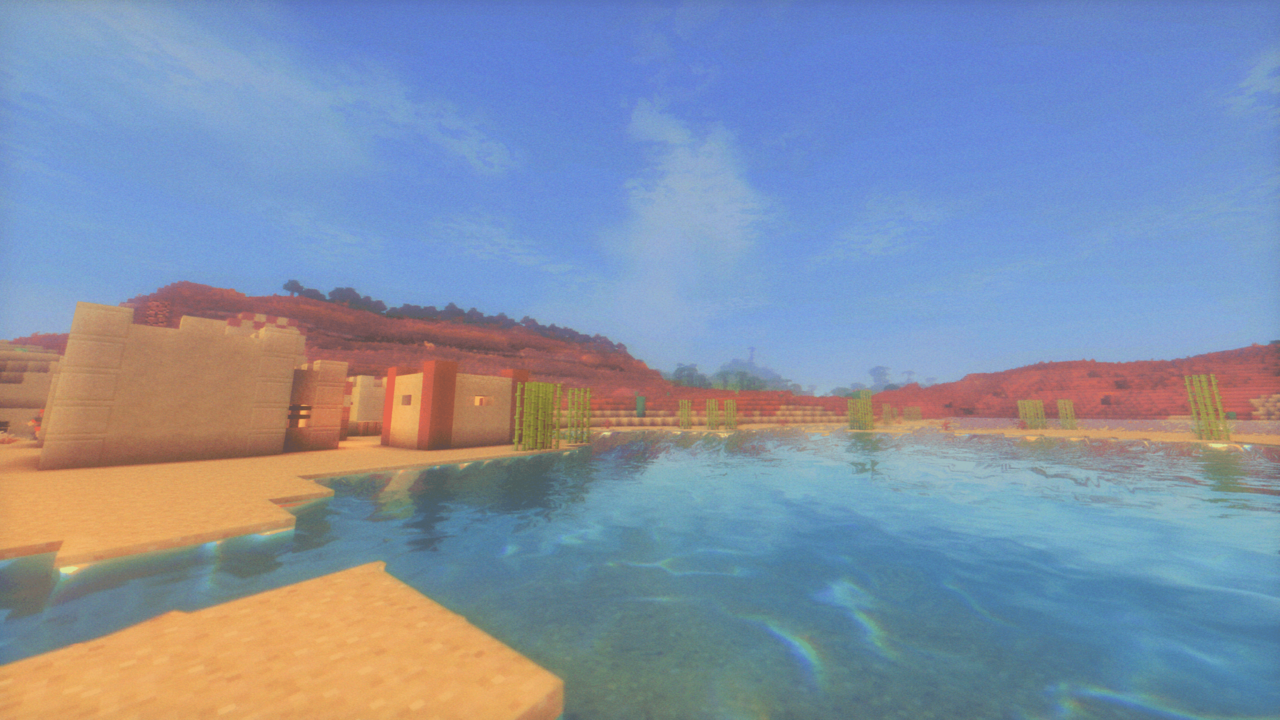
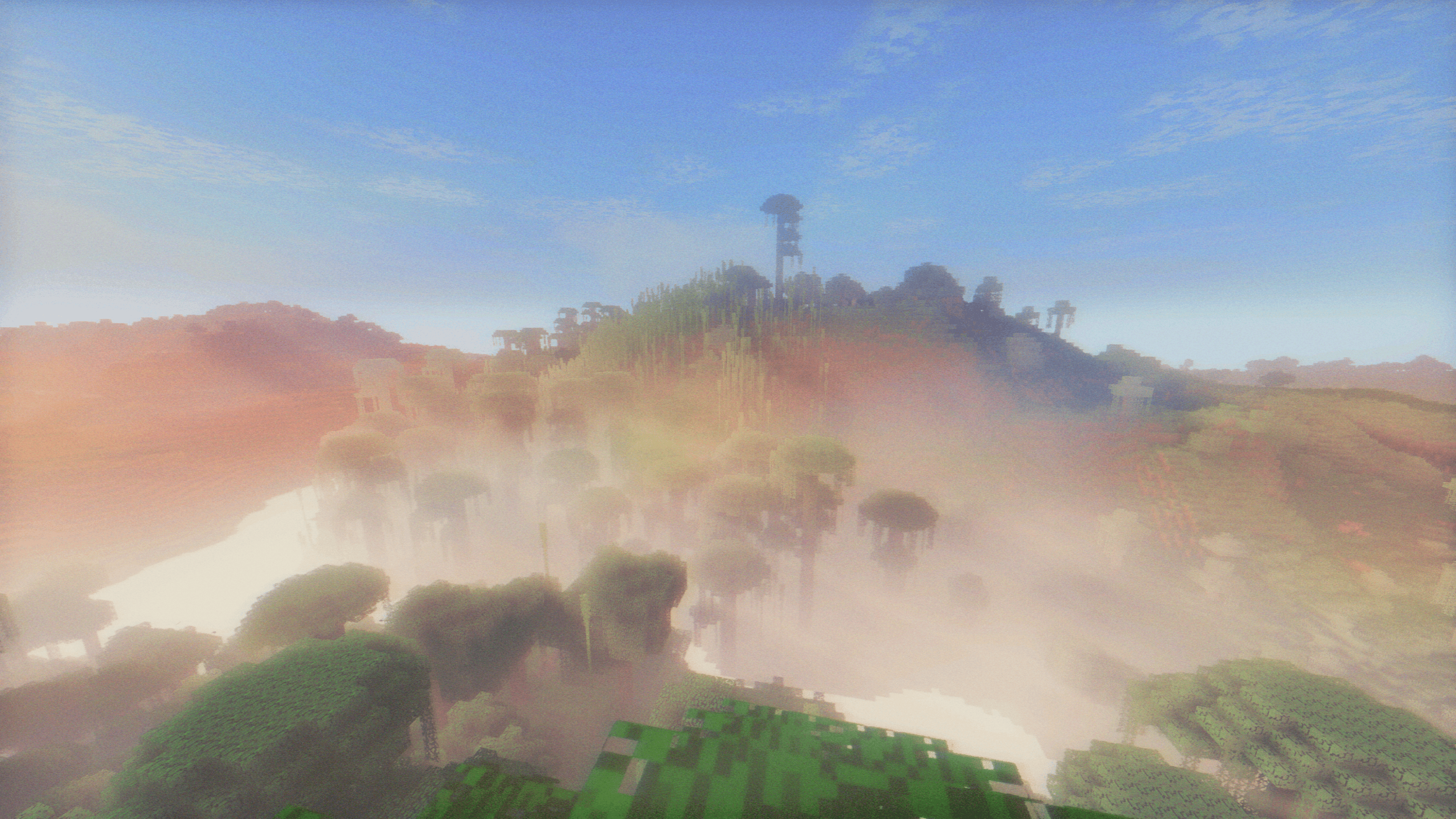
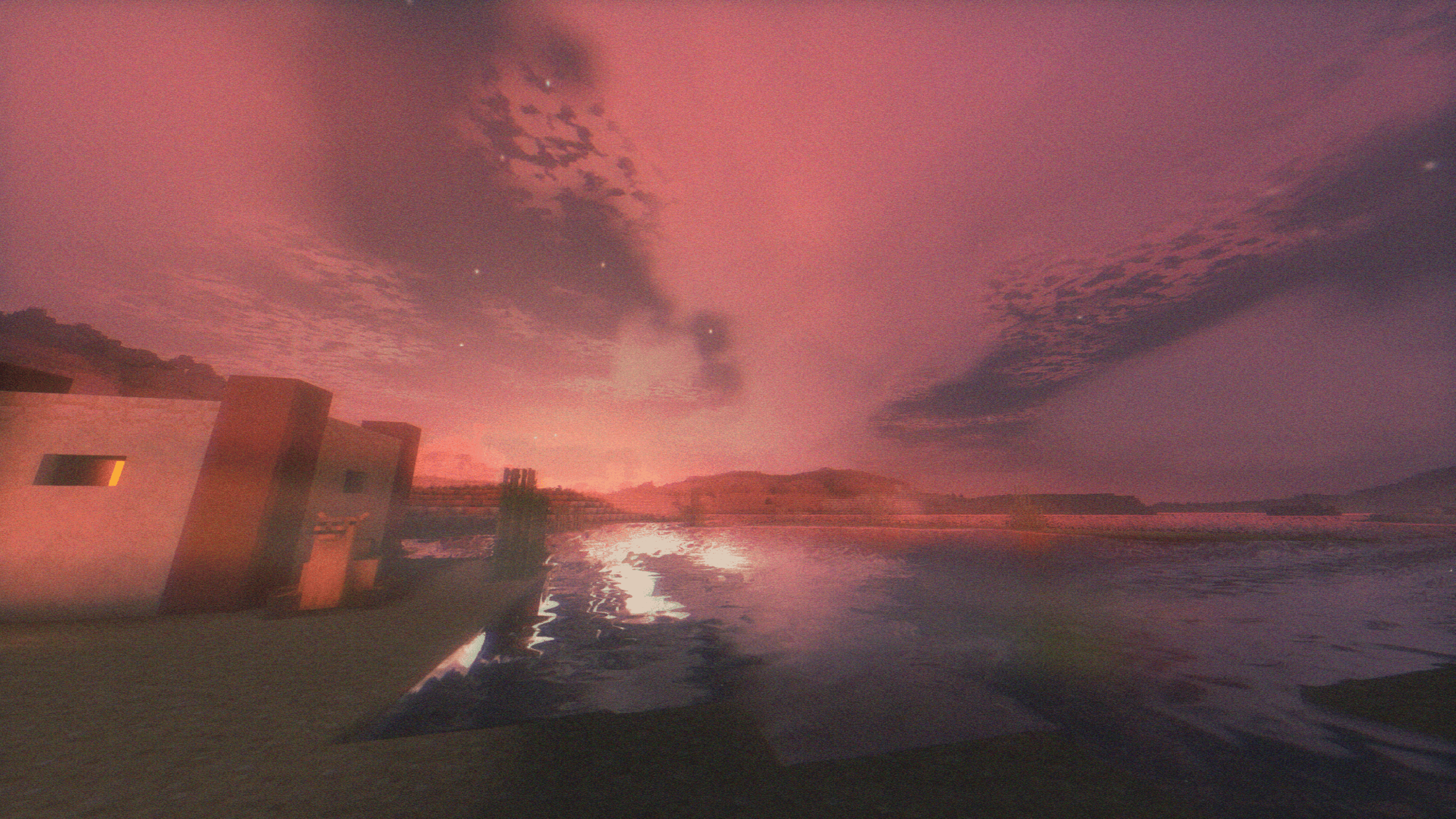
Features that this Shader brings:
- Very great performance as it was tested on an igpu;
- Nostalogic color grading;
- Shooting stars;
- Shadows;
- PBR and specular support;
- Realistic moon;
- Reflections;
- Godrays;
- VHS effects;
- Bloom;
- 2016 Clouds without frying your pc;
- Great end ambience;
- much more things it is worth giving a try :)
Soft Memory 설치 방법
With Millida Launcher
Install Millida Launcher
The launcher is free: download it at millida.net/launcher and sign in with any nickname.
Click “Install” on this page
The launcher opens and installs the shaders for Minecraft 1.16–26.2 automatically.
Launch the game
A profile with it appears in the launcher: click “Play”.
Manually
Install Iris or OptiFine
Without a shader mod the game cannot see shaders. Install it for the same Minecraft version.
Download the shader archive
Pick the file Soft-Memory-v1.17.zip (13 MB) and do not unpack it.
Put it in the shaderpacks folder
“Options”, then “Video Settings”, then “Shader Packs”, then “Open Shader Pack Folder”, and drag the archive there.
Select the shaders
In the same window, click the pack name and “Apply”.
버전
의존성 포함
| Minecraft | 로더 | 파일 | 날짜 | 작업 |
|---|---|---|---|---|
| 1.17.1 | Iris, OptiFine | 1.17.113.4 MB 2 | ||
| 26.2 | Iris, OptiFine | 26.213.4 MB 1 | — | |
| 26.1 | Iris, OptiFine | 26.113.4 MB | — | |
| 1.21.11 | Iris, OptiFine | 1.21.1113.4 MB | — | |
| 1.21 | Iris, OptiFine | 1.2113.6 MB | — | |
| 1.20.1 | Iris, OptiFine | 1.20.113.6 MB | — | |
| 1.19.2 | Iris, OptiFine | 1.19.213.6 MB | — | |
| 1.18.2 | Iris, OptiFine | 1.18.213.6 MB | — |
리뷰
Soft Memory의 첫 평가를 남겨 보세요


