

 Fabric
 OptiFine
Skew 셰이더 정보
Subtle instability. Dynamic motion. Zero gameplay impact.
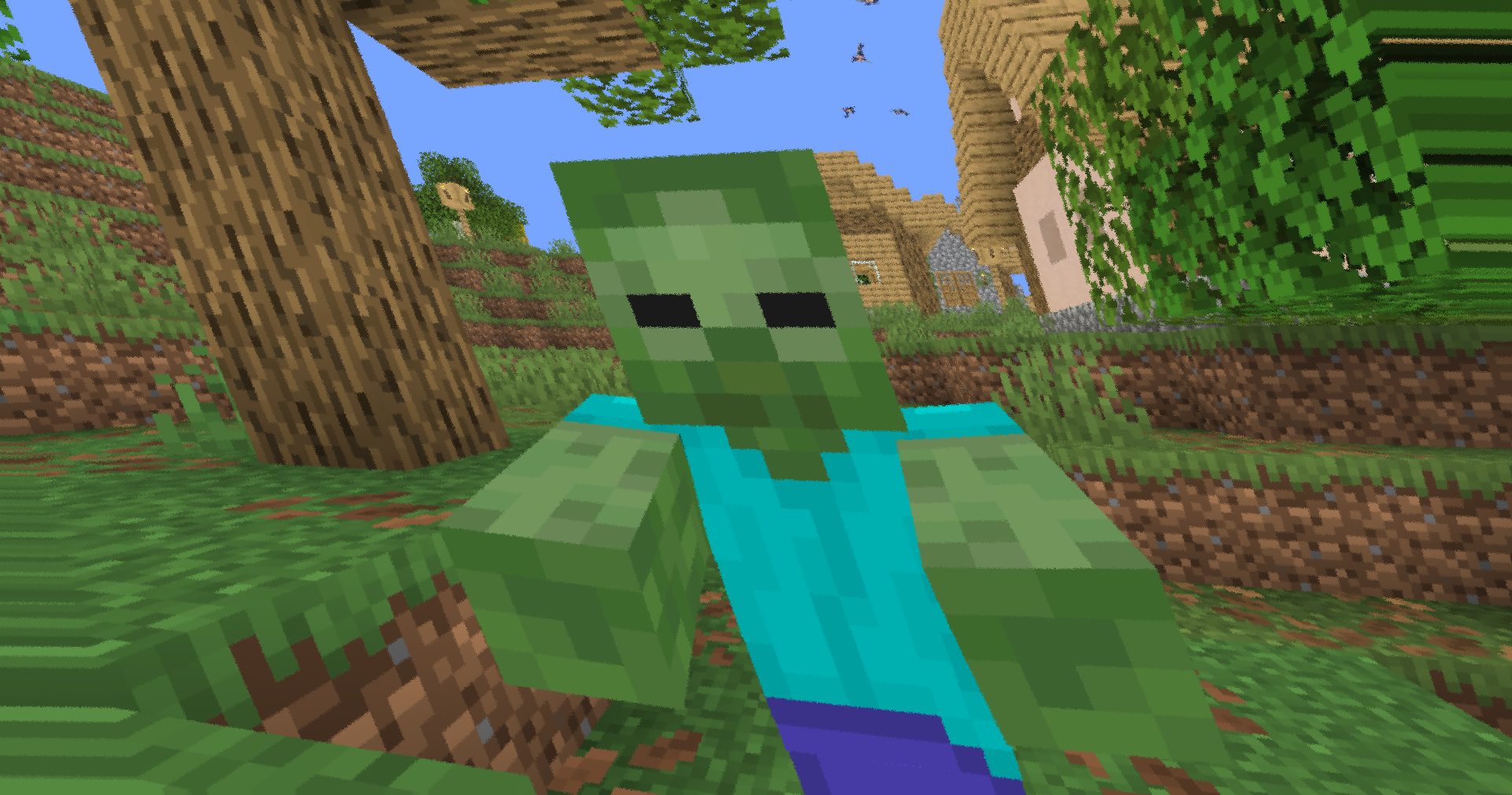
This lightweight post-processing shader adds animated screen distortion, directional skew, and camera-like shake to create a more intense and immersive visual experience. Designed for OptiFine and Iris compatibility, it runs entirely as a fullscreen effect with minimal performance overhead.
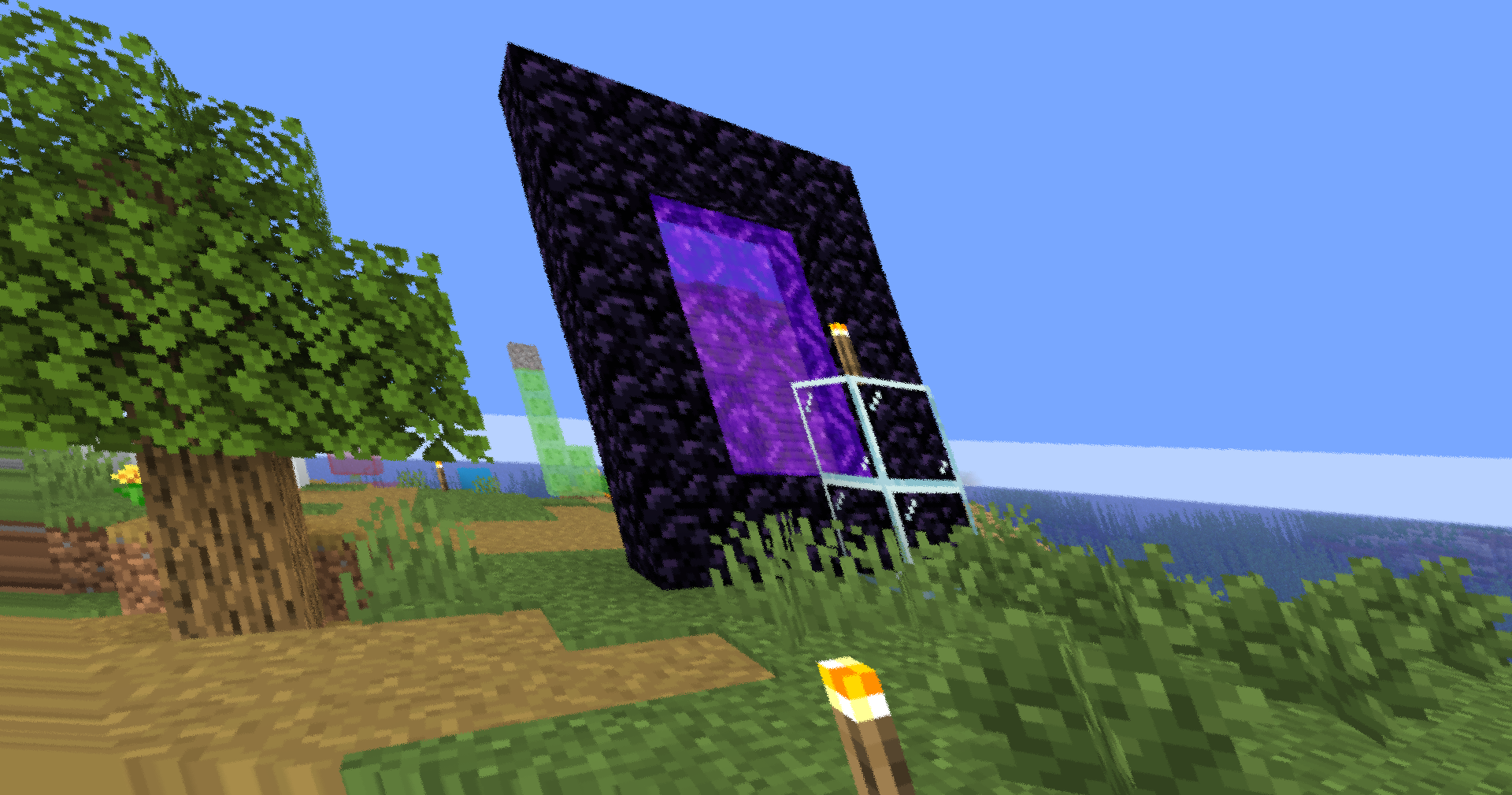
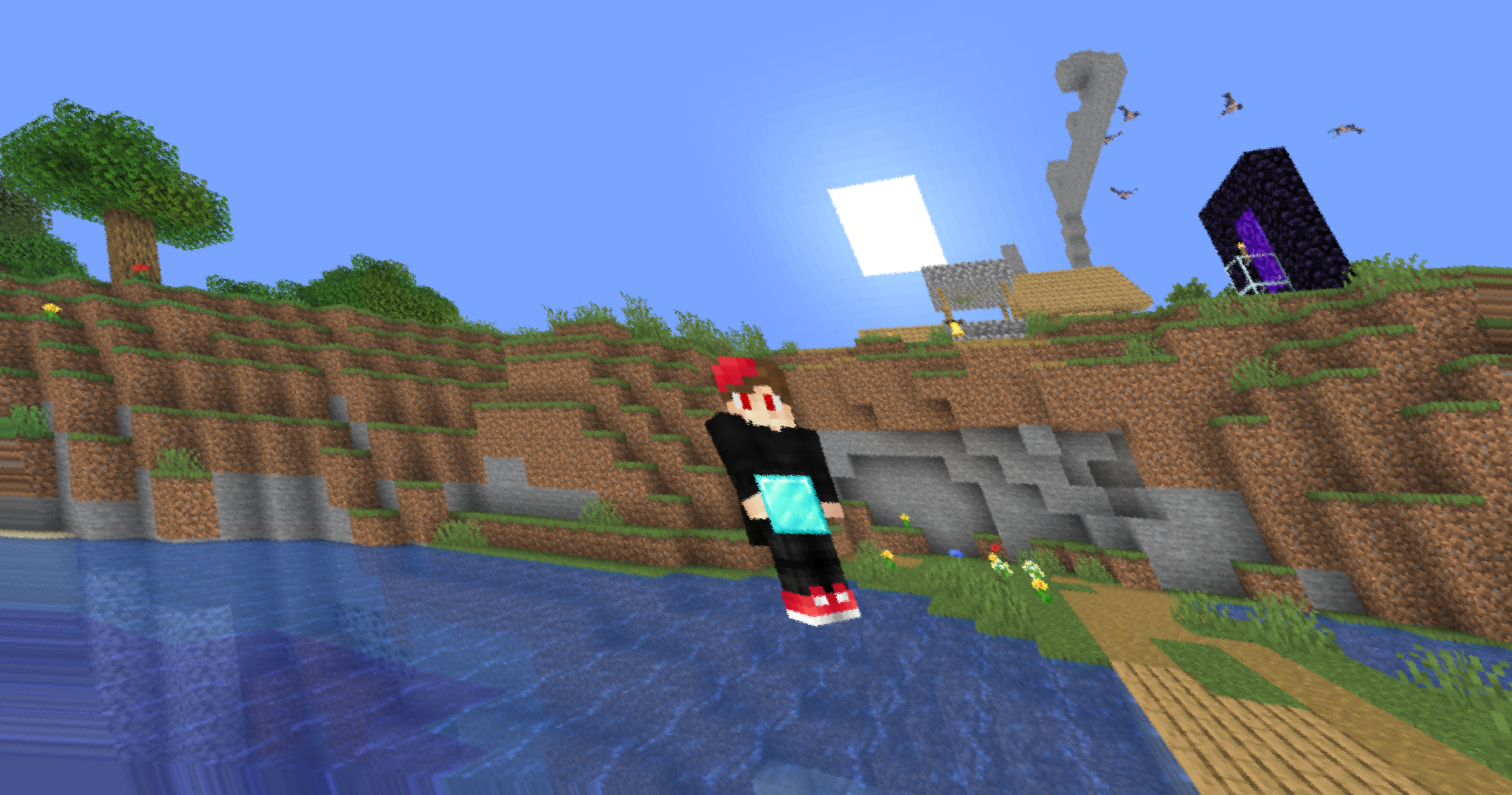
✨ Features
Animated Screen Skew A time-varying shear transformation subtly bends the image horizontally and vertically, creating a dynamic sense of movement without becoming distracting.
Micro Camera Shake Procedural jitter introduces tiny camera movements that make the scene feel less static. Scaled by screen resolution to remain consistent across devices.
Dynamic Rotation A gentle rolling motion adds natural instability and prevents the effect from feeling mechanically repetitive.
Scanline-Based Distortion A lightweight horizontal wobble effect simulates slight signal interference and enhances motion intensity during gameplay.
Procedural Noise Texture-free hash noise drives the shake system, ensuring smooth animation with virtually no additional resource usage.
Safe Edge Handling UV clamping prevents artifacting and edge stretching on drivers that struggle with out-of-bounds texture sampling.
⚙️ Technical Details
GLSL Version - #version 120 Shader Type - Post-Processing Pipeline - Composite Performance Impact - Very Low Compatibility - OptiFine / Iris

🎛️ Included Effects
Animated skew · screen distortion · procedural jitter · micro shake · rotational drift · scanline wobble · edge-safe texture sampling
Built for lightweight cinematic motion and enhanced visual intensity.

Skew 설치 방법
With Millida Launcher
Install Millida Launcher
The launcher is free: download it at millida.net/launcher and sign in with any nickname.
Click “Install” on this page
The launcher opens and installs the shaders for Minecraft 1.7.2–26.3 automatically.
Launch the game
A profile with it appears in the launcher: click “Play”.
Manually
Install Iris or OptiFine
Without a shader mod the game cannot see shaders. Install it for the same Minecraft version.
Download the shader archive
Pick the file Skew-1.1.zip (5 KB) and do not unpack it.
Put it in the shaderpacks folder
“Options”, then “Video Settings”, then “Shader Packs”, then “Open Shader Pack Folder”, and drag the archive there.
Select the shaders
In the same window, click the pack name and “Apply”.
버전
의존성 포함
| Minecraft | 로더 | 파일 | 날짜 | 작업 |
|---|---|---|---|---|
| 26.3 | Iris, OptiFine | 26.35.5 KB 1 | ||
| 26.1 | Iris, OptiFine | 26.12.1 KB | ||
| 1.21.11 | Iris, OptiFine | 1.21.112.1 KB | ||
| 1.21 | Iris, OptiFine | 1.212.1 KB | ||
| 1.20.1 | Iris, OptiFine | 1.20.12.1 KB | ||
| 1.19.2 | Iris, OptiFine | 1.19.22.1 KB | ||
| 1.18.2 | Iris, OptiFine | 1.18.22.1 KB | ||
| 1.17.1 | Iris, OptiFine | 1.17.12.1 KB |
FAQ
Which Minecraft versions does Skew work on?
There are files for 1.7.2–26.3, 84 versions in total. The newest is 26.3.
What do I need to run Skew?
Shaders are loaded through Iris or OptiFine: without one of them the game cannot see them.
Where can I download Skew safely?
On this page: the file Skew-1.1.zip (5 KB) is stored on Millida’s server, with no link shorteners. SHA-1 checksum: 21eae1f67a3f4b02e52ef28a090d9c66e0477f80.
리뷰
Skew의 첫 평가를 남겨 보세요


