

Minecraft 1.19.4용 Simple Shader One
간단한 그림자를 원하는 분 계신가요? 이 셰이더는 둥근 그림자만 넣기 때문에 가볍습니다. 완벽하진 않지만 바닐라와는 다른 분위기를 즐길 수 있습니다.
 Fabric
 OptiFine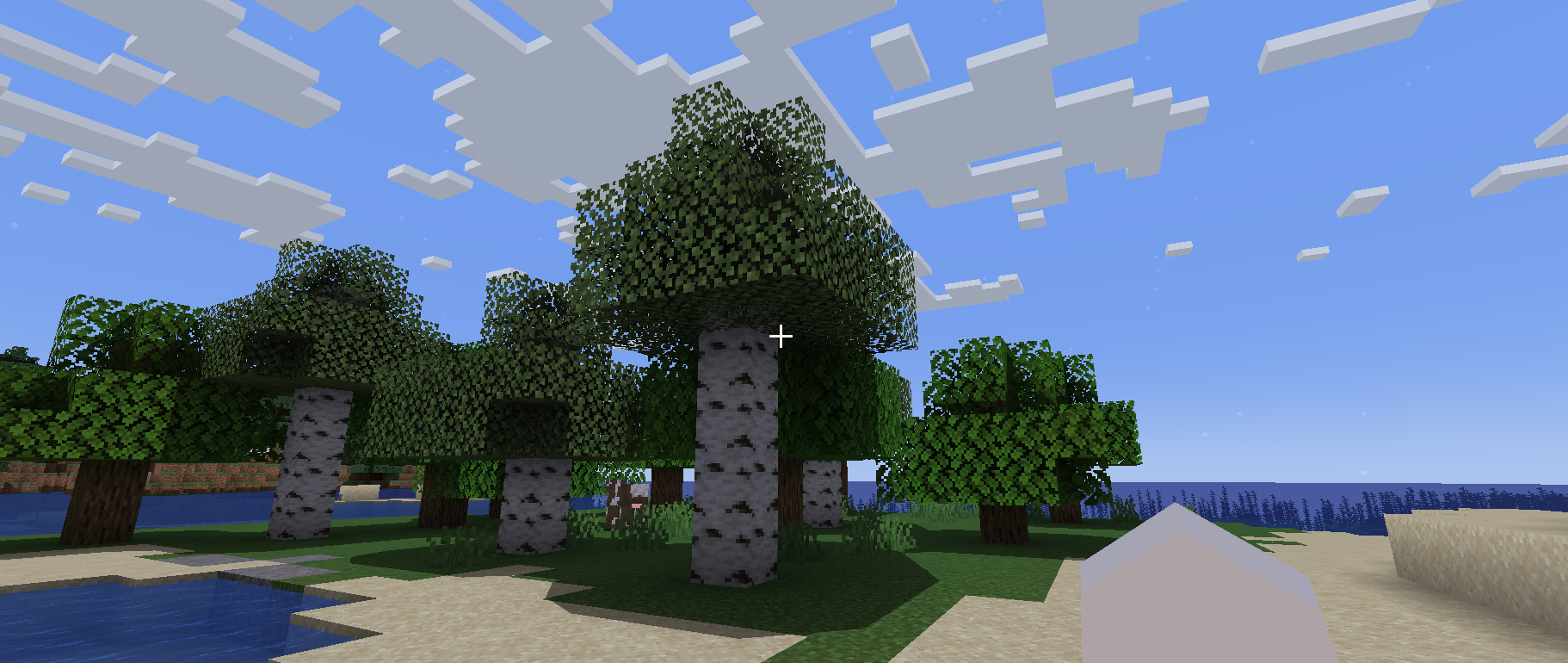
Simple Shader One
Is there anyone who wants a simple shadow?
This shader is lightweight because it only puts round shadows.
It’s not perfect, but you can enjoy a different atmosphere from vanilla.
Required Prerequisite Mods
Capable of loading shaders and compatible. The author tried Iris Shaders and it worked fine.
Simple Shader One 설치 방법
With Millida Launcher
Install Millida Launcher
The launcher is free: download it at millida.net/launcher and sign in with any nickname.
Click “Install” on this page
The launcher opens and installs the shaders for Minecraft 1.19.4 automatically.
Launch the game
A profile with it appears in the launcher: click “Play”.
Manually
Install Iris or OptiFine
Without a shader mod the game cannot see shaders. Install it for the same Minecraft version.
Download the shader archive
Pick the file Simple Shader One V1 By DiamondGotCat.zip (27 KB) and do not unpack it.
Put it in the shaderpacks folder
“Options”, then “Video Settings”, then “Shader Packs”, then “Open Shader Pack Folder”, and drag the archive there.
Select the shaders
In the same window, click the pack name and “Apply”.
버전
의존성 포함
| Minecraft | 로더 | 파일 | 날짜 | 작업 |
|---|---|---|---|---|
| 1.19.4 | Iris, OptiFine | 1.19.426.7 KB |
리뷰
Simple Shader One의 첫 평가를 남겨 보세요


