

retroview
A simple, lightweight, retro-style shader pack for Minecraft!
What does it add?
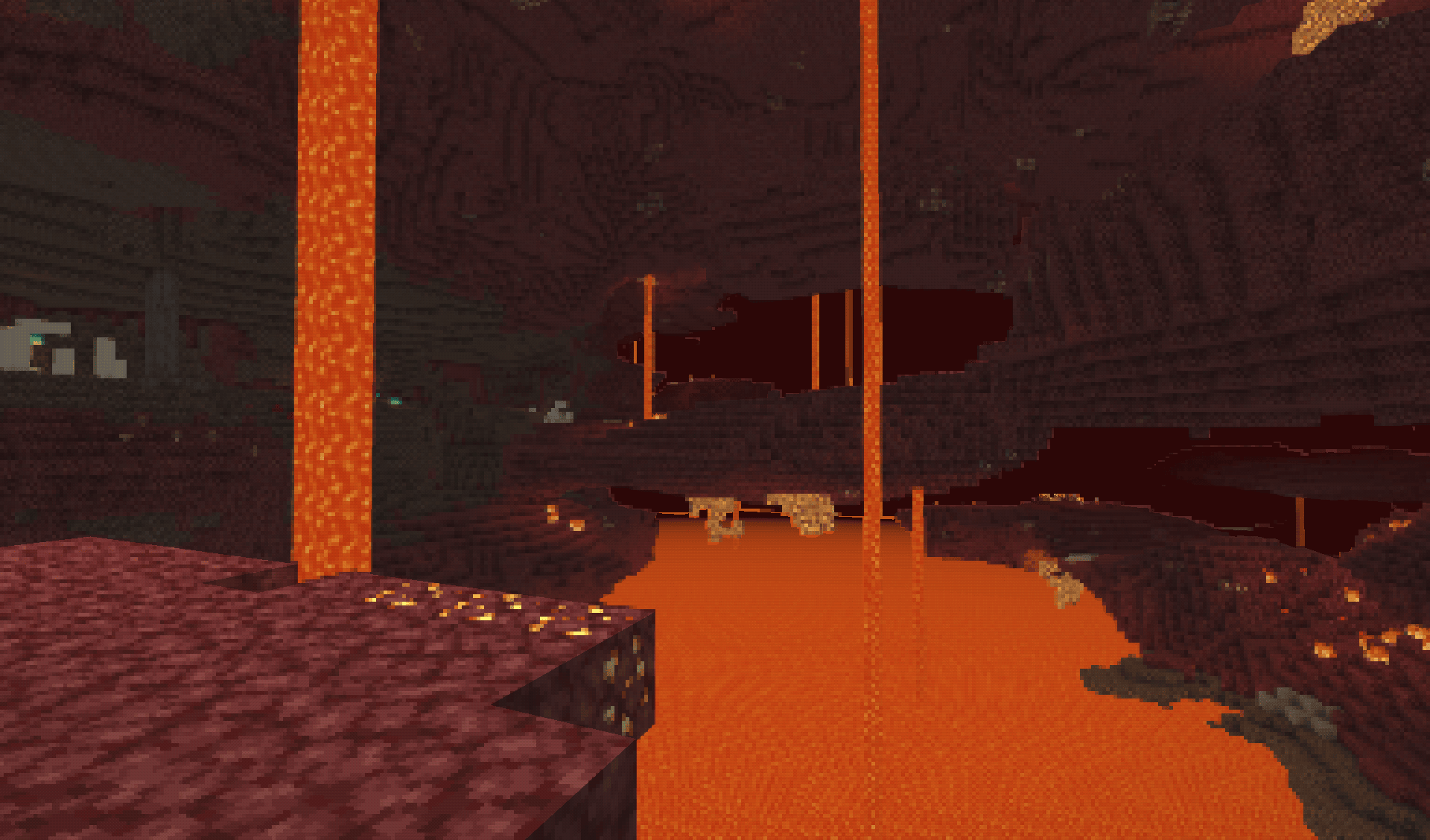
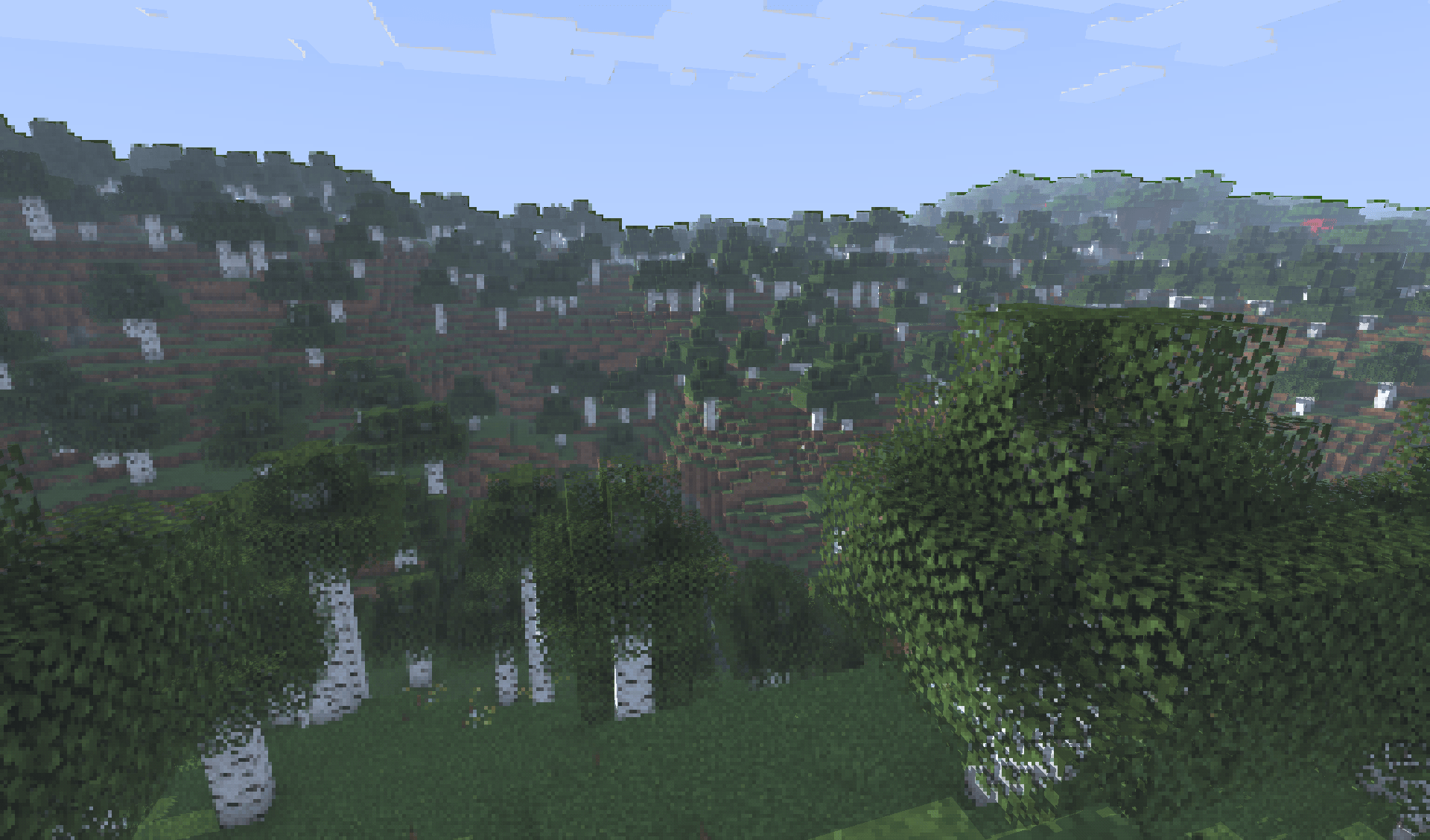
retroview instantly transforms your Minecraft world with a classic retro screen look, giving everything that retro, pixelated, console feel. It’s pure visual nostalgia layered right on top of vanilla (or your favorite resource packs). No new blocks, no new mechanics. Just a charming retro filter that makes every world feel fresh and different.
Key Features
- Extremely lightweight: Runs smoothly even on lower-end PCs
- Easy installation through Iris
- Works perfectly with vanilla Minecraft and most resource packs
- Supports all Minecraft versions
Why would you want this?
If you’re craving a fun, nostalgic twist on Minecraft, retroview is perfect for you.
Great for:
- Reliving that classic gaming vibe
- Taking cool retro-style screenshots or videos
- Making your survival or creative worlds feel unique and charming
- Just wanting a light, no-fuss visual change that still feels 100% like Minecraft
Created as a simple passion project to bring retro vibes back to modern Minecraft.
Compatibility
- Requires the Iris shader mod
- Tested on Minecraft 1.16.5 - 26.3
Download
retroview is available to download on Modrinth and Curseforge.
retroview 설치 방법
Install Millida Launcher
The launcher is free: download it at millida.net/launcher and sign in with any nickname.
Click “Install” on this page
The launcher opens and installs the shaders for Minecraft 1.16.5–26.2 automatically.
Launch the game
A profile with it appears in the launcher: click “Play”.
버전
의존성 포함
| Minecraft | 로더 | 파일 | 날짜 | 작업 |
|---|---|---|---|---|
| 1.17.1 | — | retroview-1.1.3-shaderpack.zip27.6 KB |
리뷰
retroview의 첫 평가를 남겨 보세요


