
Minecraft 1.20.1, 1.21.1용 Reflexa 셰이더
Reflexa: 동적 볼류메트릭 구름, 사실적인 물 물리, 향상된 조명, 그림자 및 반사, 대기 효과, 원형 태양/달, 블룸, 모션 블러, 사용자 지정 색상 및 최적화된 성능을 갖춘 고급 마인크래프트 셰이더.
Reflexa 셰이더 정보
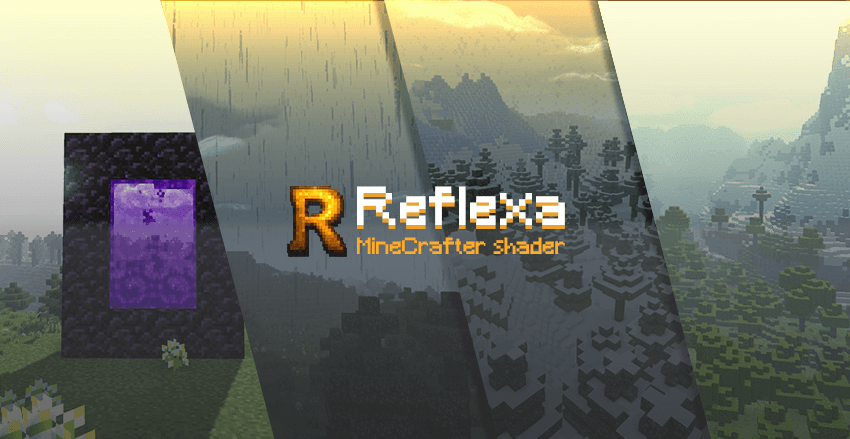

A high-performance Minecraft shader that enhances your visual experience without compromising gameplay.
Reflexa is a modified shader pack based on MakeUp - Ultra Fast, designed to provide realistic graphics while maintaining smooth performance. Perfect for players who want better visuals without heavy system requirements.

💧 Water & Reflections • Realistic water refraction with light bending effects • Enhanced underwater clarity for better exploration • Dynamic wave animations and surface reflections
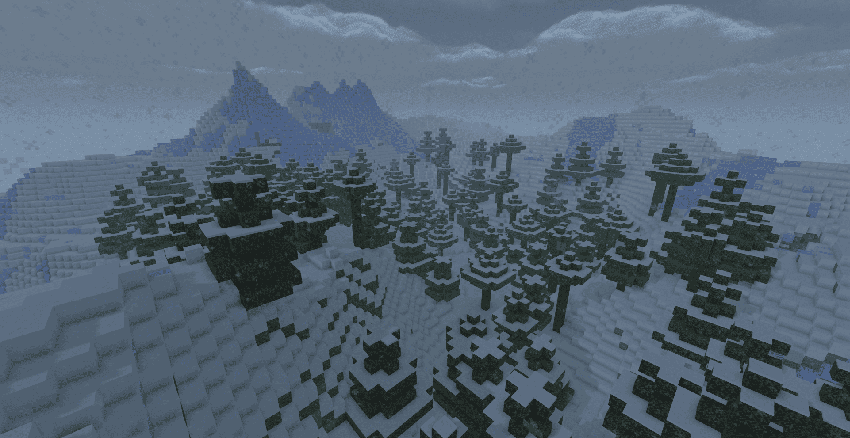
☁️ Advanced Sky System • Three-dimensional volumetric clouds with natural movement • Real-time weather effects and atmospheric changes • Improved cloud shadows across landscapes
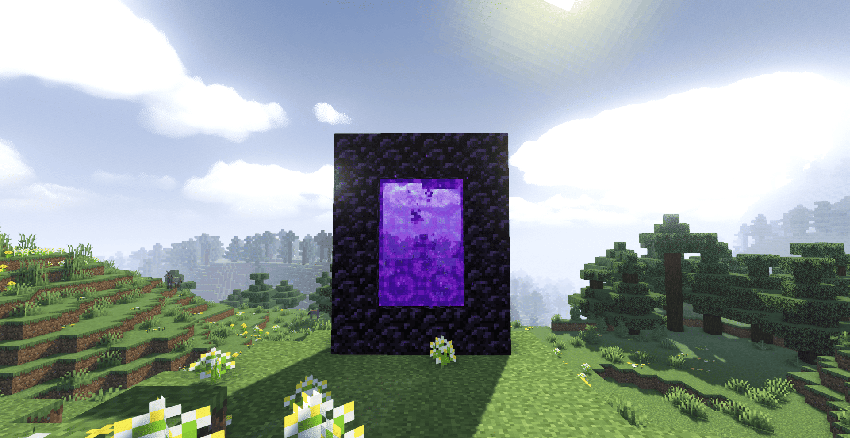
✨ Lighting & Shadows • Enhanced lighting engine with colored shadow casting • Ambient occlusion for realistic depth and shadows • Material-based reflections on metallic and glass surfaces • Perfectly circular sun and moon rendering
🎨 Post-Processing Effects • Natural bloom effects around light sources • Smooth motion blur for cinematic feel • Adjustable depth of field for photography • Customizable color palettes and schemes
� Multi-World Support • Overworld → Complete lighting system with weather • Nether → Clear visibility with enhanced fire visuals • End → Purple starfield replacing vanilla clouds

- Speed Mode: Maximum FPS for competitive play
- Balanced: Good mix of quality and performance
- High Quality: Better visuals for screenshots
- Ultra: Maximum visual quality
📦 Installation
- Install OptiFine or compatible shader loader
- Download Reflexa shader pack
- Place in your Minecraft shaders folder
- Select Reflexa from shaders menu
- Choose your performance profile

This shader is based on [MakeUp - Ultra Fast] by KDXavier**.
Original Repository License: GNU Lesser General Public License v3.0 Modified by: VcorA & Contributors
Our Improvements:
- Enhanced water physics
- Advanced cloud system
- Better lighting optimization
- Multi-dimensional support
Thank you for using Reflexa Shader Pack!
Reflexa 설치 방법
With Millida Launcher
Install Millida Launcher
The launcher is free: download it at millida.net/launcher and sign in with any nickname.
Click “Install” on this page
The launcher opens and installs the shaders for Minecraft 1.20–26.3 automatically.
Launch the game
A profile with it appears in the launcher: click “Play”.
Manually
Install Iris or OptiFine
Without a shader mod the game cannot see shaders. Install it for the same Minecraft version.
Download the shader archive
Pick the file Reflexa.zip (2.4 MB) and do not unpack it.
Put it in the shaderpacks folder
“Options”, then “Video Settings”, then “Shader Packs”, then “Open Shader Pack Folder”, and drag the archive there.
Select the shaders
In the same window, click the pack name and “Apply”.
버전
의존성 포함
| Minecraft | 로더 | 파일 | 날짜 | 작업 |
|---|---|---|---|---|
| 1.21 | — | Reflexa.zip2.4 MB 21 |
FAQ
Which Minecraft versions does Reflexa work on?
There are files for 1.20–26.3, 24 versions in total. The newest is 26.3.
Where can I download Reflexa safely?
On this page: the file Reflexa.zip (2.4 MB) is stored on Millida’s server, with no link shorteners. SHA-1 checksum: 127461d7a7f063220e21706de78dc7676a0831fd.
리뷰
Reflexa의 첫 평가를 남겨 보세요


