

Minecraft 1.21.1, 1.21용 PROMO SHADER
사실적인 셰이더는 PROM 셰이더 구름 사실적인 물 중간 조명 중간 네더 어두운 엔드 차원 아름다움
PROMO SHADER 셰이더 정보
Phase 1: The Overworld (The Realm of Life) 🌳☀️
The Overworld is our starting point. It teaches us about balance, weather, and the beauty of nature.
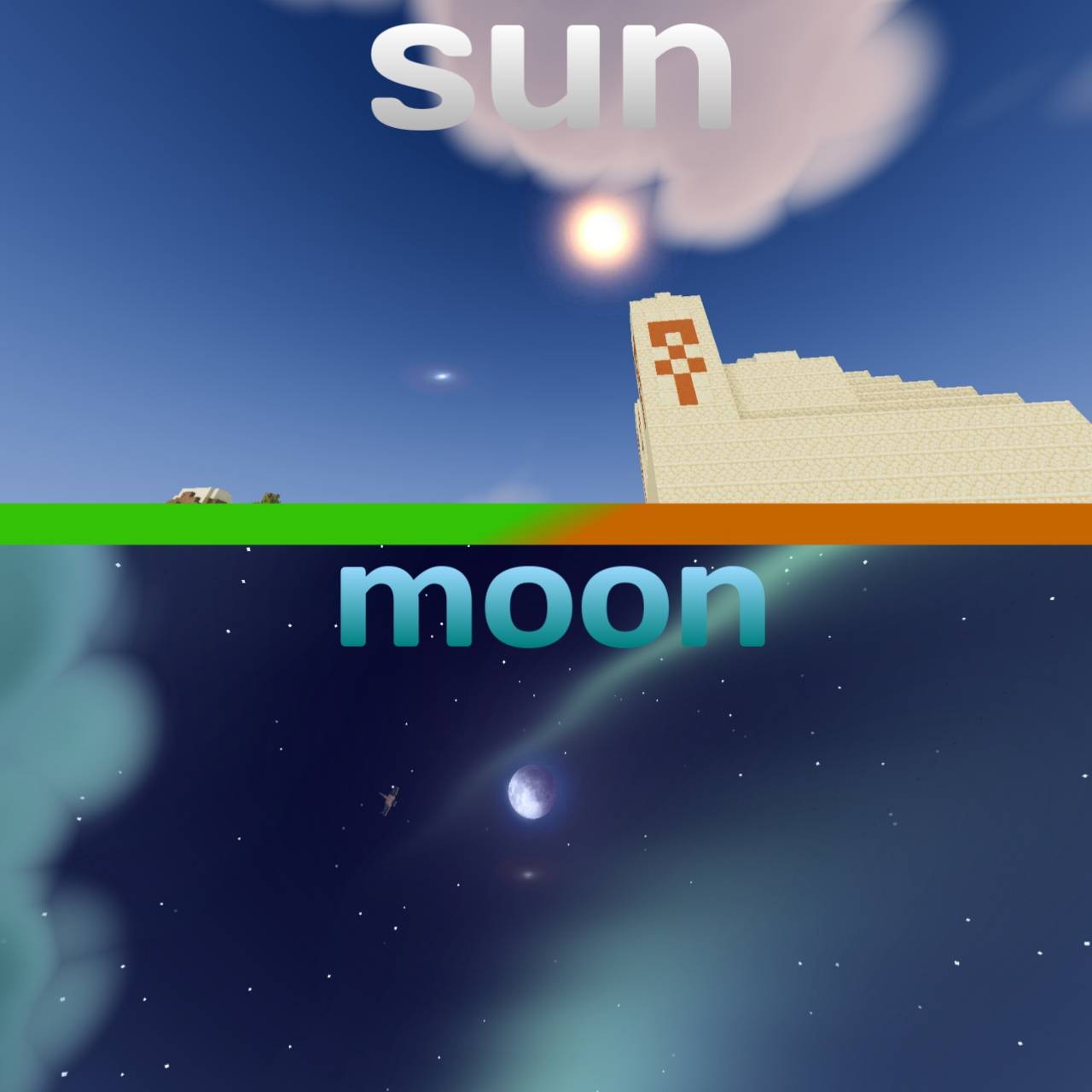
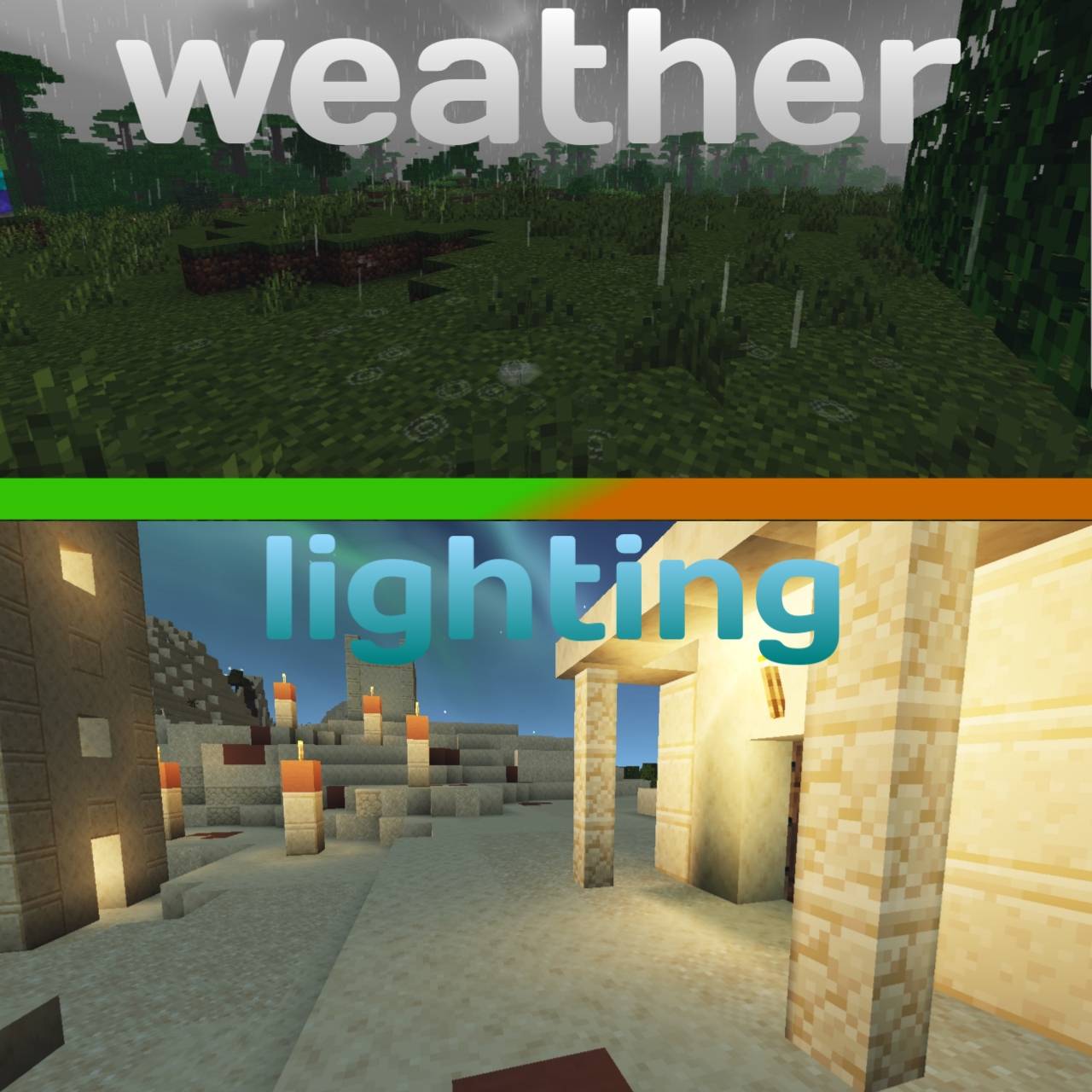
The Golden Hour: ☀️ When the sun hits the Savanna, the grass turns into a sea of gold. This teaches us how lighting and shadows define the world. A great player uses this "Golden Hour" to plan their builds and capture the best views of their kingdom. The Colors of Twilight: 🌅 As day turns to night, the sky paints a gradient of pink, orange, and deep blue. This is a lesson in timing. The fading light is a signal to the community: beauty is temporary, and preparation for the night is essential. The Celestial Aurora: 🌌 Nighttime isn't just dark-it’s magical. When the Aurora Borealis shimmers over the star-filled sky, it turns a scary night into a dream. This teaches us to find wonder even when the world is full of hidden dangers. The Lessons of the Storm: ⛈️ When the heavy blue rain falls and the clouds turn gray, the game's mood shifts. This is a lesson in Environmental Awareness. Rain lowers the light, allowing monsters to roam. A wise survivor knows that when the rain starts, the rules of the world change. Phase 2: The Nether (The Heart of Fire) 🔥🌋
Once you step through the portal, the rules of survival are rewritten in fire.
The Dangerous Glow: 🔥 The Nether is a world of "Hazardous Beauty." Here, there is no sun-only the orange glow of infinite lava and eternal fire. This dimension teaches us Caution. The thick red fog hides what’s ahead, forcing every explorer to rely on their instincts and move with purpose. It is a place of heat, danger, and hidden treasures. Phase 3: The End (The Final Challenge) 🐉🖤
The journey concludes in the void, where the ultimate test of skill awaits.
The Void and the Dragon: 🐲 The End is a lesson in Discipline and Focus. Against a dark, endless indigo sky, the massive Obsidian Pillars stand tall. In the center, the Ender Dragon represents the final goal of every player's story. This realm teaches us to stay calm under pressure and to keep our eyes on the prize, even when standing on the edge of the void.
PROMO SHADER 설치 방법
With Millida Launcher
Install Millida Launcher
The launcher is free: download it at millida.net/launcher and sign in with any nickname.
Click “Install” on this page
The launcher opens and installs the shaders for Minecraft 1.21–1.21.11 automatically.
Launch the game
A profile with it appears in the launcher: click “Play”.
Manually
Install Iris or OptiFine
Without a shader mod the game cannot see shaders. Install it for the same Minecraft version.
Download the shader archive
Pick the file PROM♥︎SHADER.zip (3.7 MB) and do not unpack it.
Put it in the shaderpacks folder
“Options”, then “Video Settings”, then “Shader Packs”, then “Open Shader Pack Folder”, and drag the archive there.
Select the shaders
In the same window, click the pack name and “Apply”.
버전
의존성 포함
| Minecraft | 로더 | 파일 | 날짜 | 작업 |
|---|---|---|---|---|
| 1.21 | — | PROMO SHADER3.7 MB 2 |
FAQ
Which Minecraft versions does PROMO SHADER work on?
There are files for 1.21–1.21.11, 12 versions in total. The newest is 1.21.11.
Where can I download PROMO SHADER safely?
On this page: the file PROM♥︎SHADER.zip (3.7 MB) is stored on Millida’s server, with no link shorteners. SHA-1 checksum: 60859654b18db6f8e3fae73f52cfbe43c93e1019.
리뷰
PROMO SHADER의 첫 평가를 남겨 보세요


