

Minecraft 1.20.1, 1.21.1용 LUX Shader
Minecraft를 위해 설계된 가볍고 성능 친화적이며 시각적으로 멋진 Iris/OptiFine 셰이더팩입니다.
LUX Shader 셰이더 정보
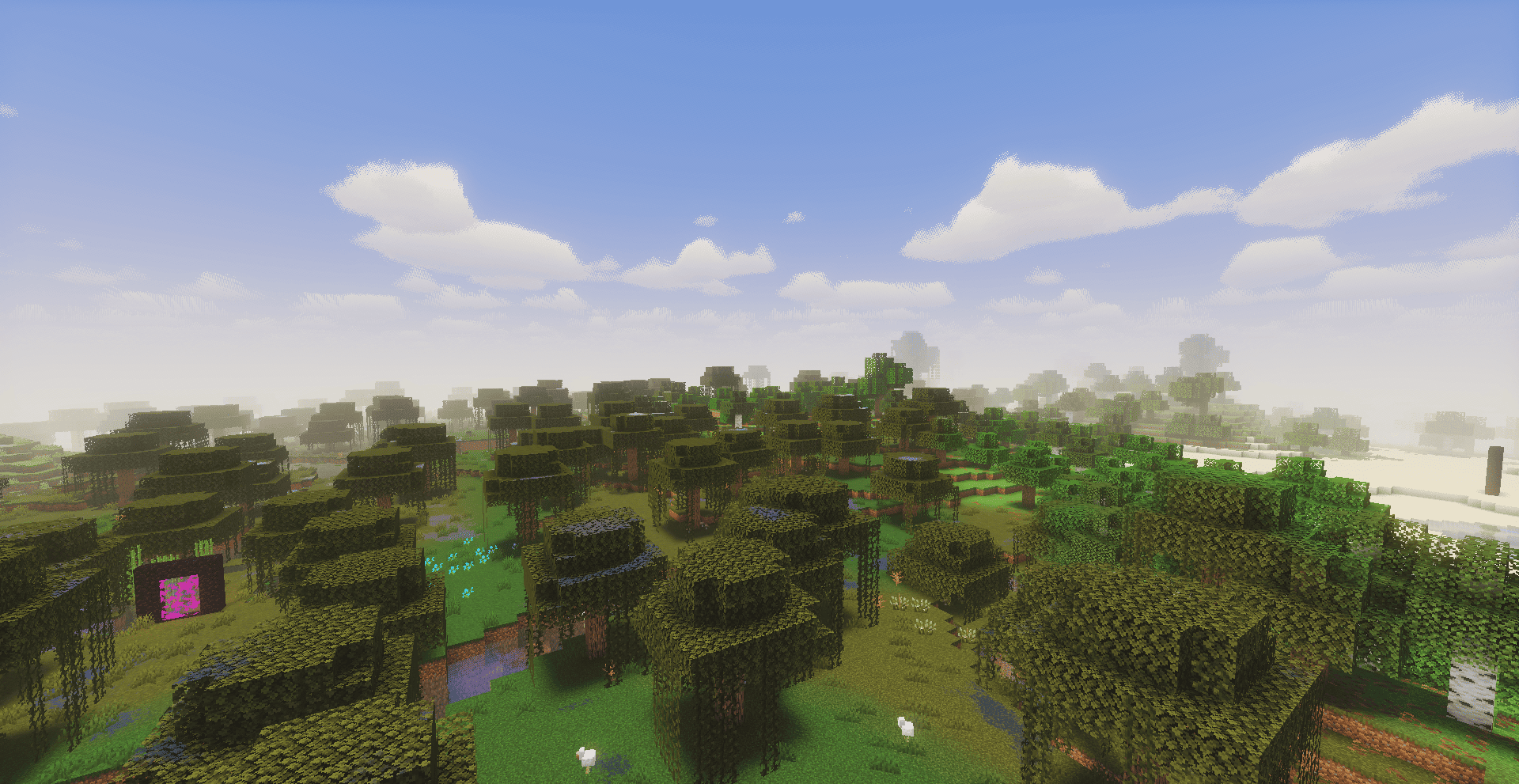
LUX Shader is a lightweight, performance-friendly, and visually stunning Iris/OptiFine shaderpack designed for Minecraft. Built on a clean and optimized foundation, LUX elevates the vanilla aesthetic with vibrant colors, premium atmospheric effects, and fully redesigned dimensions.
Designed to keep gameplay visibility high while delivering a "wow" factor, LUX Shader runs exceptionally well on low-end and modern computers alike.
Credits & Attribution: LUX Shader is a modified, custom fork of the original Mellow Shader created by TheCMK (released under the MIT License). All credits for the brilliant base code go to them!
LUX Shader 설치 방법
With Millida Launcher
Install Millida Launcher
The launcher is free: download it at millida.net/launcher and sign in with any nickname.
Click “Install” on this page
The launcher opens and installs the shaders for Minecraft 1.18–26.3 automatically.
Launch the game
A profile with it appears in the launcher: click “Play”.
Manually
Install Iris or OptiFine
Without a shader mod the game cannot see shaders. Install it for the same Minecraft version.
Download the shader archive
Pick the file LUX Shader.zip (621 KB) and do not unpack it.
Put it in the shaderpacks folder
“Options”, then “Video Settings”, then “Shader Packs”, then “Open Shader Pack Folder”, and drag the archive there.
Select the shaders
In the same window, click the pack name and “Apply”.
버전
의존성 포함
| Minecraft | 로더 | 파일 | 날짜 | 작업 |
|---|---|---|---|---|
| 1.21 | — | LUX Shader.zip621 KB 9 |
FAQ
Which Minecraft versions does LUX Shader work on?
There are files for 1.18–26.3, 32 versions in total. The newest is 26.3.
Where can I download LUX Shader safely?
On this page: the file LUX Shader.zip (621 KB) is stored on Millida’s server, with no link shorteners. SHA-1 checksum: 8d2807eb99f9192f5c623526945c5d180155cbf3.
리뷰
LUX Shader의 첫 평가를 남겨 보세요


