
Minecraft 1.20.1, 1.19.2용 Light Shaders
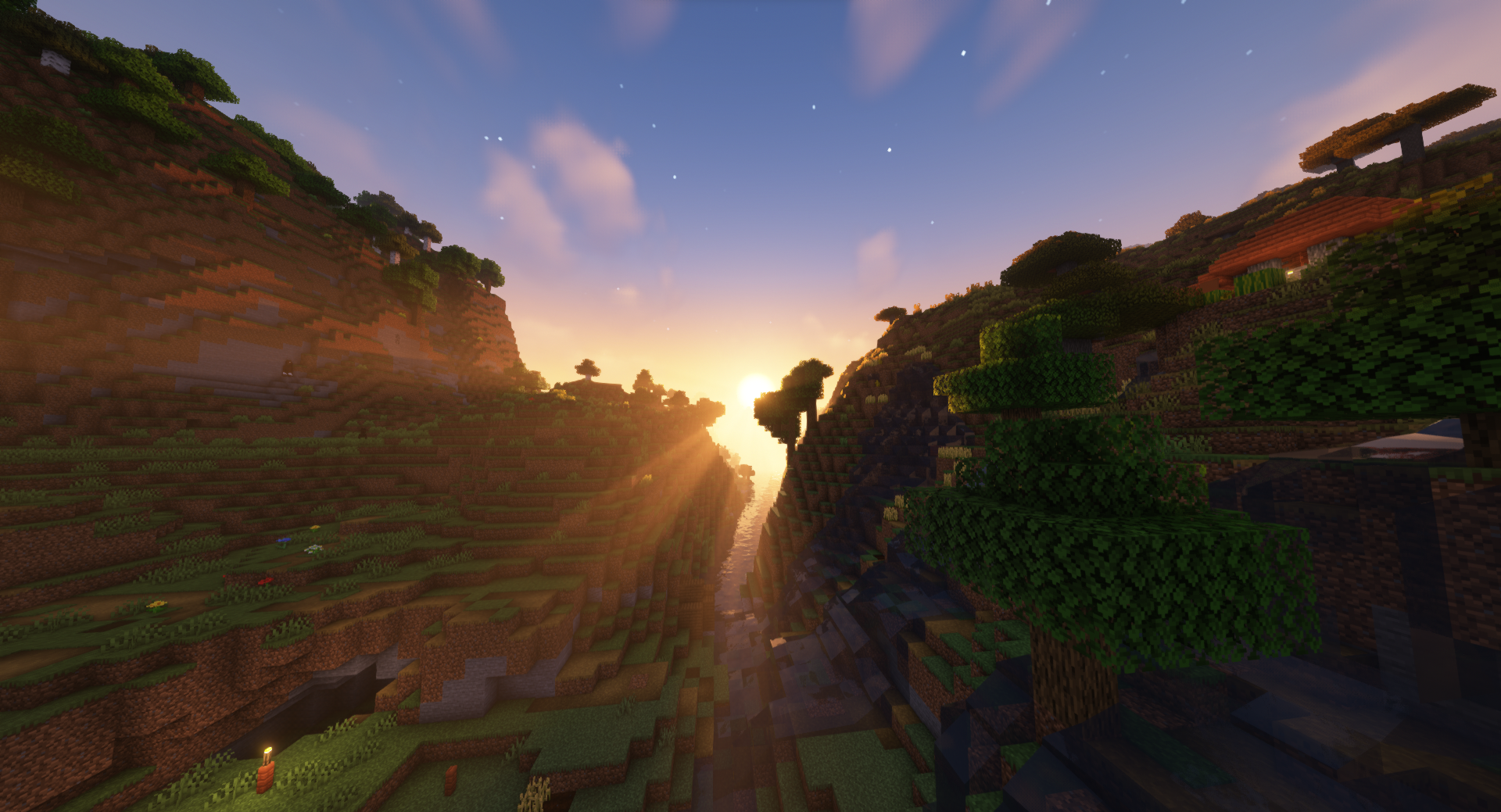
바닐라 스타일에만 집중한 뛰어난 셰이더. 셰이더와 함께 특별한 텍스처 팩이 포함되어 있으며, 함께 사용하면 빛과 색상 체계를 세밀하게 작업하여 게임플레이에 놀라운 몰입감을 선사합니다.
Light Shaders
Excellent shaders, focused exclusively on vanilla style. Included with the shaders is a special texture pack; together, they will work in detail on the light and colour scheme for incredible immersion in the gameplay.
TRANSLATE with x
<input id="LanguageMenu_svid" style="display: none;" autocomplete="on" name="LanguageMenu_svid" type="text" value="en"> <input id="LanguageMenu_textid" style="display: none;" autocomplete="on" name="LanguageMenu_textid" type="text"> English
Arabic Hebrew Polish
Bulgarian Hindi Portuguese
Catalan Hmong Daw Romanian
Chinese Simplified Hungarian Russian
Chinese Traditional Indonesian Slovak
Czech Italian Slovenian
Danish Japanese Spanish
Dutch Klingon Swedish
English Korean Thai
Estonian Latvian Turkish
Finnish Lithuanian Ukrainian
French Malay Urdu
German Maltese Vietnamese
Greek Norwegian Welsh
Haitian Creole Persian
TRANSLATE with
COPY THE URL BELOW
<input id="ShareTextbox" name="ShareTextbox" readonly="readonly" type="text">
Back
<input id="EmailSubject" name="EmailSubject" type="hidden" value="Check out this page in {0} translated from {1}"> <input id="EmailBody" name="EmailBody" type="hidden" value="Translated: {0}%0d%0aOriginal: {1}%0d%0a%0d%0aAutomatic translation powered by Microsoft® Translator%0d%0ahttp://" rel="noopener nofollow" target="_blank">www.bing.com/translator?ref=MSTWidget"> <input id="ShareHelpText" type="hidden" value="This link allows visitors to launch this page and automatically translate it to {0}.">
EMBED THE SNIPPET BELOW IN YOUR SITE
<input id="EmbedSnippetTextBox" name="EmbedSnippetTextBox" readonly="readonly" type="text" value="<div id='MicrosoftTranslatorWidget' class='Dark' style='color:white;background-color:#555555'></div>">
Enable collaborative features and customize widget: Bing Webmaster Portal
Back
<input class="TnITTtw-dd-input" type="text" placeholder="Поиск" data-dir="to" data-width="NaN">
<input id="TnITTtw-always-translate" style="display: none;" readonly="readonly" type="checkbox"><label class="TnITTtw-always-translate-label TnITTtw-not-pro" style="display: none;" for="TnITTtw-always-translate">Всегда переводить Английский на УкраинскийPRO</label><input id="TnITTtw-never-translate-lang" style="display: none;" type="checkbox"><label class="TnITTtw-never-translate-lang-label" style="display: none;" for="TnITTtw-never-translate-lang">Никогда не переводить Английский</label><input id="TnITTtw-never-translate-site" style="display: none;" type="checkbox"><label class="TnITTtw-never-translate-site-label" style="display: none;" for="TnITTtw-never-translate-site">Никогда не переводить legacy.curseforge.com</label>
Light Shaders 설치 방법
With Millida Launcher
Install Millida Launcher
The launcher is free: download it at millida.net/launcher and sign in with any nickname.
Click “Install” on this page
The launcher opens and installs the shaders for Minecraft 1.19–1.20.1 automatically.
Launch the game
A profile with it appears in the launcher: click “Play”.
Manually
Install Iris or OptiFine
Without a shader mod the game cannot see shaders. Install it for the same Minecraft version.
Download the shader archive
Pick the file Light Shaders.zip (3.3 MB) and do not unpack it.
Put it in the shaderpacks folder
“Options”, then “Video Settings”, then “Shader Packs”, then “Open Shader Pack Folder”, and drag the archive there.
Select the shaders
In the same window, click the pack name and “Apply”.
버전
의존성 포함
| Minecraft | 로더 | 파일 | 날짜 | 작업 |
|---|---|---|---|---|
| 1.19.3 | — | Light Shaders.zip3.3 MB 13 |
리뷰
Light Shaders의 첫 평가를 남겨 보세요


