

Minecraft 1.20.1, 1.21.1용 Karma Shader
볼류메트릭 복셀 구름, 빛줄기, 풍부하고 반사되는 물, 흔들리는 나뭇잎, 그리고 네더와 엔드 차원 모두를 위한 커스텀 몰입형 분위기를 특징으로 하는 스타일리시하고 최적화된 Minecraft 셰이더팩으로, 무거운 안개가 전혀 없습니다.
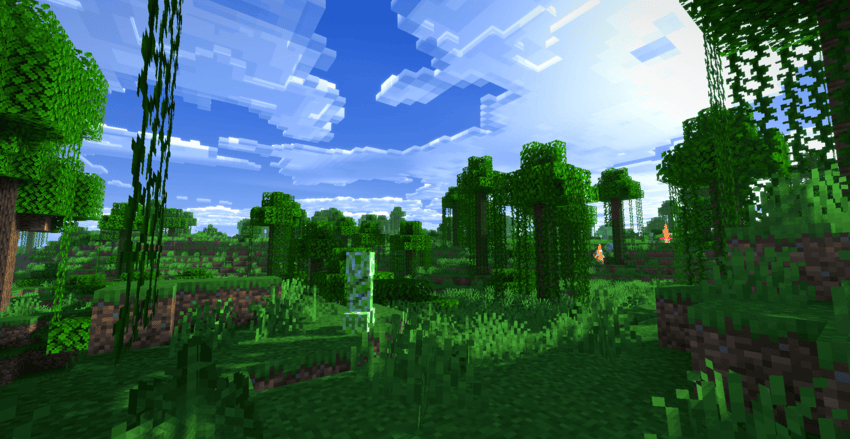
Karma Shader
Karma Shader brings Minecraft to life with stylized visuals and immersive atmospheres-all while keeping your frame rate smooth! No blinding fog, just pure aesthetic upgrades.
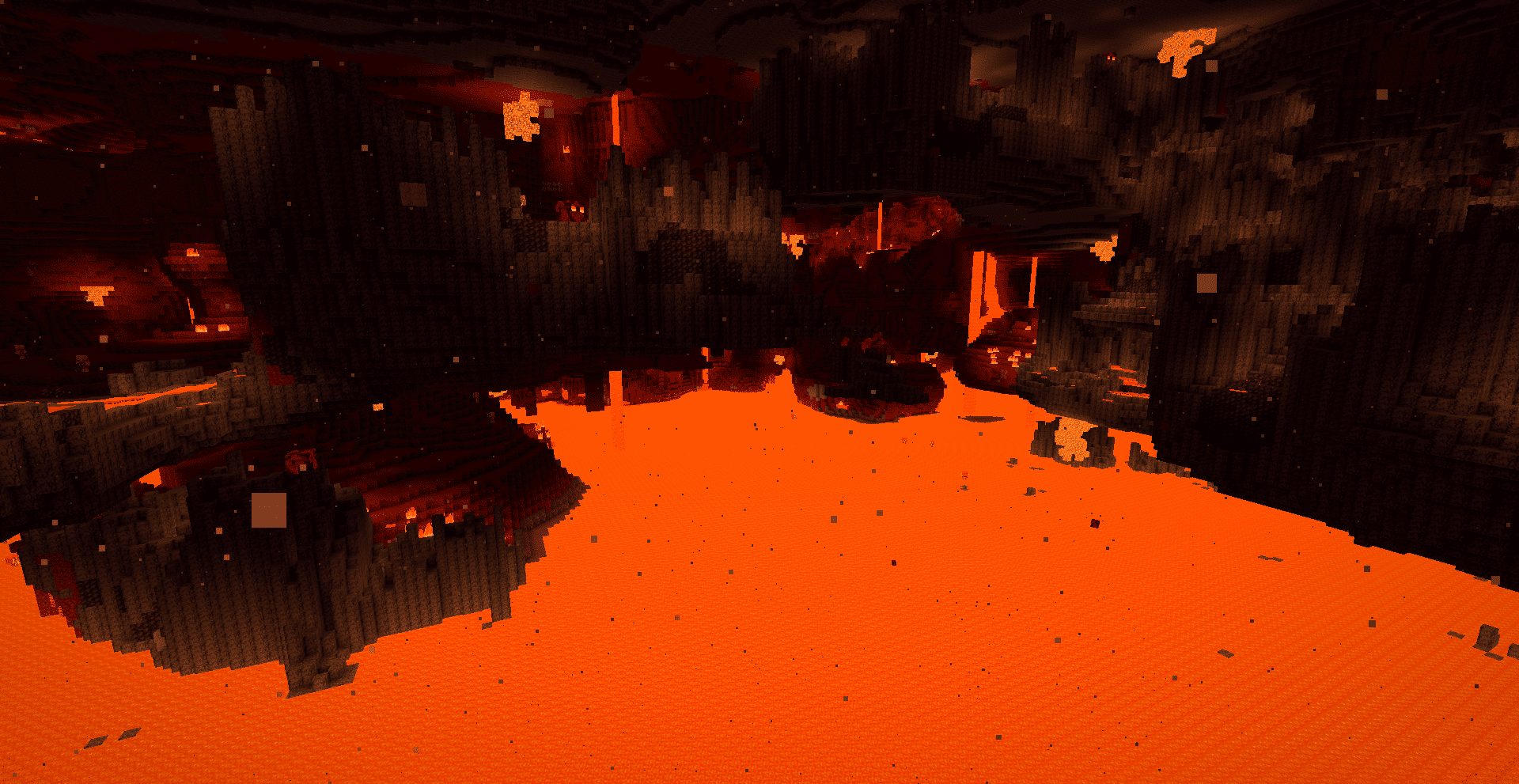
Why choose Karma?
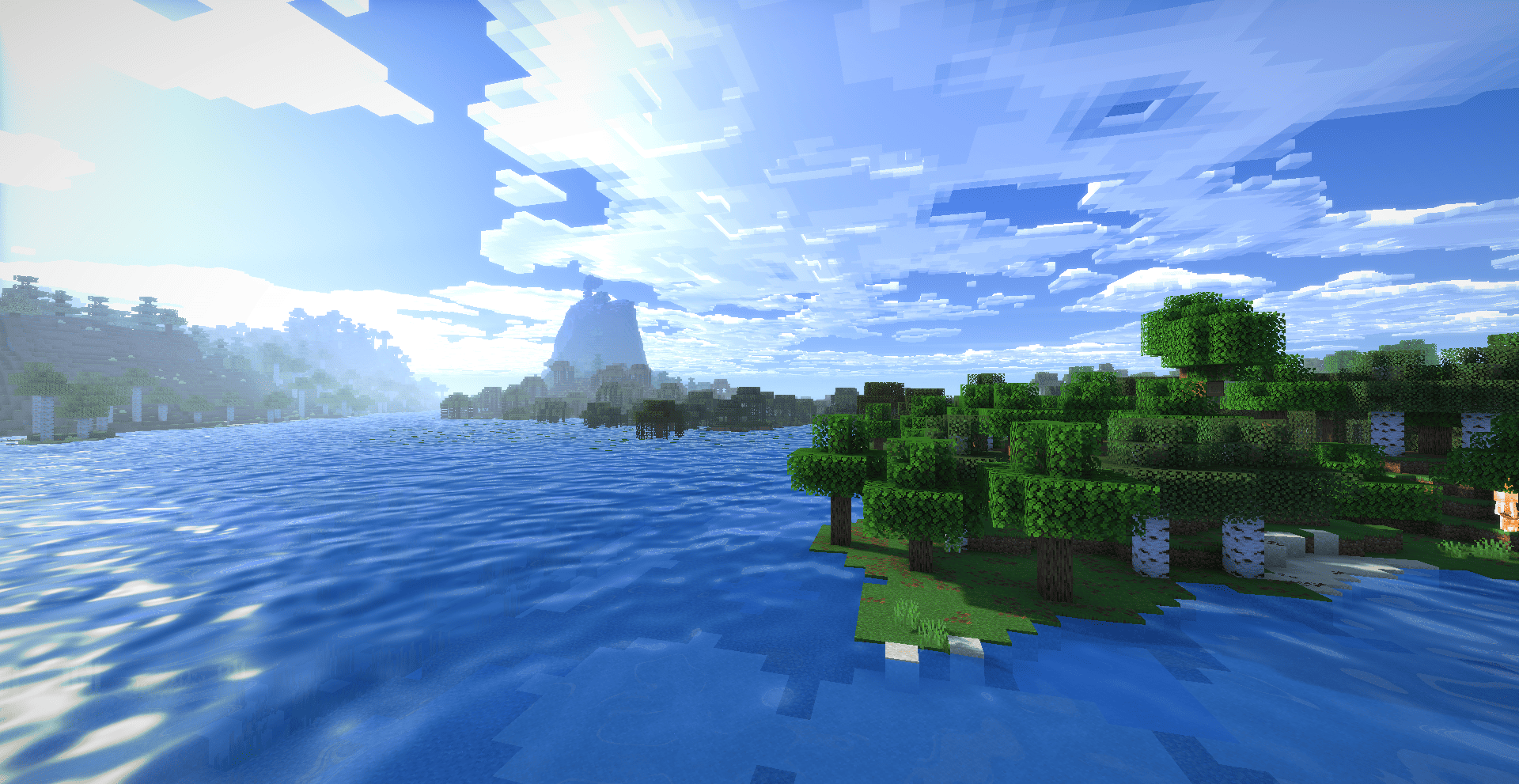
- Voxel Clouds: Beautiful, self-shadowed 3D clouds that melt into the horizon.
- Enchanted Water: Two-tone turquoise water with custom reflections and sun glare.
- God Rays: Volumetric light shafts piercing trees and water, day and night.
- Living World: Smooth swaying grass, crops, and leaves reacting to the wind.
- The Nether: Volumetric embers and warm lava vapors (no boring fog).
- The End: Swirling space nebulae, twinkling auroras, and shooting stars!
Optimized & fully compatible with Iris and OptiFine.
Karma Shader 설치 방법
With Millida Launcher
Install Millida Launcher
The launcher is free: download it at millida.net/launcher and sign in with any nickname.
Click “Install” on this page
The launcher opens and installs the shaders for Minecraft 1.18.2–26.3 automatically.
Launch the game
A profile with it appears in the launcher: click “Play”.
Manually
Install Iris or OptiFine
Without a shader mod the game cannot see shaders. Install it for the same Minecraft version.
Download the shader archive
Pick the file Karma Shader.zip (54 KB) and do not unpack it.
Put it in the shaderpacks folder
“Options”, then “Video Settings”, then “Shader Packs”, then “Open Shader Pack Folder”, and drag the archive there.
Select the shaders
In the same window, click the pack name and “Apply”.
버전
의존성 포함
| Minecraft | 로더 | 파일 | 날짜 | 작업 |
|---|---|---|---|---|
| 1.21 | — | Karma Shader.zip54.1 KB 10 |
리뷰
Karma Shader의 첫 평가를 남겨 보세요


