

Minecraft 26.2용 GlamorousSP Shaders
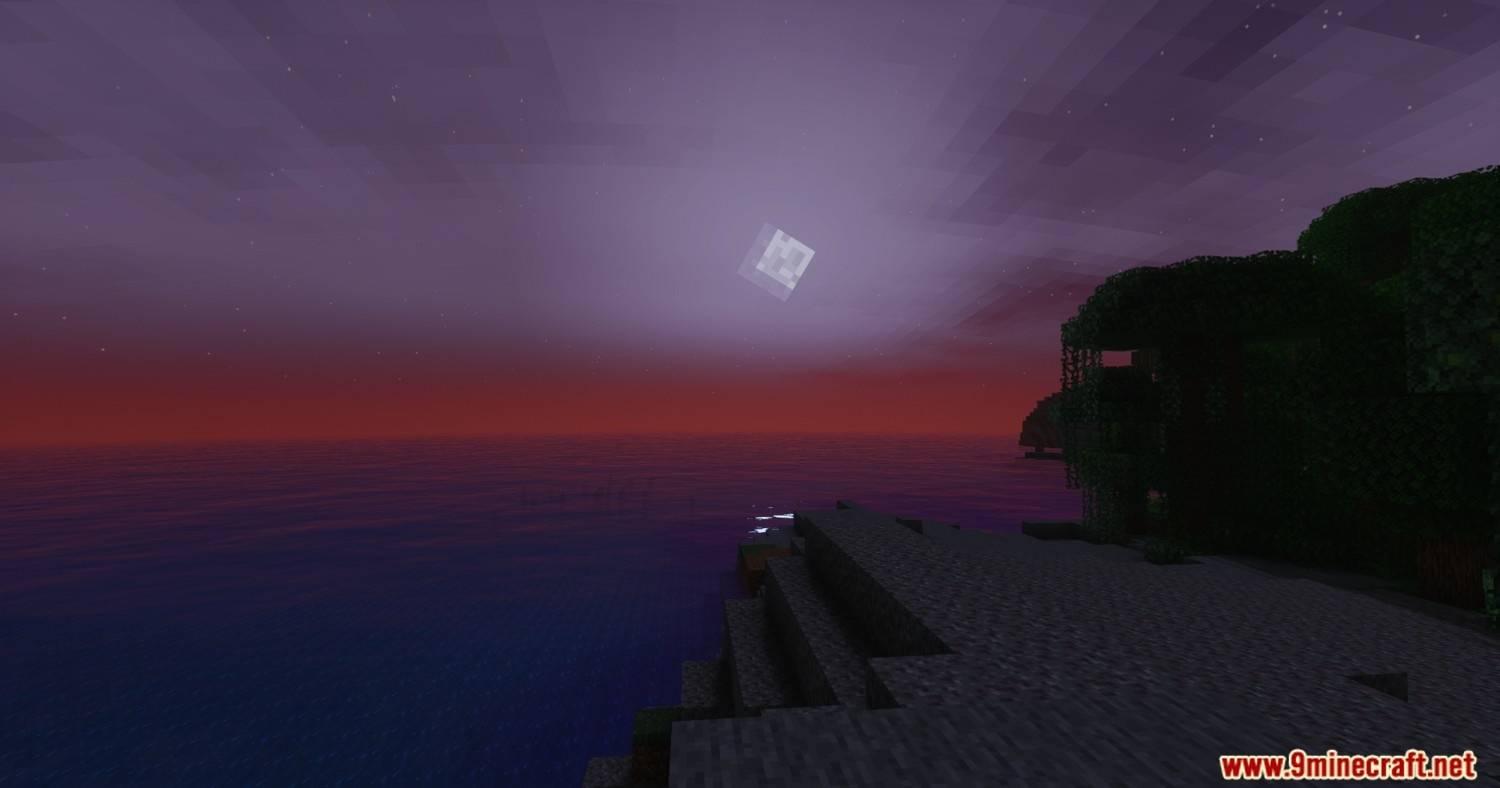
아름다운 조명, 풍부한 색상, 부드러운 성능에 초점을 맞춘 생생하고 커스터마이즈 가능한 셰이더 팩입니다. GlamorousSP는 TheCMK의 Mellow Shader에서 영감을 받았습니다.
GlamorousSP Shaders 셰이더 정보
A vibrant and customizable shader pack focused on beautiful lighting, rich colors, and smooth performance. it contains several profiles for people with weaker systems and people who want to get every drop out of image quality.
GlamorousSP Shaders 설치 방법
With Millida Launcher
Install Millida Launcher
The launcher is free: download it at millida.net/launcher and sign in with any nickname.
Click “Install” on this page
The launcher opens and installs the shaders for Minecraft 1.21.11–26.2 automatically.
Launch the game
A profile with it appears in the launcher: click “Play”.
Manually
Install Iris or OptiFine
Without a shader mod the game cannot see shaders. Install it for the same Minecraft version.
Download the shader archive
Pick the file GlamorousSP.zip (2.0 MB) and do not unpack it.
Put it in the shaderpacks folder
“Options”, then “Video Settings”, then “Shader Packs”, then “Open Shader Pack Folder”, and drag the archive there.
Select the shaders
In the same window, click the pack name and “Apply”.
버전
의존성 포함
| Minecraft | 로더 | 파일 | 날짜 | 작업 |
|---|---|---|---|---|
| 1.21.11 | — | 2.0 Refined2 MB 5 |
FAQ
Which Minecraft versions does GlamorousSP Shaders work on?
There are files for 26.2, 26.1.2, 26.1.1, 26.1, 1.21.11. The newest is 26.2.
Where can I download GlamorousSP Shaders safely?
On this page: the file GlamorousSP.zip (2.0 MB) is stored on Millida’s server, with no link shorteners. SHA-1 checksum: 19b45a2c5e733090de60524b02935fd5f52b4403.
리뷰
GlamorousSP Shaders의 첫 평가를 남겨 보세요


