

Minecraft 1.20.1, 1.21.1용 DreadShade 셰이더
마인크래프트를 위한 공포에 젖은 후처리 셰이더팩 — 스멀스멀 피어오르는 안개, 음울한 색감 보정, 모든 횃불이 부족하게 느껴지도록 만드는 터널 시야 비네트가 포함되어 있습니다.
DreadShade 셰이더 정보
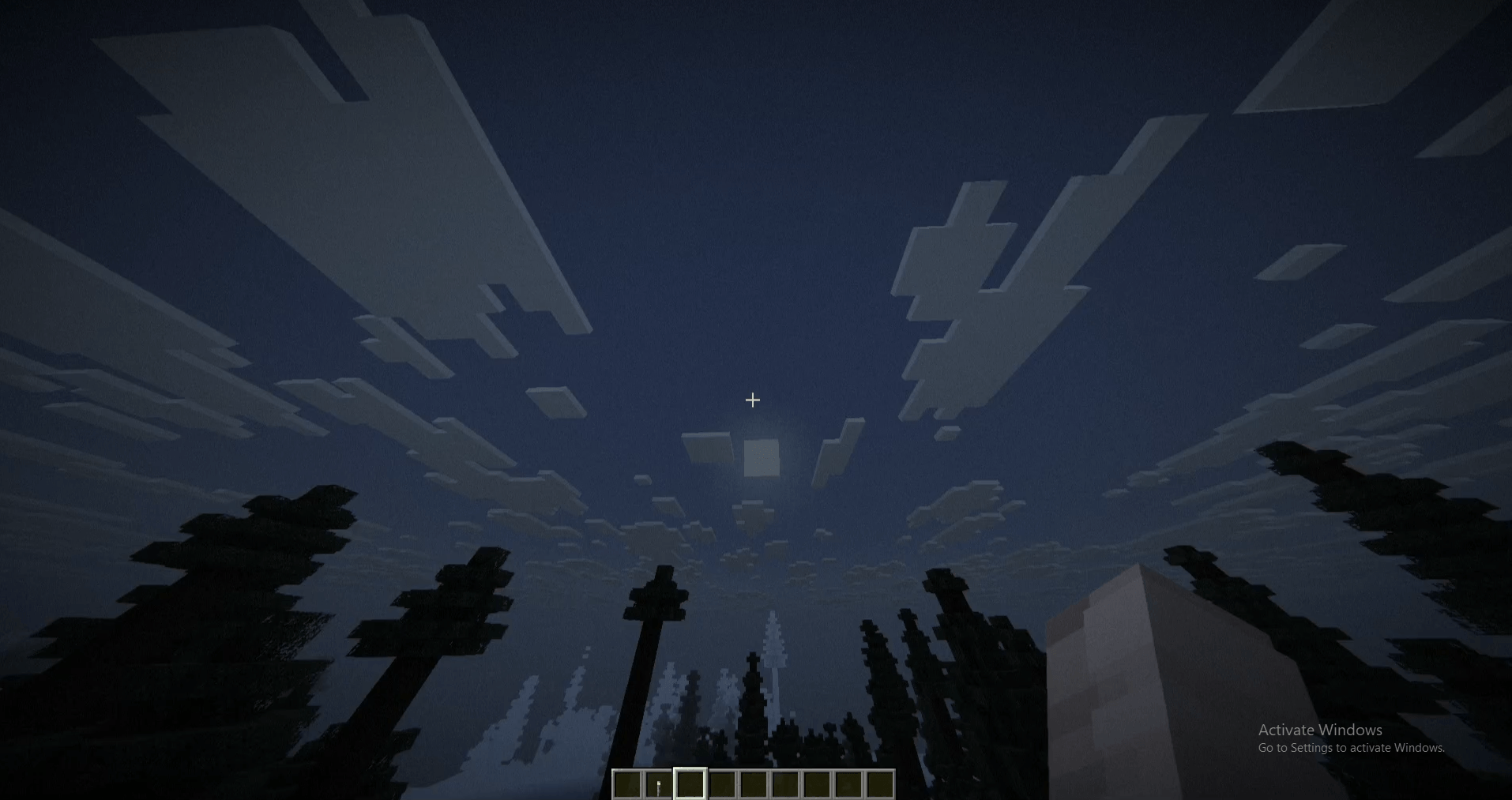
DreadShade is an OptiFine/Iris shaderpack built for atmosphere, not spectacle. Instead of chasing photorealism, it leans into four unsettling effects layered directly over vanilla rendering: fog that thickens at night and in rain, a cold desaturated color grade with crushed shadows, a heavy tunnel-vision vignette, and animated film grain with a faint flicker that keeps the screen feeling alive in the worst way. A touch of edge-weighted chromatic aberration finishes the look.
Every key value - fog density, grain amount, vignette strength, overall darkness - is exposed as an in-game slider under Shader Options, so you can dial the dread up or down without touching a line of code.
Built for players who want their base to feel like the only safe place left, and the world outside it to feel like it's watching back.
DreadShade 설치 방법
Install Millida Launcher
The launcher is free: download it at millida.net/launcher and sign in with any nickname.
Click “Install” on this page
The launcher opens and installs the shaders for Minecraft 1.19–26.2 automatically.
Launch the game
A profile with it appears in the launcher: click “Play”.
버전
의존성 포함
| Minecraft | 로더 | 파일 | 날짜 | 작업 |
|---|---|---|---|---|
| 1.21 | — | DreadShade.zip4.4 KB 3 |
FAQ
Which Minecraft versions does DreadShade work on?
There are files for 1.19–26.2, 28 versions in total. The newest is 26.2.
How do I download DreadShade?
With Millida Launcher: it installs DreadShade into a modpack by itself, for the right game version and loader. The launcher is free.
리뷰
DreadShade의 첫 평가를 남겨 보세요


