

DMS 셰이더 정보
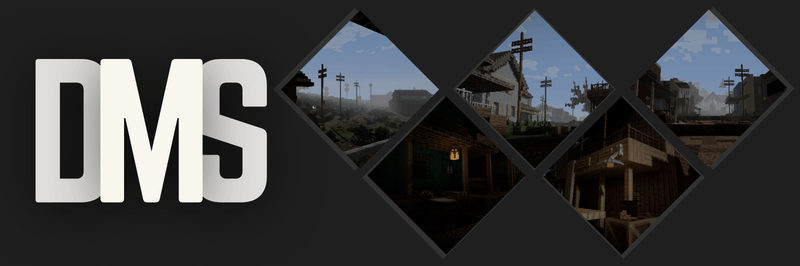
A gritty, desaturated, and deeply atmospheric overhaul for Minecraft, designed to transform your world into a dark fantasy or survival horror experience.
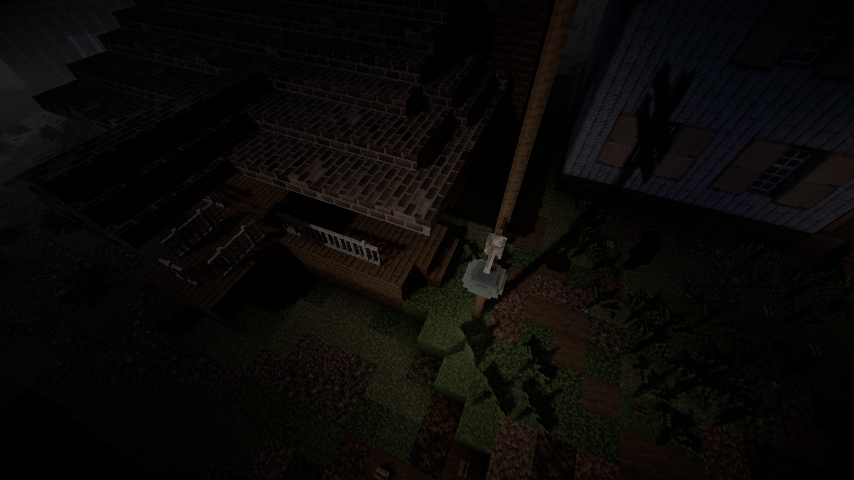
DMS completely strips away the vibrant, saturated look of vanilla Minecraft, replacing it with a bleak, weathered color palette and harsh dynamic lighting.

- Gritty, Realistic Colors: No more bright, radioactive vanilla greens. The world is shifted to a weathered, cinematic palette.
- Heavy, Atmospheric Fog: Distance fog rolls in cleanly to give you that perfect, moody, overcast weather vibe.
- Immersive Border Shadows: A clean vignette darkens the corners of your screen, making you feel completely locked into your surroundings.
- Harsh, Deep Shadows: Underneath trees, cliffs, and hillsides, the shadows get realistically dark and intense.
- Pitch-Black Nights: True survival nights where navigating without torches is nearly impossible.
- Realistic Torches: Torchlight doesn't artificially light up a massive area; it gives off a cozy, highly localized glow.
DMS 설치 방법
Install Millida Launcher
The launcher is free: download it at millida.net/launcher and sign in with any nickname.
Click “Install” on this page
The launcher opens and installs the shaders for Minecraft 1.16–26.2 automatically.
Launch the game
A profile with it appears in the launcher: click “Play”.
버전
의존성 포함
| Minecraft | 로더 | 파일 | 날짜 | 작업 |
|---|---|---|---|---|
| 1.16.3 | — | DMS_1.0.3.zip24.4 KB |
FAQ
Which Minecraft versions does DMS work on?
There are files for 1.16–26.2, 39 versions in total. The newest is 26.2.
How do I download DMS?
With Millida Launcher: it installs DMS into a modpack by itself, for the right game version and loader. The launcher is free.
리뷰
DMS의 첫 평가를 남겨 보세요


