
Minecraft 1.20.1, 1.21.1용 Colorful✨ 셰이더
Mellow에서 영감을 받은 셰이더로, 기능을 추가하고 마침내 오래된 PC에서도 셰이더를 실행할 수 있게 해줍니다.
Colorful✨ 셰이더 정보
To Change the Outline Mode to Raimbow : shader settings / camera effects / outline settings / outline mode
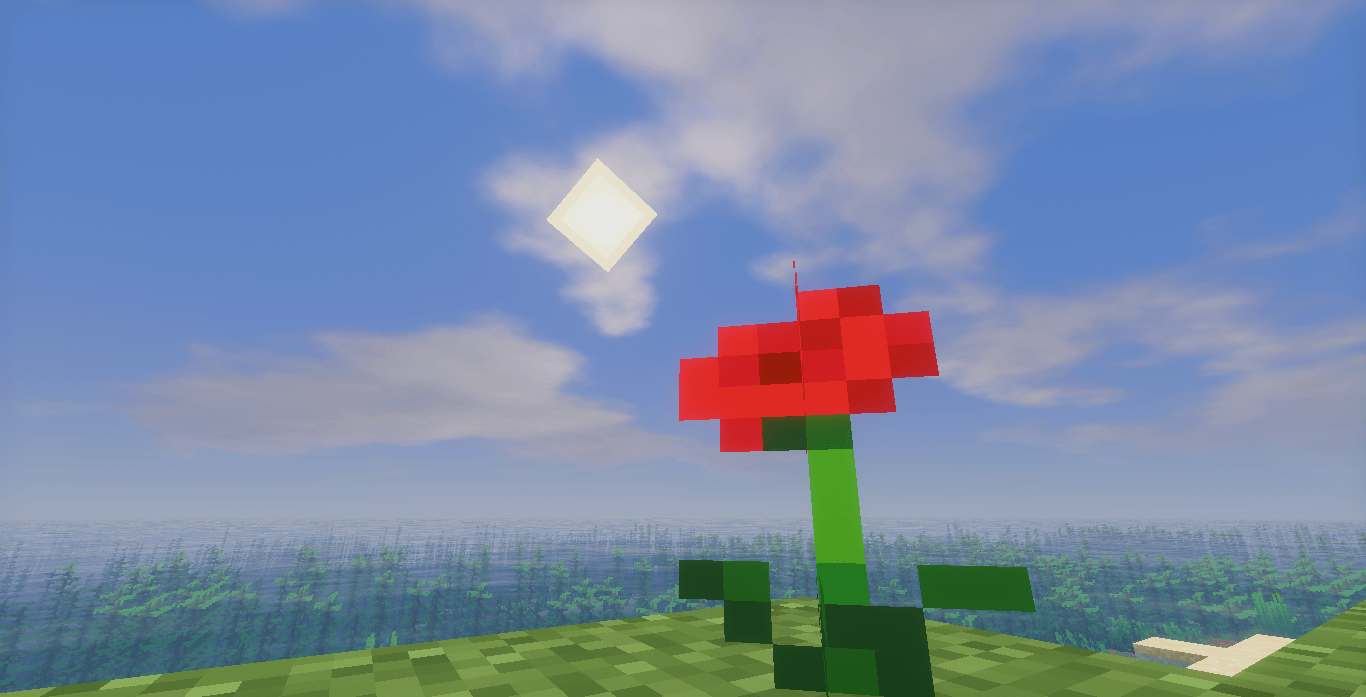
Colorfull is a visual pack for Minecraft that emphasizes vibrant colors and a bright atmosphere.
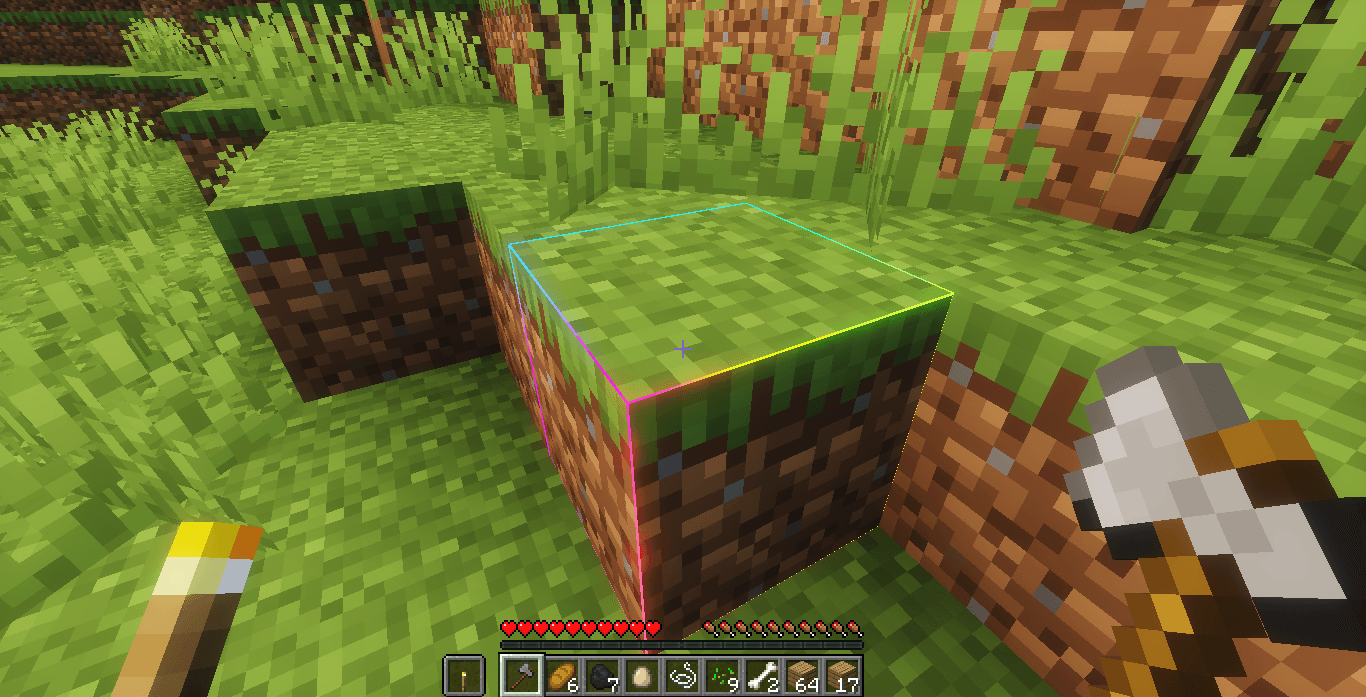
The pack includes:
- More saturated and vibrant hues
- A soft sky with bright sunshine
- Clear and luminous water
- More lifelike vegetation
- Pleasant visual effects
The overall effect is a colorful and soothing look, perfect for enjoying landscapes and builds in a warmer atmosphere.
(c)️Based on Mellow Shader
Colorful✨ 설치 방법
With Millida Launcher
Install Millida Launcher
The launcher is free: download it at millida.net/launcher and sign in with any nickname.
Click “Install” on this page
The launcher opens and installs the shaders for Minecraft 1.19.4–26.3 automatically.
Launch the game
A profile with it appears in the launcher: click “Play”.
Manually
Install Iris or OptiFine
Without a shader mod the game cannot see shaders. Install it for the same Minecraft version.
Download the shader archive
Pick the file ColorFull4.zip (646 KB) and do not unpack it.
Put it in the shaderpacks folder
“Options”, then “Video Settings”, then “Shader Packs”, then “Open Shader Pack Folder”, and drag the archive there.
Select the shaders
In the same window, click the pack name and “Apply”.
버전
의존성 포함
| Minecraft | 로더 | 파일 | 날짜 | 작업 |
|---|---|---|---|---|
| 1.21 | — | ColorFull4.zip646 KB 199 | ||
| 1.21 | — | ColorFull3.zip662 KB |
FAQ
Which Minecraft versions does Colorful✨ work on?
There are files for 1.19.4–26.3, 25 versions in total. The newest is 26.3.
Where can I download Colorful✨ safely?
On this page: the file ColorFull4.zip (646 KB) is stored on Millida’s server, with no link shorteners. SHA-1 checksum: 975cbc83f46b0c67f23399a18ab5c2bebc241940.
리뷰
Colorful✨의 첫 평가를 남겨 보세요


