

Minecraft 1.20.1, 1.21.1용 BrighterAccessibility 셰이더
시각 장애가 있는 사람을 위해 게임에서 그림자와 안개를 제거합니다. Distant Horizons를 지원합니다.
- 다운로드
- 3 다운로드
- 조회수
- 69 조회수
- 업데이트됨
- 업데이트됨 03.09.2026
- 1.0 — 1.21.4
 Fabric
- 클라이언트
BrighterAccessibility
Overview
Compatible with Distant Horizons
BrighterAccessibility is a custom shader designed to enhance visibility for visually impaired players by making the world brighter. This shader aims to improve accessibility.

Installation
- Download the BrighterAccessibility.zip file from the link provided.
- Extract the contents into your Minecraft shaderpacks folder.
- Launch Minecraft and select the BrighterAccessibility shader from the iris shaders menu.

Usage
Once installed, the shader will automatically adjust the brightness levels, making dark areas easier to see for visually impaired players. Enjoy a more accessible Minecraft
This shader is intended solely for accessibility purposes. It should not be used to gain gameplay advantages. If you have any concerns or feedback, please reach out to me.
Screenshots
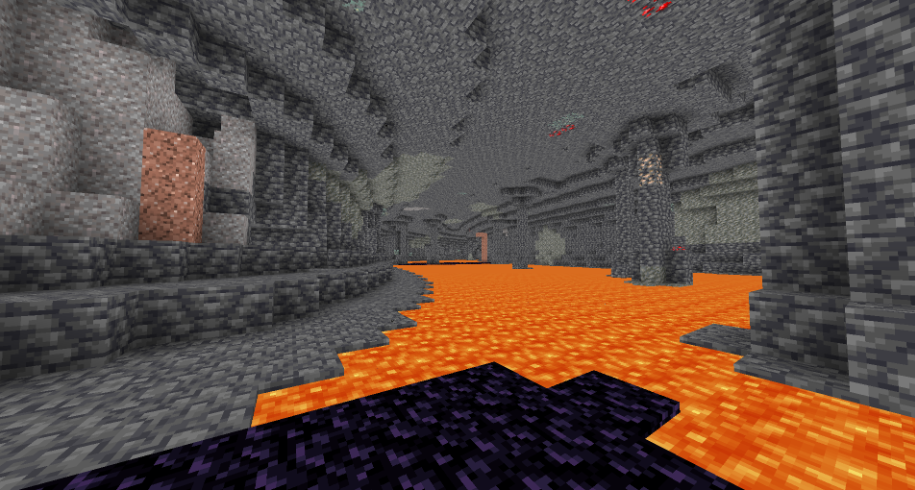
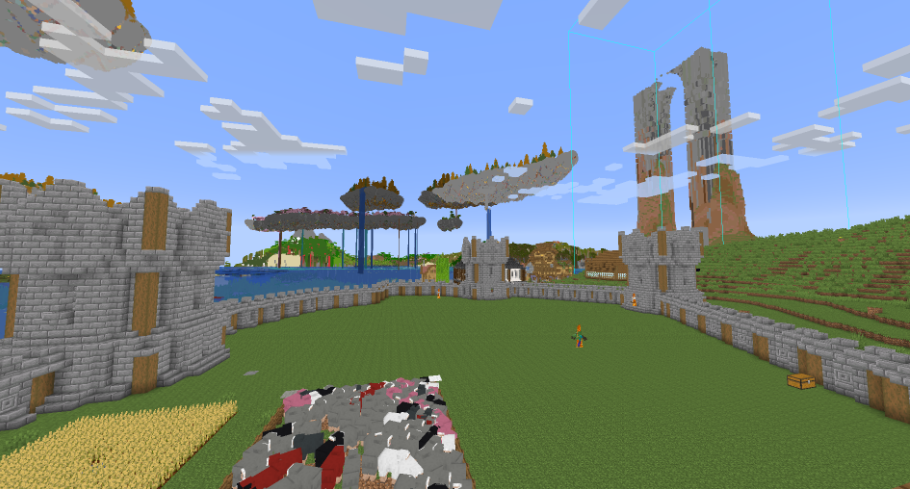
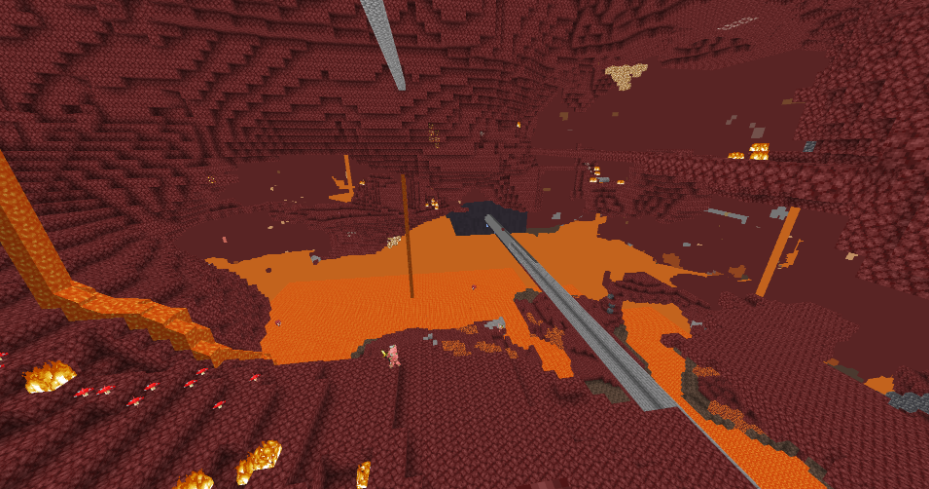
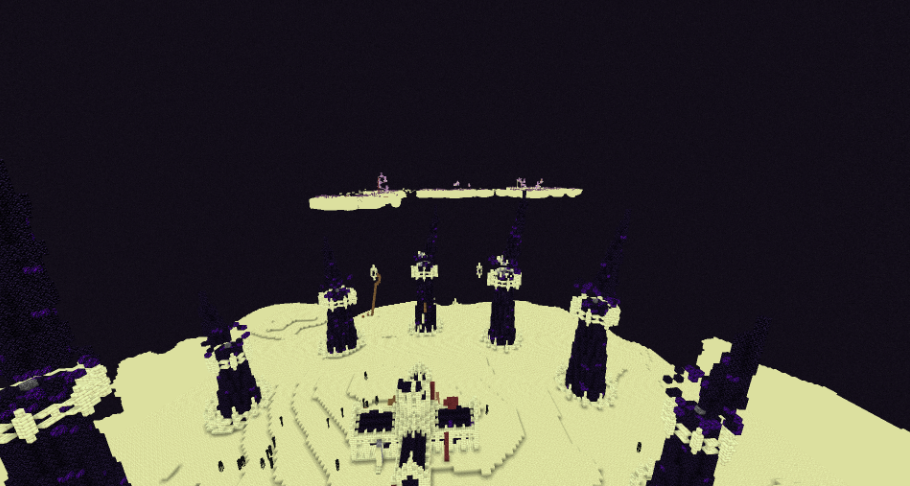
BrighterAccessibility 설치 방법
With Millida Launcher
Install Millida Launcher
The launcher is free: download it at millida.net/launcher and sign in with any nickname.
Click “Install” on this page
The launcher opens and installs the shaders for Minecraft 1.0–1.21.4 automatically.
Launch the game
A profile with it appears in the launcher: click “Play”.
Manually
Install Iris
Without a shader mod the game cannot see shaders. Install it for the same Minecraft version.
Download the shader archive
Pick the file BrighterAccessibility.zip (4 KB) and do not unpack it.
Put it in the shaderpacks folder
“Options”, then “Video Settings”, then “Shader Packs”, then “Open Shader Pack Folder”, and drag the archive there.
Select the shaders
In the same window, click the pack name and “Apply”.
버전
의존성 포함
| Minecraft | 로더 | 파일 | 날짜 | 작업 |
|---|---|---|---|---|
| 1.17.1 | Iris | 1.17.13.5 KB 3 | ||
| 1.15.2 | Iris | 1.15.23.5 KB | ||
| 1.14.4 | Iris | 1.14.43.5 KB | ||
| 1.7.10 | Iris | 1.7.103.5 KB | ||
| 1.21 | Iris | 1.213.5 KB | — | |
| 1.20.1 | Iris | 1.20.13.5 KB | — | |
| 1.19.2 | Iris | 1.19.23.5 KB | — | |
| 1.18.2 | Iris | 1.18.23.5 KB | — |
리뷰
BrighterAccessibility의 첫 평가를 남겨 보세요


