
PracticePVP
Description
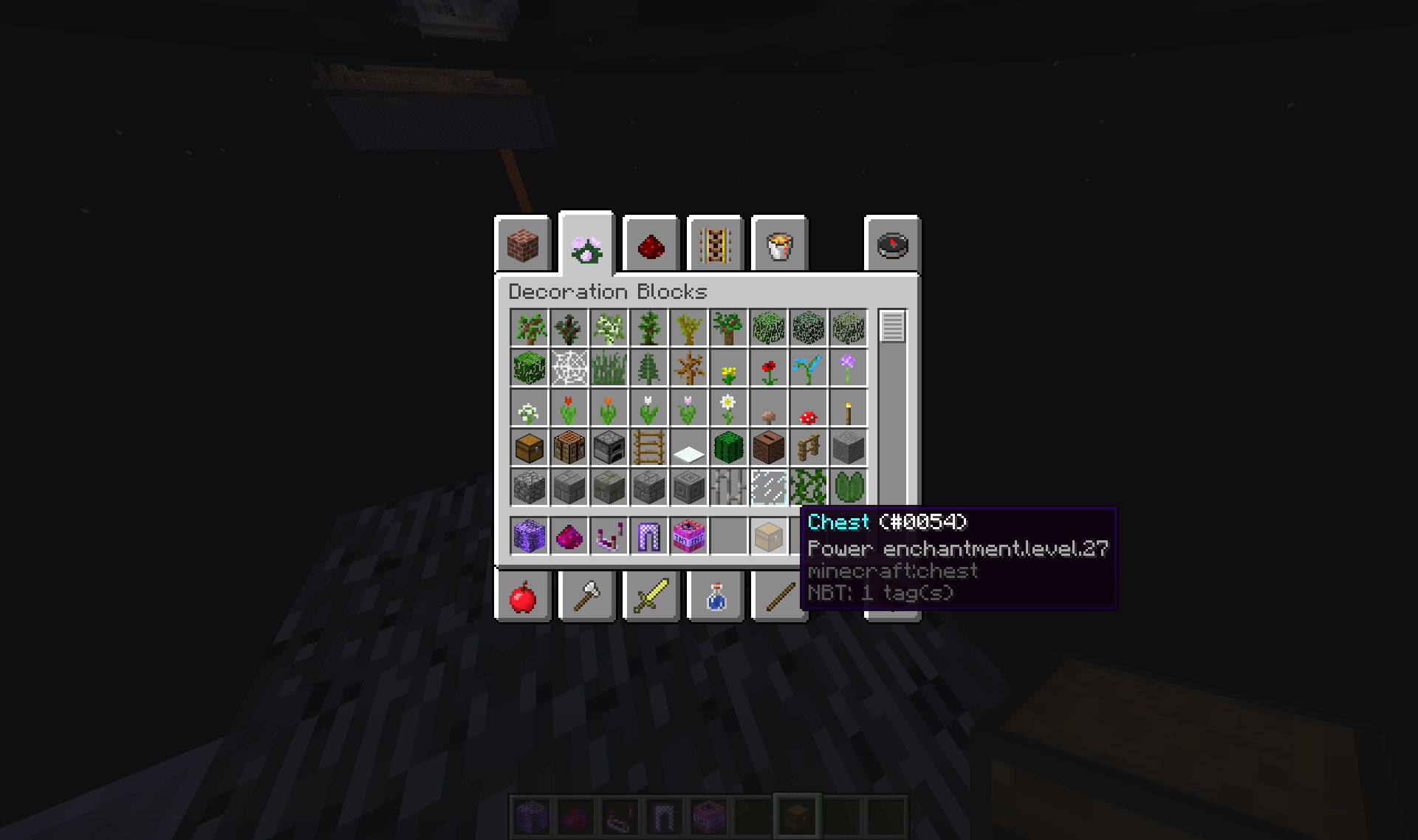
PracticePVP is a plugin created for LotteriesMC which allows where, when a player clicks a block specified in the config.yml, an inventory will be opened for the player. From the Inventory, by clicking on the Item, they will add that item into their inventory.
Features
- Location of block is configurable
- Clicking on an item once will put the item back, while giving the player another ItemStack exactly like the clicked item
Dependencies and Compatibility
- None
How to Install
- Drop this plugin into you plugins folder Restart your server Open the config.yml Edit the X,Y,Z and the worldName to the xyz you want and the name of the world (e.g. world)
If the plugin has a bug/ needs improvement in some way, post it in the comments or PM me.
PracticePVP 설치 방법
A server on Paper or Spigot
The plugin runs on the server core for Minecraft 1.8–1.12; players do not need to install anything.
File goes into the plugins folder
Download the file PracticePVP.jar (4 KB) and put it into the server’s plugins folder.
Restart the server
On startup the plugin creates its own settings folder in plugins.
Use the “To server” button
On Millida Hosting, the button at the top of the page uploads the file to your server and restarts it for you.
Minecraft 1.12 runs on Java 8: with a different Java version the game may close right after launch.
버전
의존성 포함
| Minecraft | 로더 | 파일 | 날짜 | 작업 |
|---|---|---|---|---|
| 1.9 | — | PracticePVP v1.24.3 KB |
리뷰
PracticePVP의 첫 평가를 남겨 보세요


