

Minecraft 1.16용 Let It Rain 플러그인
이제 베이컨을 구하는 걱정은 다시 할 필요가 없습니다...
Let It Rain
Now 1.9/1.15+ compatible! You need to make rain Shulkers, its really amazing ;)
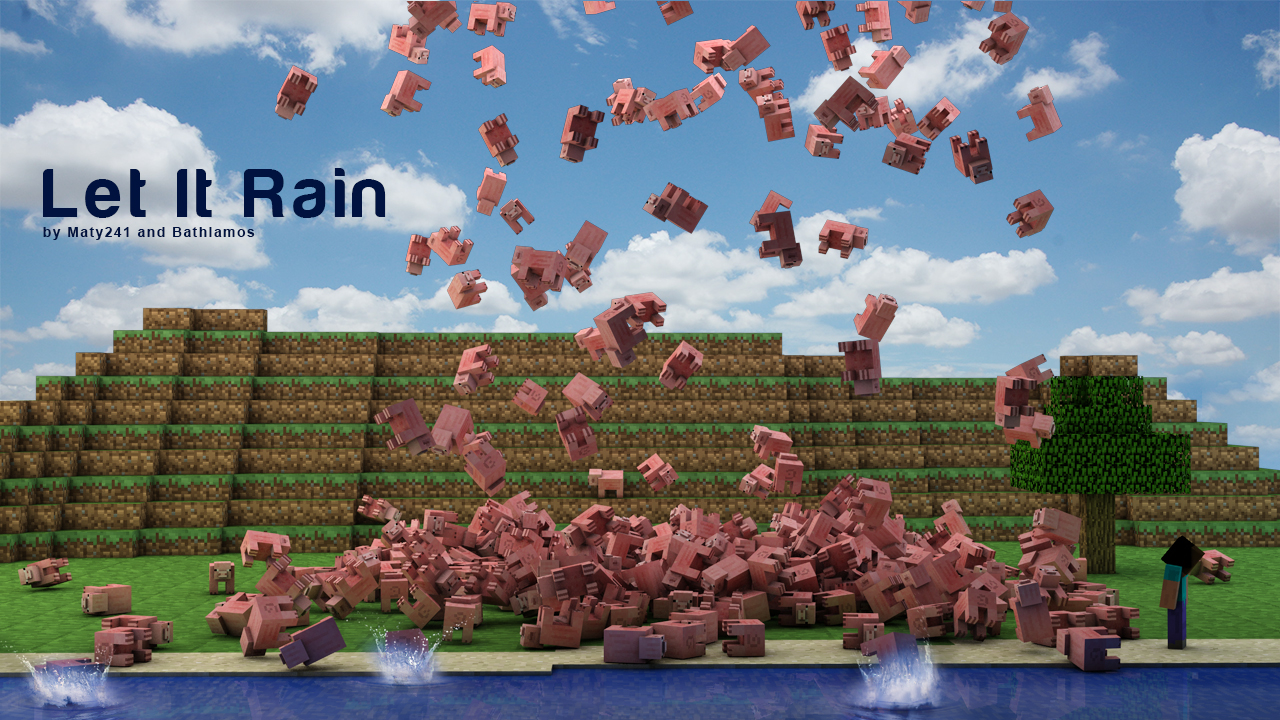
Have you ever wondered what it would be like to be caught in a rainstorm of pigs falling from the sky? Your search is over!
With Let It Rain, you will be able to spawn massive storms of mobs over yourself or other players. You can control the creature type, the amount, the radius and the target. Raining TNT, arrows, snowballs and all blocks/items including custom itens also available (see notes for more). LetItRain generates a config.yml which lets you edit the blacklist, the default values and the message that will be displayed when a command is called. Zeus and Strike commands also available. Please read "Notes" as there are some exceptions.
- Spigot source page. Click here!
Commands & permissions :
Exclude [ ] and < > when executing a command. [ ] = Required <> = Optional
Command Usage Description Permission
/letitrain reload display help or reload the configurations
/rain <entity/item/hand> <player/coord name> <amount/duration (eg. 10s)> <radius> rain creatures/blocks or item in hand from the sky LetItRain.rain
/rain zeus <player/coord name> <amount> <radius> Invoke the power of Zeus LetItRain.rain.lightning
/rain potion:[potion type] <player/coord name> <amount> <radius> Rain potions bottles (no splash) LetItRain.rain
/firerain [entity] <player/coord name> <amount/duration (eg. 10s)> <radius> rain burning creatures from the sky LetItRain.firerain
/rain add [coordinate name] add coordinate LetItRain.rain.coordinates
/rain remove [coordinate name] remove coordinate LetItRain.rain.coordinates
/launcher spawn the grenade launcher item LetItRain.launcher
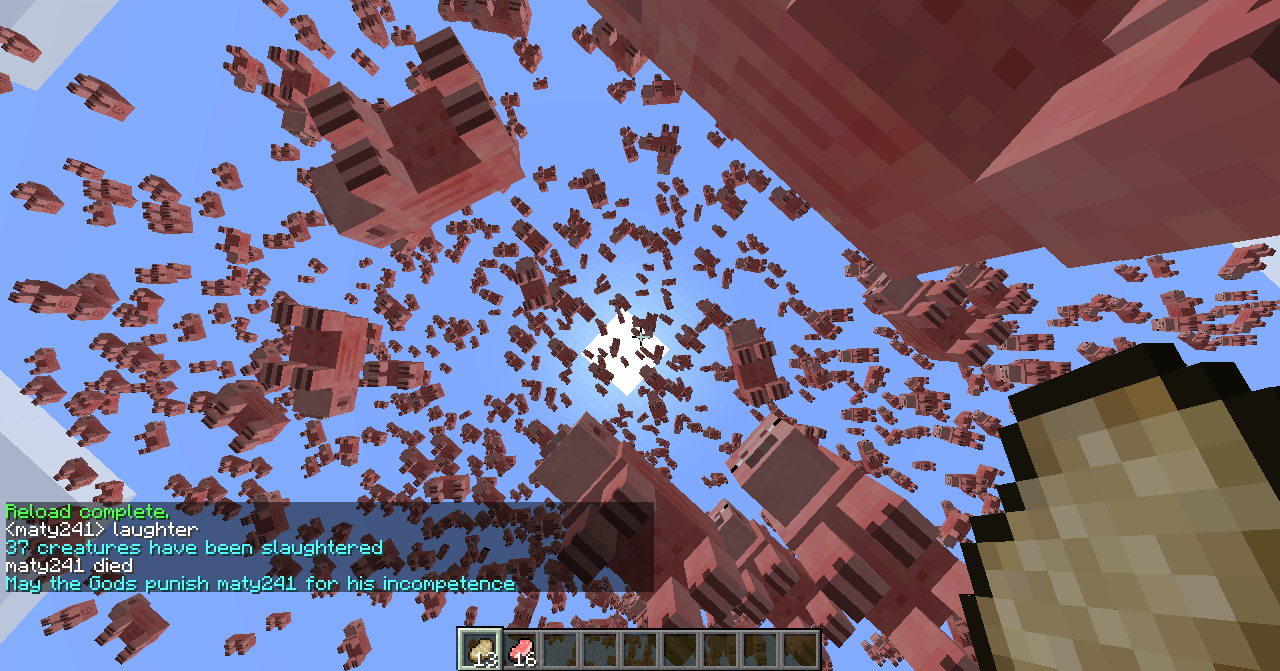
/slaughter <radius> <x> <y> <z> <world> kill all creatures in defined radius or locaition/world LetItRain.slaughter
/removeitems <radius> <x> <y> <z> <world> remove all dropped items in defined radius or locaition/world LetItRain.removeItems
/strike [player] kill specified player with a lightning bolt LetItRain.strike
/zeus or /z Spawn Zeus' lightning bolt LetItRain.zeus
Only Permission Bypass Zeus Delay LetItRain.zeus.bypass

Please Read The Following :
- LetItRain.* permission gives the player all the plugin's permissions
- <entity> can be any mob, "arrows", "TNT", "snowballs", "xpOrbs", "fireballs", etc, as well as ALL blocks (ID or name). Check config.yml for complete list, all case-insensitive
- Raining lava or water actually spawns a massive carpet in the sky! Use at your own risks, there is NO UNDO!
- Rain potions using the following command: /rain potion:<potion_name>
- Rain zeus (or lightnings) can damage your world and has no UNDO. If your intention is do not damage the world, set the configuration Lightning explosion power to 0, this will only spawn the fire. **
- The parameter <player> <amount> and <radius> for /rain command are OPTIONAL. e.g : '/rain pigs' would use the default values in config.yml and will rain on yourself
- Add an 's' after the amount to make it the duration of the rain (in seconds) instead of amount. The creature amount will then be defined automatically based on the given radius to prevent epic lag!
- rain (& firerain) and strike commands can be used from console but requires the <player> parameter
Developers :
Maty241 Bathlamos FabioZumbi12
What's To Come :
- Add coordinate to slaughter command
- Rain lightning
- Rain blocks with data types (ie. 95:1)
- Potion splash
- Rain in random players
Videos :
Video by Ultibyte:
Video by WoopaGaming:
Since 4.1.1, MCStats :
http://mcstats.org/plugin/LetItRain To disable, change 'opt-out' to true in plugins/PluginMetrics/config.yml.
Let It Rain 설치 방법
A server on Paper or Spigot
The plugin runs on the server core for Minecraft 1.8–1.16; players do not need to install anything.
File goes into the plugins folder
Download the file LetItRain.jar (39 KB) and put it into the server’s plugins folder.
Restart the server
On startup the plugin creates its own settings folder in plugins.
Use the “To server” button
On Millida Hosting, the button at the top of the page uploads the file to your server and restarts it for you.
Minecraft 1.16 runs on Java 8: with a different Java version the game may close right after launch.
버전
의존성 포함
| Minecraft | 로더 | 파일 | 날짜 | 작업 |
|---|---|---|---|---|
| 1.9 | — | LetItRain v4.5.539 KB | ||
| — | — | Let It Rain 1.23.3 KB | ||
| — | — | Let It Rain 1.03.1 KB |
리뷰
Let It Rain의 첫 평가를 남겨 보세요


