

ImageMaps
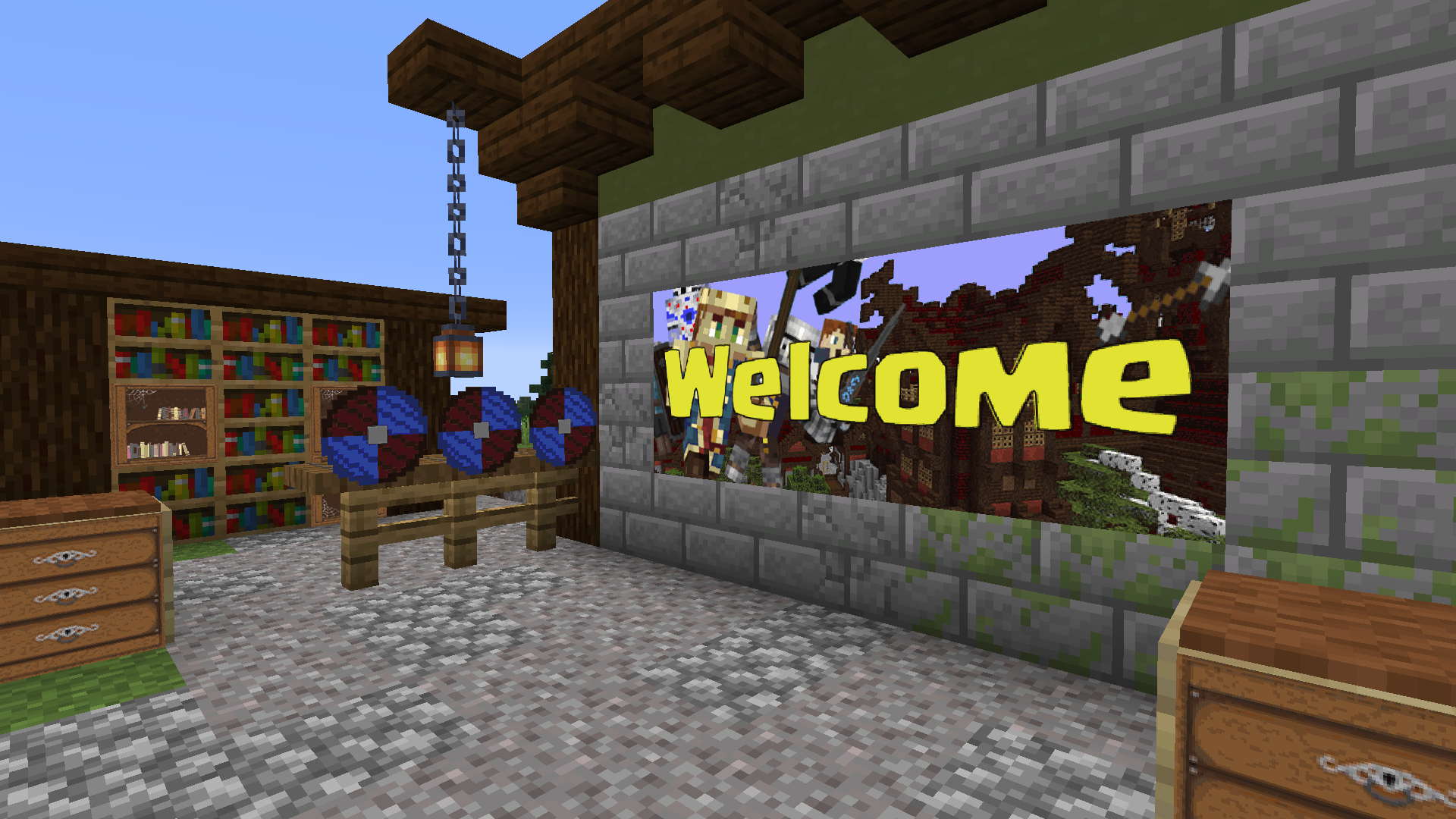
ImageMaps is a plugin for Bukkit Minecraft servers that enables you to place custom images in your world by rendering them onto maps and placing them in item frames.
This can be used to create info graphics, custom paintings and even the appearance of custom textures.
Installation
You will need a Server that implements Bukkit 1.13 or newer and the Spigot-API. Some features are only available in newer releases. Make sure to use the latest release of your server software before reporting issues.
Put the plugin into your servers plugins folder and start it up. A folder for the plugin will be created automatically. You can place your images in the images folder inside it.
Upgrading from versions < 1.0.0
The plugin should convert your maps.yml automatically. It will attempt to create a backup before doing so, but it is recommended to do one manually as well.
Usage
In order for you use place images they must be present in the images folder. You can either put them there via FTP or just copying it, or by using the plugin's download command, allowing you to access images from the Internet.
To place images just run the /imagemap place command and right click the block that should be the upper left corner of the image (based on your perspective).
Images will by default split into 128x128 pixel sub-images to fit on a map. The image may be scaled via command parameters, however it is recommended to prepare correctly scaled images.
The color palette of Minecraft maps is very limited, requiring the plugin/Bukkit to convert the input image. This will result in your images looking different ingame than the source. The available color table can be found here: https://minecraft.gamepedia.com/Map_item_format#Color_table
The invisible and fixed item frame properties are only available in 1.16+. You can modify them for any item frame by using a configurable (default a wooden hoe) items. Right click to toggle visibility and Shift+Right click to toggle the fixed state.
Commands
- /imagemap place <filename> [frameInvisible] [frameFixed] [frameGlowing] [size]
- Starts the placement process
- frameVisible and frameFixed are only available on 1.16+
- frameGlowing is only available on 1.17+
- /imagemap download <filename> <sourceURL>
- downloads an image from the given URL into the images folder
- /imagemap delete <filename>
- deletes an image from the images folder
- /imagemap info <filename>
- prints info, such as resolution and expected size
- /imagemap reload <filename>
- reloads an image, to be used when the image file changed
- /imagemap list [page]
- lists all images in the images folder
- /imagemap help [command]
- prints help for commands
Permissions
imagemaps.* - grants access to all permissions
imagemaps.place - grants access to /imagemap place command
imagemaps.download - grants access to /download place command
imagemaps.delete - grants access to /imagemap delete command
imagemaps.info - grants access to /imagemap info command
imagemaps.list - grants access to /imagemap list command
imagemaps.reload - grants access to /imagemap reload command
imagemaps.help - grants access to /imagemap help command
imagemaps.toggleFixed - allows to toggle the "fixed" state of frames with a wooden hoe
imagemaps.toggleVisible - allows to toggle the "visible" state of frames with a wooden hoe
All permissions are default true for OPs.
Maven
You will need to configure your environment to access GitHub repositories.
<repository> <id>github</id> <name>ImageMaps repository</name> <url>https://maven.pkg.github.com/SydMontague/ImageMaps</url> </repository>
<dependency> <groupId>net.craftcitizen</groupId> <artifactId>imagemaps</artifactId> <version>1.0.1</version> </dependency>
This plugin has been developed for the CraftCitizen survival Minecraft server.
ImageMaps 설치 방법
A server on Paper or Spigot
The plugin runs on the server core for Minecraft 1.13–1.17; players do not need to install anything.
File goes into the plugins folder
Download the file ImageMaps.jar (66 KB) and put it into the server’s plugins folder.
Restart the server
On startup the plugin creates its own settings folder in plugins.
Use the “To server” button
On Millida Hosting, the button at the top of the page uploads the file to your server and restarts it for you.
Minecraft 1.17 runs on Java 16: with a different Java version the game may close right after launch.
버전
의존성 포함
| Minecraft | 로더 | 파일 | 날짜 | 작업 |
|---|---|---|---|---|
| 1.16 | — | ImageMaps 1.0.1065.6 KB | ||
| 1.13 | — | ImageMaps 0.5.021.8 KB | ||
| — | — | ImageMaps v0.121.1 KB |
리뷰
ImageMaps의 첫 평가를 남겨 보세요


