

AdminTools-Pro 플러그인 정보
Hey there,
this is a simple to use GUI plugin, you can manage your server with one command and a few simple clicks in a GUI.
Features:
Go into vanish mode by clicking one item.
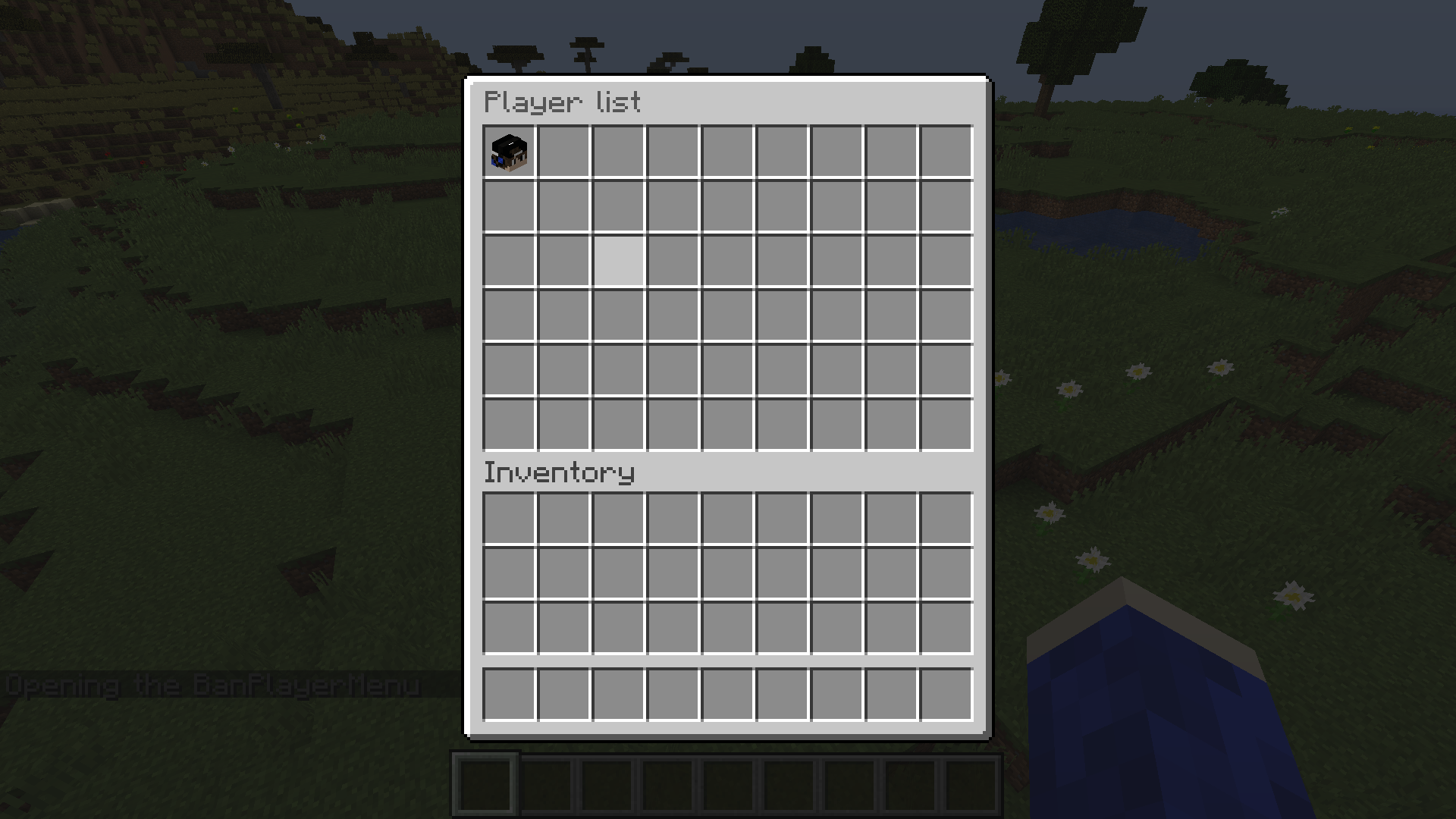
Ban a player on the server with currently 3 ban options. (More option coming soon)
Kill players on your server by selecting them in the player list.
Get info from a player like player's health, food, item in main hand, gamemode and more.
Kick players on your server.
Open the inventory from a player that is online on your server.
You can troll players with currently 3 troll options. (More options coming soon)
This plugin works with vault if you have it on your server and an economy plugin like EssentialsX.
Works with minecraft version 1.8.x - 1.15.2 (latest).
Command:
/admintools or/at (This opens the main menu)
Permission:
AdminTools.admintools (If you have this permission then you are able to use the main GUI)
AdminTools.vanish (you have the option to vanish)
AdmonTools.killplayer (with this permission you have the option to kill a player)
AdminTools.banplayer (you have the option to ban a player)
AdminTools.kickplayer (you have the option to kick a player)
AdminTools.playerinfo (you have the option to get info about a player)
AdminTools.trollplayer (you have to permission to troll a player)
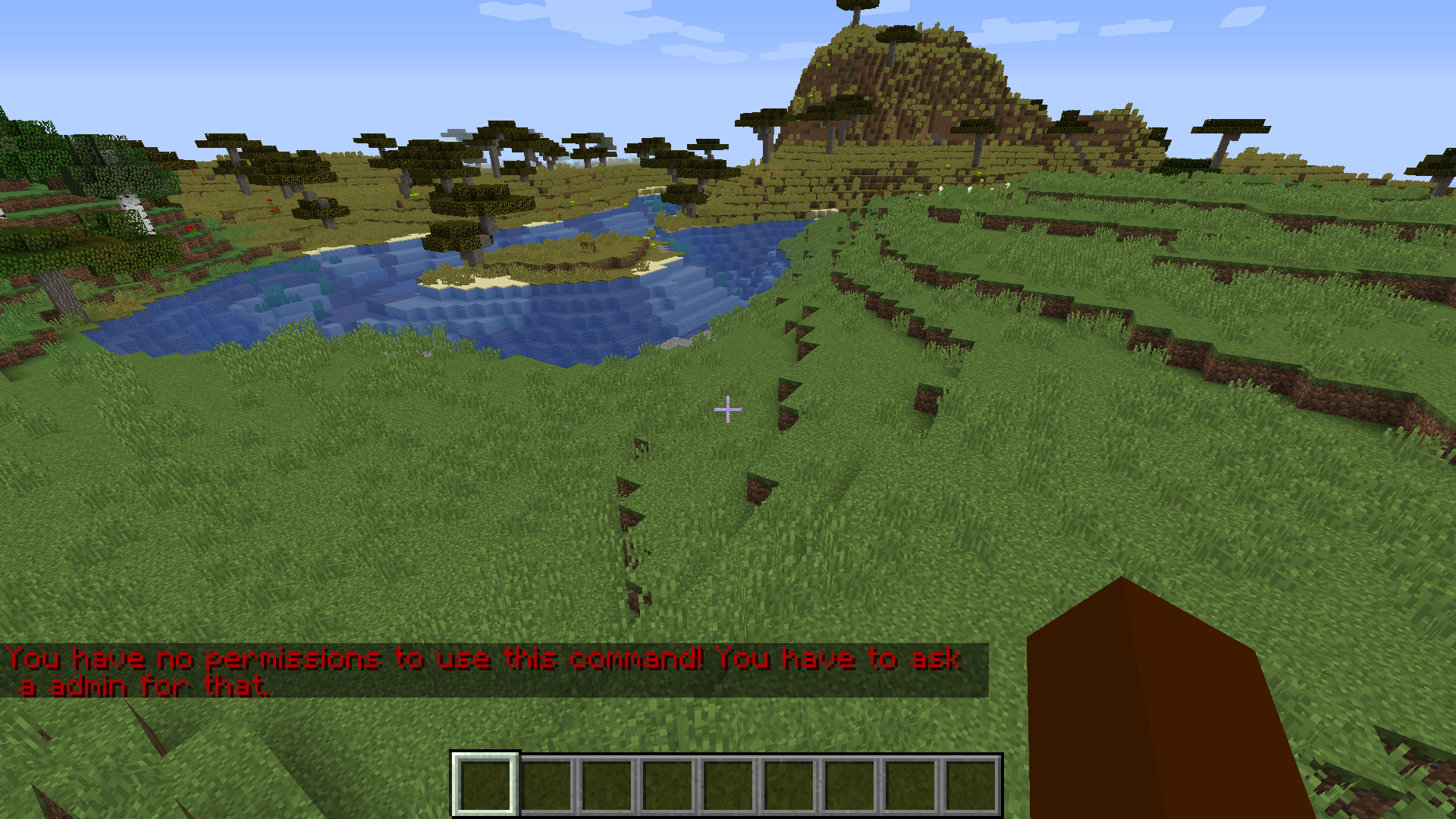
Some screenshots:
The main menu:
Player list of every player in the server:
Live profile of the current player:
Join the discord server for questions/bugs instead of using the revieuw button below! Click here for the discord server
And BTW there is a video on youtube about this plugin https://youtu.be/nL1qvm5tLBM
(This plugin uses bstats)
If you have an idea what i should add/change in AdminTools-Pro you can leave a comment on this page so i can look to it and if it is a good idea i can add it!
AdminTools-Pro 설치 방법
A server on Paper or Spigot
The plugin runs on the server core for Minecraft 1.8–1.15; players do not need to install anything.
File goes into the plugins folder
Download the file AdminTools Pro 2.2.jar (14 KB) and put it into the server’s plugins folder.
Restart the server
On startup the plugin creates its own settings folder in plugins.
Use the “To server” button
On Millida Hosting, the button at the top of the page uploads the file to your server and restarts it for you.
Minecraft 1.15 runs on Java 8: with a different Java version the game may close right after launch.
버전
의존성 포함
| Minecraft | 로더 | 파일 | 날짜 | 작업 |
|---|---|---|---|---|
| 1.9 | — | AdminTools-Pro 3.3 BIG UPDATE134 KB | ||
| 1.11 | — | AdminTools-Pro-2.213.8 KB |
FAQ
Which Minecraft versions does AdminTools-Pro work on?
There are files for 1.8–1.15, 9 versions in total. The newest is 1.15.
Do players need to install AdminTools-Pro?
No, the plugin goes only on the server, into the plugins folder: players do not need to download anything.
Which Java does AdminTools-Pro need?
Minecraft 1.15 runs on Java 8. If the game closes right after launch, the usual cause is the wrong Java version in the profile settings.
How do I download AdminTools-Pro?
With Millida Launcher: it installs AdminTools-Pro into a modpack by itself, for the right game version and loader. The launcher is free.
리뷰
AdminTools-Pro의 첫 평가를 남겨 보세요



