
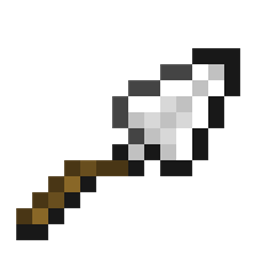
Minecraft 1.21.1, 1.21용 Trowel 모드
무작위 블록 설치를 덜 번거롭게 만들어 주는 아주 작은 QoL 모드입니다.
 Fabric
 Quilt
QuiltTrowel
This mod is a simple port of the Quark mods Trowel item. Its been written from scratch by me. I just borrowed the original idea from Quark.
Dependencies
This mod Depends on Kotlin (I'm sorry for dependency)
Features
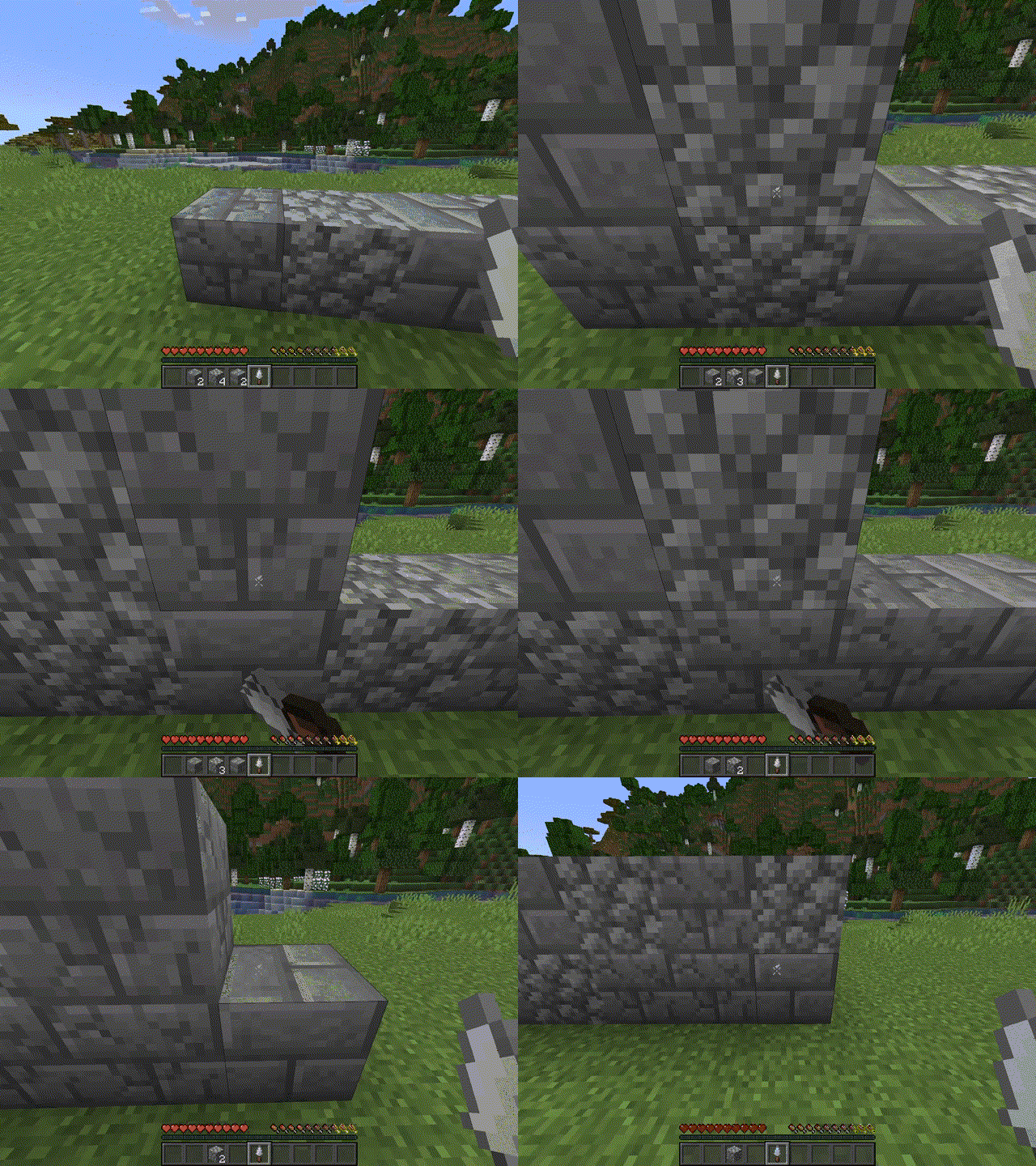
When right clicked it picks a random block from your hotbar and places is down. (For a visual demonstration go to the images tab) To craft the trowel you need 1 stick and 2 ingots.
PS. Thanks Astra for icon art
Thank you unroman for Ukrainian translation!

Click on the banner or here to support me and my projects! :)
Trowel 설치 방법
With Millida Launcher
Install Millida Launcher
The launcher is free: download it at millida.net/launcher and sign in with any nickname.
Click “Install” on this page
The launcher opens and installs the mod for Minecraft 1.21–1.21.1 on Fabric or Quilt automatically.
Launch the game
A profile with it appears in the launcher: click “Play”.
Manually
Install Fabric or Quilt
The loader must match the game version of the mod file, for example Minecraft 1.21.1. After installing it, a separate profile appears in your launcher.
Download the file for your version
In the version list above, pick the file trowel-1.4.0.jar (14 KB) for your game version and loader.
Put it in the mods folder
The folder is inside .minecraft (Windows: %appdata%\.minecraft\mods). If it does not exist, create it.
Launch the loader profile
Open “Mods” in the main menu: Trowel should be in the list.
Minecraft 1.21.1 runs on Java 21: with a different Java version the game may close right after launch.
버전
의존성 포함
| Minecraft | 로더 | 파일 | 날짜 | 작업 |
|---|---|---|---|---|
| 1.21 | Fabric, Quilt | Trowel 1.4.014.4 KB |
리뷰
Trowel의 첫 평가를 남겨 보세요


