

 NeoForge
 Forge
깊은 지하, 잊혀진 땅이 기다리고 있습니다.
Discord: https://discord.gg/zrnMPDM
Undergarden이란 무엇인가요?
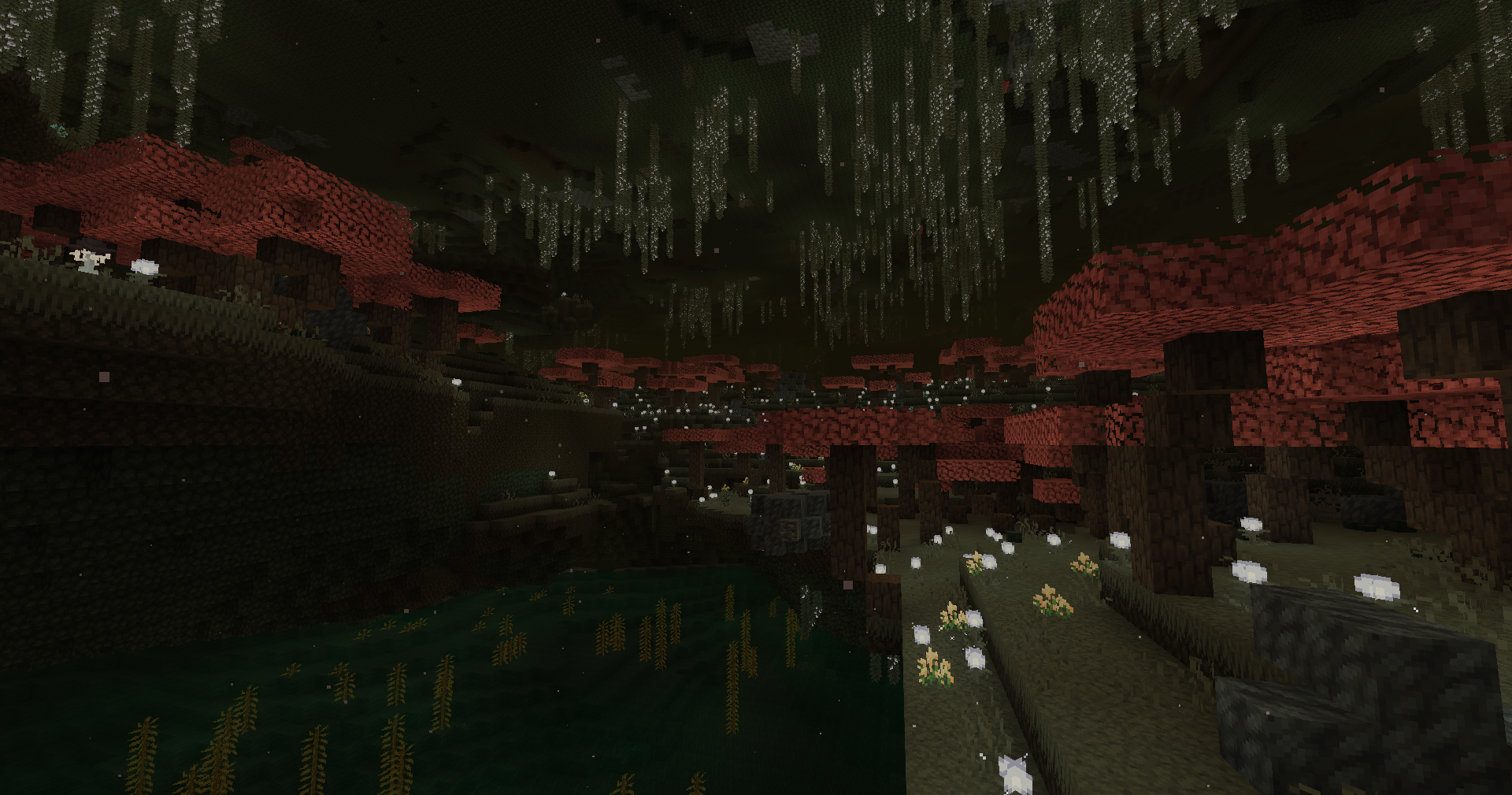
Undergarden은 오버월드의 기반암 깊은 아래에 위치한 어둡고 지하 세계입니다. 이곳의 식물은 환경에 적응하여 빛과 무관하게 어디서든 자랄 수 있습니다. 기이한 생명체들이 이 어두운 땅을 집으로 삼고 있으며, 혼돈스럽고 신비로운 영역에서 비롯된 괴물인 침략적인 Rotspawn에 시달리고 있습니다.
Minecraft 서버
자신만의 서버를 임대하고 싶으신가요? 아래 배너를 클릭하여 첫 달 20% 할인으로 시작해 보세요.

특징
탐험하고, 건설하고, 생존할 수 있는 완전히 새로운 차원
10종 이상의 고유한 개체
15개의 생물 군계
도구와 무기로 만들면 특별한 속성을 지니는 광석
10곡 이상의 음악 트랙
여정을 안내해 줄 10개 이상의 발전 과제
4가지 특별한 물약 효과
1개의 던전
그리고 앞으로 더 많은 콘텐츠가 추가될 예정입니다…
Undergarden에 들어가는 방법
Undergarden에 들어가려면 먼저 Catalyst를 제작해야 합니다. 아래 레시피를 사용하여 Catalyst를 제작할 수 있습니다:
그것을 만들었다면, Stone Bricks 또는 Deepslate Bricks를 사용하여 네더 포털 모양의 틀을 만드세요. Catalyst를 들고 틀의 안쪽 바닥을 우클릭하여 Undergarden 포털을 활성화하세요.
Undergarden에서 유래한 벽돌을 사용하여 포털을 만들 수도 있습니다.
The Undergarden 설치 방법
With Millida Launcher
Install Millida Launcher
The launcher is free: download it at millida.net/launcher and sign in with any nickname.
Click “Install” on this page
The launcher opens and installs the mod for Minecraft 1.16.1–26.1.2 on Forge or NeoForge automatically.
Launch the game
A profile with it appears in the launcher: click “Play”.
Manually
Install Forge or NeoForge
The loader must match the game version of the mod file, for example Minecraft 26.1.2. After installing it, a separate profile appears in your launcher.
Download the file for your version
In the version list above, pick the file The_Undergarden-26.1.2-0.9.8.jar (44 MB) for your game version and loader.
Put it in the mods folder
The folder is inside .minecraft (Windows: %appdata%\.minecraft\mods). If it does not exist, create it.
Launch the loader profile
Open “Mods” in the main menu: The Undergarden should be in the list.
버전
의존성 포함
| Minecraft | 로더 | 파일 | 날짜 | 작업 |
|---|---|---|---|---|
| 26.1.2 | NeoForge | The Undergarden 0.9.843.5 MB 3 | ||
| 1.20.1 | NeoForge, Forge | The Undergarden 0.8.1443 MB 9 | ||
| 1.16.1 | Forge | Alpha 0.2.313.7 MB |
리뷰
The Undergarden의 첫 평가를 남겨 보세요


