
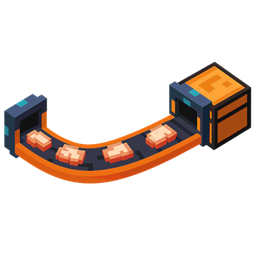
Minecraft 26.1.2용 Simple Conveyor Belts 모드
기본 컨베이어 벨트 모드입니다. 아이템을 A 지점에서 B 지점으로 운반하는 스플라인 기반 아이템 벨트를 추가합니다. 어떤 모양과 형태로든 아이템 물류를 가능하게 합니다.
 NeoForge
 Fabric
Simple Conveyor Belts 모드 정보

This mod adds clean, flexible conveyor belts for Minecraft 1.21.1, compatible with both Fabric and NeoForge. It’s designed to work seamlessly with any item storage mod. The mod is still in beta, please report any issues you find.
🚚 Features:
- Adds a new Conveyor Belt item, plus optional Support and Chute blocks.
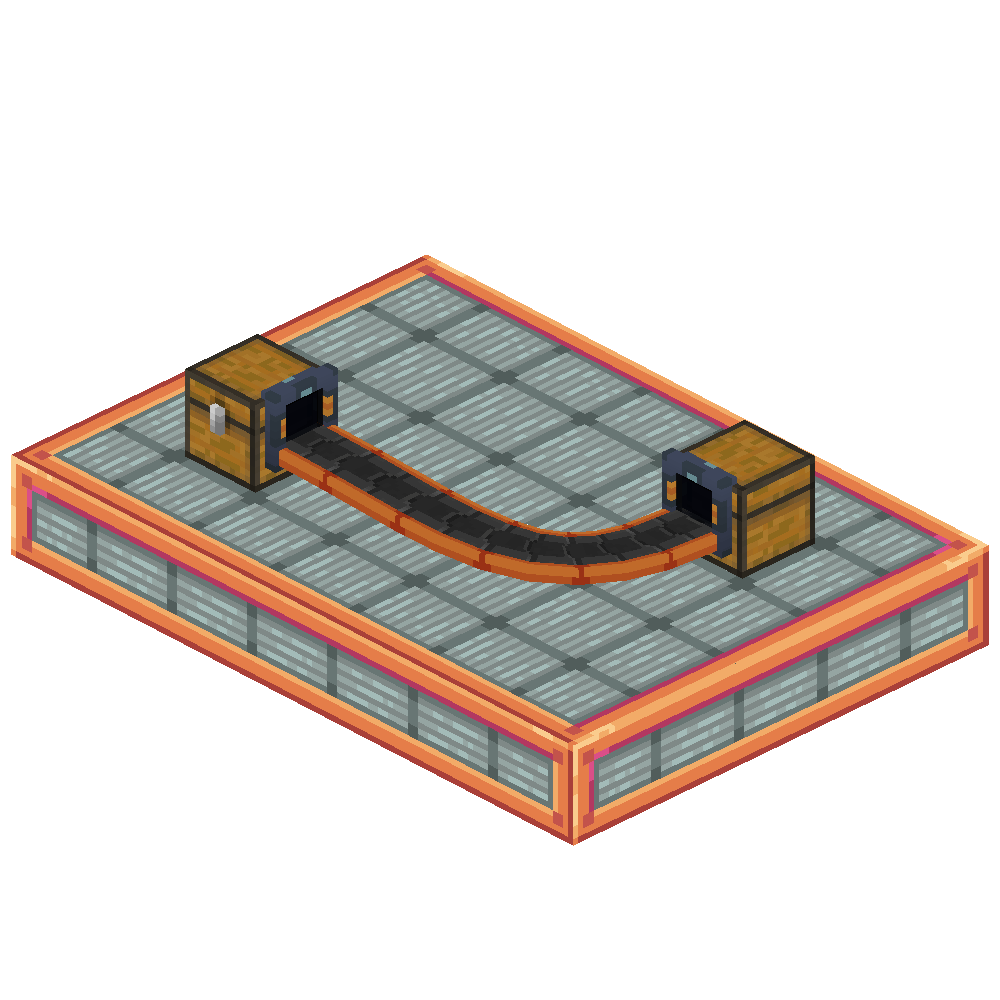
- Fully dynamic spline-based belts: Only the start and end need to be placed on blocks. Everything in-between can curve, bend, and twist freely.
- Item transfer speed: ~1 stack per second.
- Smart overflow handling: If the destination is full, items visibly pile up on the belt.
- Shader-compatible: Works with iris and oculus shaders.
- Easy filtering: Click a conveyor chute with an item to set it as filter. Also works with the Smart Filters from the FTB Filters mod.
🛠️ How to Use
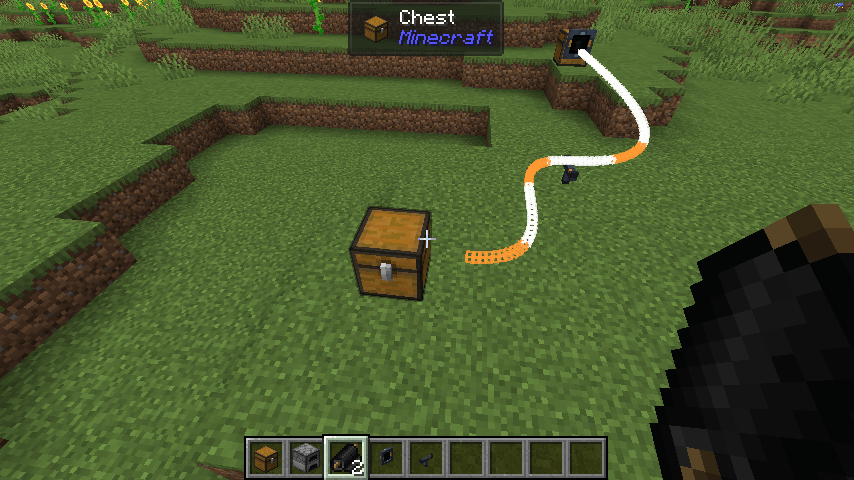
- (Optional) Place Chute blocks where the belt will start and end. These can also be auto-placed when using the belt item.
- (Optional) Add Support blocks anywhere along the path to shape the belt's curve.
- Right-click the belt item on a starting inventory (e.g., a chest).
- Walk to the destination inventory and right-click it to finish the belt.
The belt path will auto-connect between the two points!
🔗 Dependencies
- Architectury API
- (Fabric Only) Fabric API
🔍 Planned Features
- Belt entity collisions / hitboxes
- Entity movement
- A backport to 1.20.1 or other versions is NOT planned.
Credits
- Conveyor textures are based on modified assets from malcolriley’s unused-textures repo.
Simple Conveyor Belts 설치 방법
With Millida Launcher
Install Millida Launcher
The launcher is free: download it at millida.net/launcher and sign in with any nickname.
Click “Install” on this page
The launcher opens and installs the mod for Minecraft 26.1.2 on Fabric or NeoForge automatically.
Launch the game
A profile with it appears in the launcher: click “Play”.
Manually
Install Fabric or NeoForge
The loader must match the game version of the mod file, for example Minecraft 26.1.2. After installing it, a separate profile appears in your launcher.
Download the file for your version
In the version list above, pick the file belts-neoforge-2.0.0-exp1.jar (128 KB) for your game version and loader.
Put it in the mods folder
The folder is inside .minecraft (Windows: %appdata%\.minecraft\mods). If it does not exist, create it.
Launch the loader profile
Open “Mods” in the main menu: Simple Conveyor Belts should be in the list.
버전
의존성 포함
| Minecraft | 로더 | 파일 | 날짜 | 작업 |
|---|---|---|---|---|
| 26.1.2 | NeoForge | neoforge 2.0.0-exp1128 KB | ||
| 26.1.2 | Fabric | fabric 2.0.0-exp1128 KB |
FAQ
Which Minecraft versions does Simple Conveyor Belts work on?
Only Minecraft 26.1.2: there are no files for other versions.
Is Simple Conveyor Belts for Forge or Fabric?
There are files for Fabric: 26.1.2 and for NeoForge: 26.1.2. There are no files for Forge: a mod for another loader will not start.
Does Simple Conveyor Belts need other mods?
The author lists no required dependencies: the Fabric or NeoForge loader is enough.
Where can I download Simple Conveyor Belts safely?
On this page: the file belts-neoforge-2.0.0-exp1.jar (128 KB) is stored on Millida’s server, with no link shorteners. SHA-1 checksum: 81b0ca410e07749011a6abbf53db8b30763653df.
리뷰
Simple Conveyor Belts의 첫 평가를 남겨 보세요


